Free trial
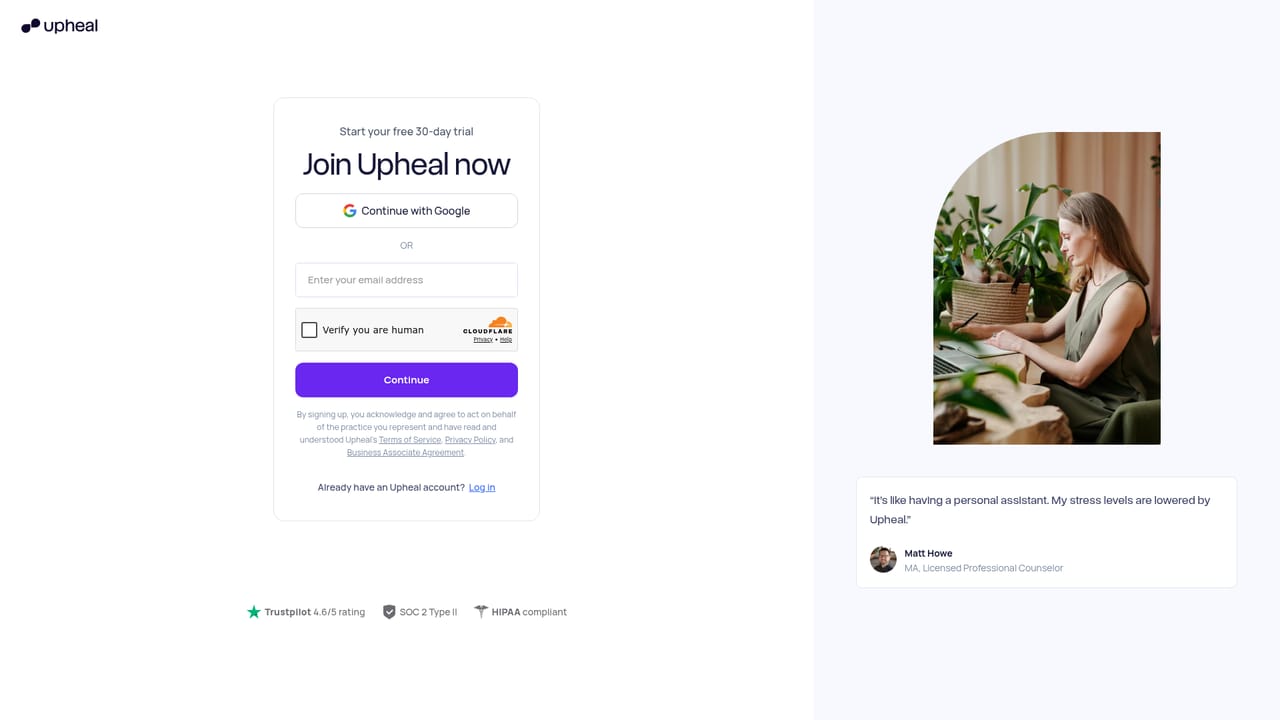
The site promotes a free trial through its signup page, and separate free pages cover telehealth and note generation. No trial length or usage limits are stated on the homepage.
Learn moreAI notes and a full EHR built for therapy practices

Upheal is an AI transcriber tool. Upheal pairs AI therapy note generation with an EHR covering scheduling, telehealth, client portal, payments, insurance billing and an assistant that can execute admin tasks. Built for therapists and small group practices, it works either as a notes layer on top of an existing EHR or as a complete practice system.
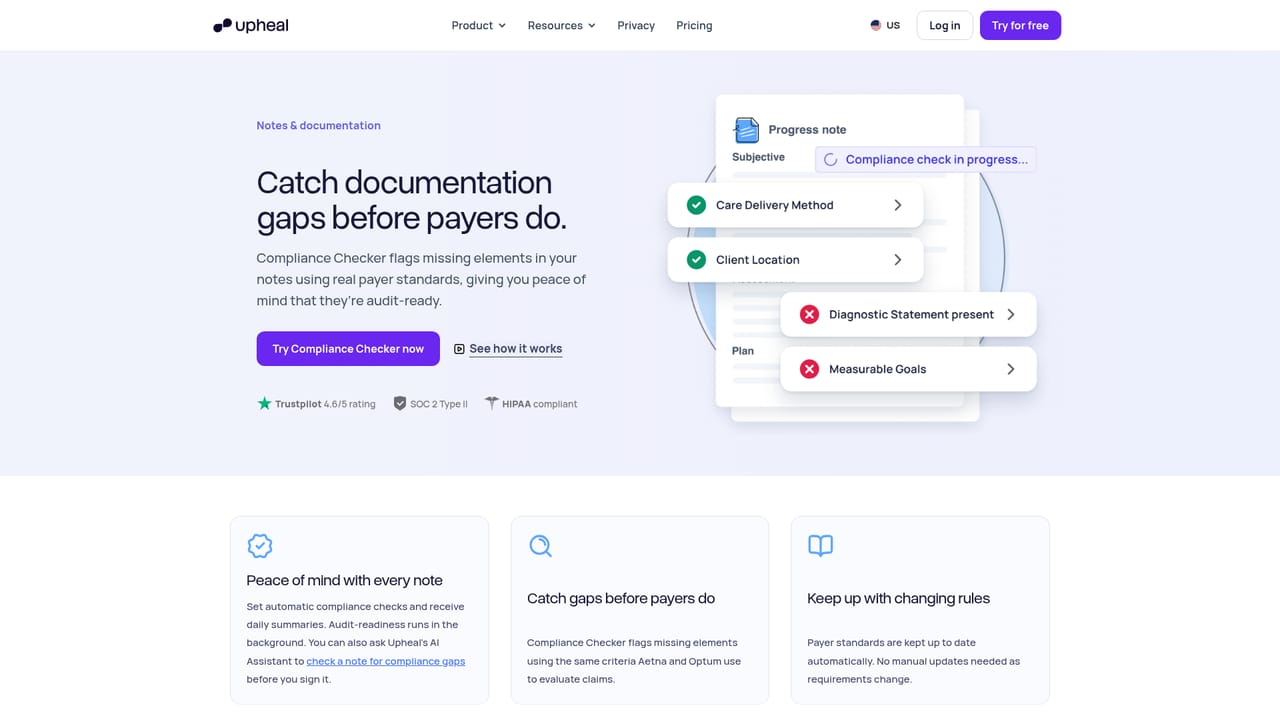
Upheal is a practice platform for mental health clinicians that combines AI-assisted clinical documentation with the administrative tools a private practice needs. The core product is note generation: a session is recorded in person or online, or dictated afterward, and a draft note appears roughly a minute after the session ends. Clinicians review it, sign it, and either keep it inside Upheal or copy it into whatever EHR they already use. More than 30 note templates are available, and a past note can be uploaded so the output matches an existing writing style. The platform is aimed at therapists, counselors, psychologists and small group practices rather than general medical teams. Documentation support includes AI progress notes, AI treatment plans, a compliance checker that flags missing elements before signing, and custom templates built from a sample note. Sessions can also run through Upheal's own telehealth, so capture and note writing happen in one place. Beyond notes, Upheal functions as an EHR: scheduling with reminders, a client portal, secure messaging, practice forms, payments and superbills, insurance billing, and practice reports. Superbills pull codes directly from the note, and invoices can go out when a session ends. The AI Assistant works across notes, calendar and claims, so a request such as rescheduling a session, sending an invoice or filing a claim is executed rather than merely drafted, with a confirmation step before anything is sent. Self-serve migration is offered for practices moving from SimplePractice, TherapyNotes, Sessions Health or another system. Where Upheal differs from standalone AI scribes is the option to start with notes only and adopt the EHR later. Against full practice management suites, its differentiator is that documentation and billing data share one record. The site reports HIPAA and PHIPA compliance plus SOC 2 Type I, and cites a 4.6 rating on Trustpilot.

The site promotes a free trial through its signup page, and separate free pages cover telehealth and note generation. No trial length or usage limits are stated on the homepage.
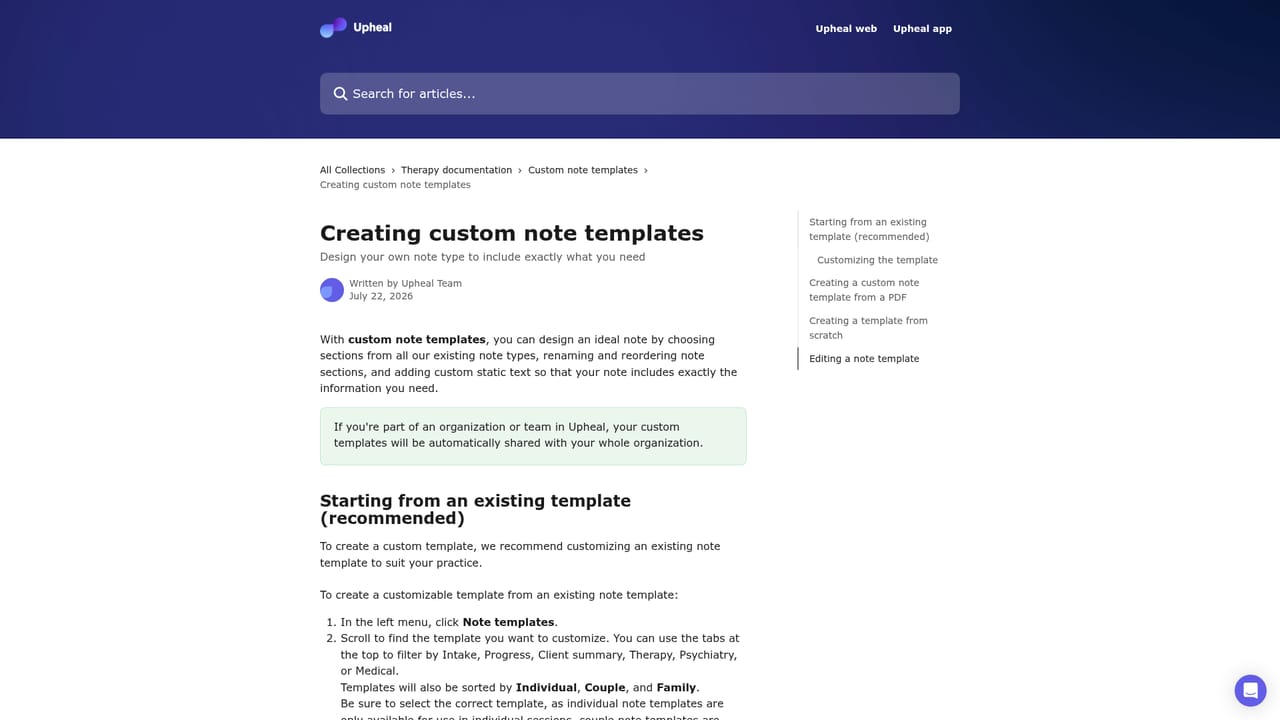
Learn moreA public help center hosts articles on custom note templates and practice reports. A free weekly webinar walks through data migration, payments setup, calendar connection and data privacy.
Learn moreThe platform is positioned to work alongside an existing EHR through copy-to-EHR notes, and offers self-serve migration from SimplePractice, TherapyNotes, Sessions Health and other systems. No third-party integration directory is listed on the homepage.
AI progress notes, in-person and virtual session capture, telehealth, dictation and text-to-note, AI treatment plans, custom templates from a sample note, compliance checker and copy-to-any-EHR. The EHR side adds scheduling and reminders, client portal, secure messaging, practice forms, payments and superbills, insurance billing, managed billing and reports.
Learn more AI Angels400+ customizable AI girlfriends for NSFW chat, voice calls, and roleplay
 Candy AIExperience the future of companionship with AI friends who chat, role-play, and connect with you on a human level.
 ourdream.aiA vast AI roleplay platform with millions of characters for chat, images, video and voiceAI Angels400+ customizable AI girlfriends for NSFW chat, voice calls, and roleplayCandy AIExperience the future of companionship with AI friends who chat, role-play, and connect with you on a human level.ourdream.aiA vast AI roleplay platform with millions of characters for chat, images, video and voice


