UsefulGPT

ChatGPT-powered chat with ready-made prompts for common tasks

Beginner
Screenshot of UsefulGPT, ChatGPT-powered chat with ready-made prompts for common tasks

What is UsefulGPT?

UsefulGPT is a ChatGPT tool. A ChatGPT-based chat interface with preset utilities for writing posts, translating code and generating stories, aimed at users who prefer ready-made prompts over building their own.

UsefulGPT is a browser-based chat interface built on OpenAI models. It presents a single conversation workspace and layers preset utilities on top of it, so users who do not want to write their own prompts can start from a ready-made instruction instead. The site describes it as a sophisticated chatbot interface empowered by OpenAI, positioned for people who want fewer prompts and faster results. The utilities are the differentiator. The homepage lists three named functions: writing a post, translating code, and making a story. Each one carries a tailor-made prompt, meaning the tool fills in the framing and the user supplies the subject or input. This places UsefulGPT closer to a task launcher than to a blank chat box. The stated uses extend to storytelling and homework help, which suggests a general-purpose assistant rather than a specialist tool for one profession. In practice, a visitor opens the chat page and picks a utility or types a free-form request. There is no visible account tier structure, seat model, or enterprise layer described on the homepage, so the product reads as a lightweight, independent project rather than a managed business platform. The site also links to a public GitHub repository and a Product Hunt profile, which is typical of a small self-managed build. Compared with the main ChatGPT interface, UsefulGPT trades breadth of settings and model options for a shorter path to common outputs: the presets do the prompt engineering work. Compared with dedicated writing or translation products, it offers less depth in any single area. Buyers should treat it as a convenience front end to OpenAI models, useful for quick drafting, code translation and short fiction, and should check the live site for current availability before standardizing on it.

How do you use UsefulGPT?

  1. 1Open the UsefulGPT homepage
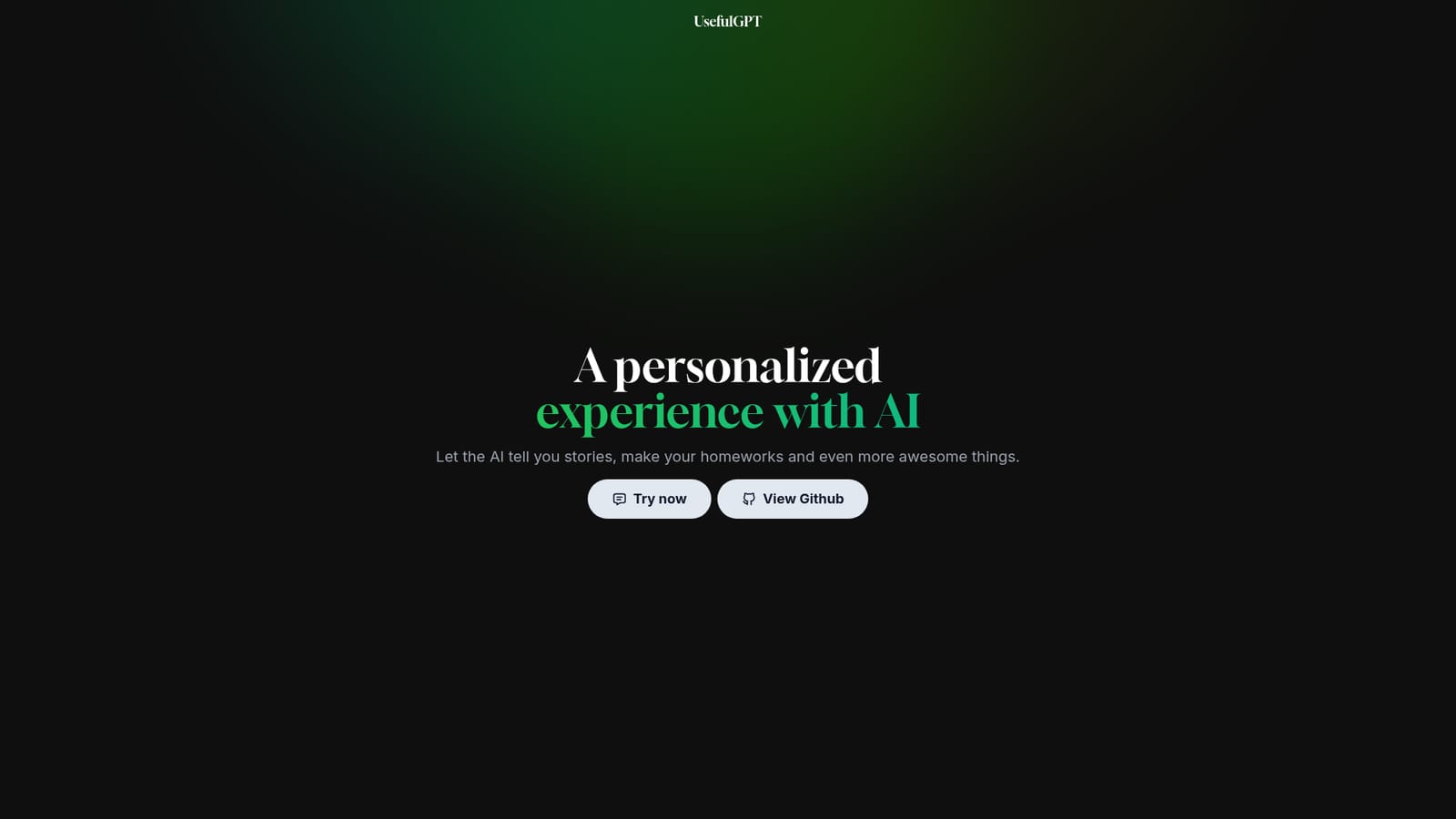
    Start at the landing page to see the product positioning and the list of available utilities before committing to a task.
    UsefulGPT — Open the UsefulGPT homepage
  2. 2Enter the chat workspace
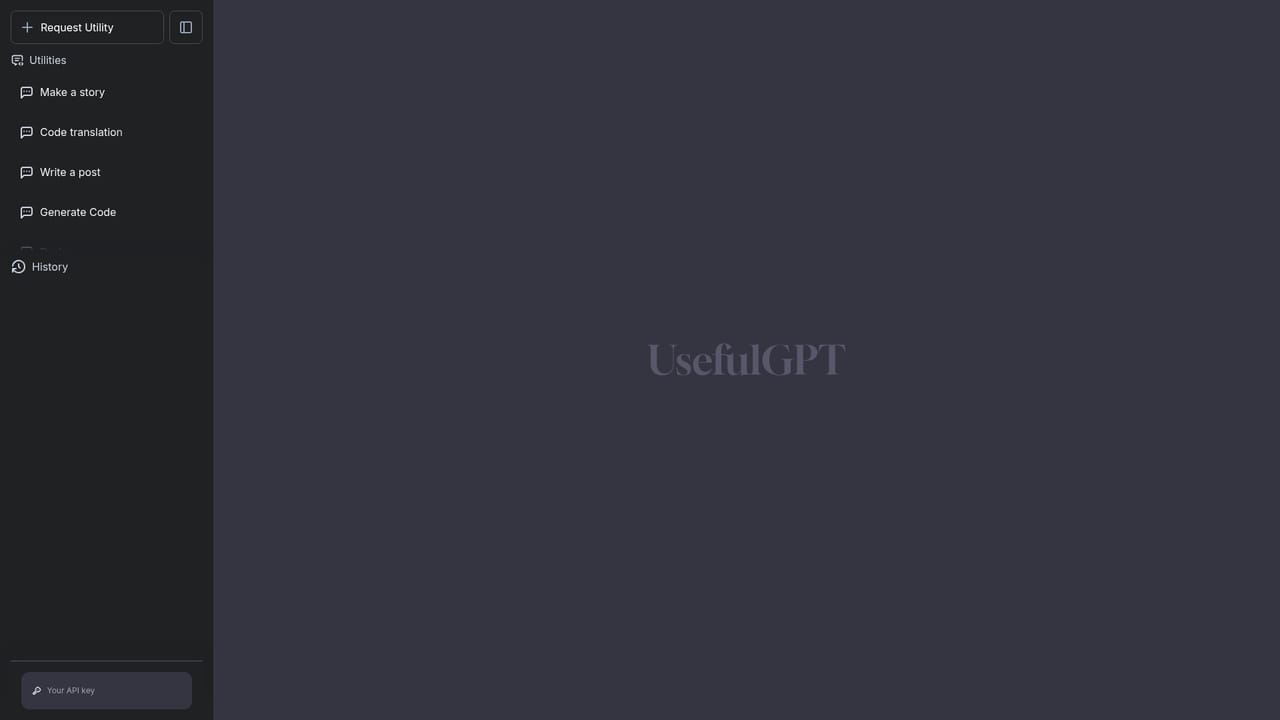
    Use the Try now link to open the chat page, which is where all interaction happens.
    UsefulGPT — Enter the chat workspace
  3. 3Pick a utility
    Choose a preset such as Write a post, Translate code or Make a story if one matches your task. The prompt framing is handled for you.
  4. 4Supply your input
    Add the topic, the code snippet or the story premise in the chat, then send it. Keep inputs specific for a more usable first draft.
  5. 5Review the GitHub repository
    If you need to understand how the interface is built or want to self-host, inspect the public repository linked from the homepage.

Pros and cons

Pros

  • Preset utilities remove the need to write prompts from scratch for common tasksAI
  • Single chat workspace keeps writing, code translation and storytelling in one placeAI
  • Source code is published on GitHub, so the build can be inspectedAI
  • Low-friction entry: the chat page opens directly from the homepageAI
  • Covers general assistant work rather than locking users into one narrow use caseAI

Cons

  • No pricing page or plan structure is published, so cost and limits are unclearAI
  • Only three utilities are listed, a narrow set next to mature prompt librariesAI
  • No stated integrations, API access, or team featuresAI
  • Documentation is thin: no help centre, changelog or usage guidance is referencedAI
  • Runs on a single vercel.app domain, which suggests a small independent project with no uptime commitmentsAI

How much does UsefulGPT cost?

Features

A ChatGPT-style chat interface with customized functionalities driven by tailor-made prompts. Named utilities cover writing a social or blog post, translating code and generating a story, and the chat also accepts free-form requests for tasks such as homework help and storytelling.

Frequently asked questions about UsefulGPT

  • How do you use UsefulGPT?
    The walkthrough on this page covers 5 steps: 1. Open the UsefulGPT homepage 2. Enter the chat workspace 3. Pick a utility 4. Supply your input 5. Review the GitHub repository.
  • What platforms does UsefulGPT support?
    UsefulGPT is available on Web App.
  • What are the limitations of UsefulGPT?
    No pricing page or plan structure is published, so cost and limits are unclear. Only three utilities are listed, a narrow set next to mature prompt libraries. No stated integrations, API access, or team features.

Status

StatusActive
Views0
Outbound clicks0
Added10/22/2026

Platforms

Web App

Pricing

Free