Support
Support runs through direct contact with the team: a sales email for custom datasets, integration questions and embodiment programs, plus API documentation and developer plugin pages for technical setup.
Learn moreTurn video, text and controls into rigged 3D human motion

Uthana is a generative video tool that turns video, text and controls into rigged 3D human motion. Uthana generates editable 3D human motion from video, text prompts or real-time controls, then retargets it across characters and robots.
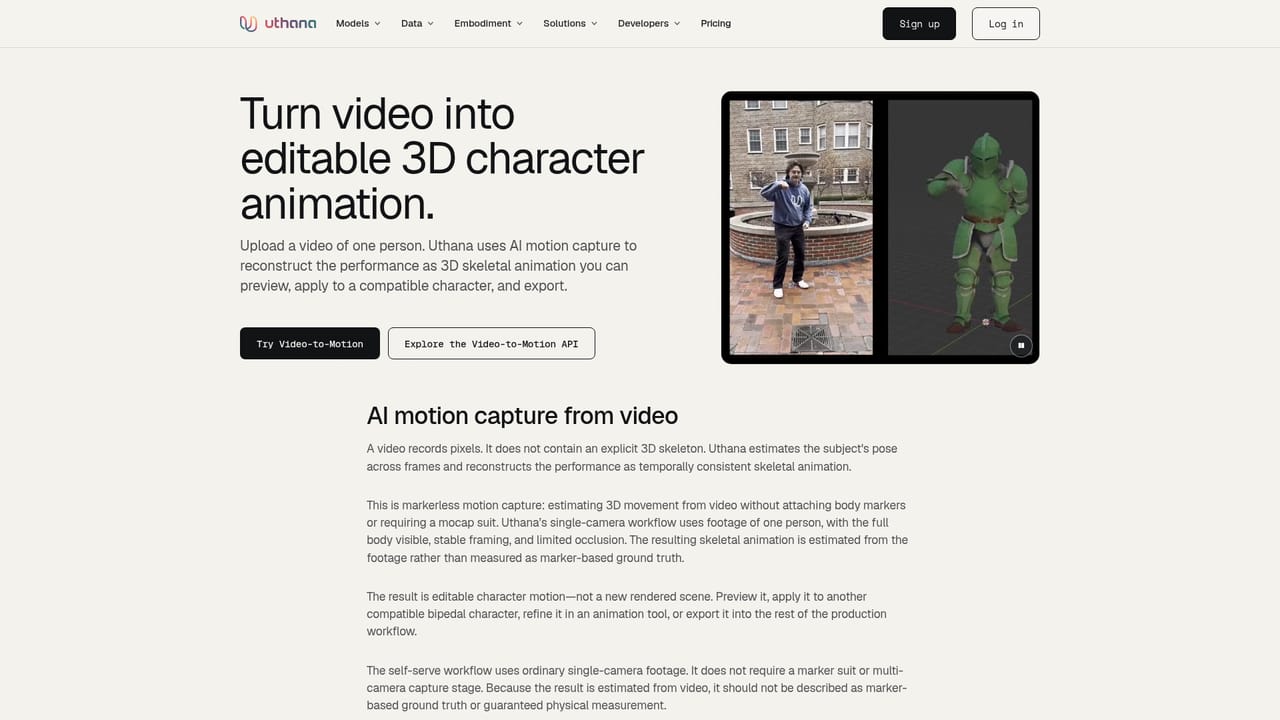
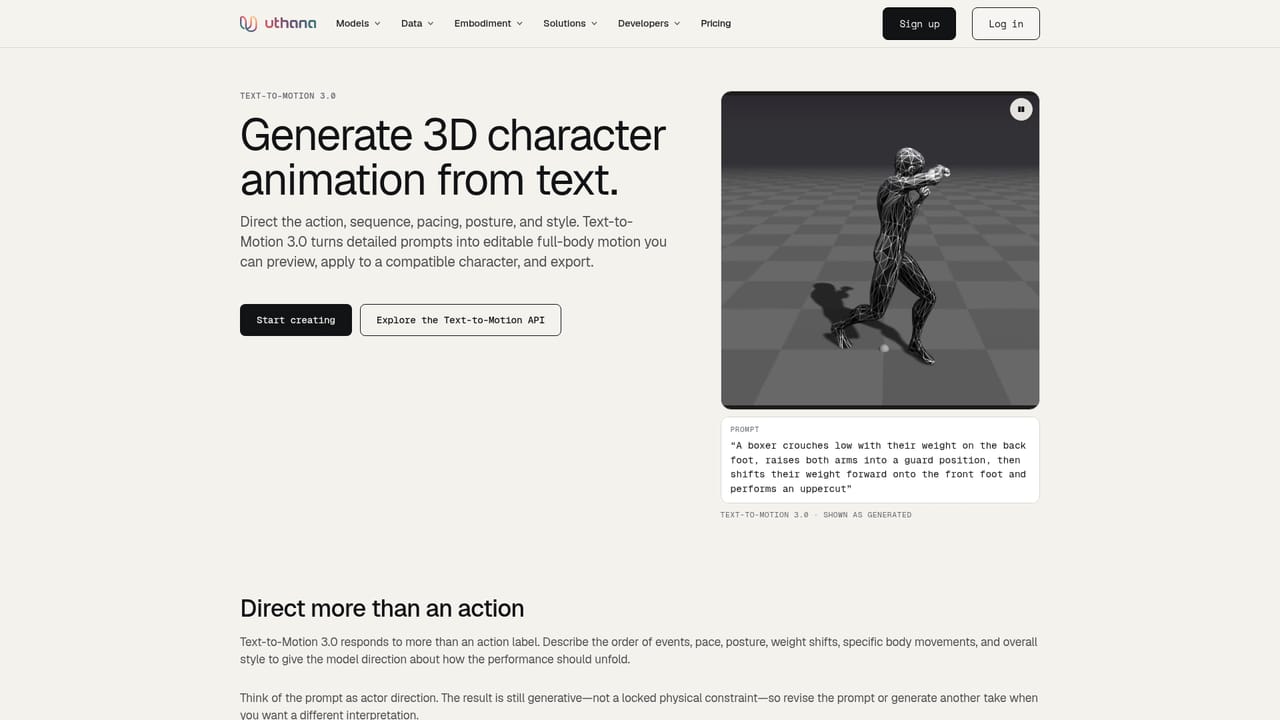
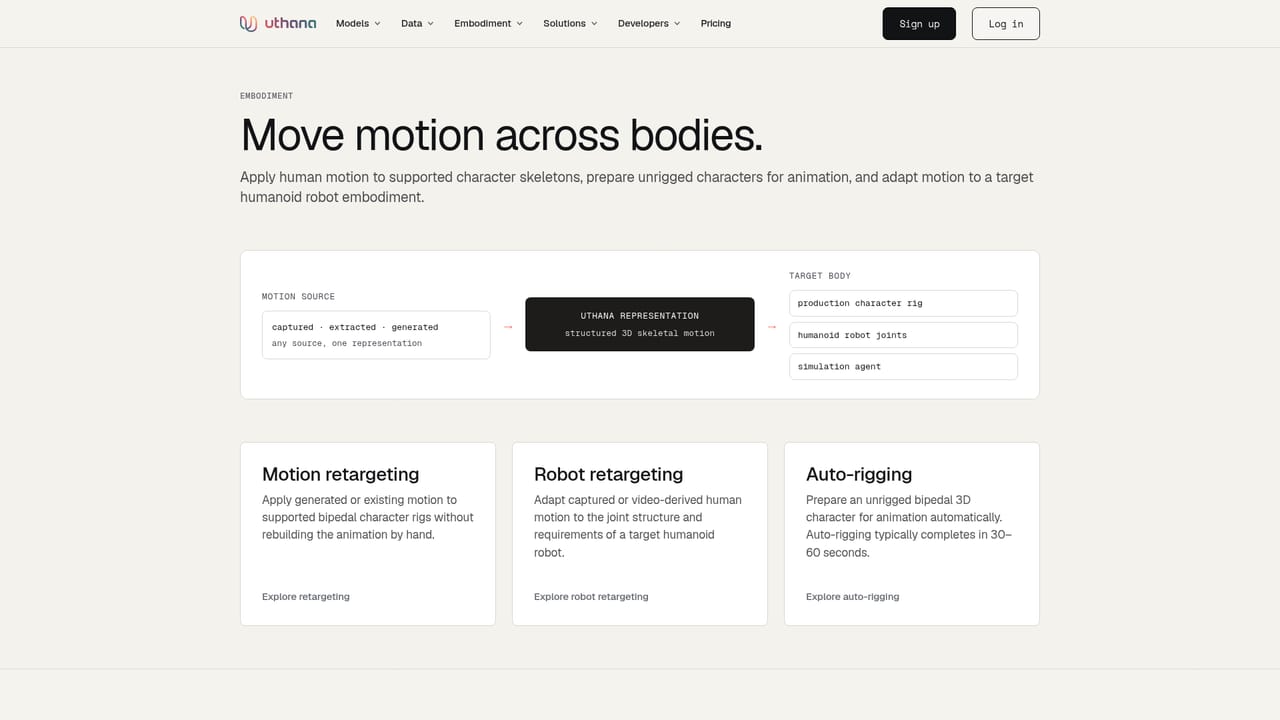
Uthana is a motion platform for teams that need structured 3D human movement rather than finished video. The core idea is that a body moving through space can be captured, described or driven, then converted into animation-ready data. Two model families lead the product: video-to-motion, which lifts 2D footage into editable 3D movement, and Text-to-Motion 3.0, where a written prompt specifies action, sequence, pacing, posture and style. A third locomotion mode generates responsive movement from direction, speed and trajectory. The audience is not the casual animator. Uthana markets itself to embodied AI researchers, robotics teams, simulation builders, world model developers and game studios. The same motion can be retargeted across arbitrary character skeletons, turned into robot-specific joint representations, or used to auto-rig an unrigged mesh. Data is the other half of the offer: a studio motion dataset captured with a 120-camera system, video-derived pose data, and labeling layers that add action tags, temporal segments, joint trajectories and contact states. Delivery covers FBX, GLB, BVH and CSV, with skeleton conventions documented per dataset. In practice a studio would start on the signup page, pull motion from a reference clip or a prompt, then retarget it onto its own characters through the GraphQL API or public plugins. Motion generation is reported at under 50ms to first token, and the site cites 45,000+ characters animated and 1.7M+ seconds of motion generated. Alternatives fall into two camps. Conventional motion capture and hand keyframing favor fidelity and control but cost more per clip. Text-to-video tools produce pixels, not editable skeletons. Uthana sits between them, aimed at pipelines that need bones, joints and labels. Pricing is not published, so buyers should expect a sales conversation before committing.
Support runs through direct contact with the team: a sales email for custom datasets, integration questions and embodiment programs, plus API documentation and developer plugin pages for technical setup.
Learn moreA single GraphQL API covers motion generation, video extraction, retargeting and auto-rigging, with public plugins available for engines and pipelines. Engine and platform embedding is offered through the API and partner programs.
Learn moreVideo-to-motion conversion from 2D footage into editable 3D movement, Text-to-Motion 3.0 prompt-based generation, locomotion from direction and speed, motion retargeting across skeletons, auto-rigging for unrigged characters, robot retargeting into joint representations, and a licensable motion dataset with labeling, enrichment and FBX, GLB, BVH or CSV delivery.
Learn more AI Angels400+ customizable AI girlfriends for NSFW chat, voice calls, and roleplay
 Candy AIExperience the future of companionship with AI friends who chat, role-play, and connect with you on a human level.
 ourdream.aiA vast AI roleplay platform with millions of characters for chat, images, video and voiceAI Angels400+ customizable AI girlfriends for NSFW chat, voice calls, and roleplayCandy AIExperience the future of companionship with AI friends who chat, role-play, and connect with you on a human level.ourdream.aiA vast AI roleplay platform with millions of characters for chat, images, video and voice


