Free trial
A free starting point is advertised, with a "Start Creating for Free" entry point and a try-for-free option listed among the features.
Learn moreTurn a text prompt into clean, scalable SVG vector art

VectorArt is a generative art tool that turns a text prompt into clean, scalable SVG vector art. An AI generator that outputs clean SVG vector art from text prompts, plus sketch-to-image and image-to-SVG conversion. A free searchable gallery of ready-made illustrations, logos and icons lets you download assets as SVG or PNG without generating anything.
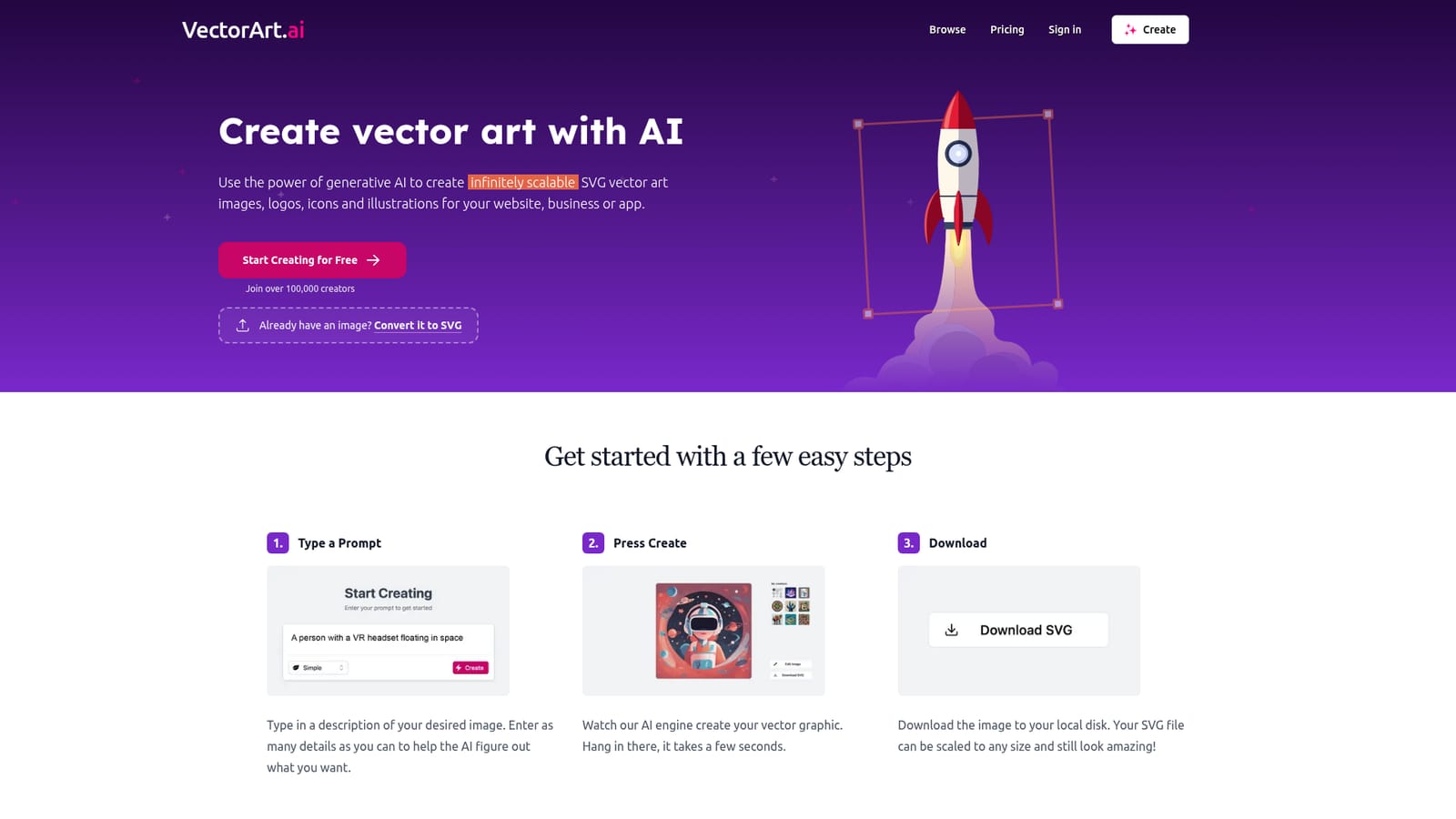
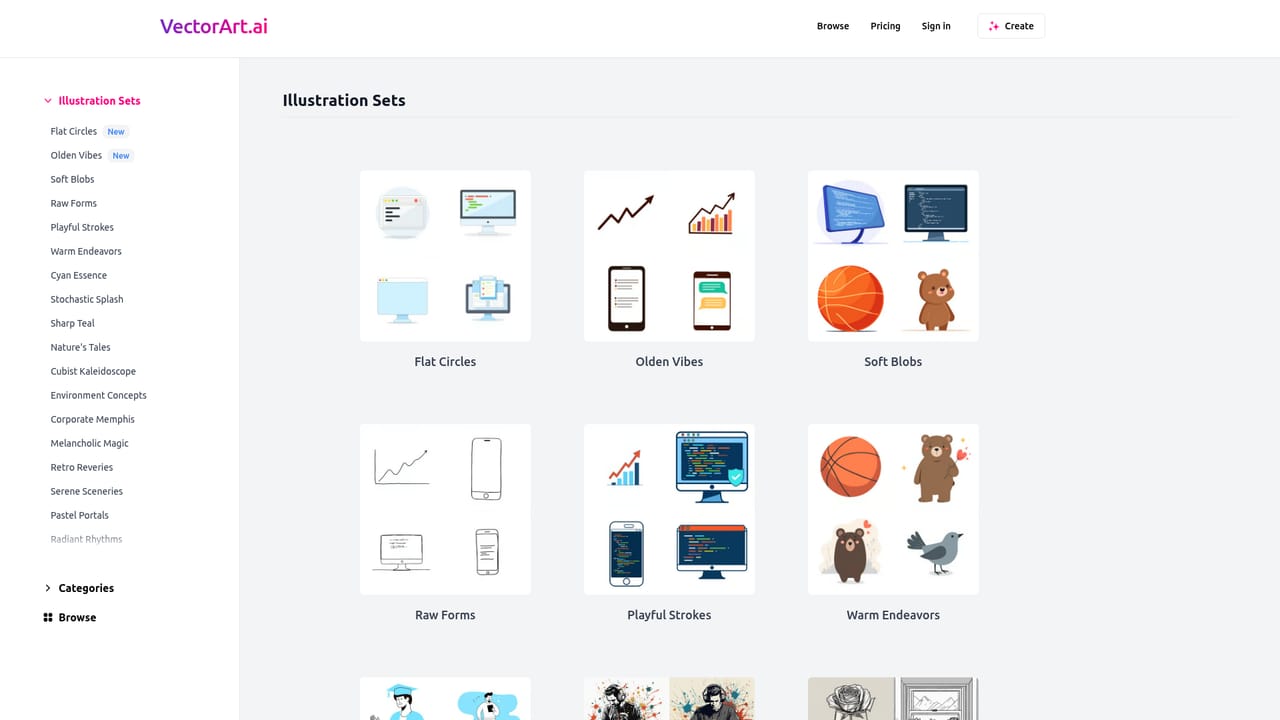
VectorArt is a generative image tool built specifically around vector output. Instead of returning a raster image that has to be traced or redrawn, it produces SVG files from a written prompt, so the result stays sharp at any size and can be dropped straight into a website, app or brand asset folder. The workflow is deliberately short: describe the image in as much detail as possible, wait a few seconds while the engine renders it, then download the file. The site positions the tool for logos, icons and illustrations, with royalty-free usage included. There is also a sketch-to-image path for people who would rather draw a rough shape than write a description, and an image-to-SVG converter for existing bitmaps that need to become vectors. Prompts can be tuned by illustration style, and the site organizes its output into named sets such as Flat Circles, Olden Vibes, Soft Blobs, Raw Forms, Playful Strokes and Geometric Grace, each with its own visual character. That structure gives new users a starting point instead of a blank prompt box. A free gallery sits alongside the generator. It holds AI-made illustrations across categories including logos, icons, cartoons, low poly, black and white, ocean, retro, minimalist, geometric, landscape and food, and each piece can be downloaded as an SVG or PNG. Search is available, so a designer looking for a specific motif (a cocktail, a cityscape, a cactus) can pull something usable without generating anything at all. The site reports more than 100,000 creators using it. VectorArt fits between two neighbors: general image generators that produce pixels and leave vector cleanup to you, and traditional vector editors that require drawing skill. It suits web designers, indie founders, app developers and marketers who need simple, flat, scalable artwork quickly. Complex custom logo work and precise brand systems still belong in dedicated vector software, and the homepage does not detail the output controls, so expectations should stay modest for intricate briefs.
A free starting point is advertised, with a "Start Creating for Free" entry point and a try-for-free option listed among the features.
Learn moreThe homepage states that the tool can be tried for free and then runs on a monthly subscription that can be cancelled at any time. No tiers, credit limits or exact prices are published there, so specific costs must be confirmed on the site.
Learn moreText-to-image generation that returns SVG files, sketch-to-image prompting, conversion of existing images to SVG, selectable illustration styles, downloads in SVG and PNG, royalty-free usage, and a searchable free gallery spanning logos, icons, cartoons and more.
 AI Angels400+ customizable AI girlfriends for NSFW chat, voice calls, and roleplay
 Candy AIExperience the future of companionship with AI friends who chat, role-play, and connect with you on a human level.
 ourdream.aiA vast AI roleplay platform with millions of characters for chat, images, video and voiceAI Angels400+ customizable AI girlfriends for NSFW chat, voice calls, and roleplayCandy AIExperience the future of companionship with AI friends who chat, role-play, and connect with you on a human level.ourdream.aiA vast AI roleplay platform with millions of characters for chat, images, video and voice


