Free trial
10 free photos are offered with no credit card required.
Learn moreAI fashion models and on-model photos for ecommerce brands

Veeton is an AI fashion photography platform that turns product images into photorealistic on-model visuals, videos and styled outfits for ecommerce brands, with 10 free photos to start and no credit card needed.
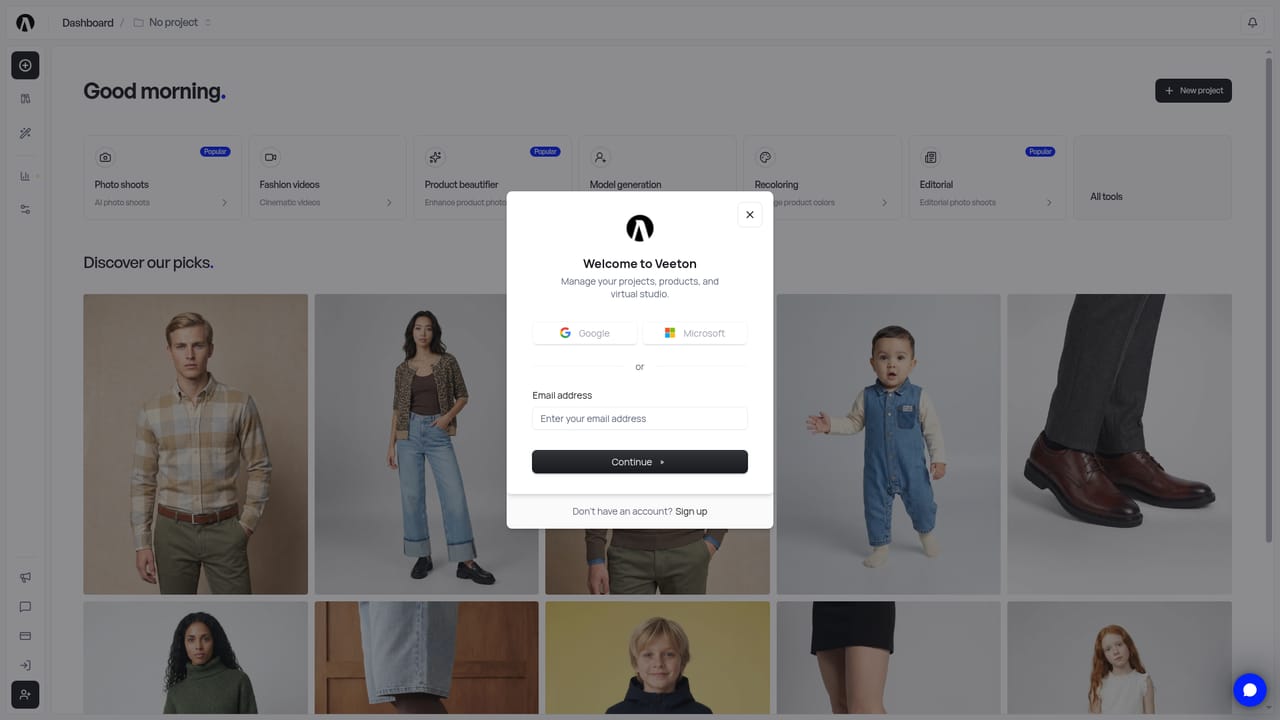
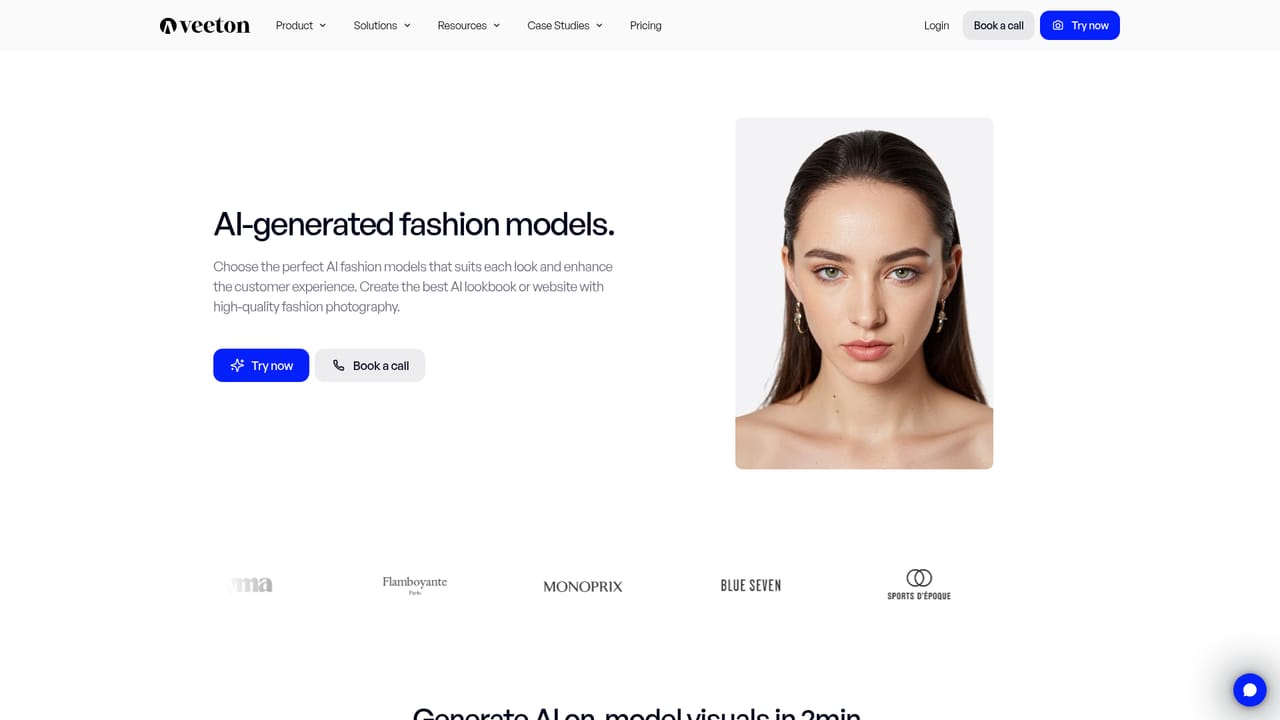
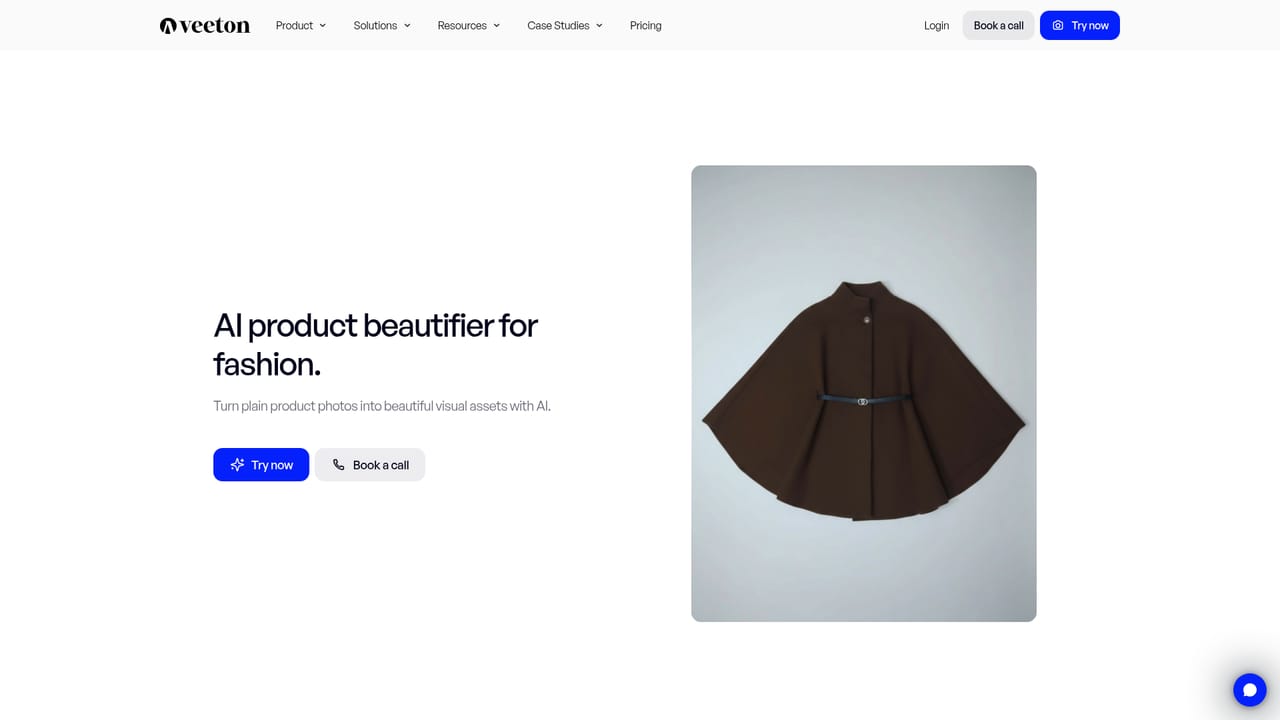
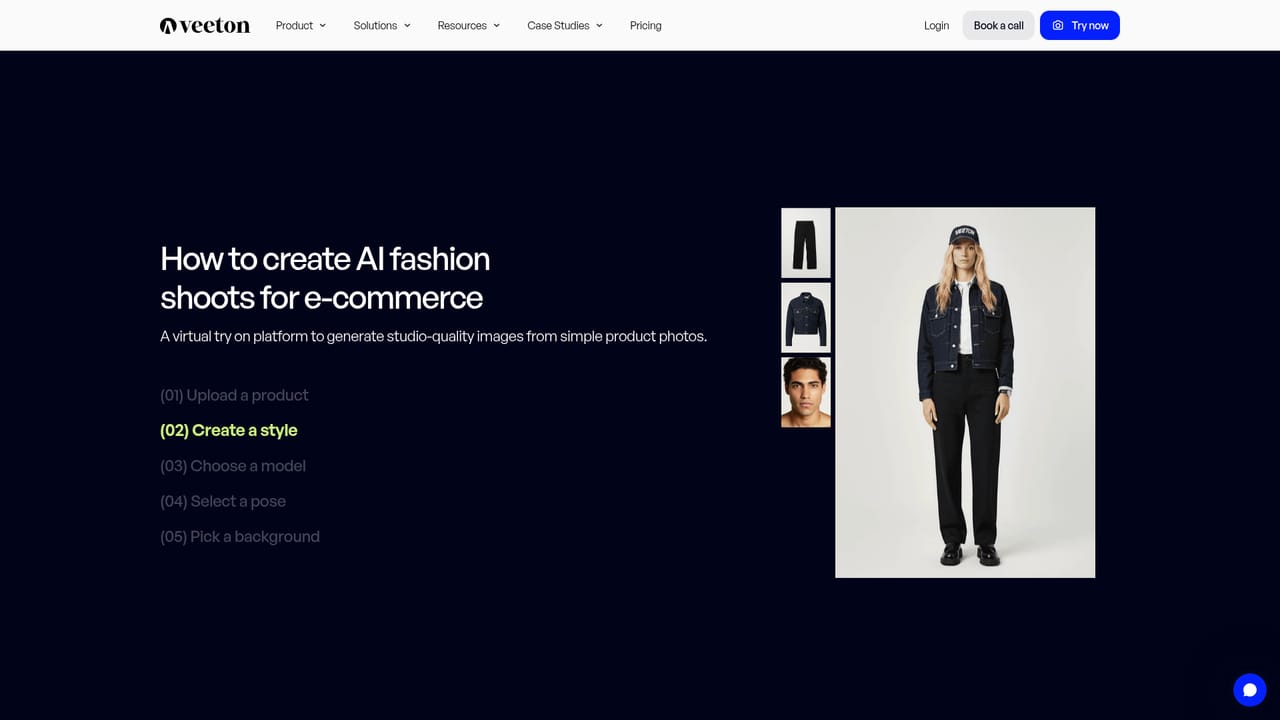
Veeton is an AI fashion photography platform built for ecommerce brands that need on-model visuals without organizing a physical photoshoot. Merchants upload product images, such as flatlays or ghost mannequin shots, and the platform turns them into studio-style photos of AI models wearing the garments. The same system extends to accessories, with dedicated flows for glasses and shoes, and to short fashion videos for showcasing a collection in motion. The workflow is organized around several tools. An AI model creator lets a brand design a model that suits its identity or pick from a portfolio of lifelike models. An outfit generator mixes and matches pieces into styled looks, while a product beautifier cleans up poorly shot images and converts them into flatlay or ghost mannequin presentations. A complete AI photoshoot option produces a full set of images for a clothing collection, and a collections manager keeps the output organized. A Shopify integration page and an AI editing page are also part of the site, and the homepage says visuals can be generated in about two minutes. Veeton is aimed at fashion retailers, small labels and larger merchants alike. The homepage claims more than 10,000 brands use it and lists names including Monoprix, Lee Cooper, Showroom Privé and Blancheporte, with case studies published for Monoprix, Cala 1789 and Ogarun. New users get 10 free photos with no credit card, and a sales contact route exists for teams that want a guided conversation. Among alternatives, Veeton sits in the vertical segment of AI image tools: unlike general image generators, it is tuned specifically for apparel and accessory catalogs, which narrows its use but removes much prompt engineering. Brands weighing it against traditional studio shoots will mainly compare cost, turnaround and how faithfully the generated garments match the real product, a point worth testing with the free allowance before committing a full catalog.
10 free photos are offered with no credit card required.
Learn moreThe homepage does not list plan prices. It offers 10 free photos with no credit card required, and a Book a call route for sales conversations.
Learn moreA Book a call option leads to a contact sales page. Other support channels are not described on the homepage.
Learn moreThe site includes a Shopify page, suggesting a Shopify connection. Other integrations are not stated on the homepage.
Learn moreAI fashion models (library or custom), flatlay-to-on-model photos, outfit generator, AI photoshoots for collections, product beautifier for flatlay and ghost mannequin looks, glasses and shoes visuals, fashion videos, and collection management.
Learn more