Free trial
A free tier lets developers sign up and obtain an API key with no credit card required, so initial integration and testing can start before choosing a paid plan.
Learn moreREST API access to Google's Veo 3.1 for text-to-video with synced audio.

Veo 3 API is an API finder tool. Veo 3 API gives developers programmatic access to Google's Veo 3.1 model for text-to-video and image-to-video generation with synced audio, delivered via REST endpoints, webhooks, and SDKs.
Veo 3 API is a developer-facing wrapper around Google's Veo 3.1 video generation model, exposed through a RESTful interface with webhook callbacks and SDKs for common languages. It accepts text prompts or source images and returns rendered video clips complete with synchronized audio, sound effects, and dialogue, removing the need to build a custom pipeline around the underlying model. The service targets engineering teams and technical founders who want to embed AI video generation into an existing product rather than use a standalone creative app. Typical integrations include marketing and ad platforms that need social clips at scale, education tools converting written material into video lessons, entertainment studios prototyping trailers and cinematics, and internal corporate communication tools. Because access is entirely API driven, it fits best into workflows where video generation is one step in a larger automated pipeline rather than a one-off creative task done by a human in a browser. In practice, a developer signs up, retrieves an API key from a dashboard, and sends a POST request with a prompt, chosen model, and output settings. The response is delivered asynchronously through a webhook or by polling a status endpoint, and finished videos are served from a CDN in resolutions up to 4K and multiple aspect ratios. Generation is billed through a monthly credit allowance rather than a flat per-video fee, and pay-as-you-go credits are available for usage beyond a plan's limit. Within the broader AI video landscape, Veo 3 API positions itself less as a competitor to consumer editing tools and more as infrastructure: a way to license Google's Veo model programmatically without negotiating direct platform access, aimed at teams that would otherwise build and maintain their own integration layer.
A free tier lets developers sign up and obtain an API key with no credit card required, so initial integration and testing can start before choosing a paid plan.
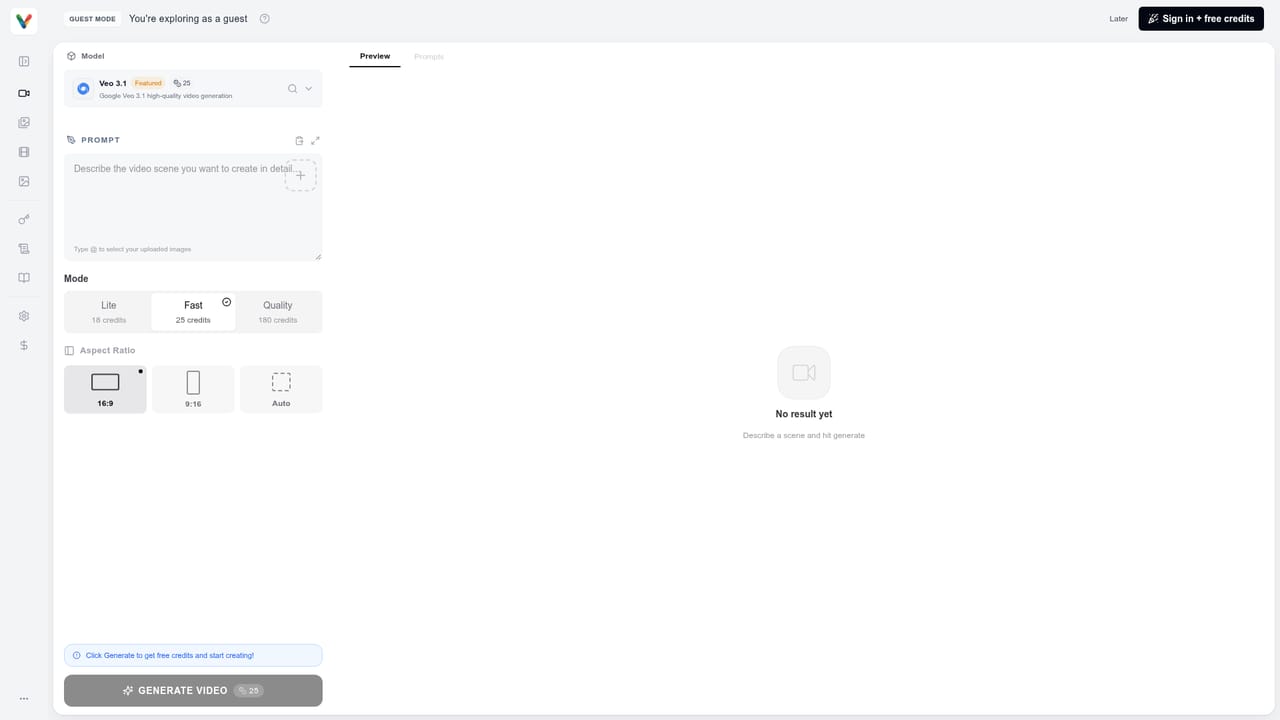
Learn moreMonthly subscription plans start at $10 for 1,000 credits (about 14 Veo 3 Fast videos or 2 standard Veo 3 videos), scaling to $20 and $50 tiers with more credits and priority support; pay-as-you-go credits are also available.
Learn moreDocumentation, code examples, and email support are available to all users, with priority support and dedicated account management offered on premium and enterprise plans.
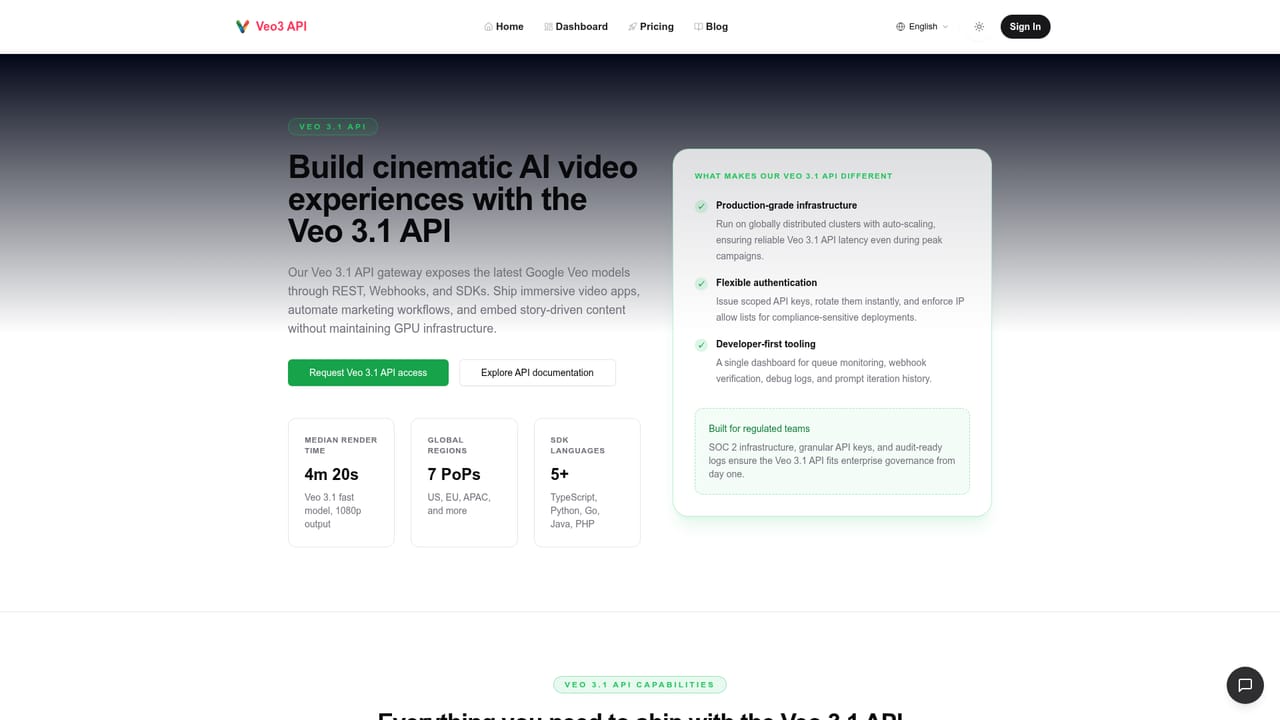
Access is provided through a RESTful JSON API with webhook callbacks for asynchronous processing and SDKs for popular programming languages; no third-party app integrations are listed.
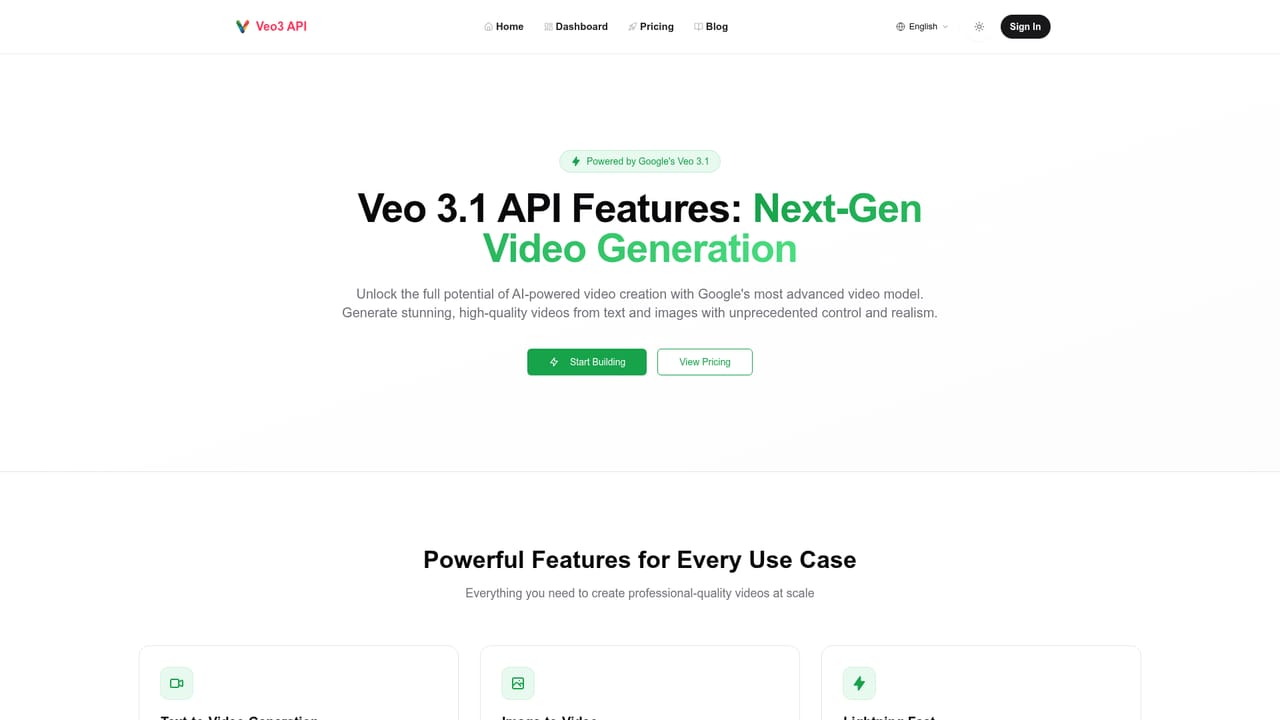
Text-to-video and image-to-video generation, synchronized audio and dialogue, output up to 4K in multiple aspect ratios, REST API with JSON responses, webhook callbacks, SDKs for popular languages, and enterprise-grade uptime.
Learn more AI Angels400+ customizable AI girlfriends for NSFW chat, voice calls, and roleplay
 Candy AIExperience the future of companionship with AI friends who chat, role-play, and connect with you on a human level.
 ourdream.aiA vast AI roleplay platform with millions of characters for chat, images, video and voiceAI Angels400+ customizable AI girlfriends for NSFW chat, voice calls, and roleplayCandy AIExperience the future of companionship with AI friends who chat, role-play, and connect with you on a human level.ourdream.aiA vast AI roleplay platform with millions of characters for chat, images, video and voice


