Free trial
The homepage invites visitors to start creating free with no credit card required. It does not detail the free allowance.
Learn moreOne workspace for AI video and image generation across top models

VicSee is a web app that bundles AI video and image models such as Veo 3.1, Seedance, Kling, Nano Banana and FLUX into one credit-based workspace, with task pages for text to video, image to video, upscaling and face swap.
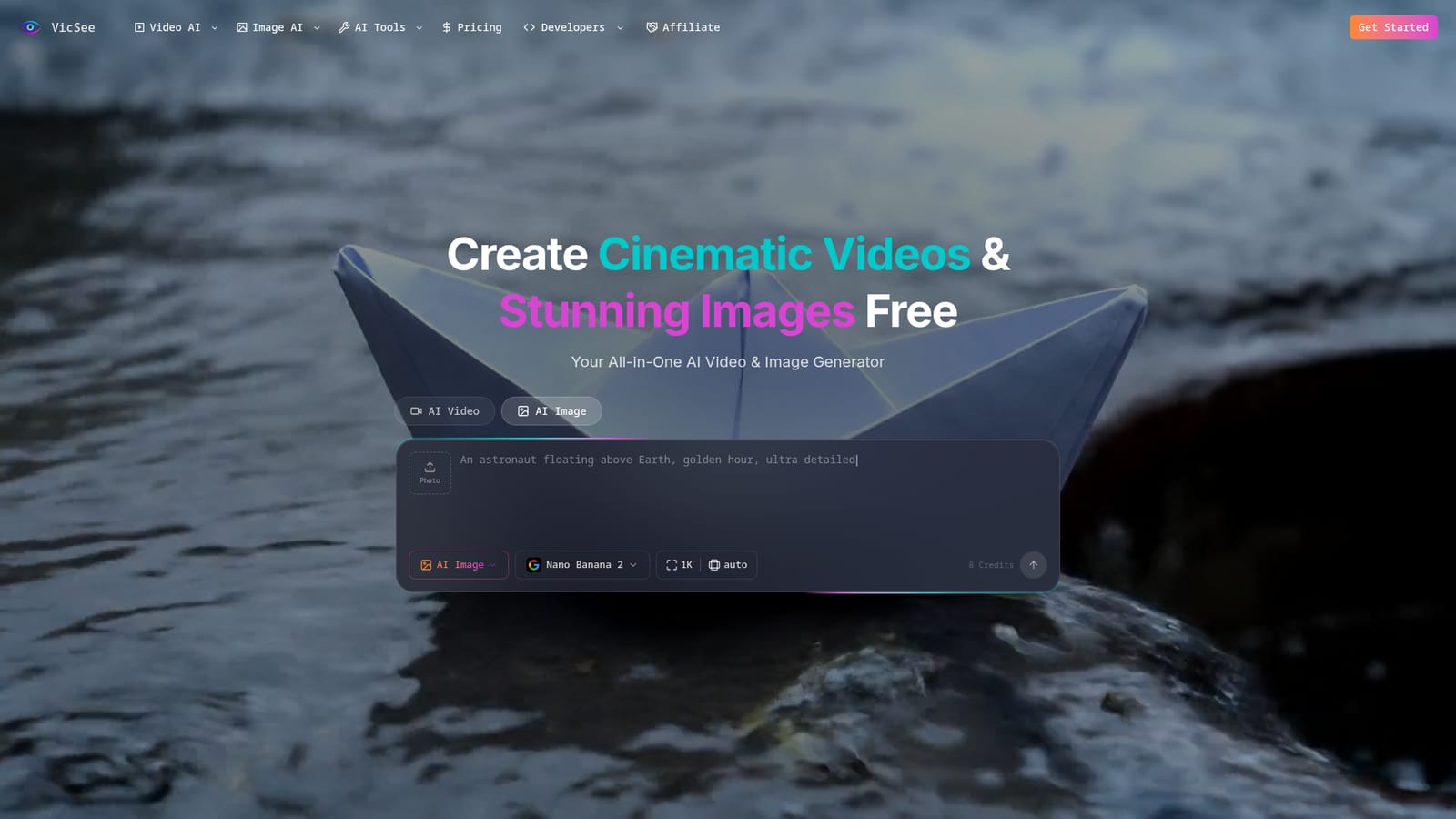
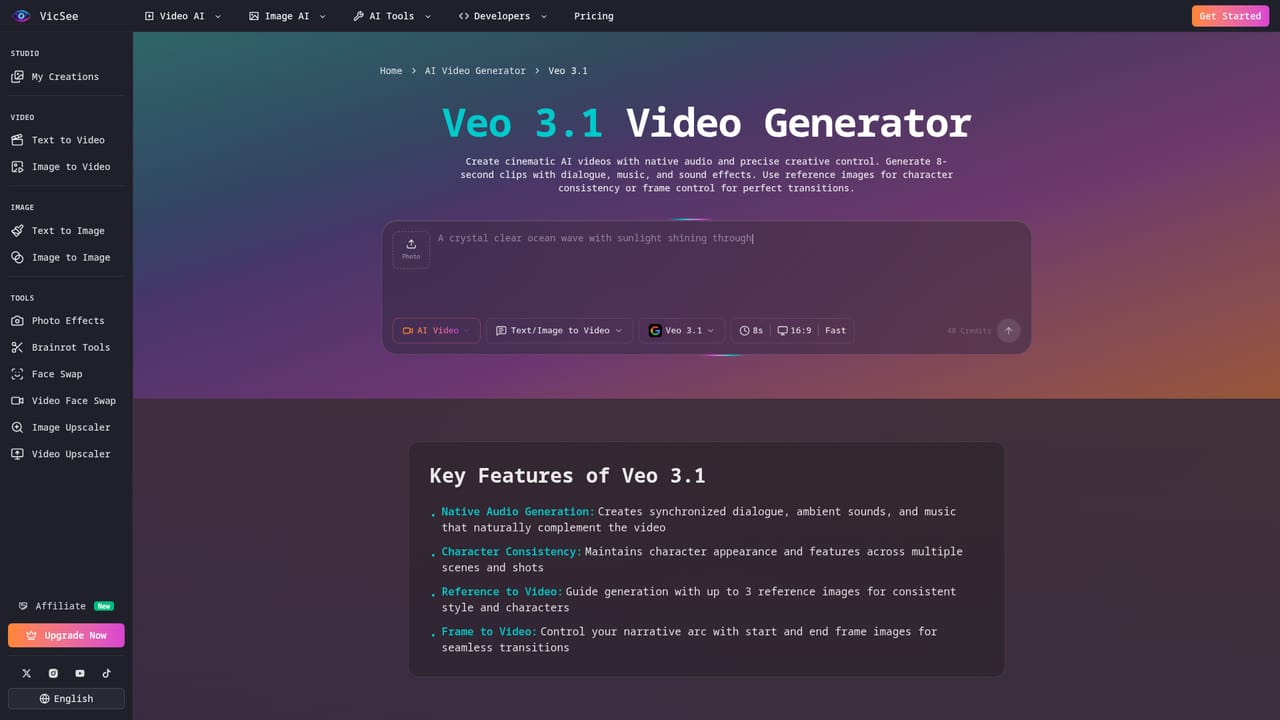
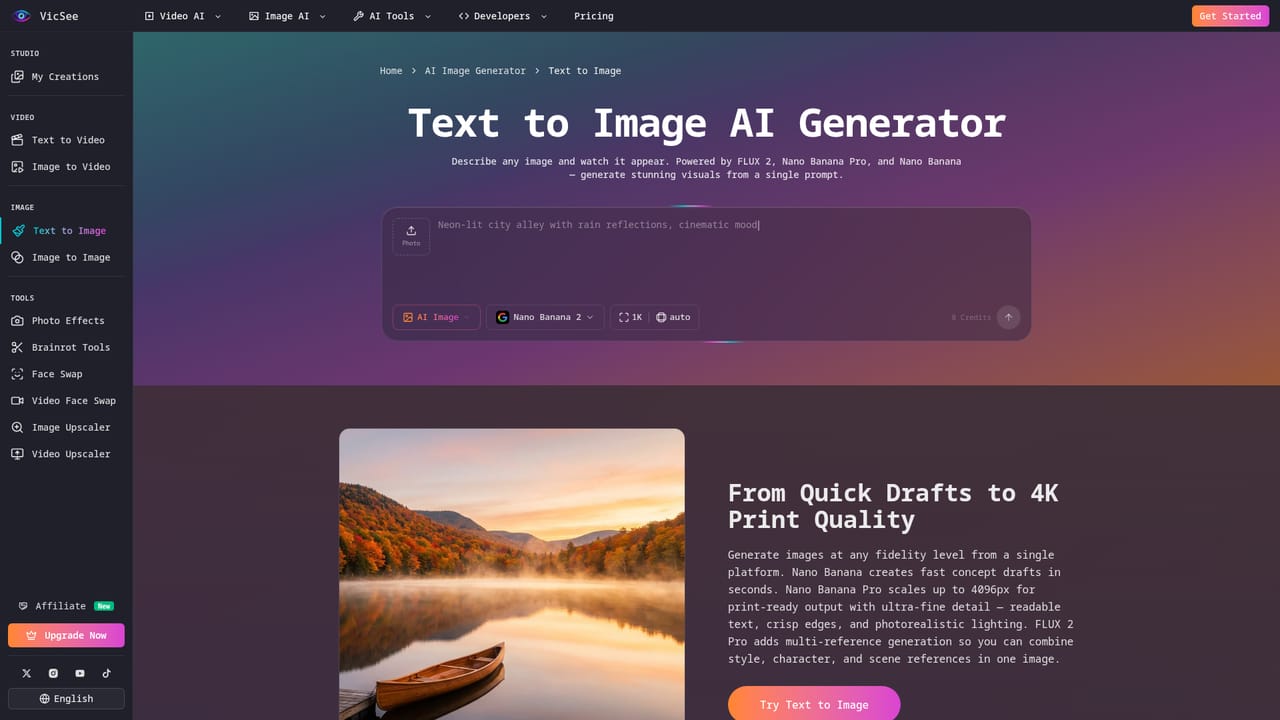
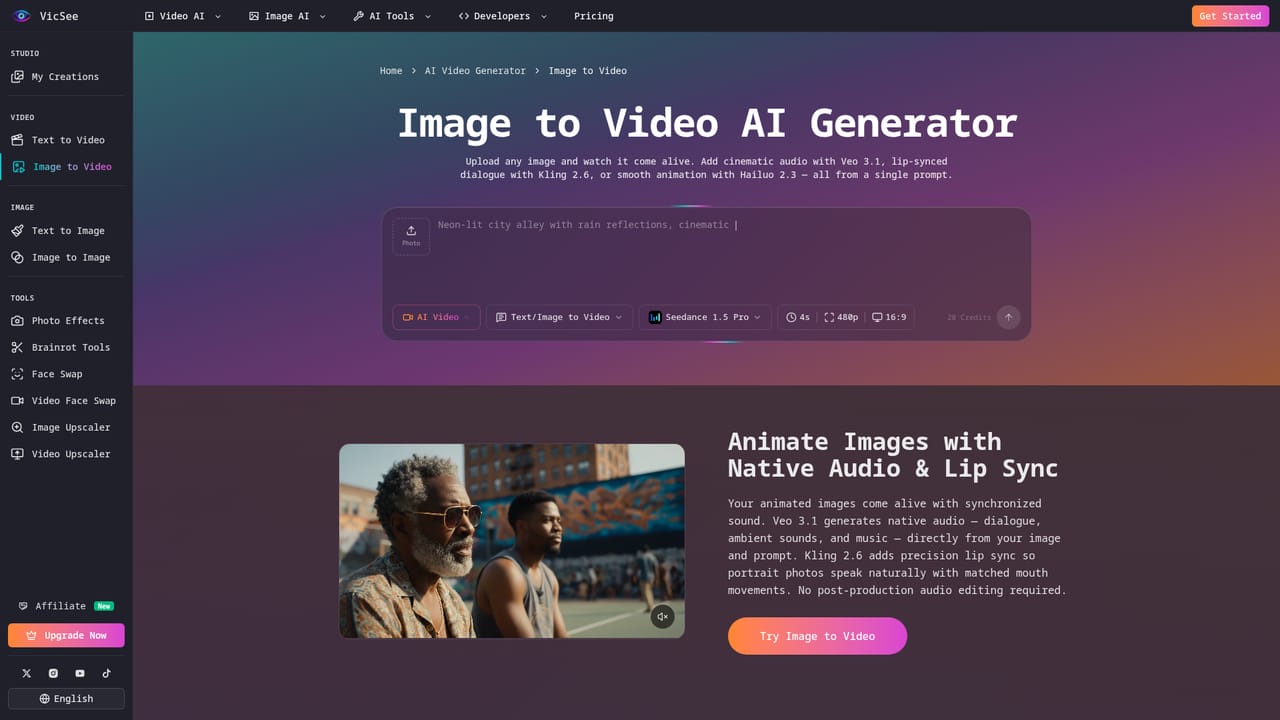
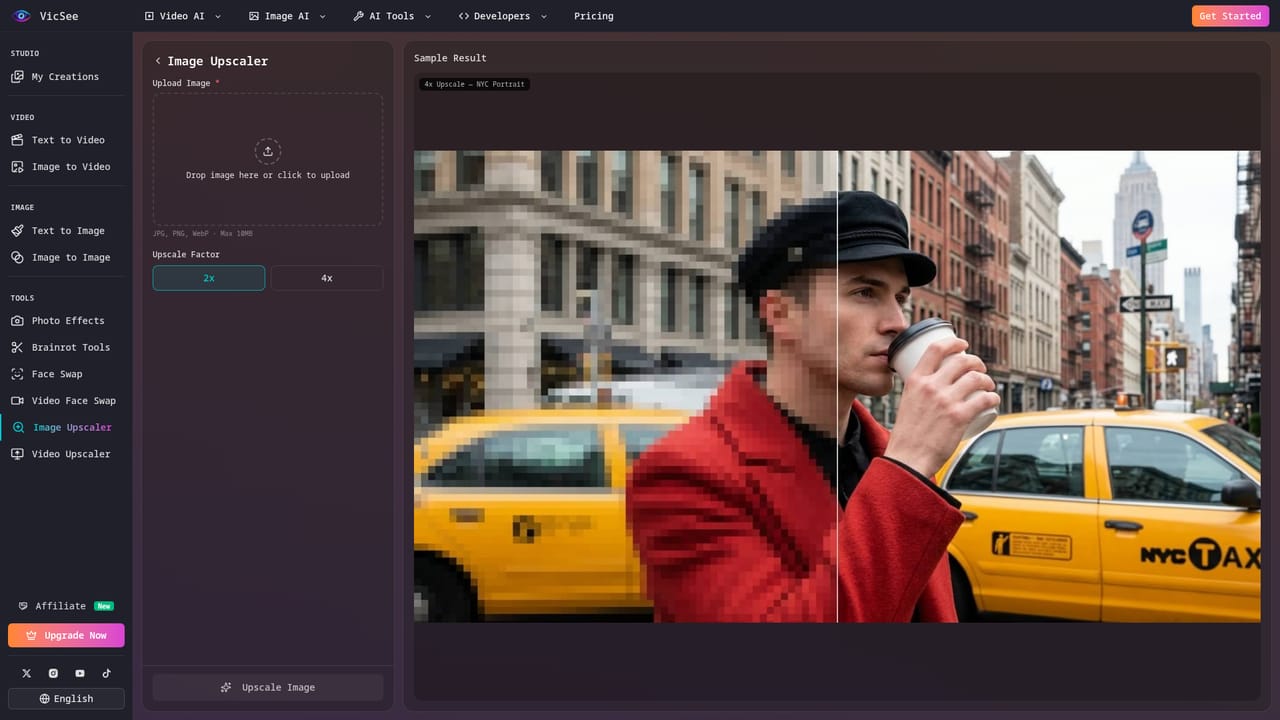
VicSee is a browser-based generator that puts several leading AI video and image models behind a single interface. Instead of signing up for each model separately, users pick from options such as Veo 3.1, Seedance, Kling, Hailuo, Wan, Nano Banana, Nano Banana Pro, FLUX and Z-Image, then generate clips or stills from a prompt. Generations are paid for with credits, and the homepage states that free creation is possible without a credit card. The site is organized around tasks as well as models. Dedicated pages cover text to video, image to video, text to image and image to image, alongside narrower utilities: face swap, AI headshots, LinkedIn photos, hair and eye color changers, pet portraits, a Ghibli-style generator, image and video upscalers, and two novelty tools that turn text or PDFs into brainrot-style content. Each model page shows sample outputs with the prompts used, which helps newcomers judge what a model is good at before spending credits. In practice, a user chooses AI Video or AI Image, selects a model, types a prompt, picks options such as resolution, and submits. Veo 3.1 is presented as the route to videos with synchronized dialogue and sound effects, character consistency, reference images and start-to-end frame animation. Nano Banana Pro is positioned for print-ready images up to 4096 by 4096 pixels, while the standard Nano Banana targets quick marketing, product and design visuals. The audience is creators, marketers and small teams making product videos, social posts, explainer clips, brand assets, UI mockups and mood boards. Compared with single-model tools, VicSee's draw is breadth and comparison in one account. Compared with professional editing suites, it offers generation rather than timeline editing, so finished clips may still need assembly elsewhere. The homepage also references an API, though details are not given there.
The homepage invites visitors to start creating free with no credit card required. It does not detail the free allowance.
Learn moreGenerations use a credit system, and the homepage says creation can start free with no credit card. Credit costs vary by model and settings (the image selector shows 8 credits for one Nano Banana 2 image). Plan prices are not stated.
Learn moreThe homepage includes an FAQ covering credits, watermarks, models, generation time, commercial use and failed generations. No other support channels are stated.
The FAQ lists a question about an API, but the homepage does not describe it or any third-party integrations.
Multi-model AI video and image generation (Veo 3.1, Seedance, Kling, Hailuo, Wan, Nano Banana, FLUX, Z-Image), text to video, image to video, text to image, image to image, native audio, up to 4K images, upscalers, face swap and headshot tools.
Learn more