Free trial
The first 15 seconds of a public-link video can be analyzed without registration. That trial is view-only, and a sign-in is required to run a full task with copy and export.
Learn moreTurn any video into a script, screenplay or AI prompt set

VidBreak is a screenplay writing tool that turns any video into a script, screenplay or AI prompt set. VidBreak converts uploaded or linked videos into timestamped story scripts, bilingual episodic screenplays up to 60 minutes, or structured AI video prompts.
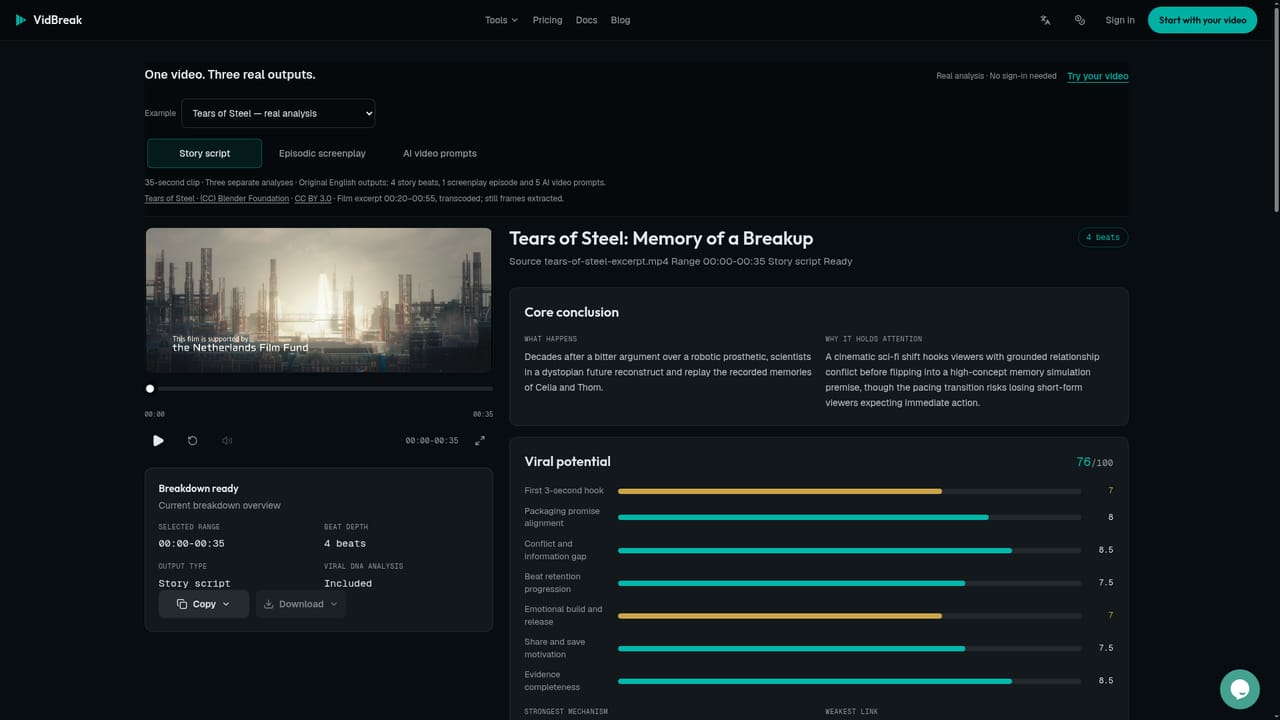
VidBreak is a video analysis workspace that converts footage you already have into written material: timestamped story scripts, episodic screenplays, or structured prompts for AI video generation. You supply a YouTube watch, Shorts or youtu.be link, a direct public video URL, or an uploaded file, then pick the output format before the task starts. The tool reconstructs plot, dialogue, narration and on-screen action rather than summarizing at a high level, so the result reads like a working document you can edit. Three output modes cover different jobs. Story scripts produce a readable, timestamped reconstruction of dialogue and action for clips from 8 seconds to 10 minutes. Episodic screenplays accept up to 60 minutes in a single task, splitting longer sources by original episode cues (or system segmentation when cues are unclear) with each episode capped at 300 seconds, and output in Chinese or English. AI video prompts describe subjects, framing, camera movement and sound in structured language that can be pasted into a generation tool. An optional Viral DNA layer adds commentary on opening hooks, pacing, reversals and emotional turns, and works only alongside scripts or prompts, not screenplays. In practice, the workflow is short: add a source, choose the output, confirm the time range and the credit estimate, run the task, then review the result against the original footage. Screenplays export to Word; scripts and prompts can be copied, downloaded or rewritten. Credits are purchased once in packs and do not expire, and the cost estimate appears before every run. Source media auto-deletes 24 hours after processing finishes. The product is built for screenwriters (short-drama writers in particular) and for creators using AI video tools who want to study or replicate a reference clip. It sits next to transcription services and general video summarizers, but the emphasis is craft output rather than meeting notes. VidBreak does not render, edit or download video, so production still happens elsewhere.
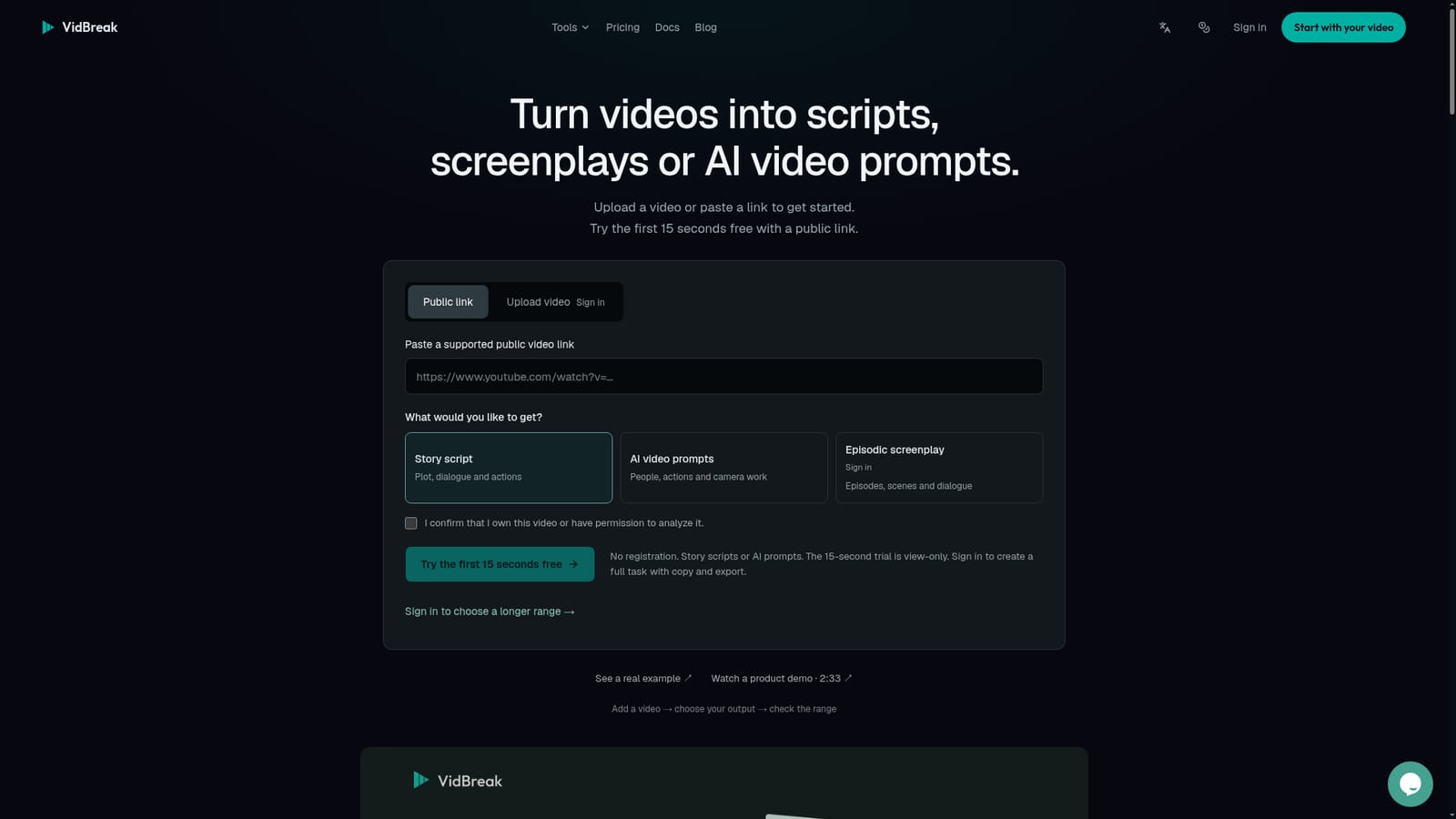
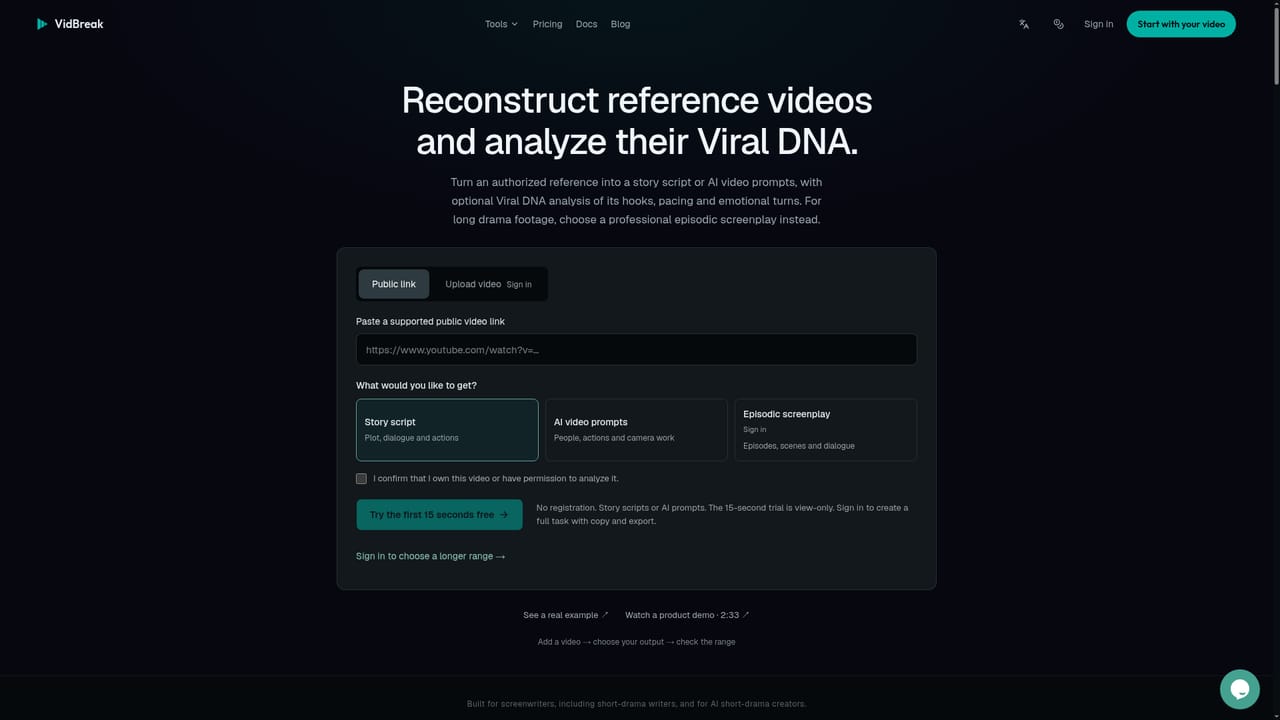
The first 15 seconds of a public-link video can be analyzed without registration. That trial is view-only, and a sign-in is required to run a full task with copy and export.
Learn moreOne-time credit packs: Standard at $19 for 1,050 credits, Premium at $59 for 3,500 and Max at $99 for 6,000. A first purchase adds a one-time 50 percent bonus (1,575, 5,250 and 9,000 total). Credits never expire and an estimate appears before each run. Story scripts start at 12 credits per 15 seconds.
Learn moreA documentation section, a blog and a public sample case are available. The homepage lists a chat window as the support contact channel; no email, phone or response time commitment is stated.
Learn moreSources are public YouTube watch, Shorts or youtu.be links, direct public video URLs, and uploaded files. Screenplay results export to Word. No direct connections to editing or AI video generation tools are stated.
Three output formats: timestamped story scripts, professional episodic screenplays with episodes, characters and dialogue in Chinese or English, and structured AI video prompts covering subject, action, camera movement and sound. Screenplays accept 30 seconds to 60 minutes per task. Optional Viral DNA analysis covers hooks, pacing, reversals and emotional turns. Results export to Word or copy and download.
Learn more AI Angels400+ customizable AI girlfriends for NSFW chat, voice calls, and roleplay
 Candy AIExperience the future of companionship with AI friends who chat, role-play, and connect with you on a human level.
 ourdream.aiA vast AI roleplay platform with millions of characters for chat, images, video and voiceAI Angels400+ customizable AI girlfriends for NSFW chat, voice calls, and roleplayCandy AIExperience the future of companionship with AI friends who chat, role-play, and connect with you on a human level.ourdream.aiA vast AI roleplay platform with millions of characters for chat, images, video and voice


