Free trial
Transcribing can start without entering a credit card, using the free plan's daily and monthly minute allowance before any upgrade is needed.
Learn moreTurn video and audio files or public links into searchable, exportable transcripts.
Own video transcriber? Verify ownership to get a dofollow link

video transcriber is an AI transcriber tool that turns video and audio files or public links into searchable, exportable transcripts. Browser-based tool that converts MP4, MOV, WebM, and MKV files or public video links into searchable transcripts, with speaker labels, AI notes, and export to TXT, DOCX, SRT, VTT, or CSV.
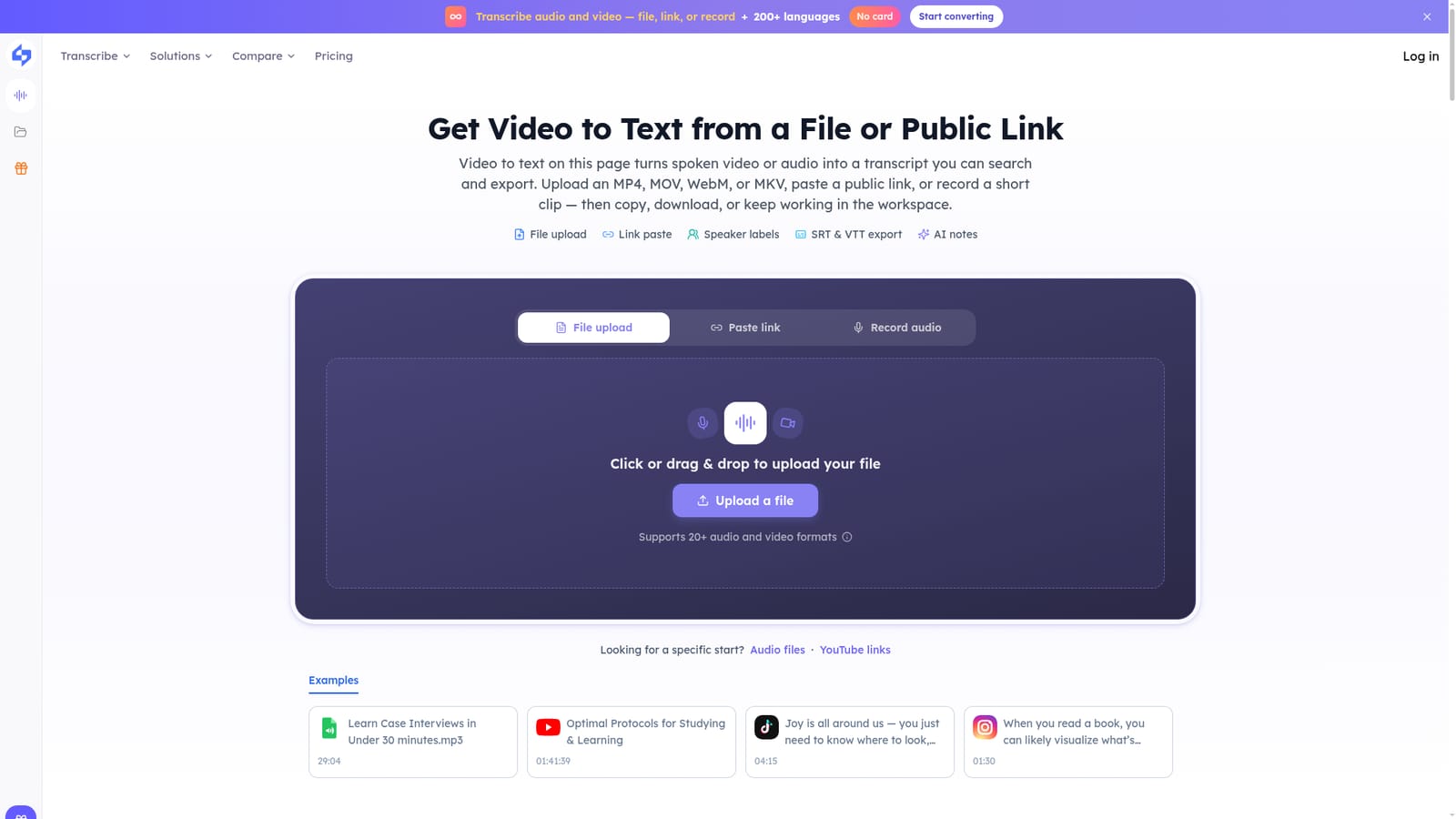
Video Transcriber is a browser-based transcription tool that converts spoken video and audio into editable text. Users upload an MP4, MOV, WebM, or MKV file, paste a public link from a platform such as YouTube, TikTok, Instagram, Facebook, X, Apple Podcasts, or Bilibili, or record a short clip directly in the browser. The AI extracts speech, supports auto language detection across 200+ languages, and can separate speakers so multi-person recordings stay readable. The tool is aimed at people who need a written record of spoken content rather than a captioning studio for live events. Meeting organizers can drop in Zoom, Teams, or phone call recordings and get speaker-labeled text with action items searchable instead of buried in audio. Journalists and researchers can quote interviews without scrubbing a player, students can turn lecture recordings into notes and chapters, and podcasters can generate show notes from an episode file. Voice memos recorded on a walk or a phone can also be converted into searchable, shareable text. In practice, the workflow is upload or paste a link, let the model transcribe, then work from the same result: copy the text, export it as TXT, DOCX, SRT, VTT, or CSV, or generate AI notes, key points, an Ask AI response, or a mind map without replaying the source. The free tier runs on daily and monthly minute limits shown in the workspace, and private or login-walled media may fail to fetch since the tool relies on public access to the source. Compared with dedicated meeting-note apps or manual transcription services, it positions itself as a single workspace covering file upload, link-based capture, and export in one pass, though it stops short of live captioning, PDF export, or built-in translation.
Transcribing can start without entering a credit card, using the free plan's daily and monthly minute allowance before any upgrade is needed.
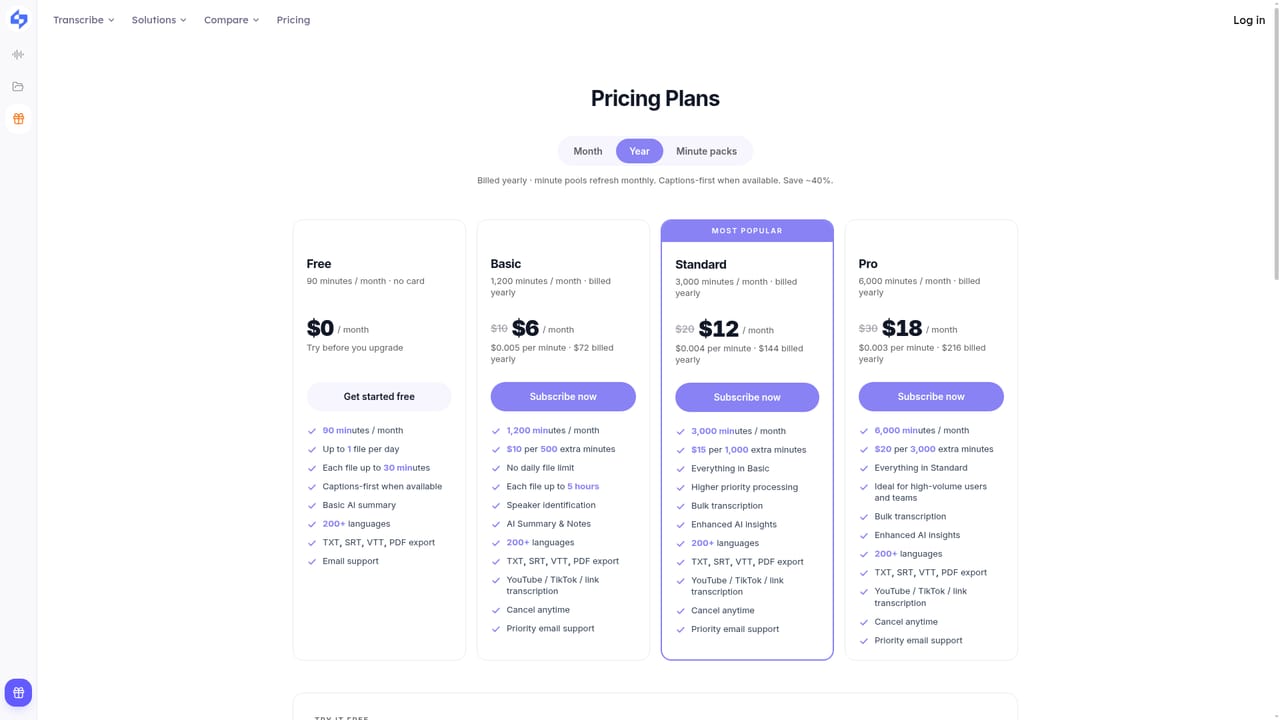
Learn moreA free plan is available with daily conversion caps and a monthly minute limit shown in the workspace. The Pricing page references a 40% discount on paid plans, but exact plan prices are not stated on the homepage.
Learn moreA Help Center and contact option are linked from the site footer, though no live chat or phone support is described on the homepage.
Accepts public links from YouTube, TikTok, Instagram, Facebook, X, Apple Podcasts, and Bilibili, and works with uploaded Zoom, Teams, or phone call recordings; no API or third-party app integrations are mentioned.
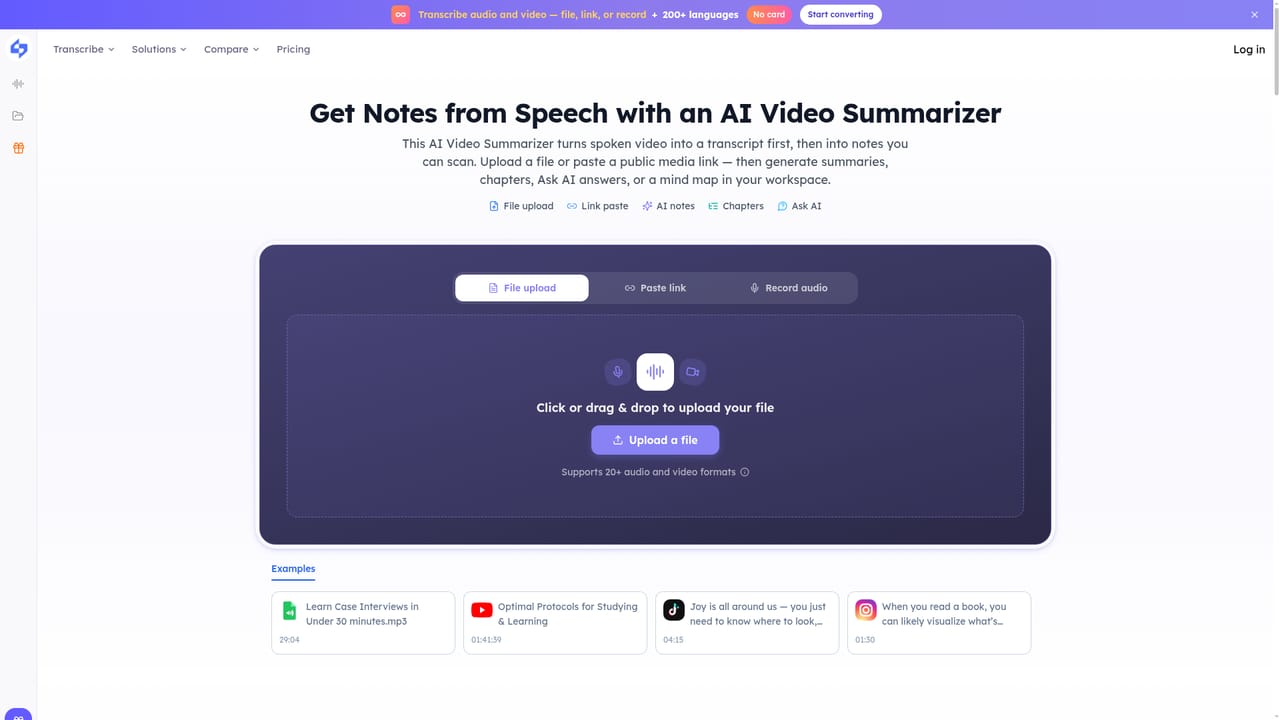
Learn moreFile upload for MP4, MOV, WebM, and MKV, public link import from major video and social platforms, browser recording, speaker labels, 200+ language support, AI notes, chapters, mind map, Ask AI, and export to TXT, DOCX, SRT, VTT, or CSV.
Learn more AI Angels400+ customizable AI girlfriends for NSFW chat, voice calls, and roleplay
 Candy AIExperience the future of companionship with AI friends who chat, role-play, and connect with you on a human level.
 ourdream.aiA vast AI roleplay platform with millions of characters for chat, images, video and voiceAI Angels400+ customizable AI girlfriends for NSFW chat, voice calls, and roleplayCandy AIExperience the future of companionship with AI friends who chat, role-play, and connect with you on a human level.ourdream.aiA vast AI roleplay platform with millions of characters for chat, images, video and voice


