Free trial
A free tier is advertised directly on the homepage and via the Generate Videos for Free button, so no separate trial signup is described.
Learn moreFree browser-based AI video generation built on Kling and Luma Dream Machine

Vidful.ai is a free browser tool that generates short videos from text prompts or uploaded images, using the Kling AI and Luma Dream Machine models behind the scenes. It is aimed at casual creators, marketers, and educators who need quick motion clips without editing software.
Vidful.ai is a browser-based video creation tool that turns written prompts or still images into short clips. Rather than training its own model, the platform acts as a front end for two well-known video engines: Kuaishou Kling AI and Luma AI Dream Machine. Users bring the raw material (a sentence of description or an uploaded photo) and Vidful.ai routes the request through those engines to produce motion footage. The site advertises output in roughly a minute, with no software install required. The tool covers two core workflows. The text-to-video path takes a prompt and generates visuals from it, which suits people who want a quick concept clip without shooting anything. The image-to-video path animates a static picture, adding movement and transitions so a photo becomes a short sequence. The homepage also frames a set of themed use cases around this: hugging scenes, dancing figures, kissing couples, and a playful image brought to life. Those are effectively prompt templates dressed as features, useful as starting points rather than as distinct engines. Positioning matters here. Vidful.ai sits alongside other aggregator sites that resell access to Kling and Luma, so the differentiator is convenience and price of entry rather than proprietary technology. Anyone who already subscribes to those models directly will find little new. The audience is more likely casual creators, small marketing teams, educators, and e-commerce sellers who want a quick animated snippet for social posts, course material, or product listings without committing to a full production pipeline. Expect short generative clips, not editable timelines. There is no indication of scene assembly, voiceover, or multi-shot sequencing, so the output is a building block for a larger edit rather than a finished video. Quality and motion realism depend on the underlying Kling and Luma models, and results will vary by prompt and source image.
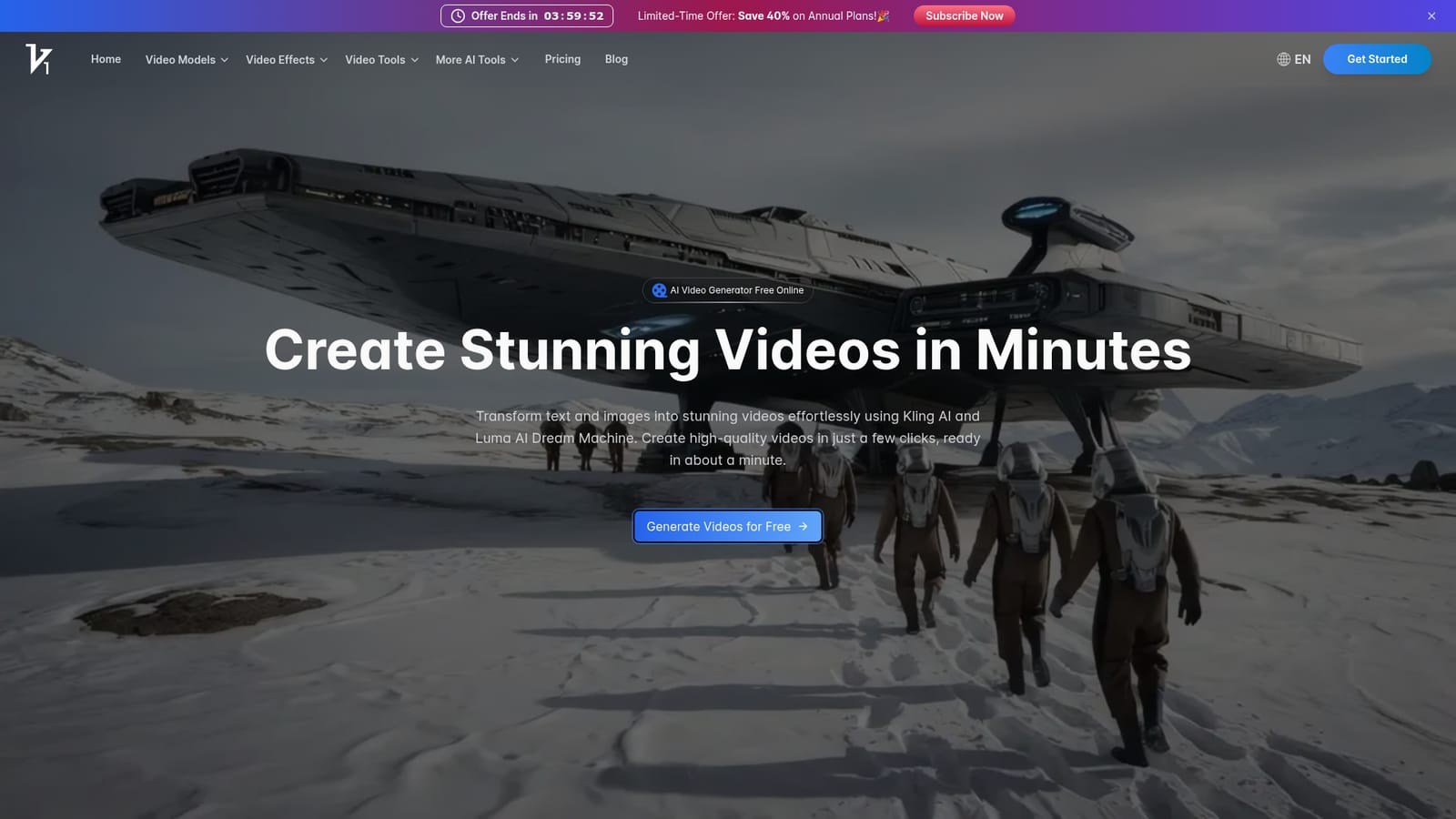

A free tier is advertised directly on the homepage and via the Generate Videos for Free button, so no separate trial signup is described.
Learn moreThe homepage describes Vidful.ai as an AI video generator free online and states that users can create videos at no cost, but it does not publish plan tiers, credit allowances, or paid upgrade prices.
Learn moreThe product is built on two third-party video models, Kuaishou Kling AI and Luma AI Dream Machine, which are embedded in the platform. No other integrations are listed on the homepage.
Core capabilities are text-to-video and image-to-video generation, powered by Kuaishou Kling AI for physics-driven motion and Luma Dream Machine for cinematic camera work. The site highlights free browser access, fast output, and themed scenes such as hug, dance, and kiss.
 AI Angels400+ customizable AI girlfriends for NSFW chat, voice calls, and roleplay
 Candy AIExperience the future of companionship with AI friends who chat, role-play, and connect with you on a human level.
 ourdream.aiA vast AI roleplay platform with millions of characters for chat, images, video and voiceAI Angels400+ customizable AI girlfriends for NSFW chat, voice calls, and roleplayCandy AIExperience the future of companionship with AI friends who chat, role-play, and connect with you on a human level.ourdream.aiA vast AI roleplay platform with millions of characters for chat, images, video and voice


