Free trial
The 45-Minute Test Drive gives 45 minutes of transcription time with no signup, no credit card, and no deadline for using those minutes. Purchases can be refunded within 14 days.
Learn moreOffline voice-to-text for Mac: press a key, talk, text appears.

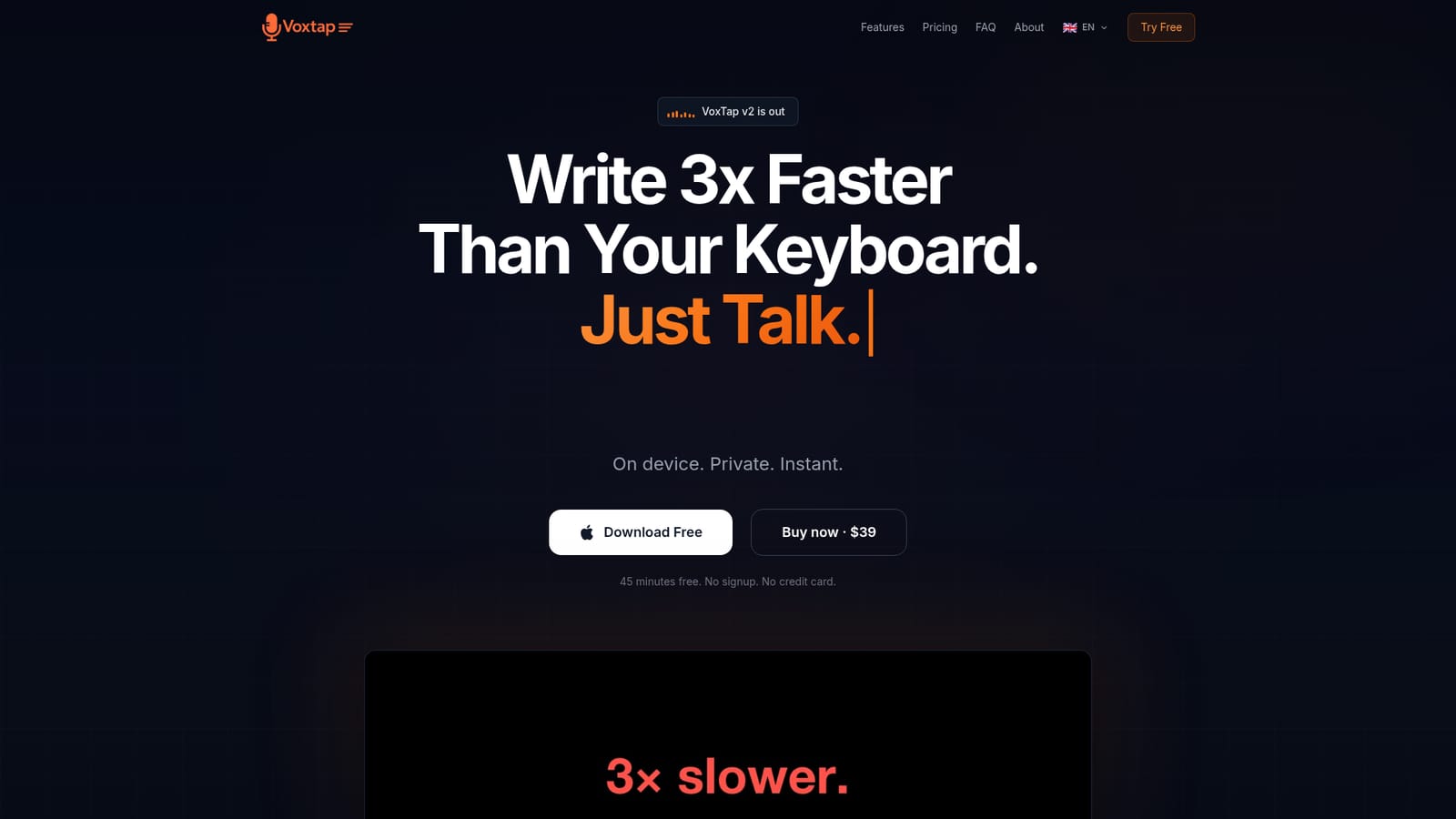
VoxTap is an offline voice-to-text app for macOS that inserts speech at the cursor in any application. It uses on-device AI, supports 25 languages, and includes a searchable transcription history plus a custom vocabulary plugin. A lifetime license costs $39, with a 45-minute free trial and a 14-day refund window.
VoxTap is a macOS dictation utility that turns speech into text at the cursor in any application. It runs entirely on the Mac using an on-device AI engine, so audio is never uploaded to a server. A single global hotkey starts recording, an overlay shows the live waveform, and the transcribed text is inserted wherever a text cursor is active. The tool is built for people who spend most of their day typing, particularly developers working in terminals, IDEs, and AI coding agents, but it works in any app that accepts text input. The core workflow is deliberately minimal: download the app, press the hotkey, speak, and the text appears. There are no model choices or settings panels to configure on first run. Version 2 introduces My Vocabulary, a plugin that lets users teach the engine custom terms such as brand names, technical jargon, and project-specific vocabulary. A model trained for this release detects and corrects those terms in every transcription. Other plugins include a Filler Word Filter, an Overlay Theme for recoloring the recording indicator, and a Voice-Dictated Marker. The update also reports up to 83 percent faster long transcriptions, a 7 percent base accuracy improvement, and a microphone silence warning. Accuracy is quoted at 95 percent or higher for English, with particular strength on technical and code-related speech. Real users report 90 percent or higher on custom vocabulary. The app supports 25 languages with auto-detect, and My Vocabulary is available in English, German, French, and Ukrainian. Every transcription is stored in a searchable history panel with timestamps and one-click copy. VoxTap is positioned against cloud-dependent dictation services and heavier voice tools that require model configuration, with privacy and simplicity as the main differentiators. VoxTap requires macOS 14 or later and runs best on Apple Silicon, though Intel Macs are supported. It is sold as a lifetime license for a single Mac, with separate multi-Mac business licenses available. A 45-minute trial requires no signup or credit card, and purchases carry a 14-day refund window. The product is built and supported by one person, an AI R&D director, and email support reaches him directly rather than a queue.
The 45-Minute Test Drive gives 45 minutes of transcription time with no signup, no credit card, and no deadline for using those minutes. Purchases can be refunded within 14 days.
Learn moreA Personal license costs $39 for one Mac and includes all features plus lifetime updates. Business licenses cover 5 Macs for $149 or 10 Macs for $249. There is no subscription. The price is stated to rise as the product grows.
Learn moreSupport is handled by email at support@voxtap.app, which reaches the founder directly rather than a support queue. The same address handles refund requests within 14 days of purchase.
Learn moreVoxTap is system-wide rather than integration-based. It types into Cursor, Claude Code, VS Code, Terminal, Slack, Notion, Xcode, IntelliJ, Windsurf, Chrome, Linear, Figma, Obsidian, and any other app with a text cursor.
On-device transcription from a single global hotkey in any app with a text cursor. Version 2 adds My Vocabulary for custom terms, a Filler Word Filter, Overlay Theme, and a Voice-Dictated Marker as optional plugins. It supports 25 languages with auto-detect, includes a searchable history with timestamps, and warns when the microphone captures no sound.
 AI Angels400+ customizable AI girlfriends for NSFW chat, voice calls, and roleplay
 Candy AIExperience the future of companionship with AI friends who chat, role-play, and connect with you on a human level.
 ourdream.aiA vast AI roleplay platform with millions of characters for chat, images, video and voiceAI Angels400+ customizable AI girlfriends for NSFW chat, voice calls, and roleplayCandy AIExperience the future of companionship with AI friends who chat, role-play, and connect with you on a human level.ourdream.aiA vast AI roleplay platform with millions of characters for chat, images, video and voice


