Free trial
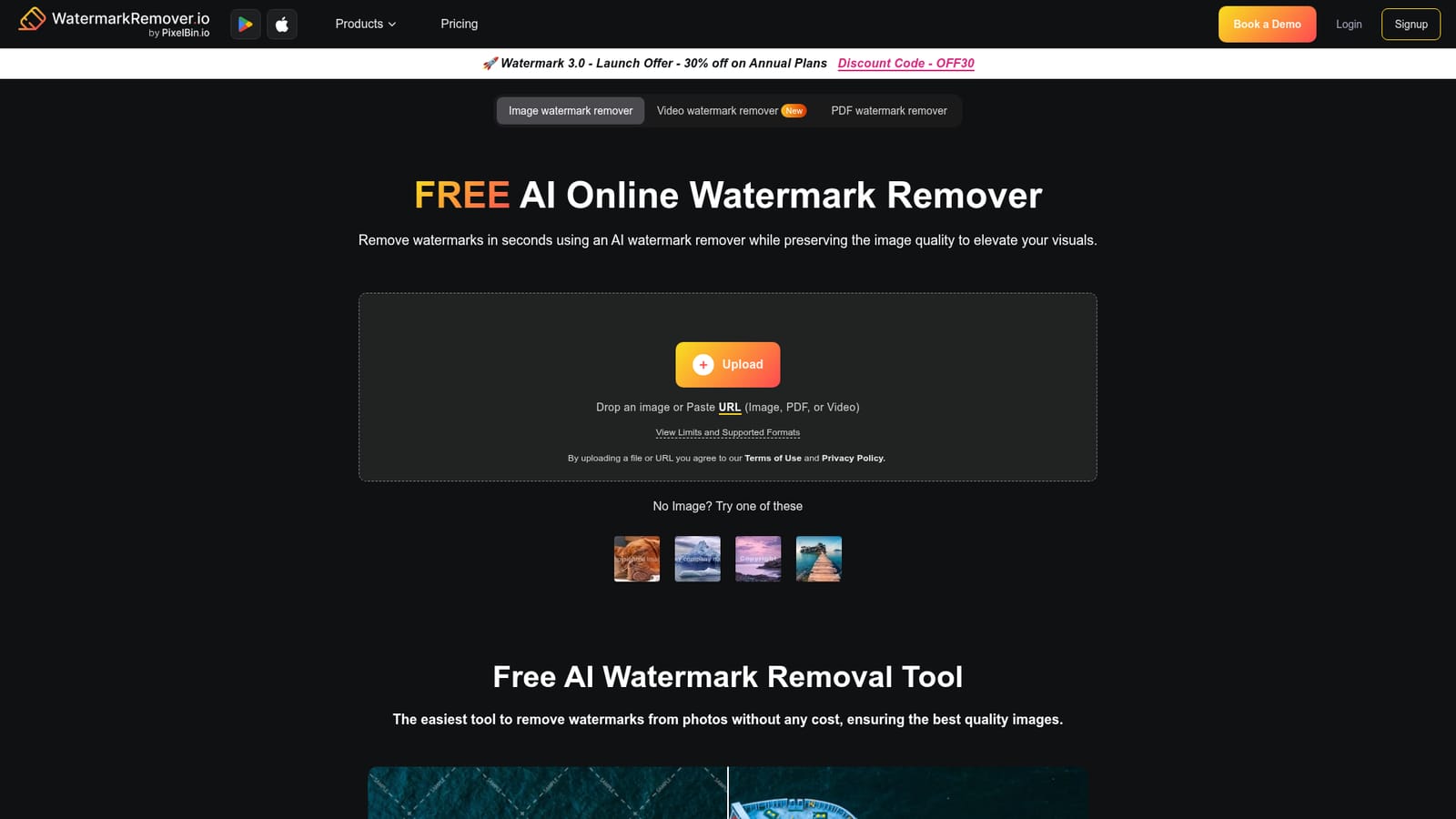
The homepage describes the watermark removal tool as free and states that no sign-up is needed to upload and process a file. Limits on resolution, page count and video length apply to uploads.
Learn moreAI watermark removal for photos, PDFs and short video clips
Own Watermark Remover? Verify ownership to get a dofollow link

Watermark Remover is an erase text from GIF tool. A free, no sign-up web tool that removes text and logo watermarks from photos, PDFs and clips up to 2 minutes using AI, with a before and after preview so you can check the result before downloading.
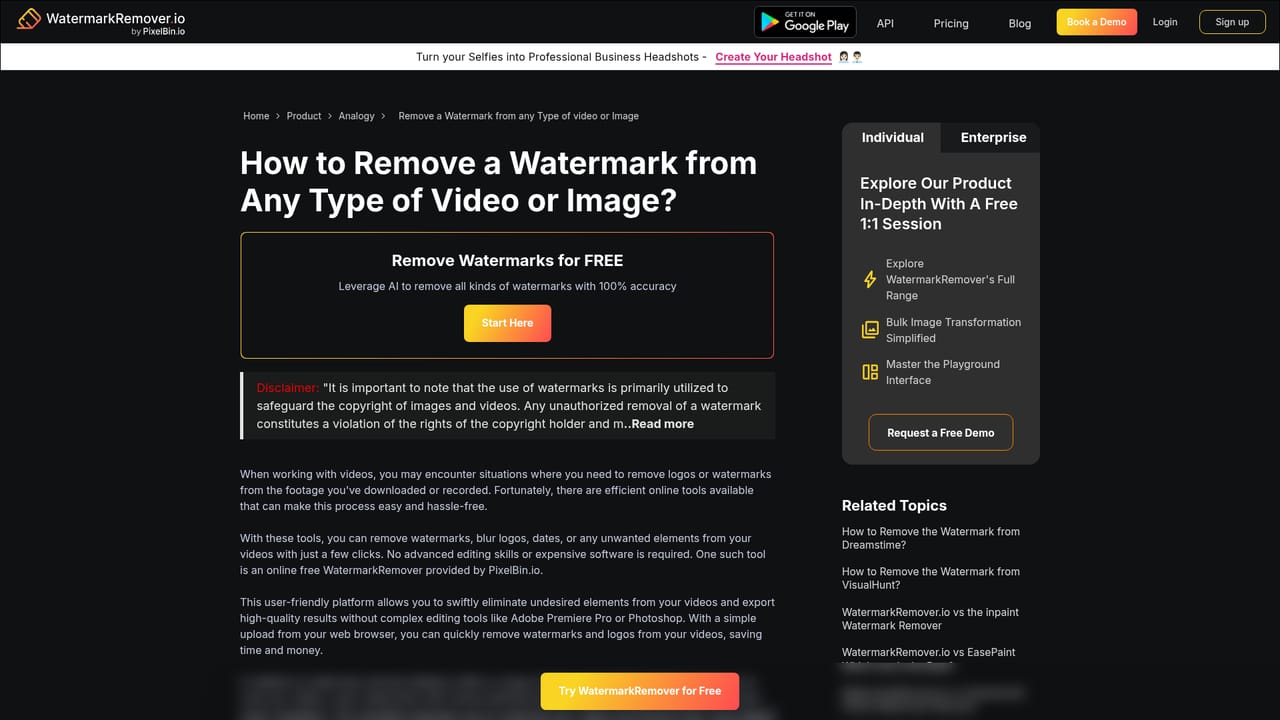
WatermarkRemover.io is a browser-based tool built to strip watermarks from images, PDFs and short video clips using AI inpainting. A single upload box accepts an image file or pasted URL (PNG, JPEG, JPG, WEBP, HEIC), a PDF document, or a video in MP4, MOV or WEBM format, and the service handles the removal server side. No account is required to run a job, which puts it closer to a utility than to a full editing suite. The workflow is deliberately plain. You upload a file or point the tool at a URL, the AI reconstructs the area behind the watermark, and a split-screen preview shows the original beside the cleaned result before you commit to a download. That comparison view is the most useful part of the interface, because watermark removal is rarely perfect on textured backgrounds and you need to check edges and repeating patterns before saving. Limits define the practical scope. Images are capped at 5,000 by 5,000 pixels, PDFs at 25 pages, and video at 2 minutes per file. Those ceilings make the tool suitable for social posts, product shots, slide decks and short clips, but not for long recordings or very large print assets. It suits social media managers, designers, marketers and small business owners who need a stock image or an old asset cleaned up without opening Photoshop. The platform runs in a browser on desktop and mobile, so the same job works from a laptop or a phone. Alternatives split into two camps: full editors such as Photoshop for precise manual retouching, and dedicated object removal tools. WatermarkRemover.io sits in the middle, trading control for speed and a zero install footprint.
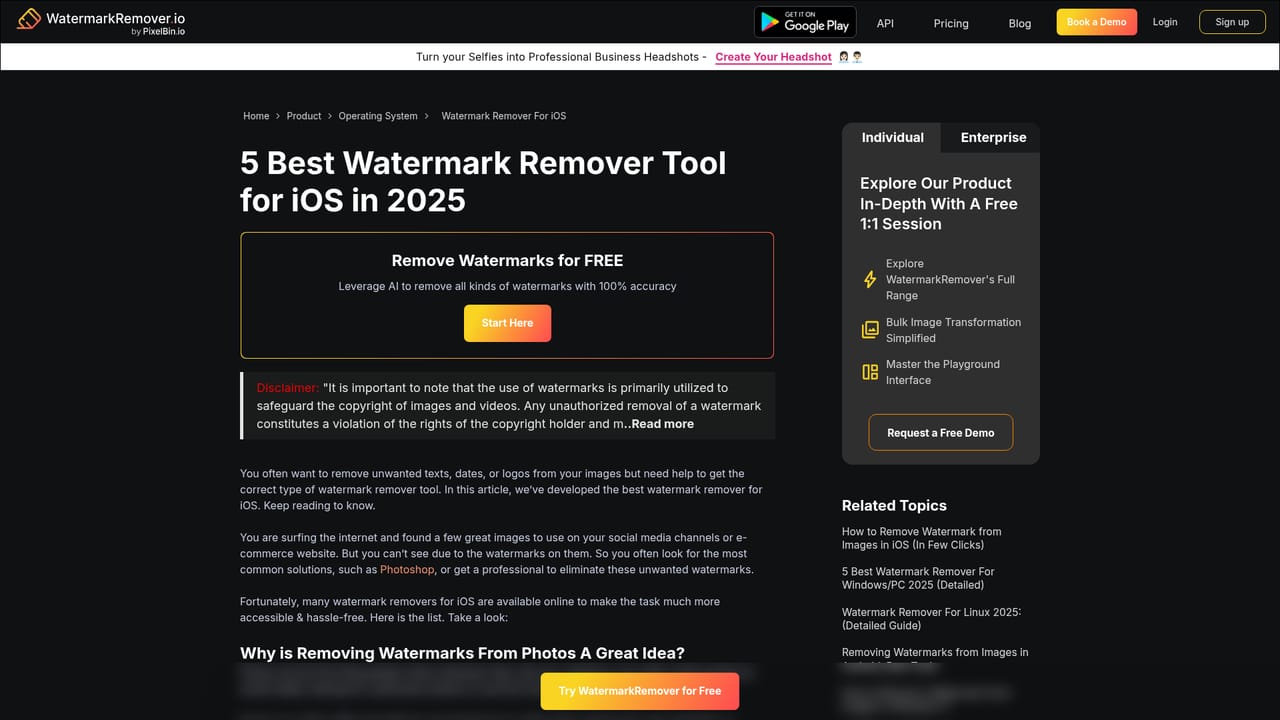
The homepage describes the watermark removal tool as free and states that no sign-up is needed to upload and process a file. Limits on resolution, page count and video length apply to uploads.
Learn moreAI removal for images, PDFs and video from one upload box, with pasted URL input, formats covering PNG, JPEG, JPG, WEBP, HEIC, PDF, MP4, MOV and WEBM, limits of 5,000 by 5,000 px for images, 25 pages for PDFs and 2 minutes for video, and a split-screen live preview for comparing original and cleaned output.
Learn more AI Angels400+ customizable AI girlfriends for NSFW chat, voice calls, and roleplay
 Candy AIExperience the future of companionship with AI friends who chat, role-play, and connect with you on a human level.
 ourdream.aiA vast AI roleplay platform with millions of characters for chat, images, video and voiceAI Angels400+ customizable AI girlfriends for NSFW chat, voice calls, and roleplayCandy AIExperience the future of companionship with AI friends who chat, role-play, and connect with you on a human level.ourdream.aiA vast AI roleplay platform with millions of characters for chat, images, video and voice