WebFill

Browser extension that fills forms, answers MCQs and drafts email with AI

Beginner
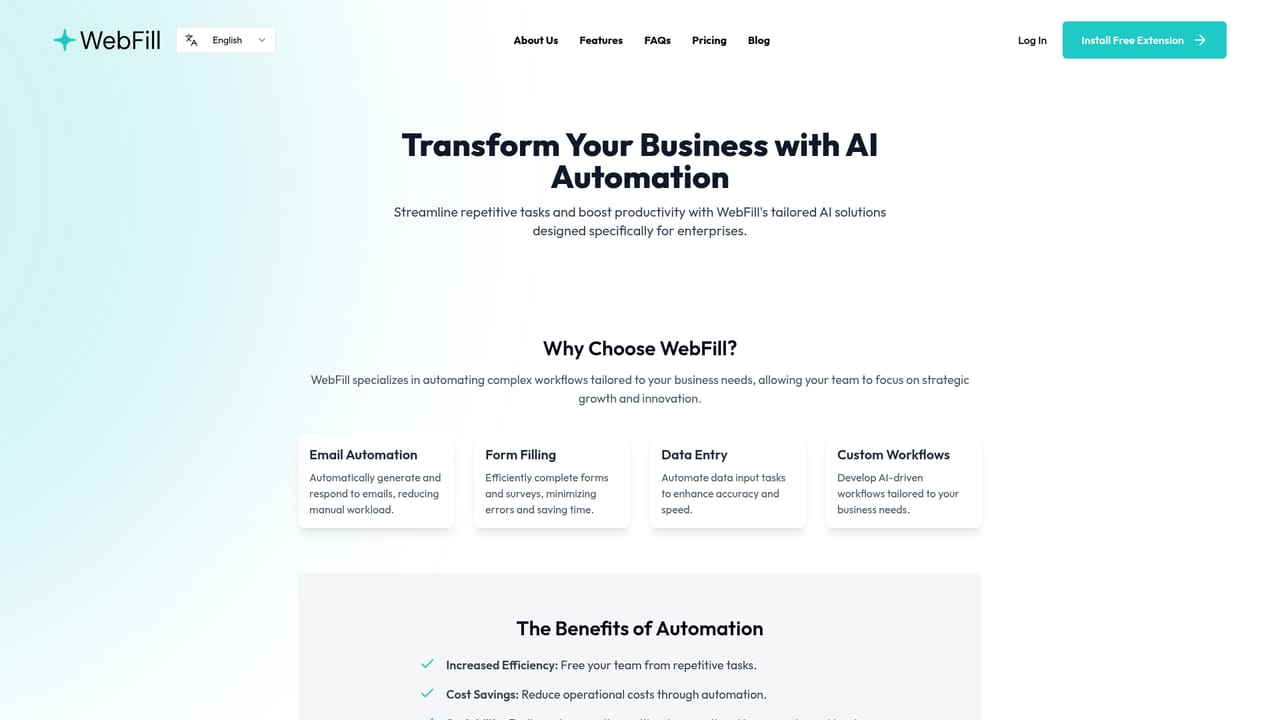
Screenshot of WebFill, Browser extension that fills forms, answers MCQs and drafts email with AI

What is WebFill?

WebFill is a browser extension that automates form filling, survey and MCQ completion, data entry and email drafting. It reads page content or uploaded PDFs, saves reusable instructions per website, and works across Gmail, Outlook, Typeform, SurveyMonkey and learning platforms.

WebFill is a Chrome extension that puts an AI assistant on top of whatever page the user is already working in. The core function is automated form completion: the extension reads the fields on a page and fills them using either content the user uploads (a PDF or a text document) or context the model detects from the page itself. It also handles surveys, multiple-choice questions and repetitive data entry, and it saves instructions per website so repeated tasks on the same domain do not need to be set up from scratch each time. The product is split into a few distinct tools. Automatic form filling covers standard web forms and surveys. WebFill Vision lets a user capture part of the screen and receive an answer about it, aimed at multiple-choice questions and online assessments. Chatbot assistance provides general question answering inside the browser. Email assistance adds a WebFill button to an inbox, most visibly Gmail and Outlook, that generates or replies to messages, with custom instructions a user configures once and reuses. The audience is broad by design. Students use it for coursework quiz questions and study material on platforms like Moodle, Blackboard and Schoology. Recruiters, HR staff and operations teams use it for PDF-driven paperwork such as documents and payslips. Freelancers and sales users lean on the email side. The site counts roughly 1,000 active users and 8,000 customers, and advertises hundreds of thousands of Vision launches and millions of chats. Where WebFill differs from general writing assistants is that it is anchored to the browser surface rather than a separate editor. That makes it closer to an automation layer than a chatbot, with a free tier to test the workflow and paid tiers that raise word and Vision quotas. Enterprise buyers are routed to a separate page rather than the self-serve plans.

How do you use WebFill?

  1. 1Install the Chrome extension
    Add WebFill from the Chrome Web Store. The icon appears in the browser toolbar and can be customised on paid plans.
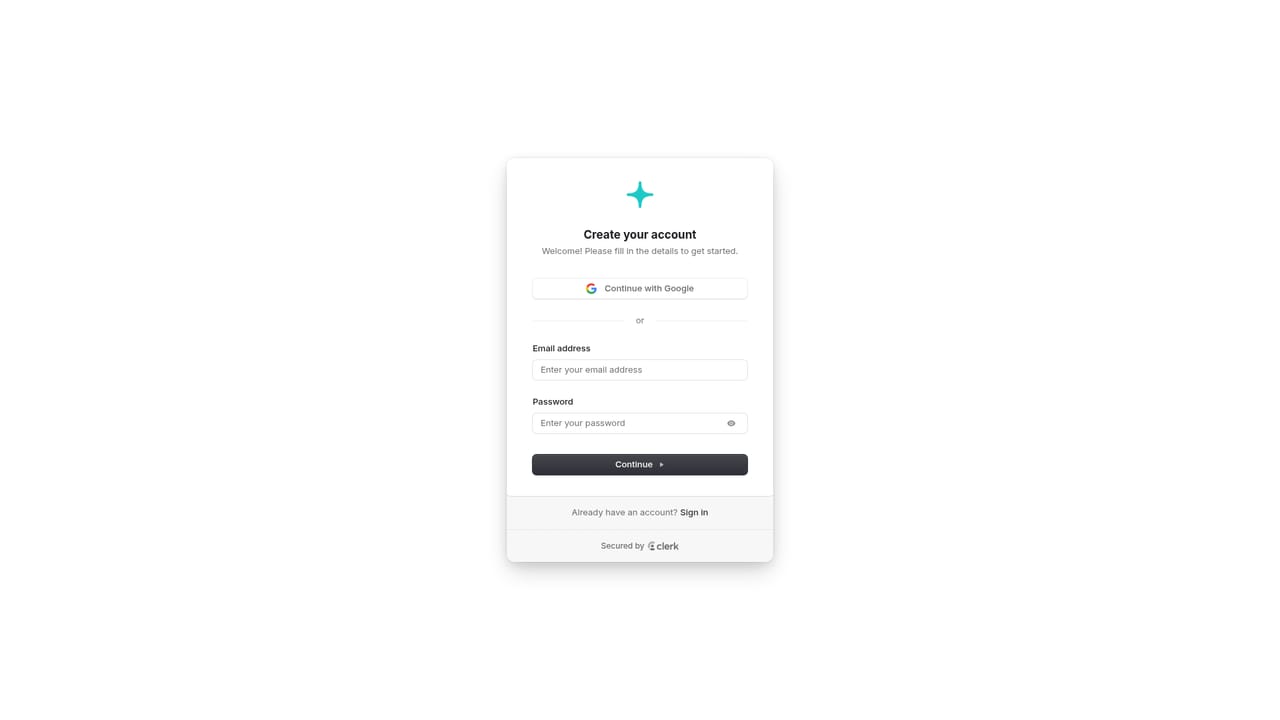
  2. 2Create an account
    Sign up on the WebFill site to attach usage, saved instructions and quota to a single profile across devices.
    WebFill — Create an account
  3. 3Fill your first form
    Open a page with a form, open WebFill and either upload a PDF or text document as the source or let the AI detect the page content and fill the fields.
  4. 4Save instructions for that website
    Store the instructions for the domain so repeat visits to the same site reuse the same rules instead of rebuilding them each time.
  5. 5Try Vision and email assistance
    Capture part of the screen with Vision to get answers on visible questions, and press the WebFill button inside Gmail or Outlook to generate or reply to a message.
  6. 6Review business options if needed
    Teams that need centralised rollout and data security can read the enterprise page before committing to individual self-serve plans.
    WebFill — Review business options if needed

Pros and cons

Pros

  • Handles the tedious work directly inside the browser tab, so there is no copy-paste step between an AI chat and the form being completed.AI
  • Saves instructions per website, which makes recurring forms on the same domain much faster on the second and third pass.AI
  • Accepts uploaded PDFs and text documents as source material, useful for HR and back-office paperwork.AI
  • Email generation works in Gmail and Outlook via a single button, with custom instructions to shape tone and content.AI
  • Free tier includes automated form filling and 20 Vision uses per month, enough to evaluate the workflow properly.AI

Cons

  • Chrome only. The site offers a Chrome Web Store install and no Safari, Firefox or Edge extension, so the workflow depends on one browser.AI
  • Word and Vision quotas are the real constraint: 20 Vision uses on the free plan and 400 on Standard will not cover heavy exam or survey use.AI
  • Vision is explicitly marketed as operating undetected by exam systems, which puts it on the wrong side of most academic integrity policies and should be a warning sign for institutional buyers.AI
  • No public API or developer documentation, so teams cannot script WebFill into their own pipelines.AI
  • Enterprise-level data security is listed only on the Premium tier, leaving free and Standard users with unspecified handling of the documents they upload.AI

How much does WebFill cost?

Pricing

Free plan includes 1K words per month, automated form filling, 20 Vision uses and basic AI models. Standard costs $7.99 per month for 100K words, 400 Vision uses and stronger models, with 20% off annual billing. Premium costs $19.99 per month for 250K words, 1000 Vision uses and enterprise-level data security. Support is basic on Free and priority on paid tiers.

Learn more

Support

Basic support is included on the Free plan and priority support on Standard and Premium. No phone or dedicated help centre is advertised on the homepage.

Integrations

The extension works where the user is already browsing. The site names Gmail, Outlook, SurveyMonkey, Typeform, Schoology, Moodle and Blackboard as supported surfaces. No API or developer integration is published.

Features

Automated form filling from uploaded PDFs, text documents or page-detected context; WebFill Vision for screen captures and multiple-choice questions; an in-browser chatbot; email generation and reply inside Gmail and Outlook; survey and data entry automation; saved instructions per website; manual instruction setup; and customisable toolbar icons on paid plans.

Frequently asked questions about WebFill

  • How much does WebFill cost?
    Free plan includes 1K words per month, automated form filling, 20 Vision uses and basic AI models. Standard costs $7.99 per month for 100K words, 400 Vision uses and stronger models, with 20% off annual billing. Premium costs $19.99 per month for 250K words, 1000 Vision uses and enterprise-level data security. Support is basic on Free and priority on paid tiers.
  • How do you use WebFill?
    The walkthrough on this page covers 6 steps: 1. Install the Chrome extension 2. Create an account 3. Fill your first form 4. Save instructions for that website 5. Try Vision and email assistance 6. Review business options if needed.
  • What platforms does WebFill support?
    WebFill is available on Browser extension and Web App.
  • What does WebFill integrate with?
    The extension works where the user is already browsing. The site names Gmail, Outlook, SurveyMonkey, Typeform, Schoology, Moodle and Blackboard as supported surfaces. No API or developer integration is published.
  • What are the limitations of WebFill?
    Chrome only. The site offers a Chrome Web Store install and no Safari, Firefox or Edge extension, so the workflow depends on one browser. Word and Vision quotas are the real constraint: 20 Vision uses on the free plan and 400 on Standard will not cover heavy exam or survey use. Vision is explicitly marketed as operating undetected by exam systems, which puts it on the wrong side of most academic integrity policies and should be a warning sign for institutional buyers.

Status

StatusActive
Views0
Outbound clicks0
Added10/21/2026

Platforms

Browser extensionWeb App

Pricing

FreeFreemiumSubscription