Support
Customer testimonials describe close account management, proactive test suggestions and a reactive team, positioning support as a substitute for a dedicated in-house CRO hire.
Learn moreAI agents for conversion insight, landing page variants and personalization

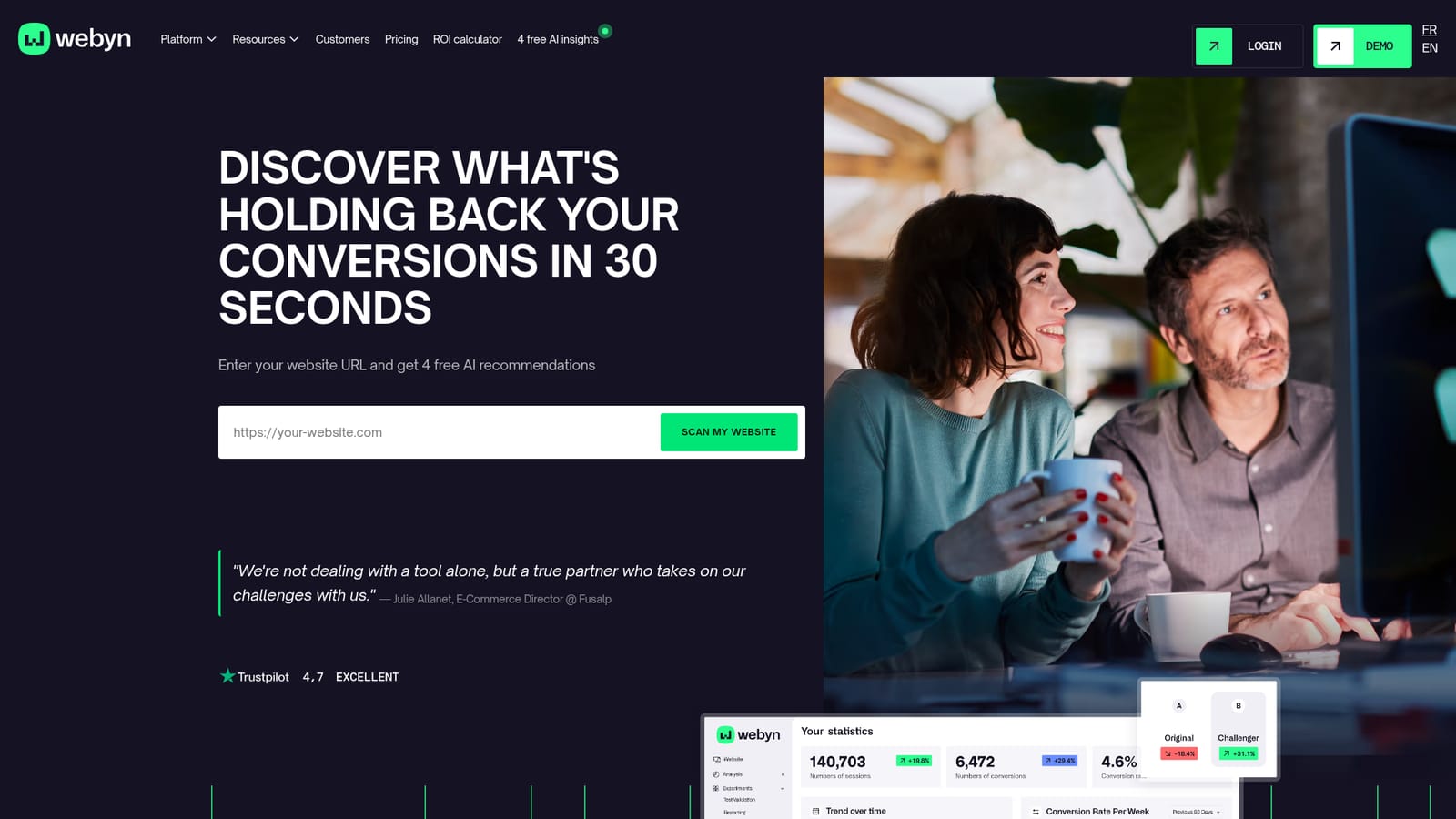
Webyn is a landing page analysis tool. Webyn combines three AI agents for conversion work: one analyzes visitor behavior to find friction, one generates and deploys optimized page variants, and one personalizes content in real time. It connects to Shopify, PrestaShop, Magento, WordPress and custom sites, positioning itself as an all-in-one alternative to separate analytics, A/B testing and personalization tools.
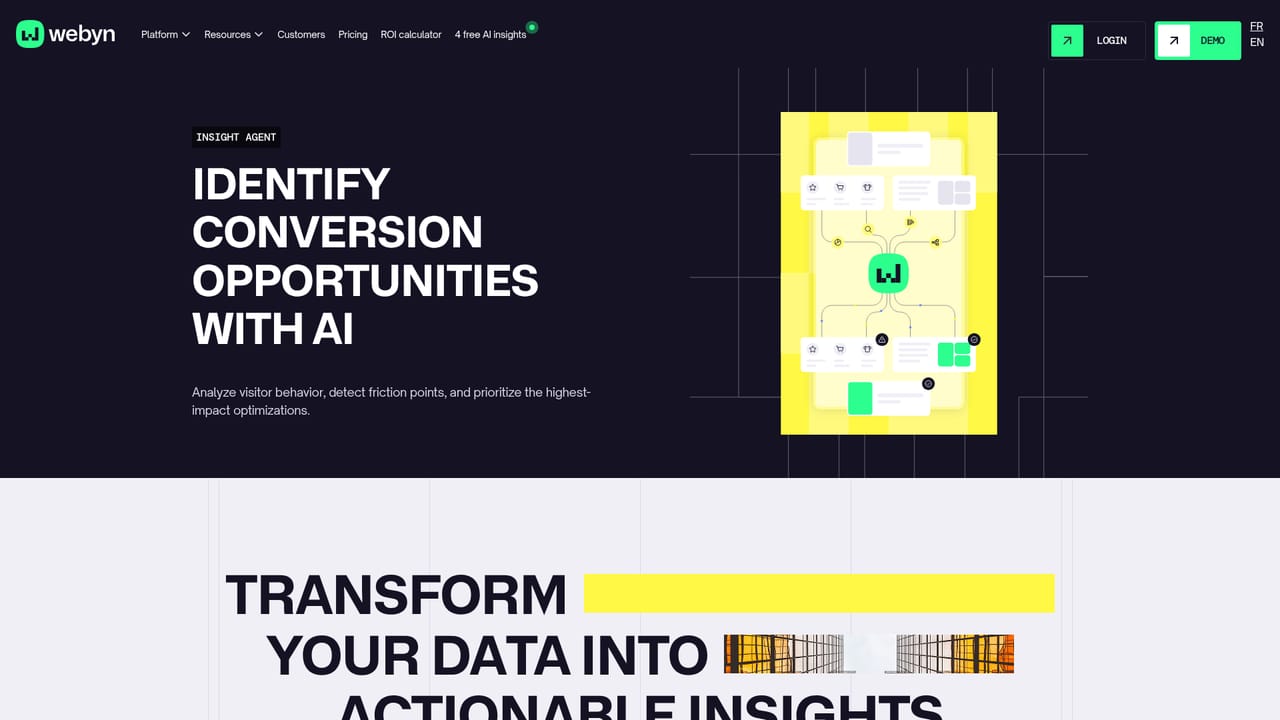
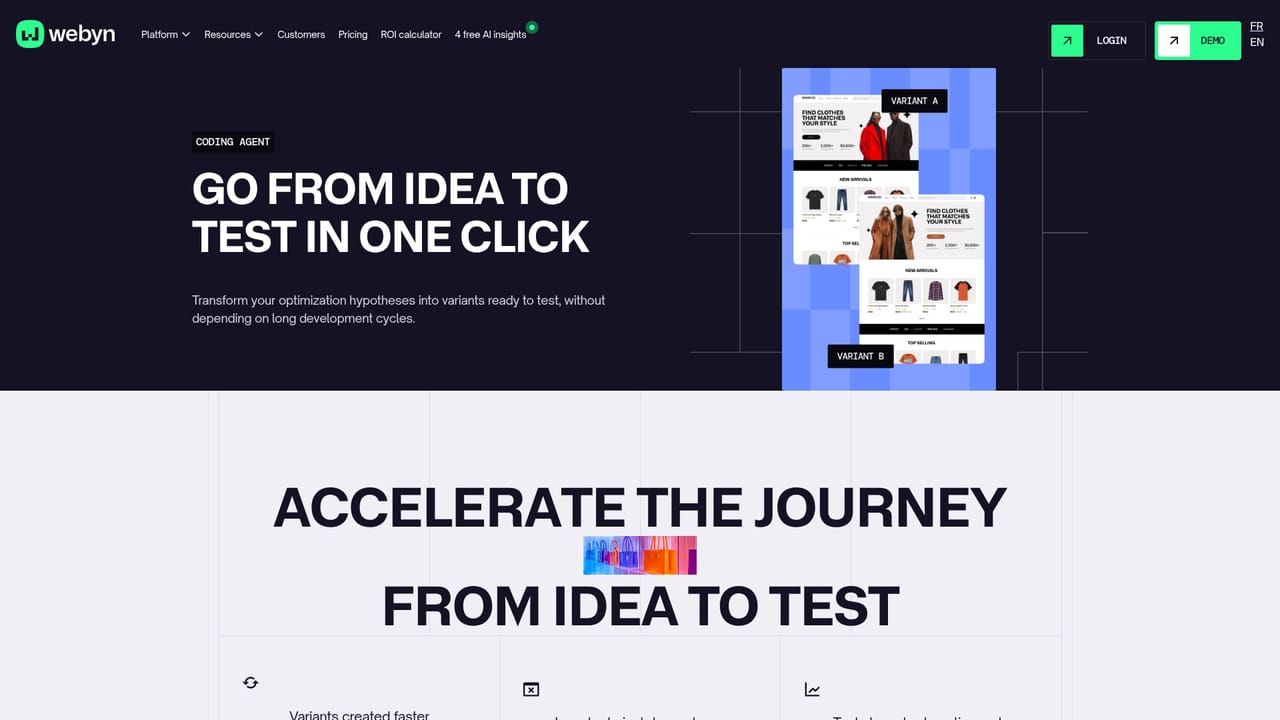
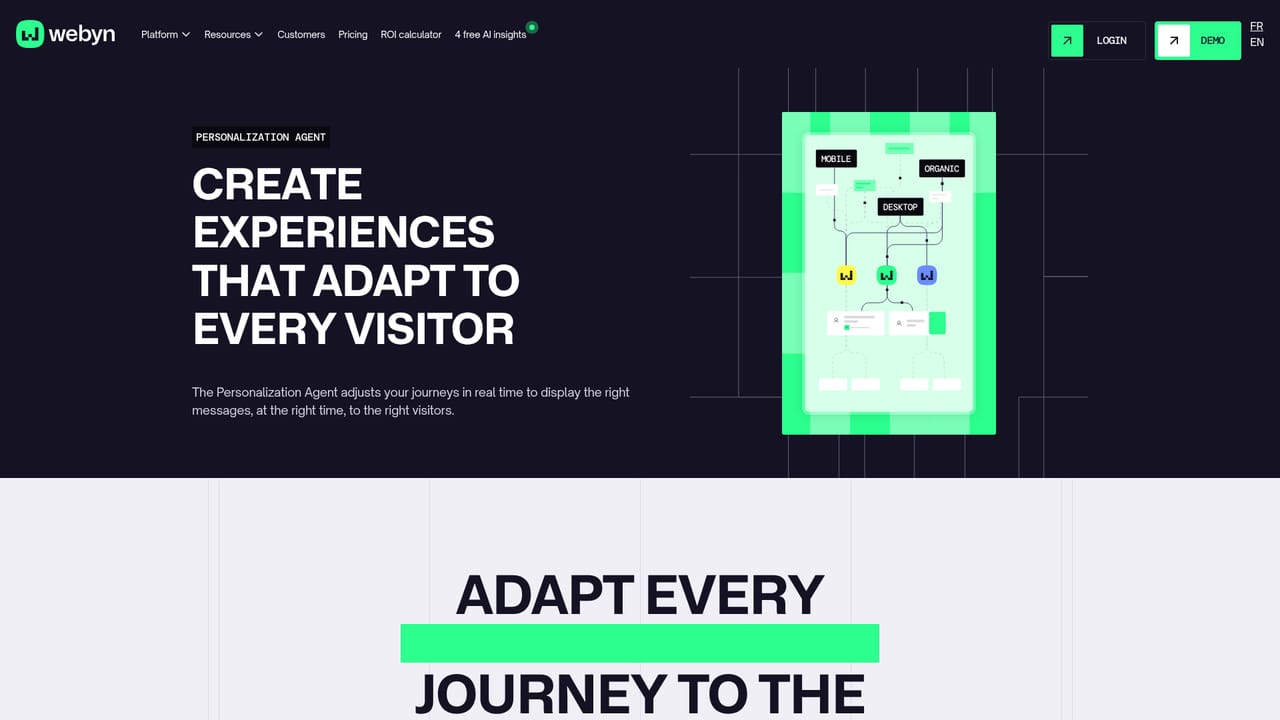
Webyn is a conversion optimization platform built around three AI agents that handle different stages of the work. The Insight Agent studies visitor behavior, journeys and friction points to surface underperforming pages, segments and paths, and it ranks the fixes likely to matter most. The Coding Agent then turns those findings into optimized page versions and deploys them, so testing does not wait on a development queue. The Personalization Agent adjusts content, messages and recommendations in real time based on behavior, traffic source and intent. In practice the workflow is continuous rather than project based: analysis feeds hypotheses, hypotheses become live variants, and the personalization layer keeps tuning the experience for each visitor. Webyn presents itself as an all-in-one replacement for stitching together separate analytics, A/B testing and personalization vendors, with the AI layer doing the heavy lifting on opportunity detection and variant creation. The company reports conversion gains such as a 29.7 percent lift and roughly 90 hours saved per month, though these are vendor-published figures from named customers rather than independent benchmarks. The tool suits e-commerce and lead generation teams that already have traffic but no dedicated CRO specialist, and mid-market marketing departments that want a managed service feel alongside the software. Customer quotes repeatedly mention the account manager and support team as a substitute for in-house expertise, which suggests Webyn is sold as much as a partnership as a product. Larger enterprises with established experimentation programs may find it complements rather than replaces a mature testing stack, and the published comparison with Contentsquare signals that positioning directly. Integration is a selling point: Webyn says it connects to Shopify, PrestaShop, Magento, WordPress, Salesforce and custom-built sites in a few clicks, which lowers the barrier for stores that cannot ship code changes quickly. Buyers should note that public information is thin on exact plan tiers and that the French-language case studies dominate the library.
Customer testimonials describe close account management, proactive test suggestions and a reactive team, positioning support as a substitute for a dedicated in-house CRO hire.
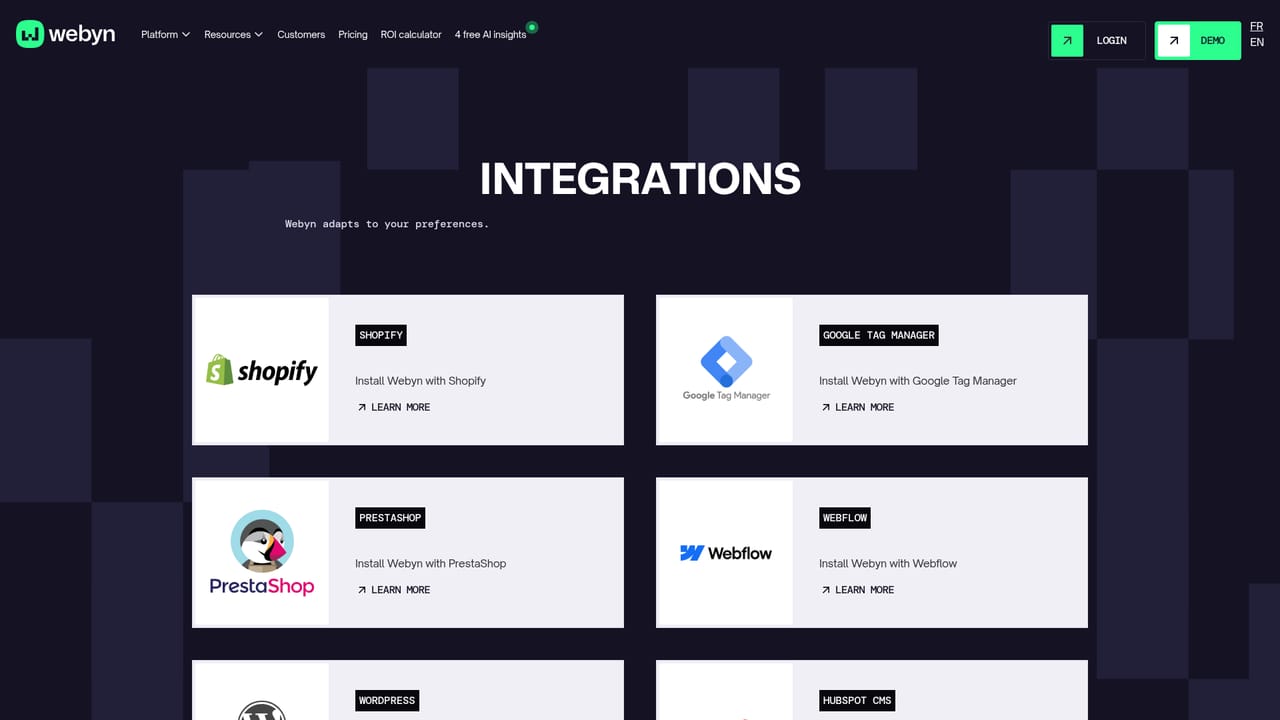
Learn moreWebyn states it integrates with Shopify, PrestaShop, Magento, WordPress and Salesforce, plus custom-built solutions, and says setup takes a few clicks regardless of infrastructure.
Learn moreThree agents carry the product. The Insight Agent analyzes behavior, journeys and friction points to flag weak pages, segments and paths, then prioritizes fixes. The Coding Agent builds and deploys optimized page versions from those findings with no code. The Personalization Agent adapts content, messages and recommendations in real time based on behavior, source and intent. Reporting includes conversion rate, returning visitor growth, hours saved and ROI.
Learn more AI Angels400+ customizable AI girlfriends for NSFW chat, voice calls, and roleplay
 Candy AIExperience the future of companionship with AI friends who chat, role-play, and connect with you on a human level.
 ourdream.aiA vast AI roleplay platform with millions of characters for chat, images, video and voiceAI Angels400+ customizable AI girlfriends for NSFW chat, voice calls, and roleplayCandy AIExperience the future of companionship with AI friends who chat, role-play, and connect with you on a human level.ourdream.aiA vast AI roleplay platform with millions of characters for chat, images, video and voice


