Siteimprove

Conversational web analytics that answers in plain language

Beginner
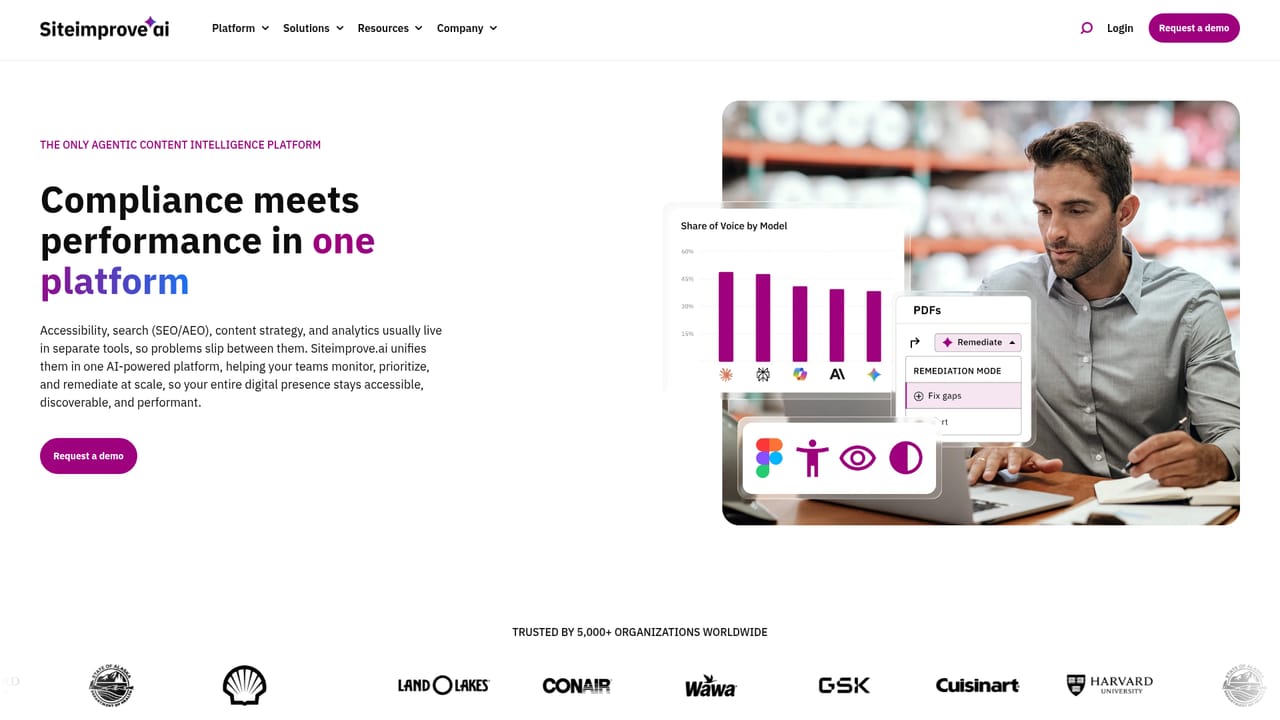
Screenshot of Siteimprove, Conversational web analytics that answers in plain language

What is Siteimprove?

Siteimprove is a landing page analysis tool. An agentic analytics layer inside the Siteimprove.ai platform. Users ask questions in plain language and receive contextual answers on traffic, behavior and ROI, with recommended next actions. It shares a governance model with the accessibility, search and content strategy agents, and adds heatmaps, unsampled reporting and last-click attribution.

Siteimprove Analytics is the measurement arm of the Siteimprove.ai platform, a set of agentic tools that cover accessibility, search visibility, analytics and content strategy under one governance layer. Rather than asking users to assemble reports from raw charts, the analytics agents accept questions phrased in ordinary language and return contextual answers about traffic, visitor behavior and return on investment. The pitch is aimed at the gap between collecting numbers and understanding them: the product claims to explain why traffic is rising while conversions are not, and to suggest the next step rather than handing over another dashboard to interpret. In day to day use, a marketer types a question and gets a response that draws on the same data foundation as the accessibility and search agents. That shared foundation is the main structural argument for choosing it. When a page underperforms, the analytics side can surface an associated technical SEO problem, an accessibility defect that blocks interaction, or a content gap, because those agents feed the same governance model. Behavioral coverage includes heatmaps and full-fidelity reporting without sampling thresholds, and behavior can be viewed across pages, funnels and journeys in a single view so that drop-off points are visible without stitching metrics together by hand. Beyond looking backward, the platform markets predictive insight: agents surface likely future outcomes so teams can act on a trend while it is still shapeable. Each answer is packaged with a recommended action for leadership and growth audiences. Custom goals, events and conversions can be defined around business objectives such as lead form submissions, e-commerce transactions or downloads of a specific asset. Attribution currently uses a last-click model, crediting the final interaction in the journey. The tool suits marketing leaders, content teams and enterprise digital groups who want answers without building queries, while analysts retain access to the underlying dataset and custom dashboards. It competes with conventional web analytics suites on interpretation and connected context rather than on raw traffic measurement, and Siteimprove positions it alongside Google Analytics 4 rather than as a like-for-like replacement. Pricing is quoted through a demo request.

How do you use Siteimprove?

  1. 1Review the analytics capabilities
    Read the analytics page to understand the conversational agent model, the predictive insight feature and the single-journey view before deciding whether it matches your reporting needs.
    Siteimprove — Review the analytics capabilities
  2. 2Book a guided demo
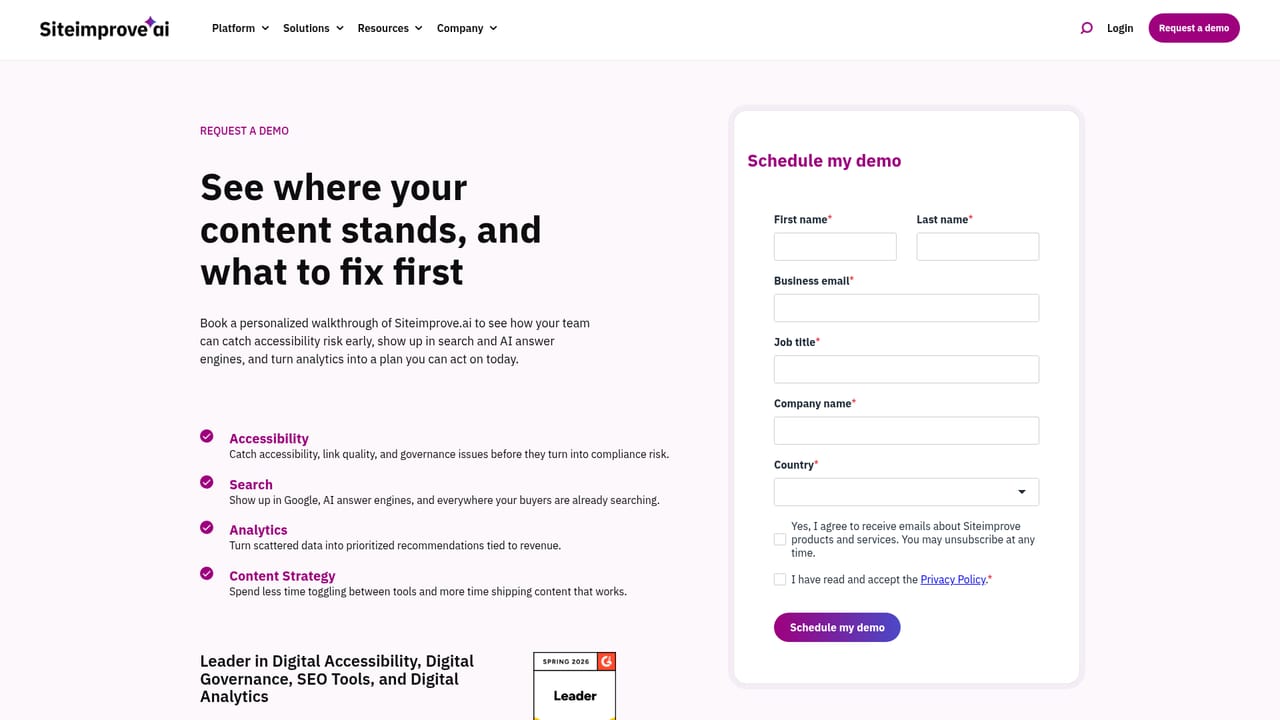
    Pricing is not published, so the practical first step is requesting a demo. Use the form to describe your site estate and the questions your team currently struggles to answer.
    Siteimprove — Book a guided demo
  3. 3Walk through a live question in the demo
    Ask the presenter to query live data in plain language, for example why a landing page lost conversions, so you can judge answer quality and context depth first hand.
  4. 4Map your goals and events
    Define the conversions that matter to your business, such as lead form submissions, transactions or asset downloads, and confirm during onboarding that they can be tracked.
  5. 5Connect analytics to the other agents
    Once signed in, enable the accessibility and search data feeds so underperforming pages surface with their likely cause attached rather than as isolated metrics.
  6. 6Validate results against a case study
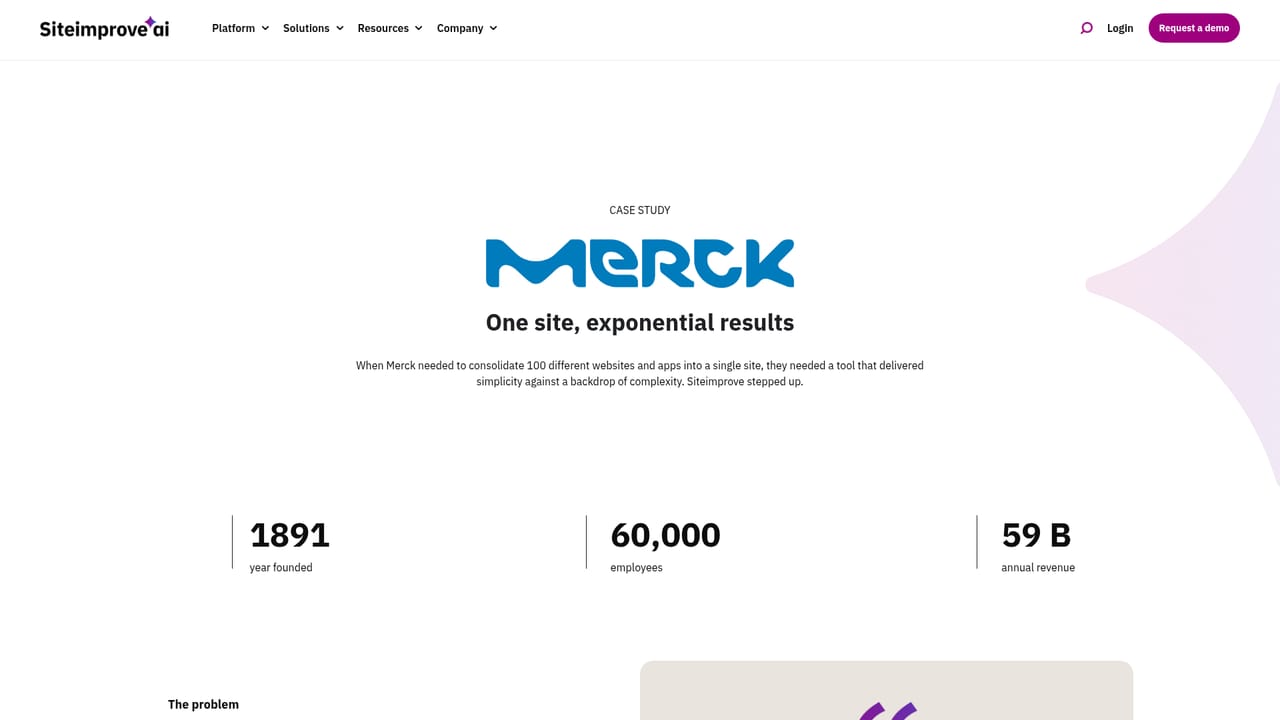
    Read the published Merck story to see how another enterprise measured outcomes, then set a baseline for your own traffic and conversion reporting.
    Siteimprove — Validate results against a case study

Pros and cons

Pros

  • Plain language querying removes the need to build reports or write query syntax, which lowers the barrier for marketers and business leadersAI
  • Analytics shares a data foundation with the accessibility and search agents, so an underperforming page can arrive with a likely cause attachedAI
  • Behavioral detail includes heatmaps, funnel and journey views, and full-fidelity reporting without sampling thresholdsAI
  • Custom goals, events and conversions can be mapped to lead forms, e-commerce transactions and specific asset downloadsAI
  • Predictive insight and recommended next actions aim answers at decision makers rather than at report readersAI

Cons

  • Attribution relies on a last-click model only, which understates earlier touchpoints in longer consideration cyclesAI
  • The homepage lists no pricing figures and no self-serve signup, so evaluation runs through a sales demoAI
  • Value depends heavily on adopting the wider Siteimprove.ai platform, since the connected-cause story only holds when the other agents are in placeAI
  • No third-party integrations are named on this page, leaving data import and export questions unresolved before a demoAI
  • Small teams or single-site owners may find the enterprise orientation and governance layer heavier than their needsAI

How much does Siteimprove cost?

Integrations

The analytics agents operate inside the Siteimprove.ai platform and share data with the Accessibility, Search and Content Strategy agents under one governance model. No external third-party integrations are named on this page.

Learn more

Features

Conversational analytics agents answer plain language questions on traffic, behavior and ROI. Predictive insight flags likely future outcomes, and every answer carries a recommended next action. Behavior is connected across pages, funnels and journeys in one view, with heatmaps and unsampled reporting. Custom goals, events and conversions are supported, and attribution uses a last-click model.

Learn more

Frequently asked questions about Siteimprove

  • How do you use Siteimprove?
    The walkthrough on this page covers 6 steps: 1. Review the analytics capabilities 2. Book a guided demo 3. Walk through a live question in the demo 4. Map your goals and events 5. Connect analytics to the other agents 6. Validate results against a case study.
  • What platforms does Siteimprove support?
    Siteimprove is available on Web App.
  • What does Siteimprove integrate with?
    The analytics agents operate inside the Siteimprove.ai platform and share data with the Accessibility, Search and Content Strategy agents under one governance model. No external third-party integrations are named on this page.
  • What are the limitations of Siteimprove?
    Attribution relies on a last-click model only, which understates earlier touchpoints in longer consideration cycles. The homepage lists no pricing figures and no self-serve signup, so evaluation runs through a sales demo. Value depends heavily on adopting the wider Siteimprove.ai platform, since the connected-cause story only holds when the other agents are in place.

Status

StatusActive
Views0
Outbound clicks0
Added10/21/2026

Platforms

Web App

Pricing

Paid