Free trial
The signup page states the product is free forever with no credit card required, and the site says you can cancel anytime. No separate time-limited trial for the AI chat is described.
Learn moreAsk your analytics questions in plain English and get charts back
Own Simple Analytics AI? Verify ownership to get a dofollow link

Simple Analytics AI is a graph explainer tool. A chat interface over Simple Analytics data: ask traffic questions in plain English, get written insights and generated charts, and try a live demo against public site data before connecting your own account.
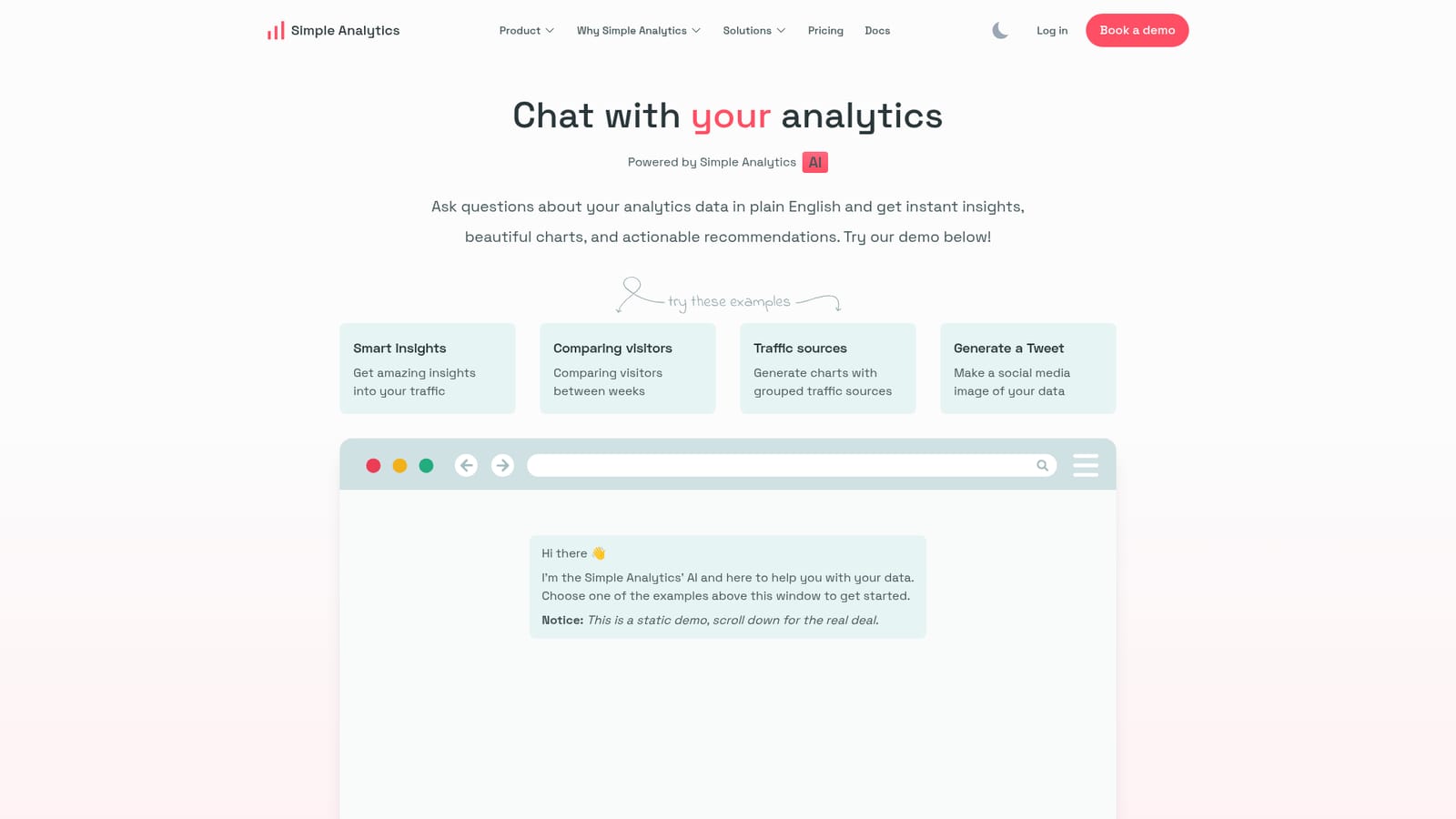
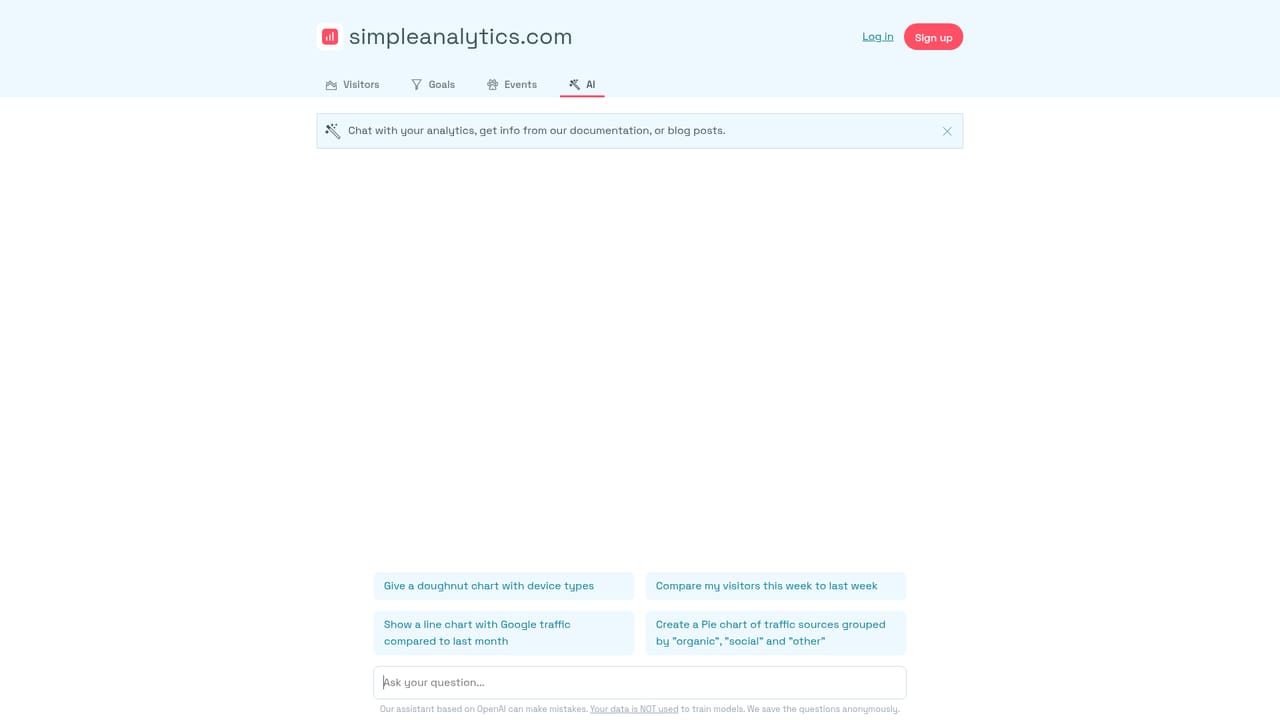
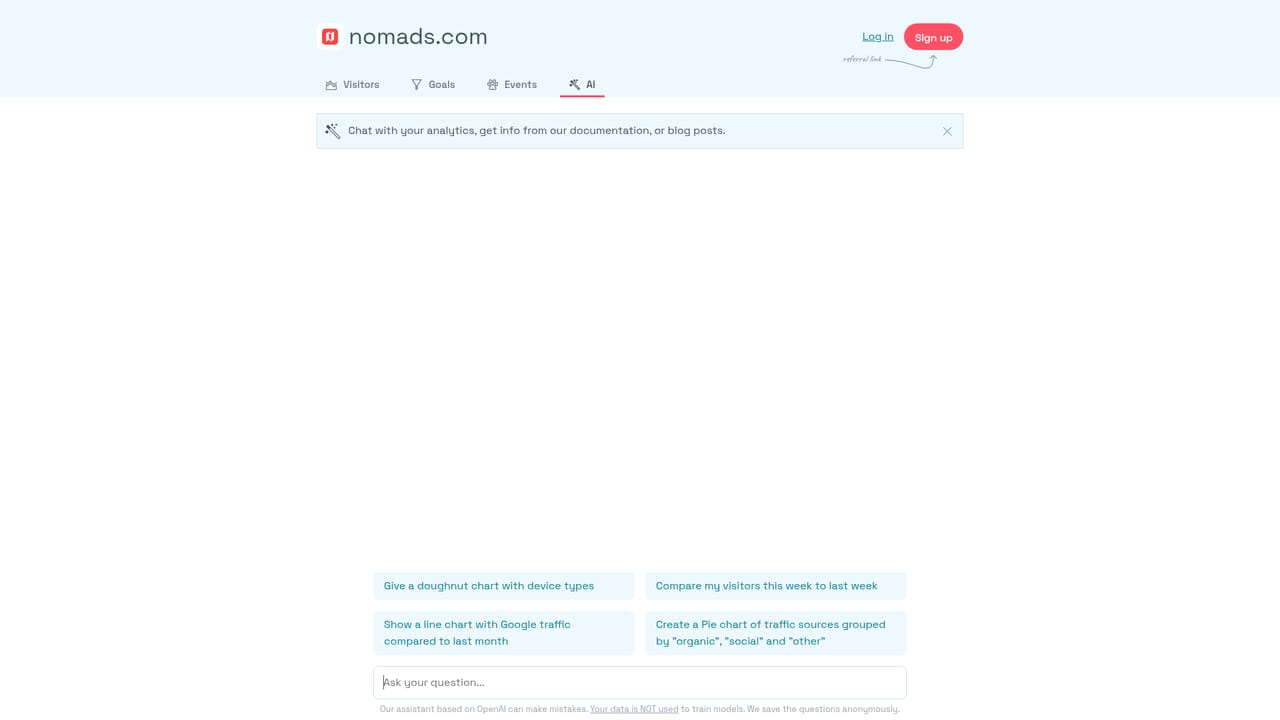
Simple Analytics AI is a conversational layer on top of Simple Analytics, the privacy-focused web analytics product. Instead of building dashboards and filtering tables by hand, you type a question about your traffic in plain English and the assistant replies with a written answer, a chart, and a suggested next step. The site frames it as chatting with your analytics data rather than reading it. The homepage shows what that looks like in practice. The assistant can surface smart insights about traffic, compare visitor counts between two weeks, group traffic sources into a single chart, and even turn a data point into a social media image, such as a tweet graphic. A demo window sits on the page with example prompts, and visitors can scroll past it to open a live chat against real public datasets from three sites: Simple Analytics itself, Nomads, and WIP. That public playground is the fastest way to judge whether the answers feel useful before connecting anything private. The tool targets people who own or manage a website and want answers without learning a query language: founders, marketers, and small product teams already on Simple Analytics. It assumes your data already lives in that platform, since the chat runs on top of the existing tracking rather than as a standalone product. Anyone on another analytics stack will need to migrate or keep two tools. The appeal is speed of access to numbers, not depth of custom reporting, and the site makes no claims about statistical modelling beyond summarising what is in your account. In the wider market it sits closer to embedded analytics assistants than to full BI copilots. It does not try to replace a warehouse or a chart builder for large teams. It is a convenience layer for a privacy-first analytics tool that already skips cookies, and its strongest selling point is that the same subscription covers both the dashboard and the chat.
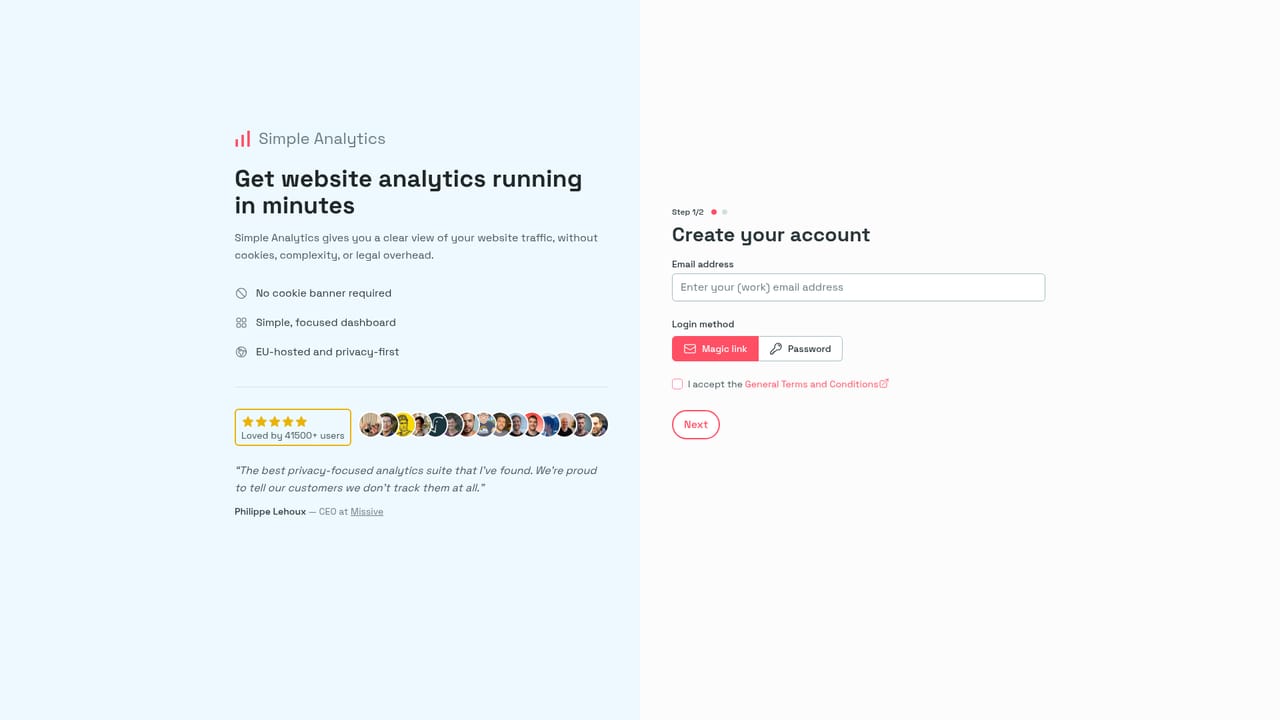
The signup page states the product is free forever with no credit card required, and the site says you can cancel anytime. No separate time-limited trial for the AI chat is described.
Learn morePlain English questions about your analytics data, with instant written insights and generated charts. Documented examples cover smart traffic insights, comparing visitors between weeks, charts with grouped traffic sources, and generating a social media image from your data. A live chat demo runs against public datasets from three sites.
 AI Angels400+ customizable AI girlfriends for NSFW chat, voice calls, and roleplay
 Candy AIExperience the future of companionship with AI friends who chat, role-play, and connect with you on a human level.
 ourdream.aiA vast AI roleplay platform with millions of characters for chat, images, video and voiceAI Angels400+ customizable AI girlfriends for NSFW chat, voice calls, and roleplayCandy AIExperience the future of companionship with AI friends who chat, role-play, and connect with you on a human level.ourdream.aiA vast AI roleplay platform with millions of characters for chat, images, video and voice