Free trial
The guest reader converts up to 1,000 characters without an account. Beyond that the homepage directs users to a paid plan with no character limit per audio; no time limited trial is described.
Learn moreSubmitting text to speech for the web browser, with about 100 voices across 34 languages

Woord converts text, article URLs and uploaded documents into spoken MP3 audio using about 100 AI voices across 34 languages, with commercial use rights, an HTML embed player and a text to speech API. A guest mode converts 1,000 characters before an account is needed.
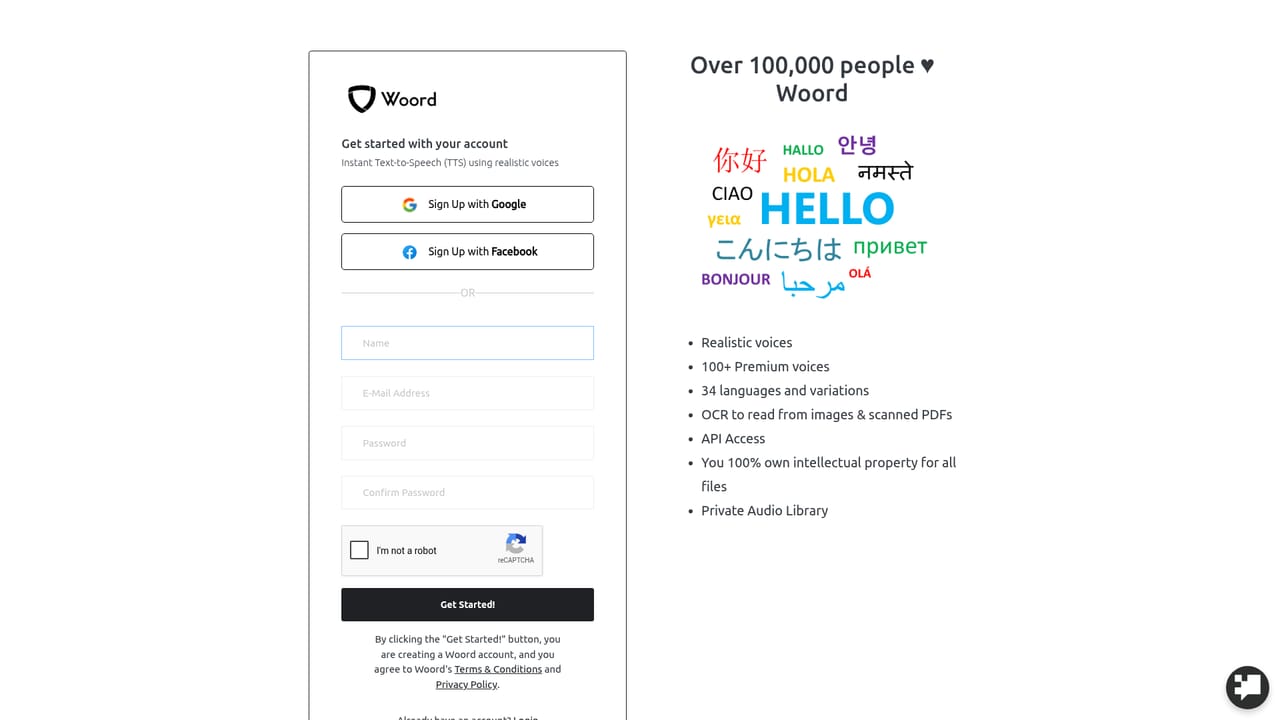
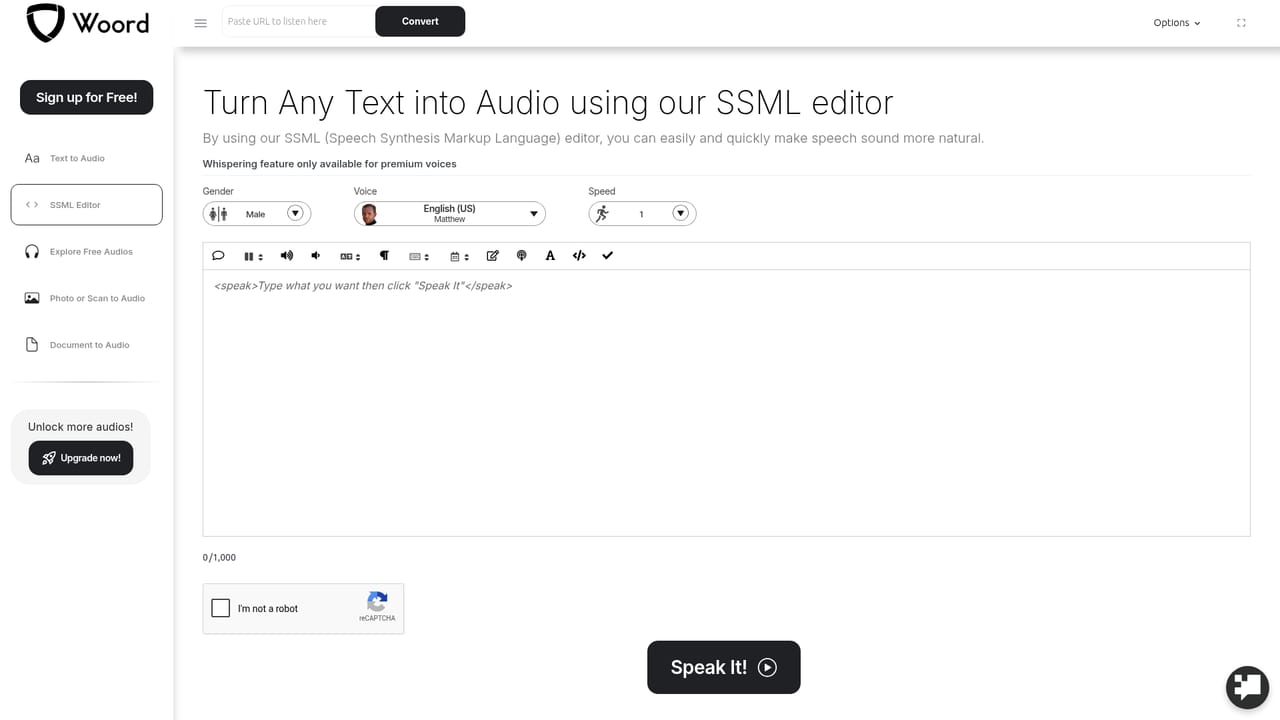
Woord is a browser based text to speech service aimed at people who need spoken versions of written material quickly. Paste an article URL, drop in a block of text or upload a document, then pick a voice from roughly a hundred options spread across thirty four languages. Output arrives as an MP3 that can be downloaded or hosted on Woord's own player. The site positions the tool for blog posts, news pieces, books, research papers and similar long form content, and it advertises no character ceiling on a single audio file once you are on a paid plan. The voice library carries regional variants rather than one generic accent per language. English comes in US, UK, Australian, Indian and Welsh varieties; French splits into France and Canadian; Portuguese into Brazil and Portugal; Spanish into US, Spain and Mexican. Many languages have both male and female options, plus at least one child voice in US and UK English. A speed control adjusts pacing, and the guest reader converts up to 1,000 characters without an account, which is enough to judge whether a given voice suits a narration before paying anything. The practical workflow suits podcasters, e-learning producers and content teams who publish audio versions of written articles. Woord supplies an HTML embed player for hosted files, which is convenient for adding a listen button to a page without running your own storage. The site also mentions a Text-to-Speech API, so the same voices can be wired into an application instead of pasted by hand. Downloaded MP3s are licensed for commercial use according to the site's own wording, covering YouTube videos and e-learning modules. Against dedicated voice studios, Woord trades fine grained performance controls for a simple three step flow: submit text, choose a voice, download or play. Rival services lean harder on emotion tagging, multi speaker dialogue and word level timing files, none of which appear on this homepage. There is an SSML editor page, so some markup control exists, but the marketing concentrates on breadth of languages and hosting rather than acting as a full production suite.
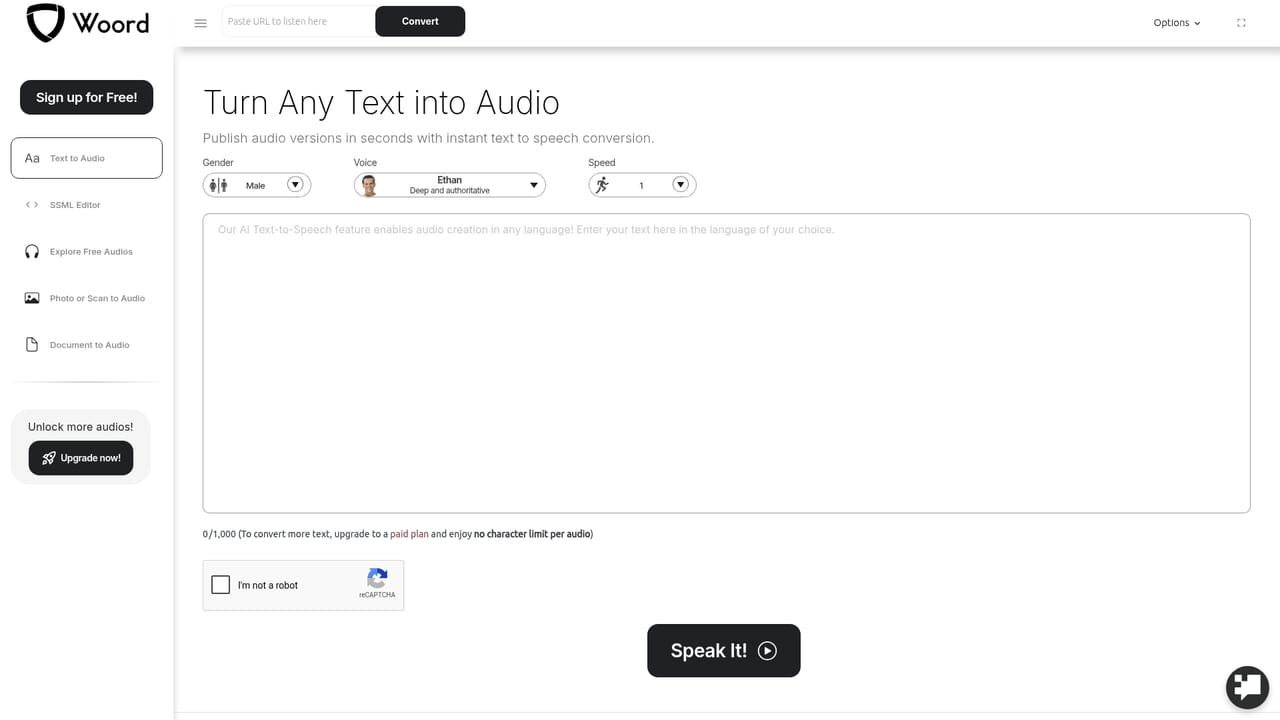
The guest reader converts up to 1,000 characters without an account. Beyond that the homepage directs users to a paid plan with no character limit per audio; no time limited trial is described.
Learn moreThe homepage advertises a Text-to-Speech API for building audio generation into other software. No named third party integrations or plugin marketplace is listed.
About 100 voices across 34 languages with regional variants, male and female options and some child voices. Speed control, MP3 download, hosted audio with an HTML embed player, commercial use of files, an SSML editor and a Text-to-Speech API. Paid plans lift the per audio character limit.
 AI Angels400+ customizable AI girlfriends for NSFW chat, voice calls, and roleplay
 Candy AIExperience the future of companionship with AI friends who chat, role-play, and connect with you on a human level.
 ourdream.aiA vast AI roleplay platform with millions of characters for chat, images, video and voiceAI Angels400+ customizable AI girlfriends for NSFW chat, voice calls, and roleplayCandy AIExperience the future of companionship with AI friends who chat, role-play, and connect with you on a human level.ourdream.aiA vast AI roleplay platform with millions of characters for chat, images, video and voice


