Wordly AI Translation

Real-time AI translation and captions for meetings and events

Beginner
Screenshot of Wordly AI Translation, Real-time AI translation and captions for meetings and events

What is Wordly AI Translation?

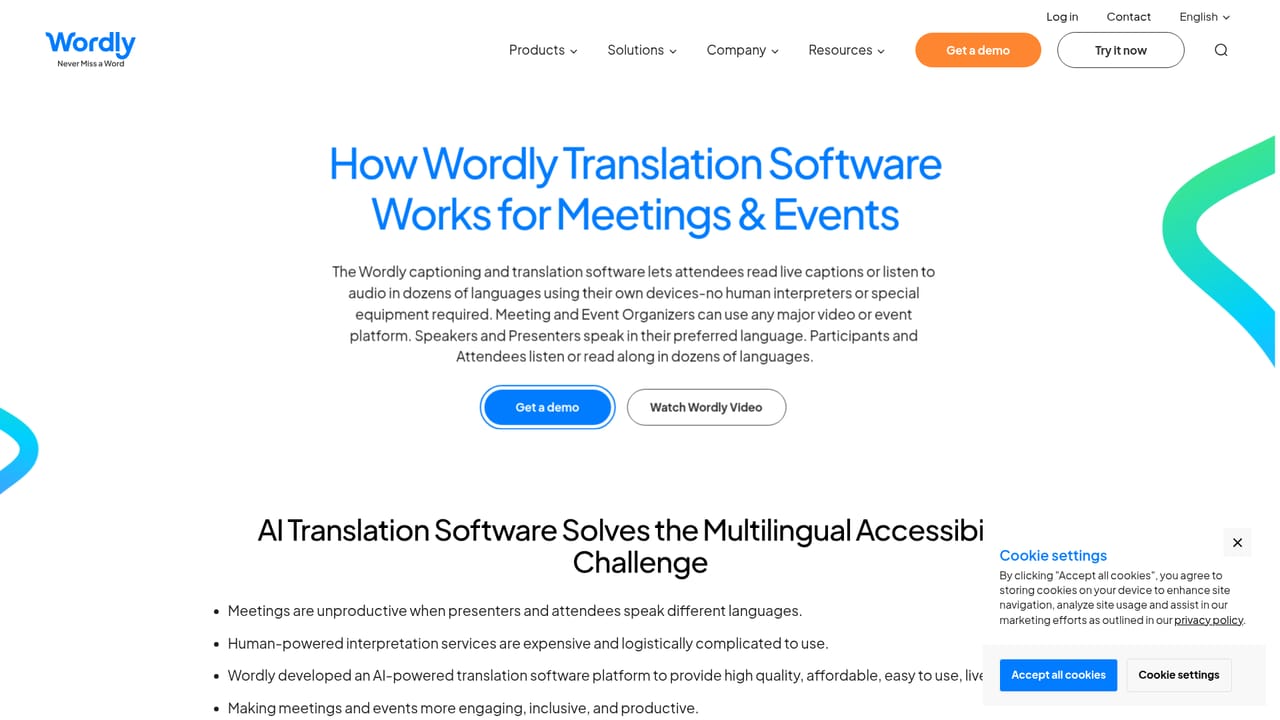
Wordly AI Translation is an AI transcriber tool. Wordly provides real-time AI translation, captions, transcripts, and summaries for meetings, conferences, and hybrid events. Attendees join by QR code or link on their own device, and organizers can add glossaries, on-screen captions, and post-event content without extra hardware.

Wordly is a real-time AI translation and captioning platform built for meetings, conferences, and events. It delivers live speech translation, captions, transcripts, and summaries, and it is designed to cover the full event lifecycle from pre-event planning through post-event content management. The platform positions itself as an all-in-one alternative to human interpreters and separate accessibility tools, supporting in-person, virtual, and hybrid formats across Zoom, Teams, Google Meet, Webex, and on-site setups. Attendees join through a QR code or link on a personal phone, tablet, or computer. They select a language and then read captions or listen to audio output. Speakers can talk in one language while the system translates into dozens of target languages, with two-way translation enabled for multilingual sessions. Custom glossaries help keep industry terminology, names, and organization titles accurate. Organizers can also display captions on in-room monitors through a Silent Theater option, which suits venues where audio distribution is impractical. The platform is most relevant to event organizers, corporate learning teams, government bodies, universities, associations, and houses of worship that need to serve multilingual audiences without booking a full interpreter team for every session. After an event, Wordly generates transcripts, summaries, subtitles, and AI dubbing, which extends the value of the recording beyond the live session. Compared with standalone captioning apps or general-purpose translation tools, Wordly is built for structured events at scale. It cites customers in over 120 countries and claims support for sessions ranging from small meetings to conferences with more than 10,000 attendees. Security and compliance are part of the pitch, with SOC 2 Type II, ISO 27001, GDPR, HIPAA, CCPA, and VPAT listed. Pricing is quoted based on purchased hours rather than a public per-seat rate, which puts Wordly closer to an enterprise event service than a self-serve consumer app.

How do you use Wordly AI Translation?

  1. 1Review the platform and product lines
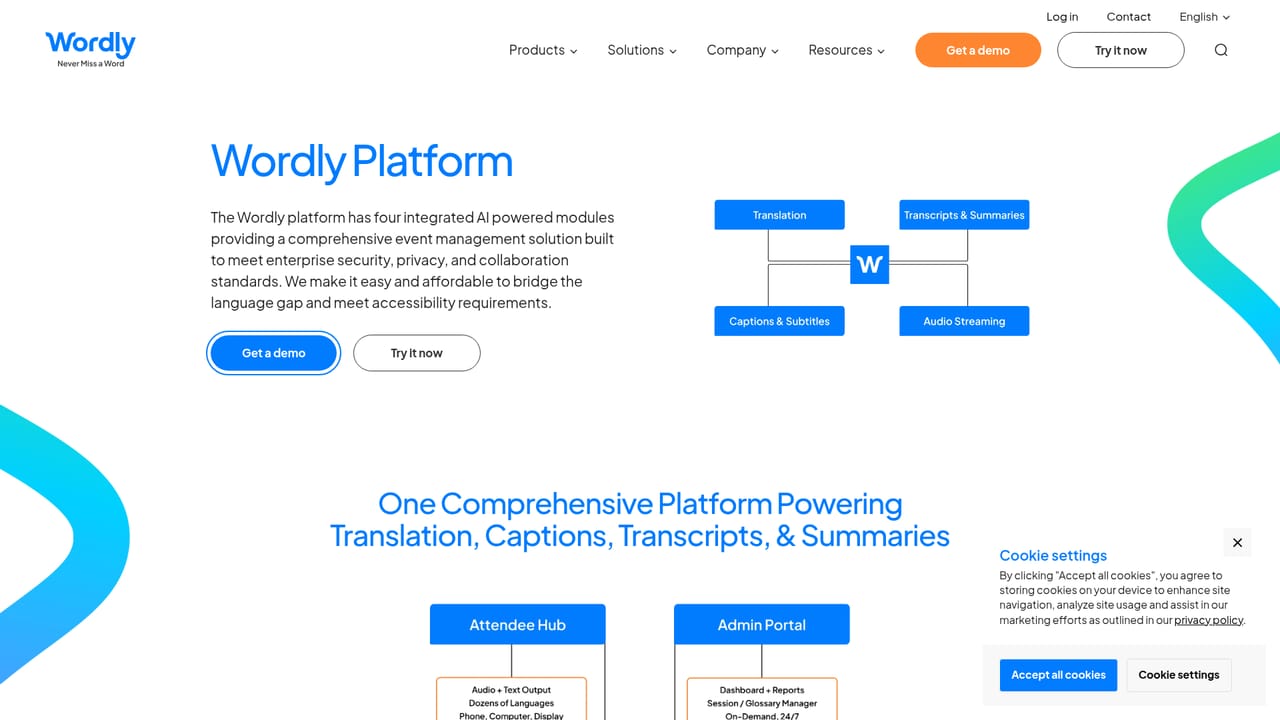
    Start on the Wordly platform page to see how live translation, captions, Silent Theater, transcripts, and summaries fit together before choosing a setup.
    Wordly AI Translation — Review the platform and product lines
  2. 2Request a personalized demo
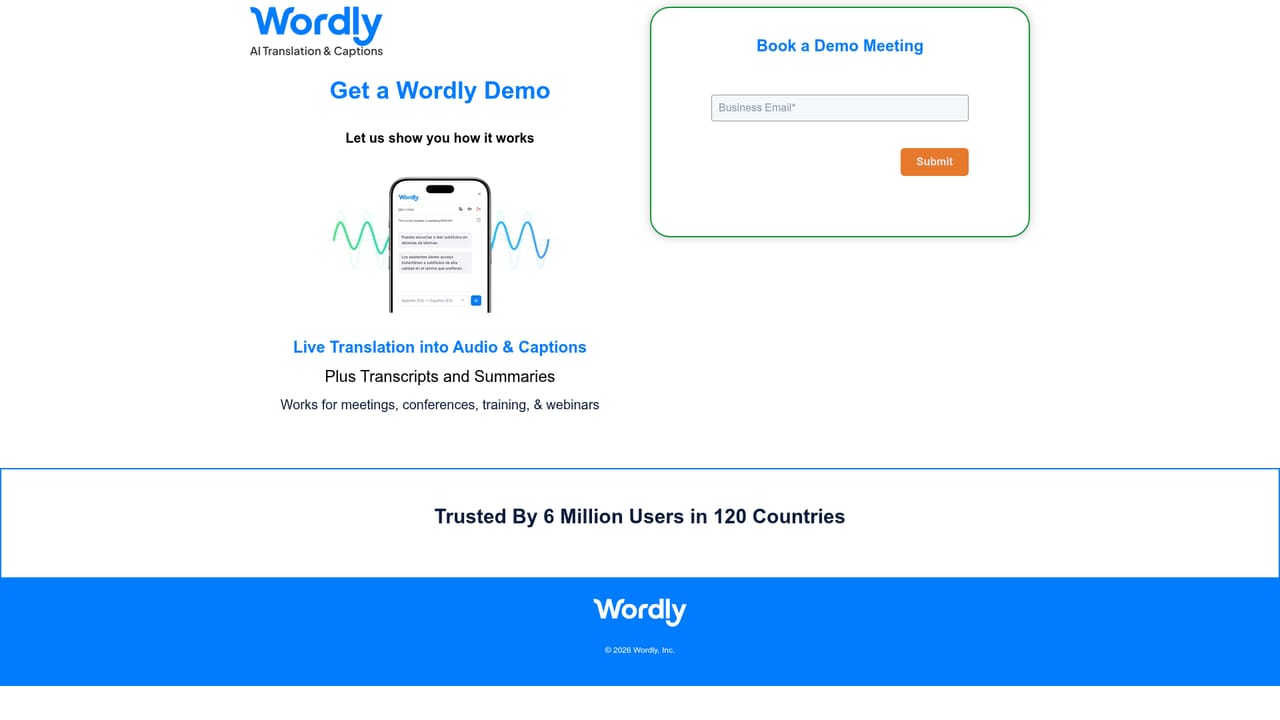
    Book a 30-minute video call to walk through your event format, language needs, and integration requirements with the Wordly team.
    Wordly AI Translation — Request a personalized demo
  3. 3Plan your event and glossaries
    Work with onboarding to define session languages, speaker arrangements, and custom glossary terms for names and industry vocabulary.
    Wordly AI Translation — Plan your event and glossaries
  4. 4Share attendee access instructions
    Distribute the session QR code or link so attendees can open Wordly on their own phone, tablet, or computer and pick a language.
    Wordly AI Translation — Share attendee access instructions
  5. 5Run the live session
    During the event, attendees read captions or listen to translated audio, while organizers can show captions on room monitors through Silent Theater.
  6. 6Publish post-event content
    After the session, retrieve transcripts and AI summaries, and prepare subtitles or AI dubbing for on-demand viewing.

Pros and cons

Pros

  • Covers the full event cycle: planning, live translation and captions, then transcripts, summaries, and AI dubbingAI
  • Attendee access needs no downloads or special hardware, just a QR code or link on a personal deviceAI
  • Supports dozens of languages and two-way translation with customizable glossaries for terminology accuracyAI
  • Works across in-person, Zoom, Teams, Google Meet, Webex, and hybrid formatsAI
  • Enterprise compliance is documented, including SOC 2 Type II, ISO 27001, GDPR, HIPAA, CCPA, and VPATAI

Cons

  • No public pricing or self-serve checkout, so evaluation requires a sales conversation and custom quoteAI
  • Pricing is tied to purchased hours, which can be awkward to forecast for occasional or unpredictable eventsAI
  • The platform is optimized for scheduled meetings and events rather than on-demand personal translationAI
  • Feature depth varies by plan, so smaller organizations may pay for capabilities they will not useAI
  • No free tier is advertised on the homepage, which limits hands-on testing before a commitmentAI

How much does Wordly AI Translation cost?

Pricing

Wordly pricing is based on the number of hours purchased, and one fixed price covers access to more than 60 languages. The company says this can save up to 90% compared with traditional human interpreters. A custom proposal is required, and volume, non-profit, NGO, and education discounts are mentioned.

Learn more

Support

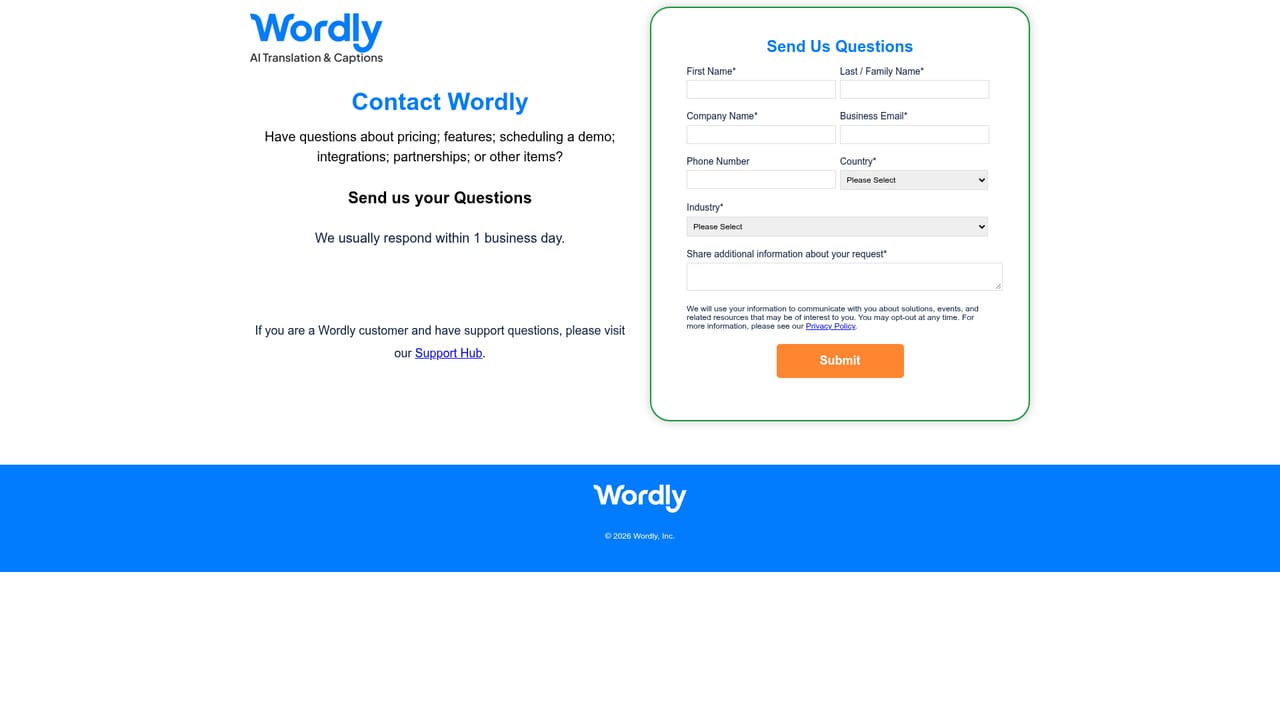
Wordly lists 24/7 and on-site support during events, along with personalized onboarding and workflow optimization before the event. A contact form and demo request are available for pre-sales questions.

Learn more

Integrations

Wordly works with Cvent, Zoom, Teams, Encore, Google Meet, and Webex, and it can connect directly to an audio mixer or display a live transcript on stage.

Learn more

Features

Core features include live translation in dozens of languages with two-way support, AI captions, Silent Theater for in-room display, transcripts, summaries, sponsor logos, subtitles, and AI dubbing. Organizers get customized glossaries, personalized onboarding, and content management across the event lifecycle.

Learn more

Frequently asked questions about Wordly AI Translation

  • How much does Wordly AI Translation cost?
    Wordly pricing is based on the number of hours purchased, and one fixed price covers access to more than 60 languages. The company says this can save up to 90% compared with traditional human interpreters. A custom proposal is required, and volume, non-profit, NGO, and education discounts are mentioned.
  • How do you use Wordly AI Translation?
    The walkthrough on this page covers 6 steps: 1. Review the platform and product lines 2. Request a personalized demo 3. Plan your event and glossaries 4. Share attendee access instructions 5. Run the live session 6. Publish post-event content.
  • What platforms does Wordly AI Translation support?
    Wordly AI Translation is available on Web App, iOS and Android.
  • What does Wordly AI Translation integrate with?
    Wordly works with Cvent, Zoom, Teams, Encore, Google Meet, and Webex, and it can connect directly to an audio mixer or display a live transcript on stage.
  • What are the limitations of Wordly AI Translation?
    No public pricing or self-serve checkout, so evaluation requires a sales conversation and custom quote. Pricing is tied to purchased hours, which can be awkward to forecast for occasional or unpredictable events. The platform is optimized for scheduled meetings and events rather than on-demand personal translation.

Status

StatusActive
Views0
Outbound clicks0
Added10/21/2026

Platforms

Web AppiOSAndroid

Pricing

Paid