Free trial
A free start is offered for individuals with no signup required for the initial install, though the exact limits of that free usage are not defined on the homepage.
Learn morePlugin that makes Claude Code cheaper, faster and higher scoring

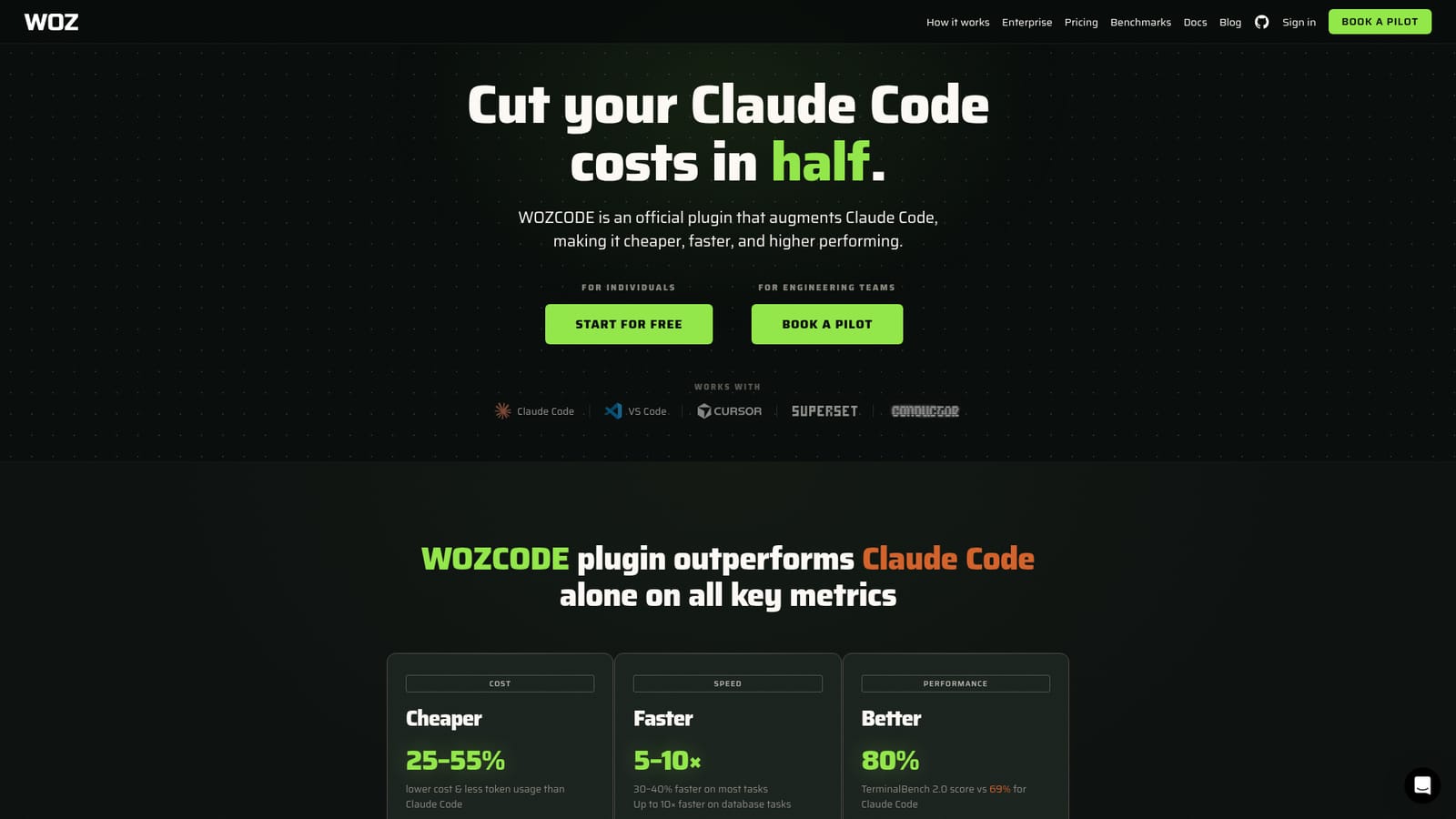
WOZCODE is an official plugin for Claude Code that claims lower token spend, faster task completion and a higher TerminalBench 2.0 score than Claude Code on its own, with published head to head demos and per prompt cost comparisons.
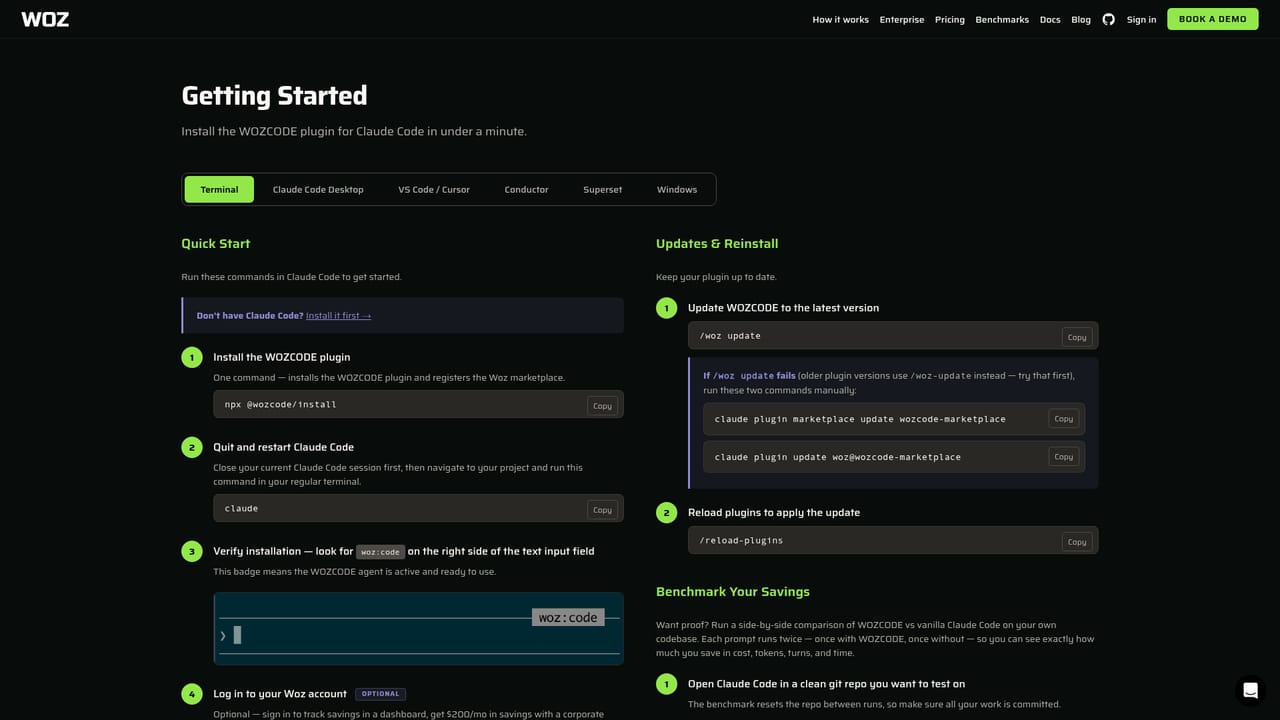
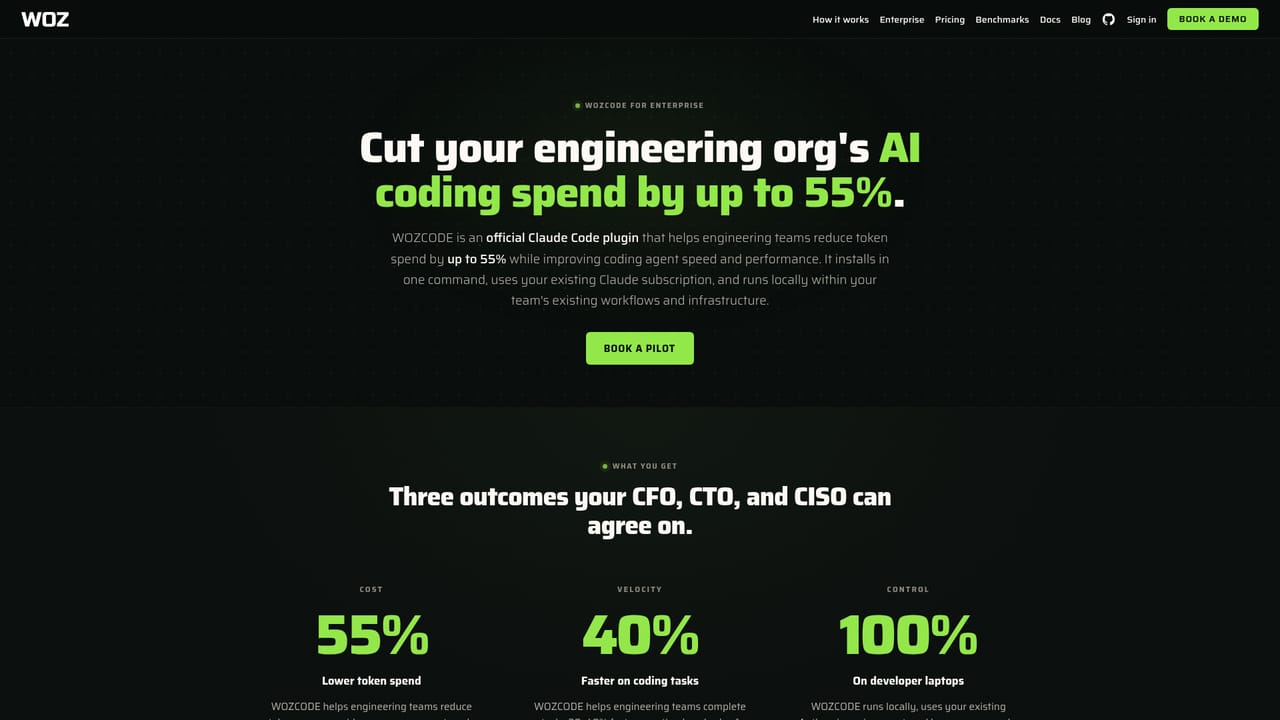
WOZCODE is an official plugin for Claude Code that sits on top of Anthropic's coding agent and changes how much each task costs, how long it takes and how well the output holds up. The company benchmarks it head to head against stock Claude Code on identical prompts and reports 80% on TerminalBench 2.0 versus 69% for the base tool, 30 to 40% faster completion on most tasks and up to 10x faster on database work, with lower token usage along the way. The public demo is the clearest illustration of how it behaves in practice. A ten prompt sequence builds an artist portfolio site from scratch, knocking out layout, palette changes, gallery filters, routing, a contact form, responsive breakpoints and a CSS only analytics dashboard. Across that run WOZCODE reported $13.30 in spend against $31.11 for Claude Code, roughly 31 minutes saved, and higher average judge scores on the majority of prompts. Because the plugin works inside Claude Code, developers keep their existing editor, terminal habits and project files rather than learning a separate agent interface. The product is aimed at individuals and engineering teams already paying for Claude Code, especially heavy users running several sessions in parallel who keep hitting session limits. Testimonials on the site come from staff and founders at small companies and solo builds, and the recurring theme is stretching a Max plan further instead of buying more capacity. Longer term it competes less with standalone coding assistants than with the default Claude Code configuration itself, pitching compression and routing gains as a layer rather than a replacement. Teams with compliance needs can book an enterprise pilot, and the site publishes benchmark history and a leaderboard for readers who want to track results over time rather than trust a single snapshot.

A free start is offered for individuals with no signup required for the initial install, though the exact limits of that free usage are not defined on the homepage.
Learn moreThe homepage advertises a free start for individuals and a separate pilot path for engineering teams, but no subscription prices, seat counts or plan tiers are listed on the page. Cost savings are expressed as percentages against plain Claude Code rather than as a fixed monthly fee.
Learn moreSupport runs through the documentation site and an enterprise pilot booking flow; no help centre, community forum or direct contact channel is described on the homepage.
Learn moreBuilt for Claude Code and works alongside VS Code, Cursor, superset.sh and conductor.build, all listed on the homepage as compatible environments.
Runs as an official Claude Code plugin and reports lower token usage, 30 to 40% faster completion on most tasks (up to 10x on database tasks) and an 80% TerminalBench 2.0 score against 69% for Claude Code alone. A public demo compares ten sequential prompts on cost, duration and judge quality, and the site tracks cumulative savings and engineering hours returned.
Learn more AI Angels400+ customizable AI girlfriends for NSFW chat, voice calls, and roleplay
 Candy AIExperience the future of companionship with AI friends who chat, role-play, and connect with you on a human level.
 ourdream.aiA vast AI roleplay platform with millions of characters for chat, images, video and voiceAI Angels400+ customizable AI girlfriends for NSFW chat, voice calls, and roleplayCandy AIExperience the future of companionship with AI friends who chat, role-play, and connect with you on a human level.ourdream.aiA vast AI roleplay platform with millions of characters for chat, images, video and voice


