Free trial
A free tier processes files up to 30 seconds with full AI enhancement quality and requires no account or credit card. Full-length files need a paid plan, which includes a 7-day money-back guarantee.
Learn moreBrowser-based AI that cleans voice audio and strips background noise locally.

Xound is an audio analysis tool. Xound cleans voice recordings in the browser: it strips background noise, corrects pitch and balances levels, then returns a downloadable file. Processing runs locally, a 30-second free tier needs no account, and paid plans run from $5 to $59 per month for creators, podcasters and social video makers.
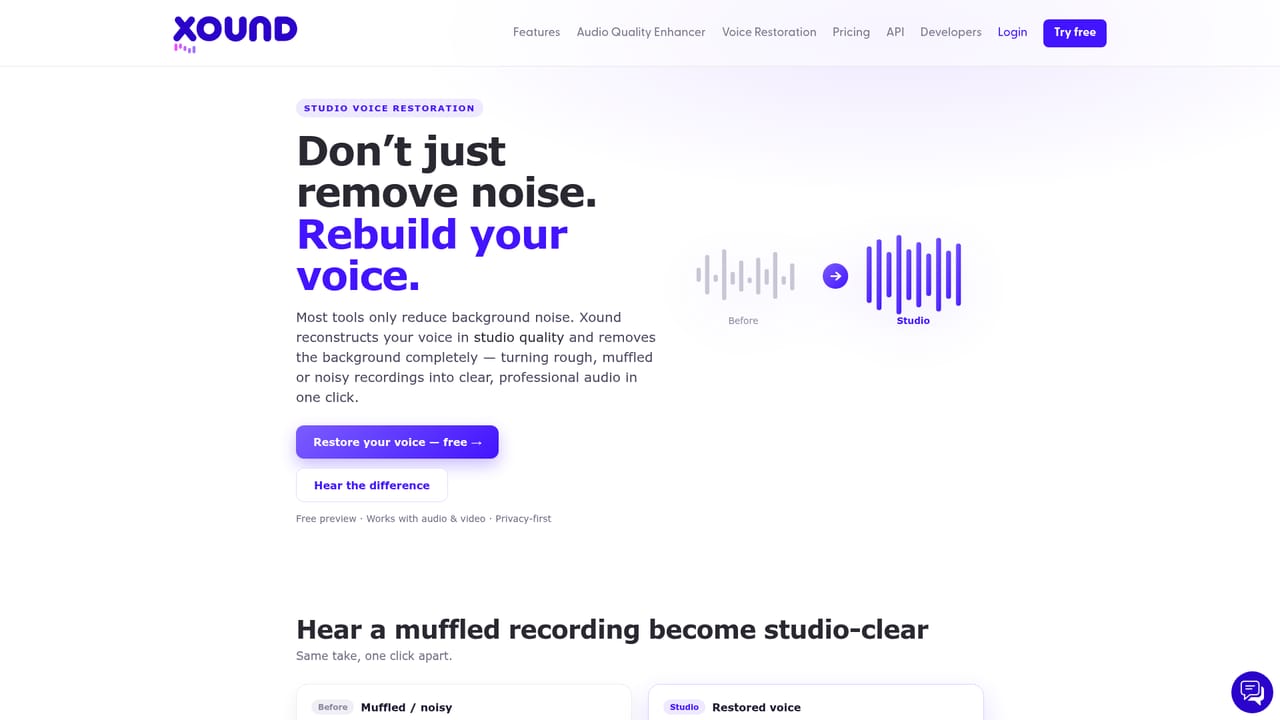
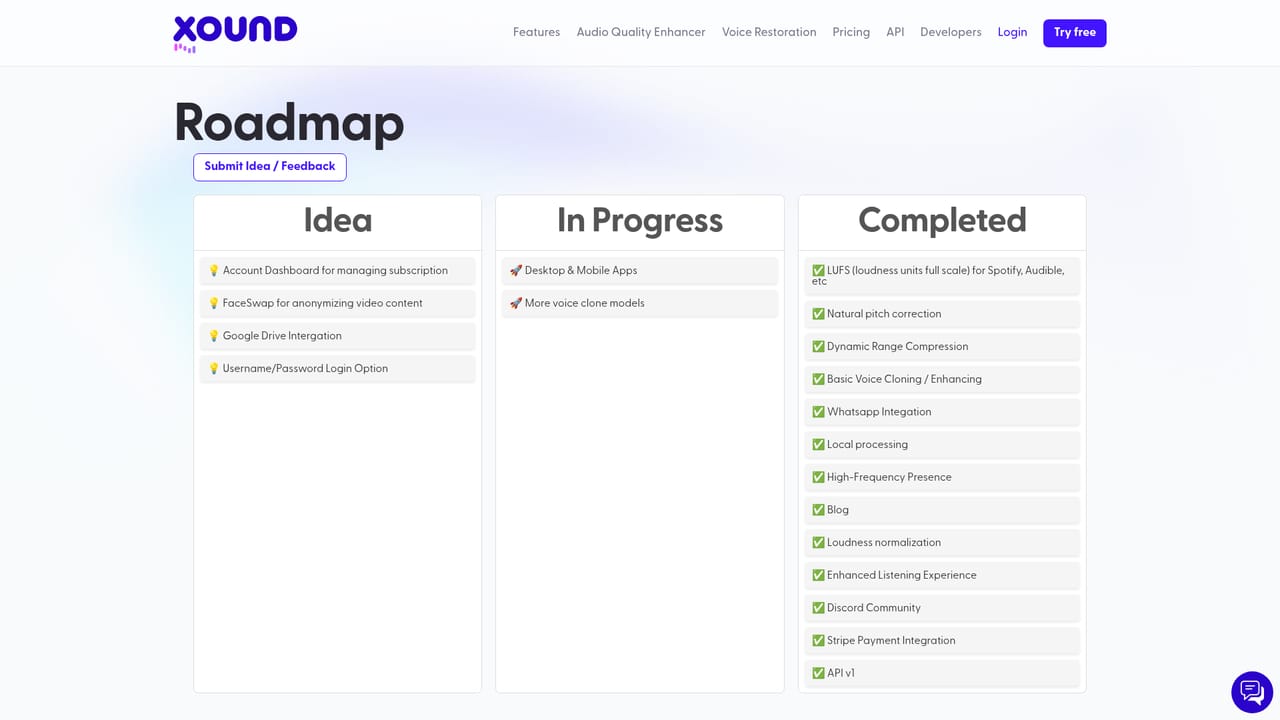
Xound is an AI audio enhancement tool built for people who record voice and need it to sound clean without owning a studio or learning a DAW. The homepage positions it around three core jobs: removing background noise (traffic, air conditioning, office chatter), correcting pitch so a voice sounds natural rather than tuned, and levelling volume so a recording stays consistent from start to finish. It also targets voice clarity and presence, arguing that smoother audio reduces listener fatigue and keeps audiences engaged longer. The workflow is deliberately thin. You drag and drop an audio or video file, the AI detects noise, pitch problems and uneven levels and fixes them, then you download the result. Major audio and video formats are supported. A free tier processes clips up to 30 seconds with no account and no credit card, which makes it easy to judge output quality before paying. Above that, Starter at $5 per month handles unlimited enhancement and full-length files up to 50MB; Creator Pro at $19 adds target loudness settings for Spotify and YouTube plus files up to 500MB; Studio at $59 brings H100 GPU priority processing, 2GB files and voice cloning. The company states that processing happens locally on your machine, so files stay on your device, and all paid plans carry a 7-day money-back guarantee. The intended audience is content creators rather than audio engineers: YouTubers, TikTokers, podcast hosts, voice artists, dancers posting to social channels and filmmakers working without a sound budget. Social media creators get loudness normalization tuned to platform playback. Compared with cloud tools such as Adobe Enhance, Xound leans on one-click simplicity and local processing instead of a broader editing suite. It has an AppSumo rating of 4.7 from 200+ reviews and claims 3,500+ users, with a public roadmap for planned features. What it does not do is mix, master or edit creatively; it is a cleanup and enhancement pass, not a production environment. Buyers who need multitrack work, plugin integration with a DAW or sample-level control should treat Xound as a final polish step rather than a replacement for their editor.


A free tier processes files up to 30 seconds with full AI enhancement quality and requires no account or credit card. Full-length files need a paid plan, which includes a 7-day money-back guarantee.
Learn moreFree tier: 30-second files, full enhancement quality, no account or card. Starter $5/mo: unlimited enhancement, files to 50MB. Creator Pro $19/mo: adds Spotify and YouTube target loudness, files to 500MB. Studio $59/mo: voice cloning, H100 priority, files to 2GB. Cancel anytime; paid plans carry a 7-day money-back guarantee.
Learn moreEmail support is listed on the Starter plan, with priority support on Creator Pro and a dedicated success manager on Studio. No help centre or documentation page is listed on the homepage.
Background noise removal, natural pitch correction, studio-style voice enhancement, clarity and presence shaping, automatic level balancing, loudness normalization for platform playback, video file support and voice cloning on higher plans. Processing runs locally in the browser, with no plugins or DAW needed.
Learn more AI Angels400+ customizable AI girlfriends for NSFW chat, voice calls, and roleplay
 Candy AIExperience the future of companionship with AI friends who chat, role-play, and connect with you on a human level.
 ourdream.aiA vast AI roleplay platform with millions of characters for chat, images, video and voiceAI Angels400+ customizable AI girlfriends for NSFW chat, voice calls, and roleplayCandy AIExperience the future of companionship with AI friends who chat, role-play, and connect with you on a human level.ourdream.aiA vast AI roleplay platform with millions of characters for chat, images, video and voice


