Free trial
The site offers a Try for free entry point into the editor and signup, but the homepage does not state the length or scope of any free tier.
Learn moreKeyboard-first scientific writing in the browser

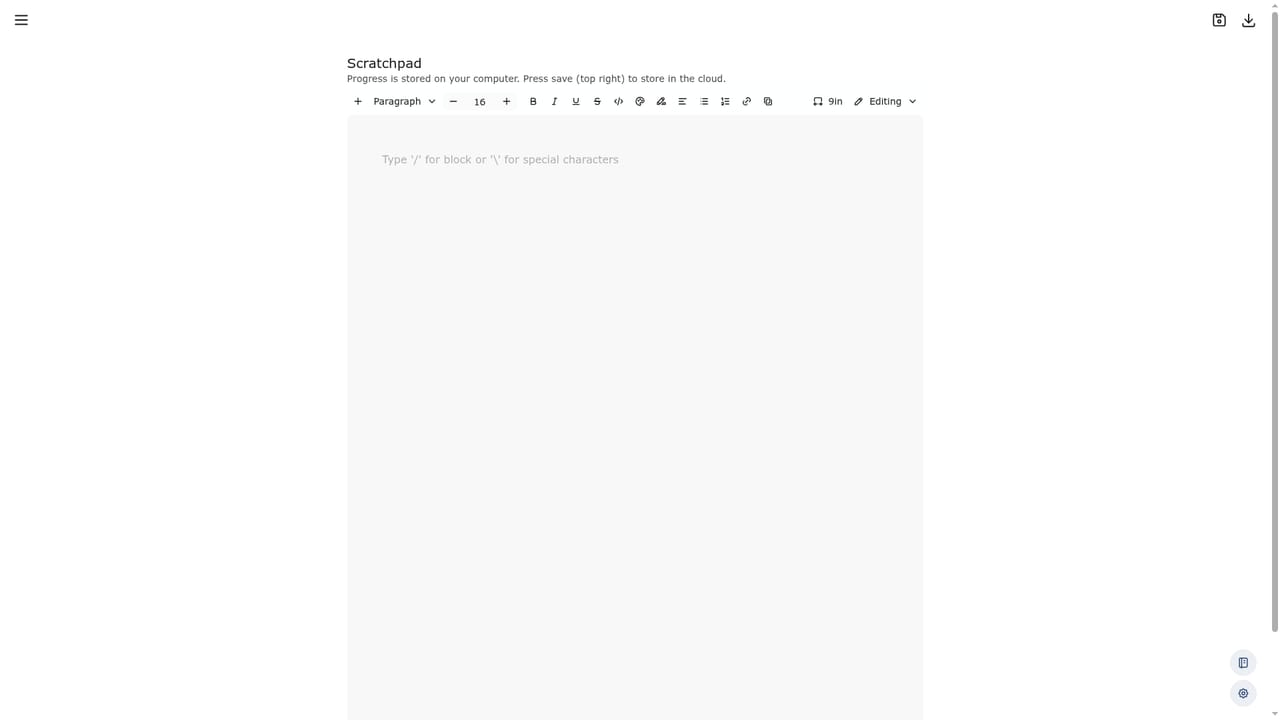
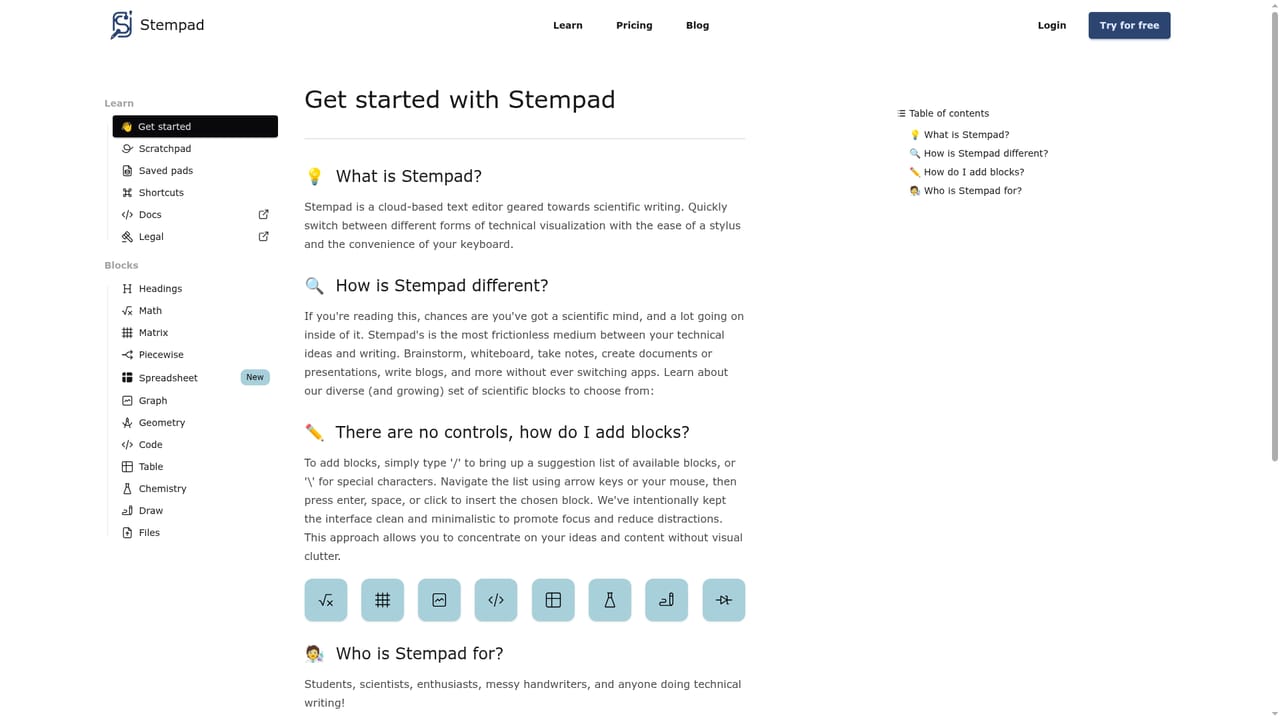
Stempad is a browser editor for scientific notes and papers. It handles equations, matrices, graphs, chemistry structures, code and drawings from the keyboard, then exports to PDF, LaTeX or Markdown. AI Copilot, chat and math-aware search sit alongside workspaces for classes and labs.
Stempad is a browser-based writing and publishing platform built for scientific and technical documents. The premise is speed: you stay on the keyboard and enter math, matrices, tables, graphs, chemistry structures, code and circuit diagrams without switching to a separate drawing app or learning LaTeX syntax. The editor previews formatting as you type, and the same document can hold text explanations, equations, plots and freehand sketches side by side. Work can then be exported to PDF, LaTeX or Markdown, which keeps Stempad usable as a front end for people who already have a LaTeX workflow. The product goes past note taking. Workspaces and an admin panel handle project management for classrooms, labs and teams, with kanban-style boards for planning papers or trials. A Copilot follows the cursor to assist with writing and review, a chat surface answers questions and can aggregate, summarize, generate and suggest, and search understands queries in math, chemistry and text formats. The company advertises the tool as a collaborative platform for writing and publishing science, and it integrates with Google Drive, Notion, Canvas, Blackboard, Overleaf, Benchling, Obsidian and Jupyter Notebooks. A typical user is a STEM student or instructor who takes lecture notes in mathematics, chemistry, physics or engineering and wants them legible and searchable afterward. Instructors use it for answer keys, and researchers use it for lab documentation. The common thread among the published testimonials is replacing either pen and paper or a LaTeX setup, not replacing a full reference manager or journal submission system. Relative to plain Google Docs it handles symbols and structures natively; relative to LaTeX it trades some typesetting control for immediate, keyboard-driven authoring.
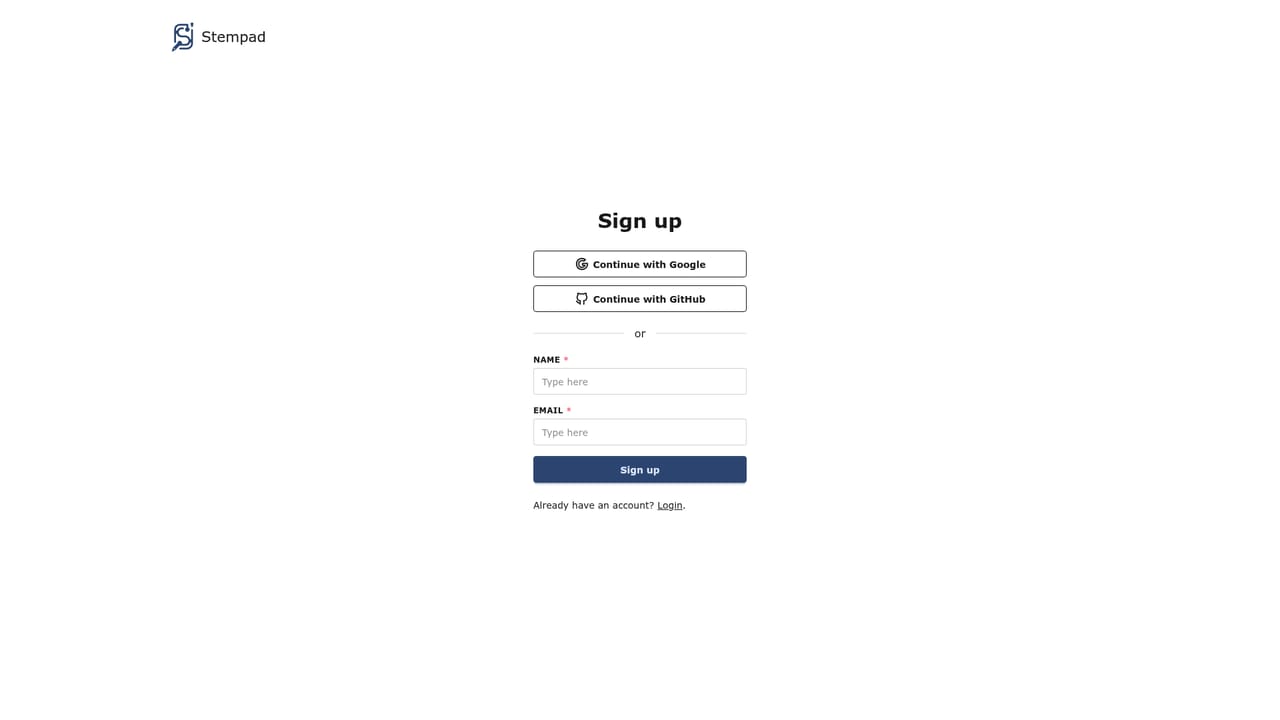
The site offers a Try for free entry point into the editor and signup, but the homepage does not state the length or scope of any free tier.
Learn moreNo help centre or ticketing system is described on the homepage. A contact email is given for demo requests, and testimonials repeatedly praise fast responses from the development team.
The homepage lists Google Drive, Notion, Canvas, Blackboard, Overleaf, Benchling, Obsidian and Jupyter Notebooks, and states compatibility with PDF, LaTeX and Markdown files.
Keyboard-driven scientific editor covering math, matrices, tables, graphs, chemistry structures, drawing, code and circuits. AI Copilot follows the cursor for writing and review assistance. Chat handles questions plus aggregation, summaries and suggestions. Search works with math, chemistry and text queries. Workspaces and an admin panel manage classrooms, labs and teams. Export to PDF, LaTeX and Markdown.
Learn more AI Angels400+ customizable AI girlfriends for NSFW chat, voice calls, and roleplay
 Candy AIExperience the future of companionship with AI friends who chat, role-play, and connect with you on a human level.
 ourdream.aiA vast AI roleplay platform with millions of characters for chat, images, video and voiceAI Angels400+ customizable AI girlfriends for NSFW chat, voice calls, and roleplayCandy AIExperience the future of companionship with AI friends who chat, role-play, and connect with you on a human level.ourdream.aiA vast AI roleplay platform with millions of characters for chat, images, video and voice