Integrations
Repository knowledge can be exposed to MCP-capable assistants through Zread MCP, and local repositories are handled through the Zread CLI.
Learn moreAI code wiki that turns any GitHub repository into a readable guide

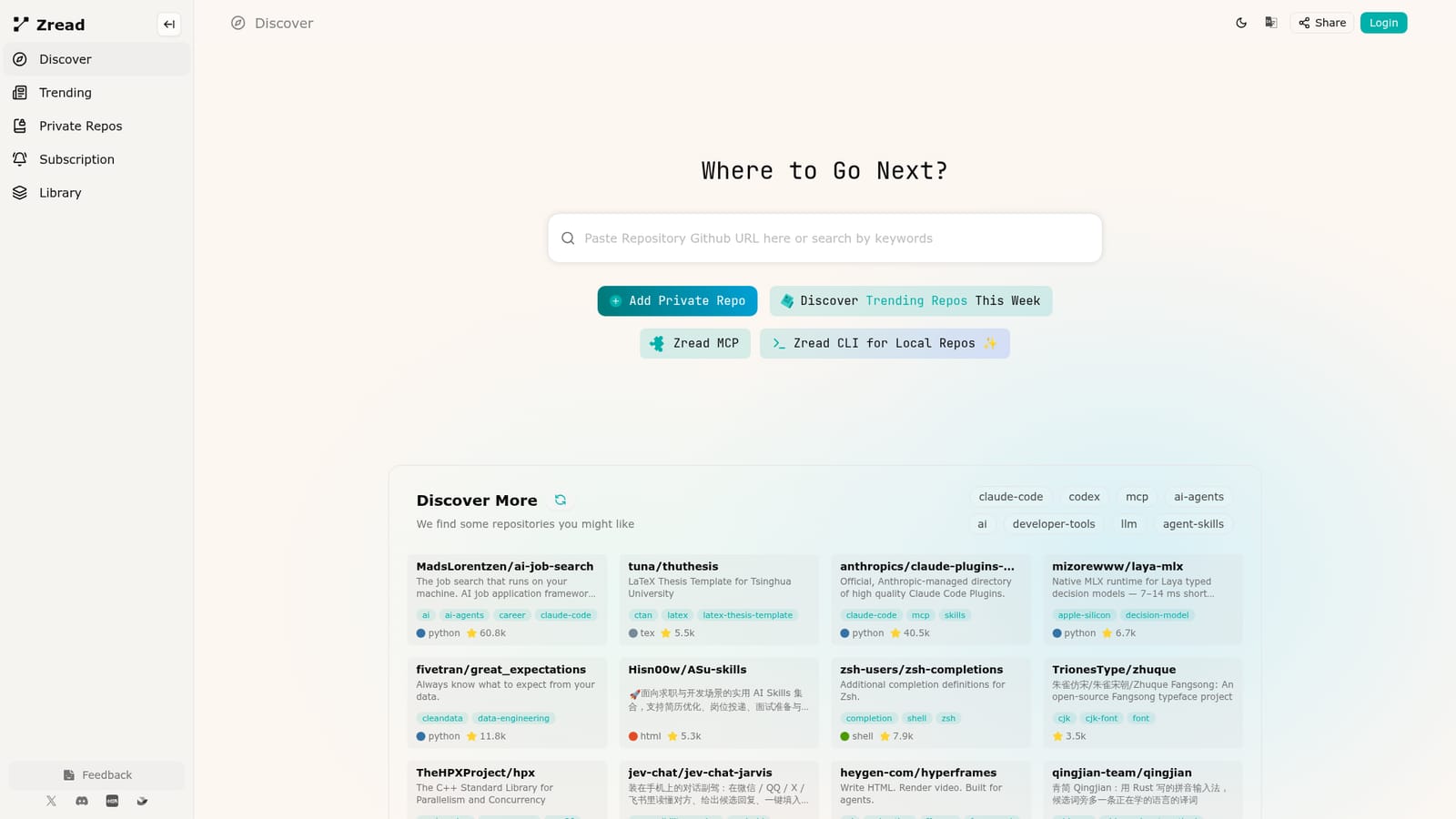
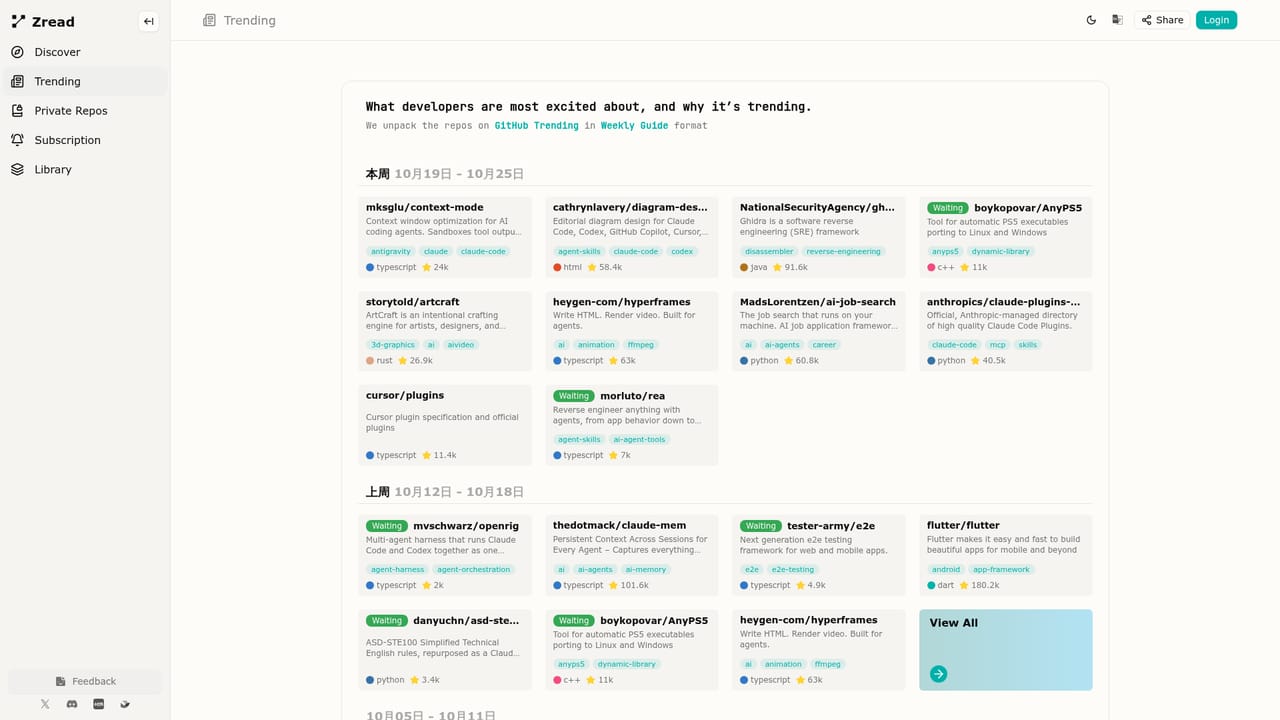
Zread is a code visualization tool. An AI code wiki for GitHub repositories: browse trending projects, read generated architecture and reading guides, add private repos, and connect the same knowledge to MCP assistants or local code through the CLI.
Zread is an AI code wiki for GitHub repositories. Point it at a project and it produces a structured, multilingual guide to the codebase: architecture notes, reading paths and explanations that read more like a maintained wiki than a raw diff. The homepage frames it as a way to dive into any repo in depth, and the library of indexed projects spans job search tooling, LaTeX thesis templates, data quality frameworks, verification languages and Agent Skills collections. The discovery layer is where most people start. A trending page surfaces repositories the service thinks are worth a look, grouped under topics such as claude-code, codex, ai-agents, mcp, developer-tools and llm, and each card carries a short summary, tags and a star count. From there you open a repo page and read the generated guide instead of cloning and grepping. For work that cannot be public, private repositories can be added to the account, so internal codebases get the same treatment. Two paths extend the audience beyond casual readers. Zread MCP connects the same repository knowledge to MCP-capable assistants, which lets a coding agent consult a project's structure without crawling files itself. Zread CLI applies the workflow to local repositories, aimed at developers who want documentation for code that never leaves their machine. A Deep Research element is mentioned in the site metadata, suggesting longer-form exploration of a codebase. Zread sits next to tools like DeepWiki and general chat assistants fed with source files. Its edge is the curated, standardized guide format and the breadth of public projects already processed. The tradeoff is depth control: output quality depends on how well the AI reads a given repo, and unusual build systems or heavy generated code are likely to test it. It complements a code search tool rather than replacing one, and the subscription tier gates the heavier usage.
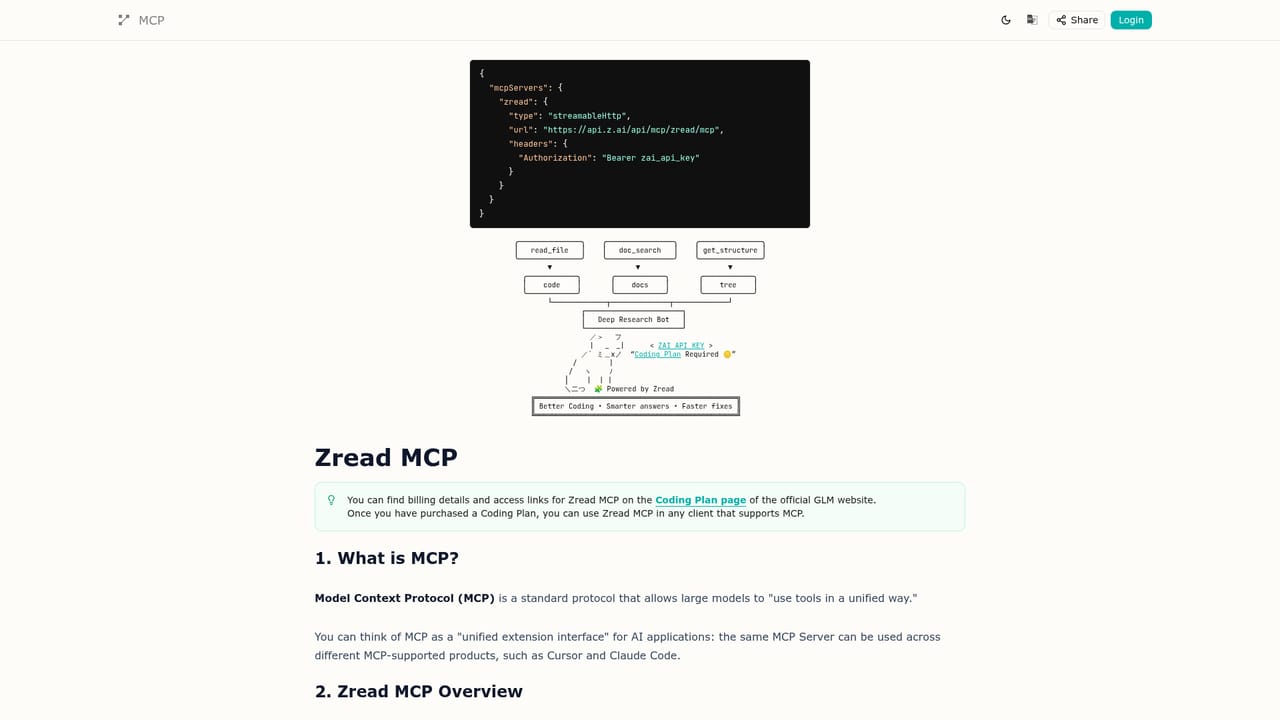
Repository knowledge can be exposed to MCP-capable assistants through Zread MCP, and local repositories are handled through the Zread CLI.
Learn moreAI-generated code wikis for GitHub repositories, a trending and discovery feed sorted by topics such as ai-agents and developer-tools, a personal library of explored repos, support for private repositories, an MCP integration for agents and a CLI for local repositories.
Learn more AI Angels400+ customizable AI girlfriends for NSFW chat, voice calls, and roleplay
 Candy AIExperience the future of companionship with AI friends who chat, role-play, and connect with you on a human level.
 ourdream.aiA vast AI roleplay platform with millions of characters for chat, images, video and voiceAI Angels400+ customizable AI girlfriends for NSFW chat, voice calls, and roleplayCandy AIExperience the future of companionship with AI friends who chat, role-play, and connect with you on a human level.ourdream.aiA vast AI roleplay platform with millions of characters for chat, images, video and voice


