Free trial
No credit card required. New accounts get 3 credits on registration, and free users receive daily login credits to keep generating images and videos.
Learn moreMany top image and video AI models in one credit-based studio

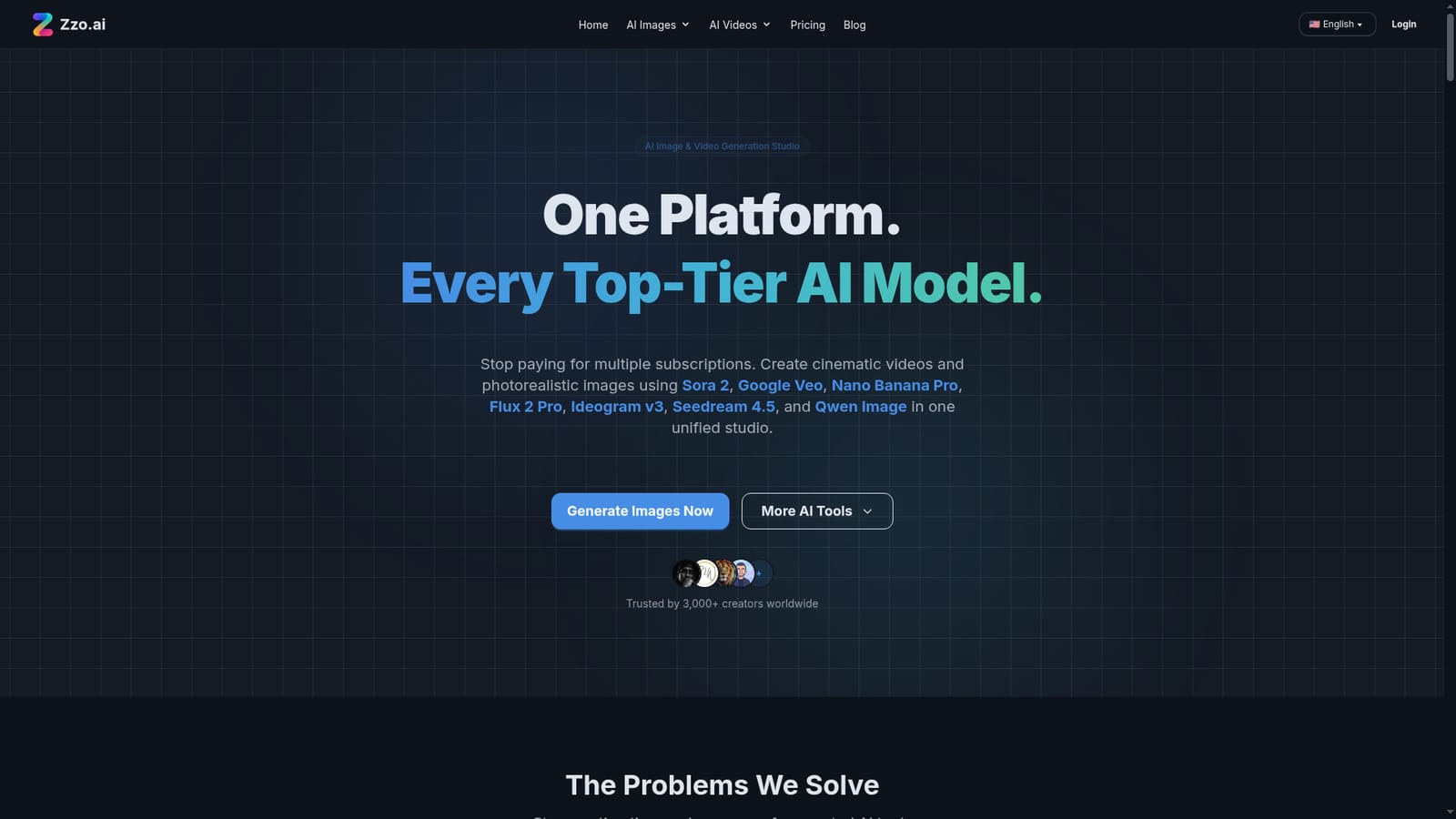
Zzo.ai is a web studio that bundles image generation, video generation, photo editing and background removal across models like Nano Banana Pro, Sora 2, Veo 3.1 and Flux 2 Pro, paid for with a shared credit balance.
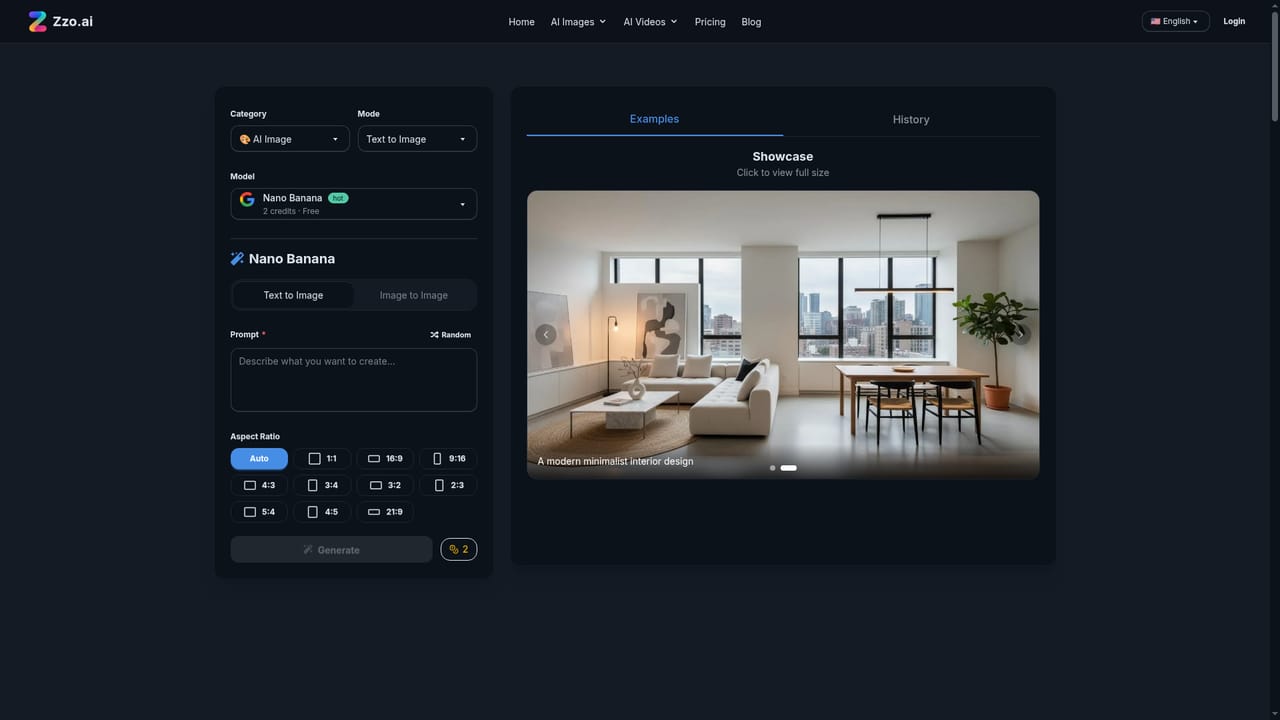
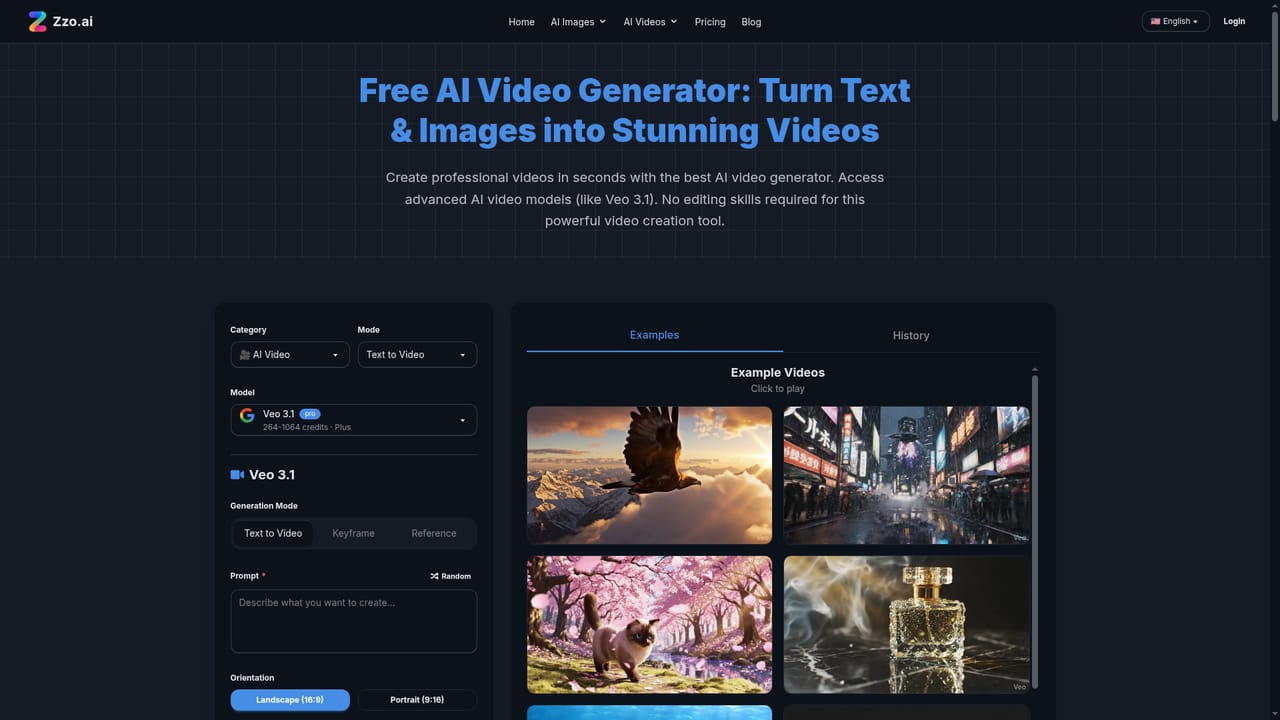
Zzo.ai is a browser-based creative studio that gathers image generation, video generation and photo editing under one account. Instead of subscribing separately to each model vendor, users pick from a list that includes Nano Banana Pro, Sora 2, Google Veo 3.1, Flux 2 Pro, Ideogram v3, Seedream 4.5, GPT Image 1.5 and Qwen Image, and switch between them depending on the job. The platform covers several workflows. Text-to-image and image-to-image handle still pictures, while text-to-video, image-to-video and reference-to-video produce clips, with reference images used to keep a character or object consistent across frames. An animation option targets anime and cartoon looks modeled on well-known animation styles. A separate editor handles object swaps, artifact fixes and image expansion through Qwen Image Edit, and a dedicated tool strips backgrounds in one step to produce transparent assets. In practice, a user describes the desired result in plain language, chooses a model, and waits seconds to a minute for most results. Credits pay for generations: new accounts receive a small starting amount plus daily login credits, subscriptions raise the limits, and pay-as-you-go packs are available for heavier use. The site states that users own what they generate and may use it commercially, and that adult content is prohibited. The audience is broad. The homepage points to e-commerce sellers needing product shots, faceless video creators who want B-roll, indie game developers prototyping sprites and UI icons, print-on-demand sellers who need legible typography, marketers producing ad variations, and bloggers who want original illustrations. Each use case is paired with a suggested model. Among alternatives, Zzo.ai competes with single-vendor tools such as Midjourney, Runway or Ideogram's own app, and with other multi-model aggregators. Its pitch is consolidation and model choice rather than a proprietary engine, so output quality depends on the underlying third-party models. Anyone committed to one model's native interface and advanced controls may find a unified studio less deep, while people who test several models per project benefit from the single login and shared credit balance.
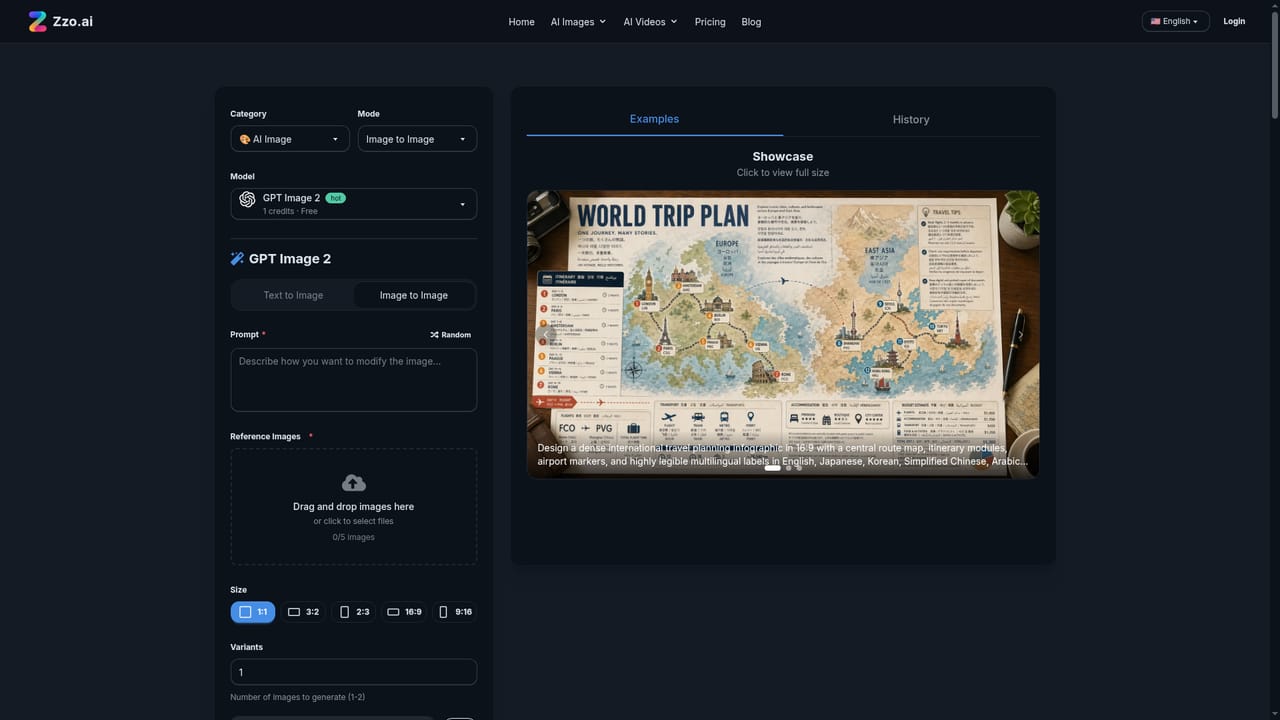
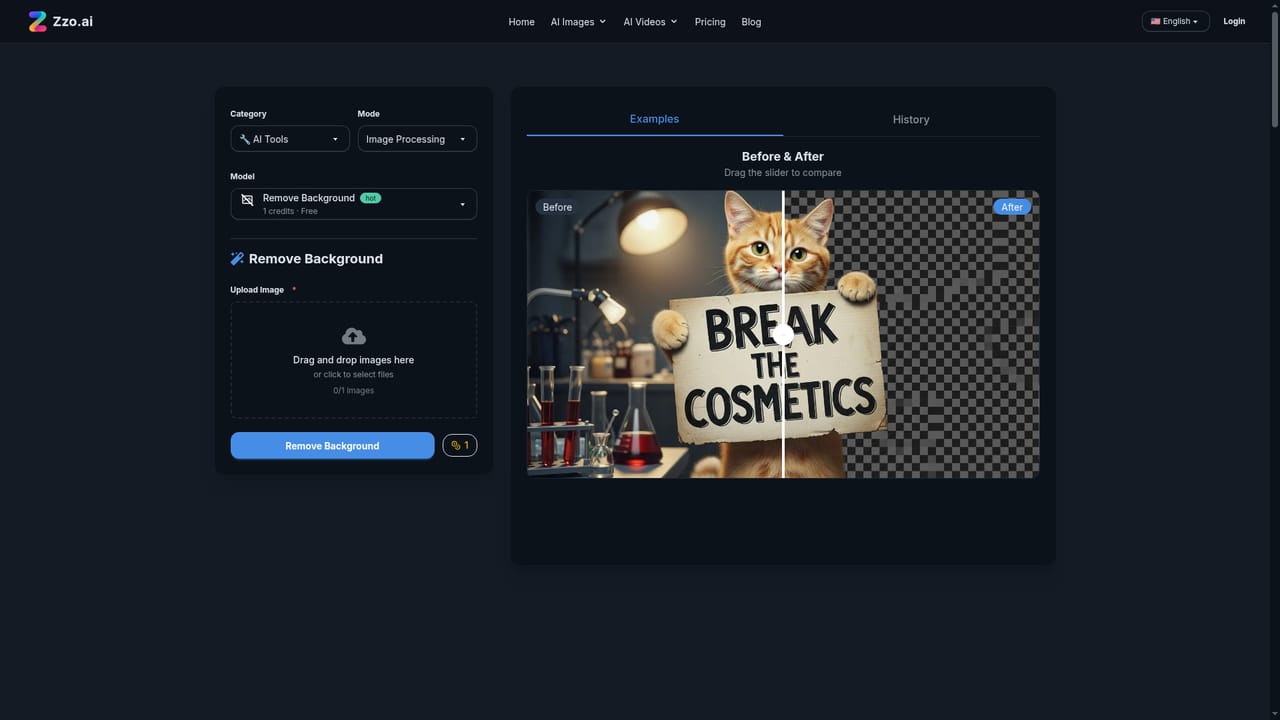
No credit card required. New accounts get 3 credits on registration, and free users receive daily login credits to keep generating images and videos.
Learn moreFree to start with signup credits and daily login credits. Premium subscriptions raise credit limits, and pay-as-you-go credit packs are sold separately. The homepage mentions a starting price of $9.99 per month.
Learn moreIntegrates models from Black Forest Labs, OpenAI, Google DeepMind, xAI, Ideogram, Zhipu AI, Alibaba Tongyi and ByteDance. No third-party app integrations are listed.
Text-to-image, image-to-image, text-to-video, image-to-video and reference-to-video generation, anime-style animation, an AI editor for object swaps and expansion, and one-click background removal across many top models.