Support
Support runs through email (support@clipea.ai for questions and contact@clipea.ai for general contact), with an FAQ page and a blog on the site. The homepage does not state response times or support tiers.
Learn moreTurns one long video into ten social-ready clips in minutes

10LevelUp is a clip finder tool that turns one long video into ten social-ready clips in minutes. An AI clip generator that scans long videos from an upload or YouTube link, picks the most engaging moments, reframes them for 16:9, 9:16 and 1:1, adds captions in over 100 languages and can post the results to social channels.
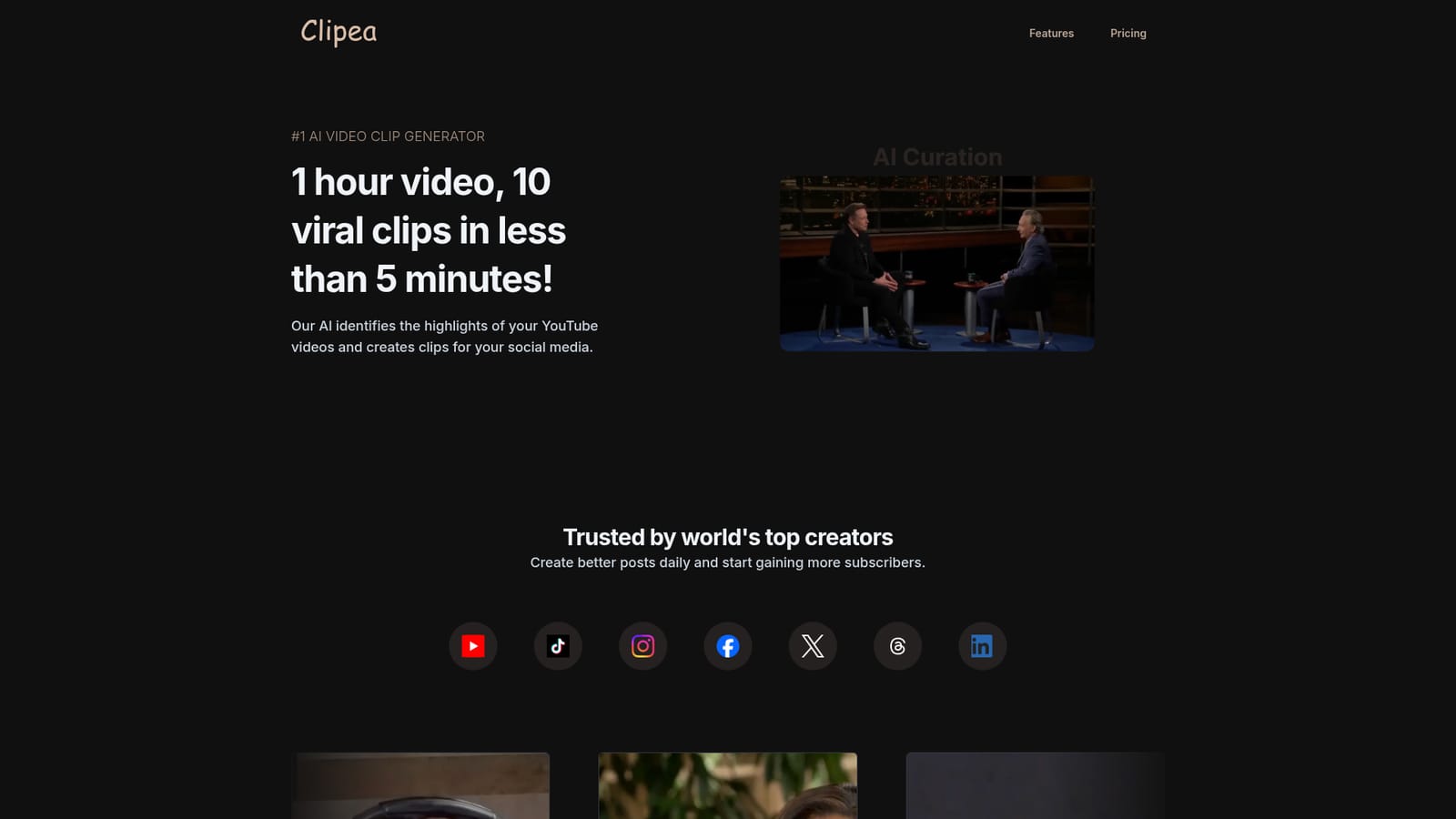
Clipea is a generative video tool built to solve a specific problem: creators record long episodes, then spend hours hunting for the moments worth posting. The product takes a full video, either an uploaded file or a YouTube link, and uses AI to locate the most engaging segments. Those segments become short vertical or square clips with captions burned in, ready for platforms such as TikTok, Instagram, YouTube Shorts, Facebook, X, Threads and LinkedIn. The stated benchmark is a one hour video yielding ten clips in under five minutes of processing. The workflow is deliberately linear. Upload or paste a link, and the AI begins analysis while you configure output formats and subtitle preferences in the background. When processing finishes you review candidate clips and pick which ones get rendered at full quality before publishing. Automatic speaker detection keeps whoever is talking centered in frame, with layout logic switching between single speaker, split view and screen share depending on what is on screen. Content aware cropping reframes the source for each target aspect ratio, so a widescreen interview translates cleanly into a 9:16 clip. Captioning is where Clipea makes its loudest claim: native subtitles in more than 100 languages, from Afrikaans and Arabic to Welsh and Zulu. For podcasters and interview shows that reach international audiences, that breadth matters more than raw clip counts. Auto posting is offered as a way to push finished clips out to chosen channels without a manual download and upload cycle, which effectively turns the tool into a repurposing pipeline for teams that publish daily. The tool is aimed at solo creators, podcast hosts and small social teams who already have a library of long form content and want to multiply it without hiring an editor. It is not a full editor and does not claim to give frame level control. Compared with general purpose video editors that now bundle AI cutting, Clipea is narrower and faster to learn, but the tradeoff is less manual precision when the model misreads which moments matter.
Support runs through email (support@clipea.ai for questions and contact@clipea.ai for general contact), with an FAQ page and a blog on the site. The homepage does not state response times or support tiers.
Learn moreCore features include automatic highlight detection, auto clipping of engaging segments, speaker detection that centers the active talker, content aware cropping for 16:9, 9:16 and 1:1 output, automatic layout switching between single speaker, multi speaker and screen share, captions in more than 100 languages, and auto posting to connected social platforms.
 AI Angels400+ customizable AI girlfriends for NSFW chat, voice calls, and roleplay
 Candy AIExperience the future of companionship with AI friends who chat, role-play, and connect with you on a human level.
 ourdream.aiA vast AI roleplay platform with millions of characters for chat, images, video and voiceAI Angels400+ customizable AI girlfriends for NSFW chat, voice calls, and roleplayCandy AIExperience the future of companionship with AI friends who chat, role-play, and connect with you on a human level.ourdream.aiA vast AI roleplay platform with millions of characters for chat, images, video and voice


