Free trial
The homepage offers a free sign-up path and describes the tool as free to start, but does not state trial length or paid plan terms.
Learn moreTurn long videos into social-ready clips with AI.

Opus Clip is a clip finder tool that turns long videos into social-ready clips with AI. OpusClip is an AI clipping tool that turns long videos into short, vertical clips with framing, captions and publishing support. It targets podcasters, streamers and brands, and adds brand templates, team workspaces and API automation for larger content operations.
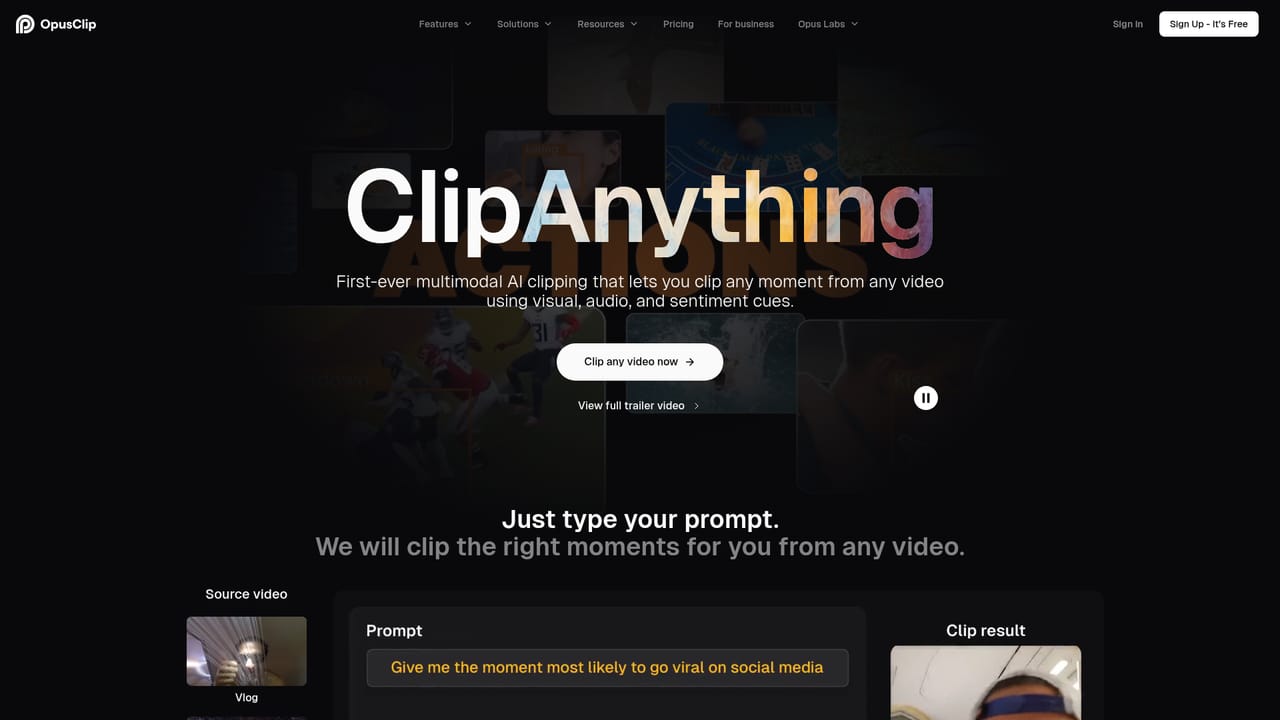
OpusClip is an AI video clipping tool that converts long-form footage into short, vertical clips designed for social platforms. The homepage positions it as a clipping and editing engine for creators and brands, claiming use by more than 20 million people and a roster of recognizable names across podcasting, commentary and education. The core promise is speed: a long recording goes in, and a set of clips with hooks, captions and platform-ready framing comes out. What separates OpusClip from simpler clipping utilities is the breadth of its models. ClipAnything is described as handling any genre, including vlogs, gaming, sports, interviews and explainer content, not just the talking-head podcasts that most competitors target. ReframeAnything resizes footage for different aspect ratios and uses AI object tracking to keep moving subjects centered, with a manual tracking option for cases where the automatic choice is wrong. Around those models sits an AI editor that can be driven manually or left to the system, plus workflow automation that the company says speeds production by around five times and can run through the web app or the API. For teams, the product adds brand templates with controlled fonts, colors, logos and intros or outros, a shared team workspace for collaborative projects, and API-based integration with a CMS or other tools so clip creation can be embedded in an existing publishing pipeline. That combination suits solo creators who want to post more shorts without editing sessions, and media teams that need consistent output across several accounts. The honest limits are the ones the page does not address. There is no public pricing table on the homepage, so cost has to be confirmed before committing. Output quality still depends on source material and on how well the AI reads the content, and automated clipping inevitably produces some misses that need manual review. Teams that need frame-accurate editorial control will still spend time in the editor, and anyone without a CMS or API workflow gets less value from the automation story.
The homepage offers a free sign-up path and describes the tool as free to start, but does not state trial length or paid plan terms.
Learn moreA contact page is available for inquiries and waitlist requests; the homepage does not describe support channels or service levels.
Learn moreOpusClip offers an API for connecting the clipping workflow to a CMS and other tools, enabling automated video creation within existing publishing systems.
Core features include ClipAnything for clipping any video genre, ReframeAnything for aspect ratio changes with AI object tracking, an AI editor that can be used manually or automatically, workflow automation through the web app and API, brand templates, team workspaces and CMS integration.
Learn more AI Angels400+ customizable AI girlfriends for NSFW chat, voice calls, and roleplay
 Candy AIExperience the future of companionship with AI friends who chat, role-play, and connect with you on a human level.
 ourdream.aiA vast AI roleplay platform with millions of characters for chat, images, video and voiceAI Angels400+ customizable AI girlfriends for NSFW chat, voice calls, and roleplayCandy AIExperience the future of companionship with AI friends who chat, role-play, and connect with you on a human level.ourdream.aiA vast AI roleplay platform with millions of characters for chat, images, video and voice


