Free trial
A free trial is offered, with entry through the vendor's get started page. The homepage does not state the trial length or any limits on usage during the trial.
Learn moreAI editing plugin that trims silence and builds captions inside your NLE

FireCut is a clip finder tool. A plugin for Adobe Premiere Pro and DaVinci Resolve that automates silence removal, captions, zoom cuts and chapters inside the editor, with a free trial available from the vendor's site.
FireCut is a plugin that runs inside Adobe Premiere Pro and DaVinci Resolve, adding an AI assistant directly to the editing timeline rather than asking you to move footage into a separate web app. Its job is to remove the repetitive labour that fills most edit sessions: cutting dead air and silence, generating captions, adding zoom cuts, building chapters, and turning long recordings into shorter clips. The tool is aimed at editors who already work in Premiere or Resolve and do not want to change that. That covers podcast producers cleaning up long conversations, creators publishing weekly YouTube content, and teams producing viral shorts from existing long-form material. Because FireCut operates on the timeline itself, the results arrive as editable clips and layers rather than a flattened export, so a cut can be nudged or a caption corrected by hand afterwards. In practice the workflow is the familiar one: import media, run the relevant FireCut function, then review. Silence removal trims pauses across a sequence, captioning adds timed text, zoom cuts introduce movement for retention, and chapter detection labels sections of a long recording. The homepage also positions the tool around podcast production and short-form repurposing, which suggests the intended path from one long recording to several published pieces. Where it fits: FireCut is a workflow accelerator for existing NLE users, not a standalone editor. Alternatives split roughly in two, browser based AI editors that handle everything on their own servers, and plugins that extend Premiere and Resolve. FireCut sits in the second group, so its value depends on how much of your week is already spent inside those two applications. Editors working in other software, or on machines that cannot run the host app, get nothing from it.
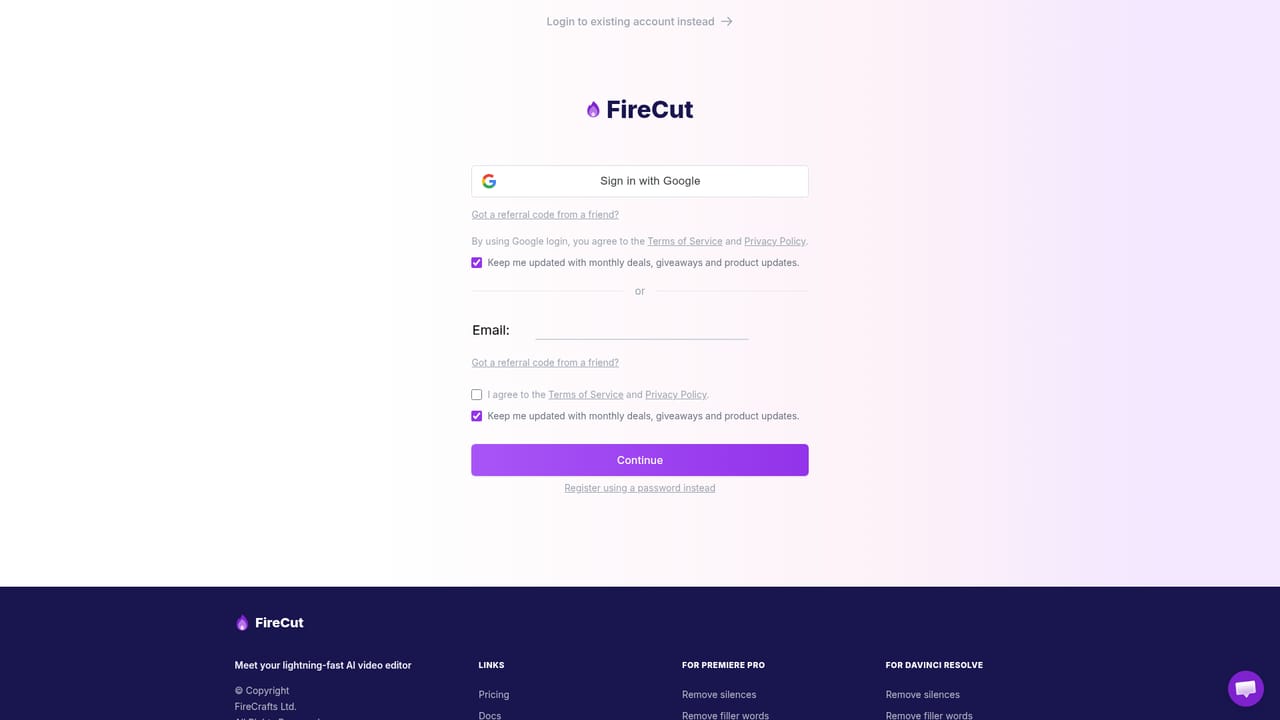
A free trial is offered, with entry through the vendor's get started page. The homepage does not state the trial length or any limits on usage during the trial.
Learn moreRuns as a plugin for Adobe Premiere Pro and DaVinci Resolve. No other integrations are listed on the homepage.
FireCut adds an AI editing layer inside Premiere Pro and DaVinci Resolve. Named functions include silence cutting, caption generation, zoom cuts, chapter creation, podcast editing and production of viral shorts from longer material. Work happens on the timeline, so generated cuts, text and markers remain editable in the host application.
 AI Angels400+ customizable AI girlfriends for NSFW chat, voice calls, and roleplay
 Candy AIExperience the future of companionship with AI friends who chat, role-play, and connect with you on a human level.
 ourdream.aiA vast AI roleplay platform with millions of characters for chat, images, video and voiceAI Angels400+ customizable AI girlfriends for NSFW chat, voice calls, and roleplayCandy AIExperience the future of companionship with AI friends who chat, role-play, and connect with you on a human level.ourdream.aiA vast AI roleplay platform with millions of characters for chat, images, video and voice


