Free trial
A free plan is available with 10 AI credits per month, allowing users to try AI Assist features without a time limit.
Learn moreAI Assist turns recordings into searchable, engaging videos.

Dadan is an AI transcriber tool. Dadan AI Assist automates video transcription, metadata, chapters, summaries, meeting notes, and interactive elements like quizzes and calls to action. It is designed for creators, educators, and teams who want searchable, accessible, and engaging videos with minimal manual effort.
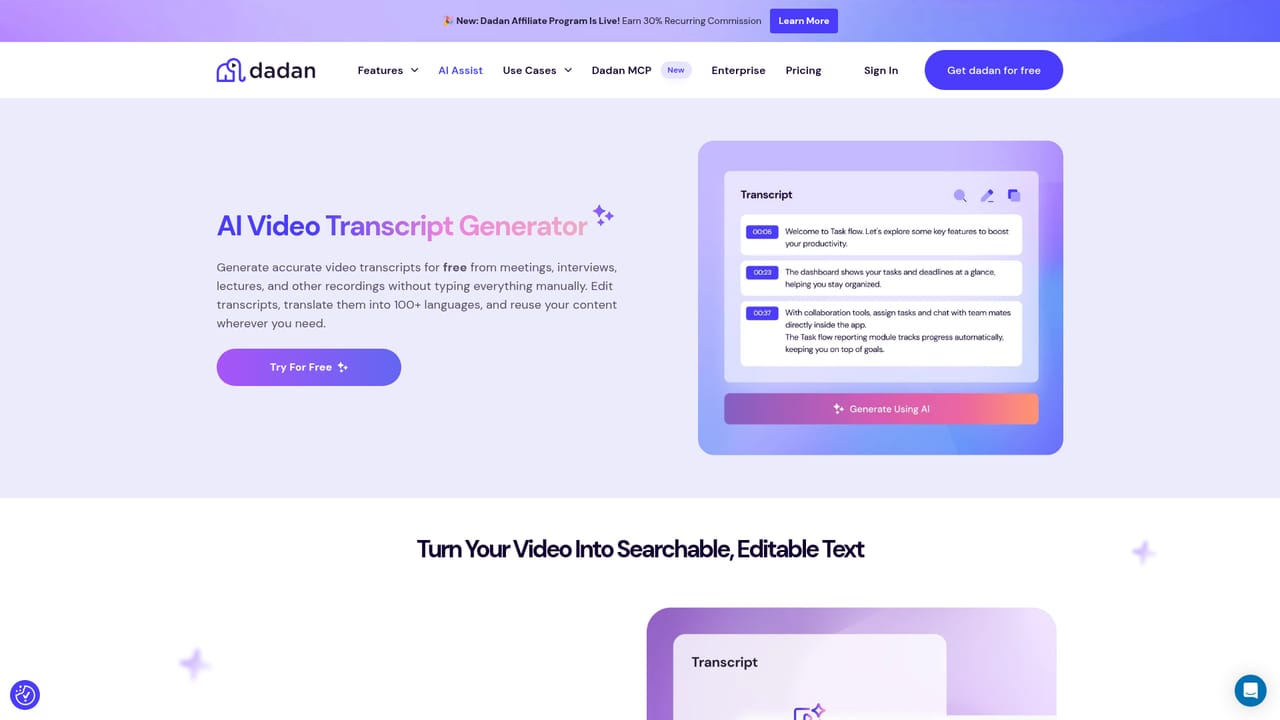
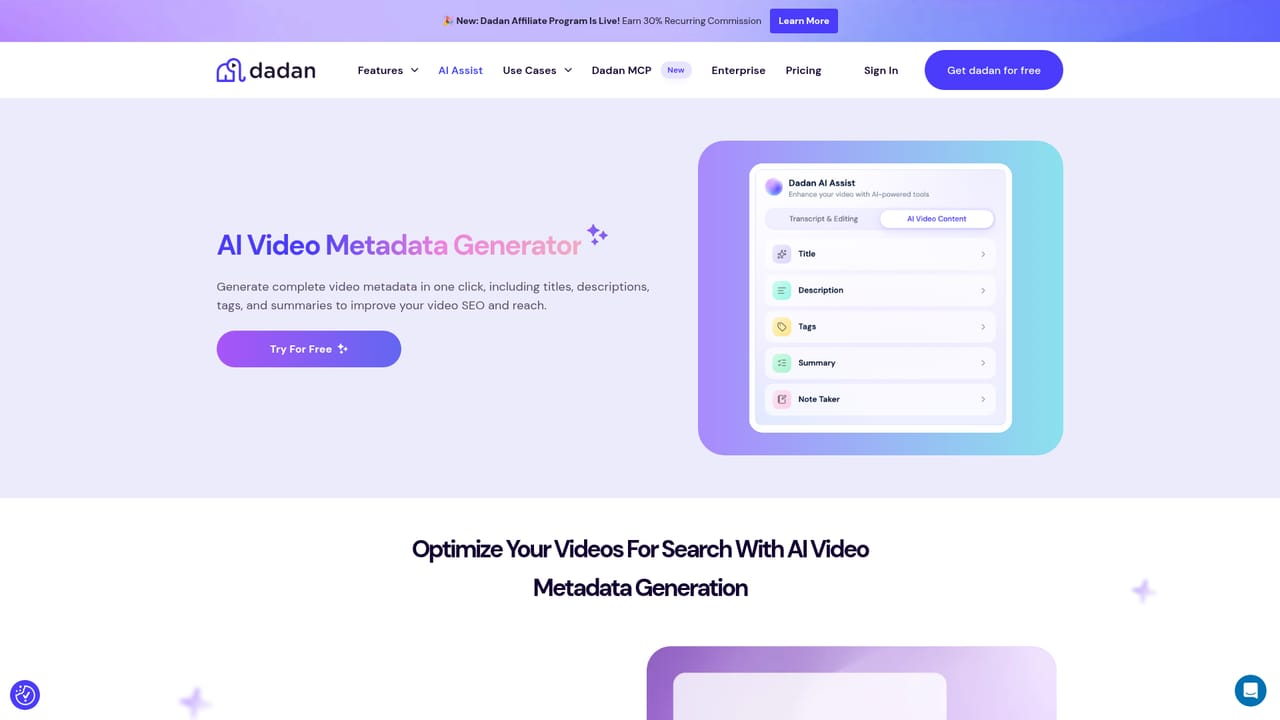
Dadan AI Assist is a suite of AI tools built into the Dadan video platform that automates the administrative work of publishing and managing video content. After recording with Dadan's screen recorder or uploading an existing file, users can generate a transcript with up to 99% accuracy, then produce titles, tags, descriptions, chapters, summaries, meeting notes, and interactive elements such as quizzes and calls to action. The goal is to make videos more searchable, accessible, and engaging without manual effort. The tool is aimed at video creators, educators, corporate trainers, and project managers who regularly produce meetings, webinars, training sessions, sales demos, or feedback sessions. It fits into workflows where speed and consistency matter: instead of writing metadata by hand, users click through AI Assist options on the video management page. Transcriptions are editable, so any errors can be corrected before publishing. Generated chapters help viewers navigate long recordings, while summaries and meeting notes capture key points for team members. In practice, Dadan AI Assist works as a right-hand panel inside the video editor. A user starts by transcribing the audio, then selects from a menu of AI-generated assets. Each asset can be customized manually before sharing. Videos can be shared via link, with password protection available, and transcripts can be repurposed into blog posts, PDFs, or social media content. The platform also includes an editing suite, so basic polish can happen without third-party software. Compared to standalone transcription or video editing tools, Dadan AI Assist bundles multiple optimization tasks into one interface, reducing the need to switch between apps. It lacks multi-language support for now, which may limit its use for international audiences. Pricing starts at $8 per user per month, with a free plan that includes 10 AI credits monthly.
A free plan is available with 10 AI credits per month, allowing users to try AI Assist features without a time limit.
Learn morePlans start at $8 per user per month. A free plan includes 10 AI credits per month for AI Assist features. More AI credits are available on upgraded plans.
Learn moreAI Assist includes transcription with up to 99% accuracy, auto-generated titles, tags, descriptions, chapters, summaries, meeting notes, and interactive elements (quizzes, polls, calls to action). Transcriptions and metadata are searchable within Dadan. A built-in editing suite allows basic video polish.
Learn more AI Angels400+ customizable AI girlfriends for NSFW chat, voice calls, and roleplay
 Candy AIExperience the future of companionship with AI friends who chat, role-play, and connect with you on a human level.
 ourdream.aiA vast AI roleplay platform with millions of characters for chat, images, video and voiceAI Angels400+ customizable AI girlfriends for NSFW chat, voice calls, and roleplayCandy AIExperience the future of companionship with AI friends who chat, role-play, and connect with you on a human level.ourdream.aiA vast AI roleplay platform with millions of characters for chat, images, video and voice


