Free trial
No time-limited trial is described, but 123RF Free Gen is offered as a permanently free model on the generator, so the tool can be used at no cost on that engine.
Learn moreText-to-image generation built into a stock library you can also browse

123RF is a generative image tool. A text-to-image generator from stock agency 123RF that pairs a prompt box and roughly a dozen selectable models (Free Gen, Nano Banana, Ideogram, GPT Image variants, Flux 2 Pro and others) with the company's existing photo, vector and footage library.
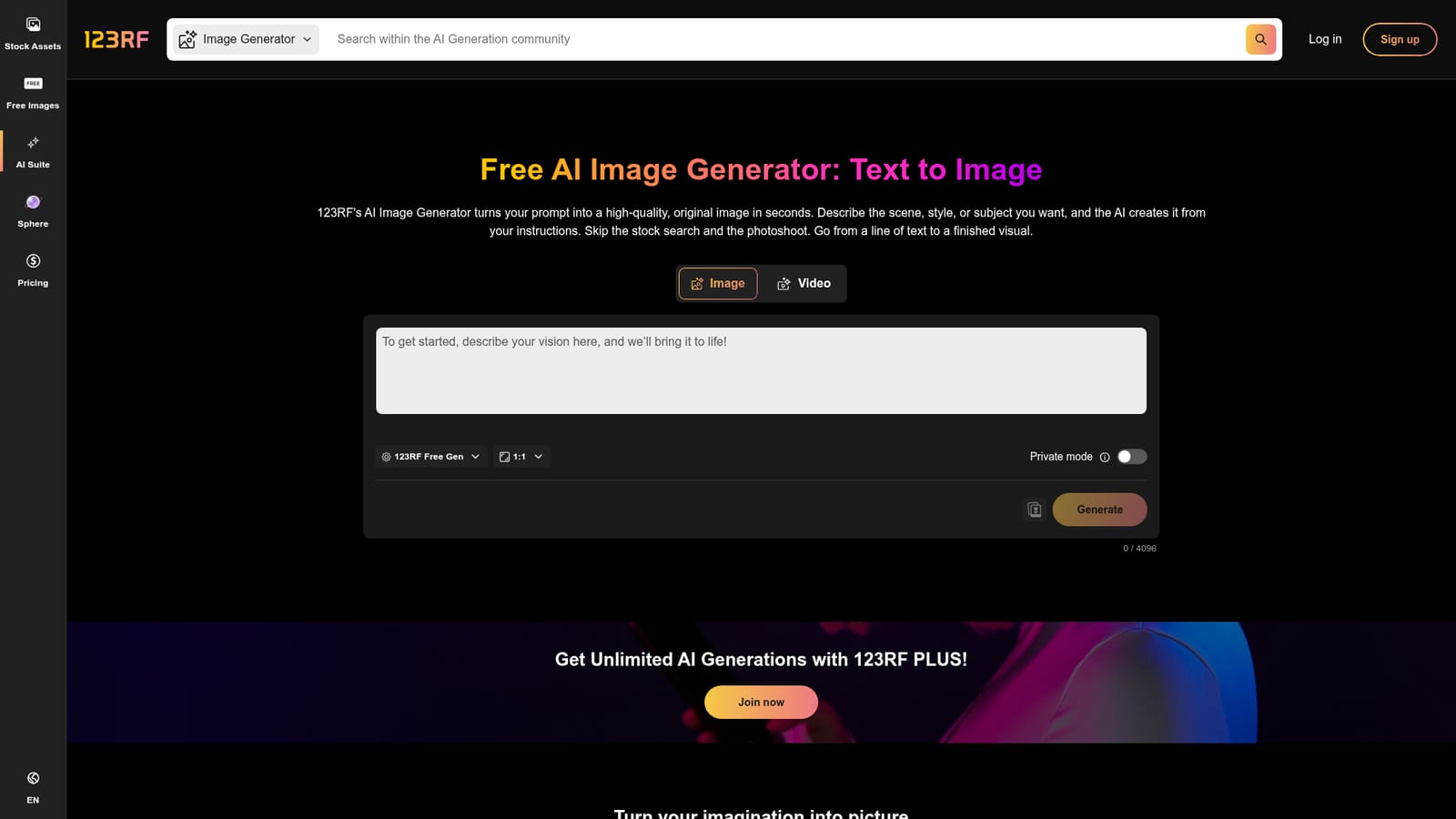
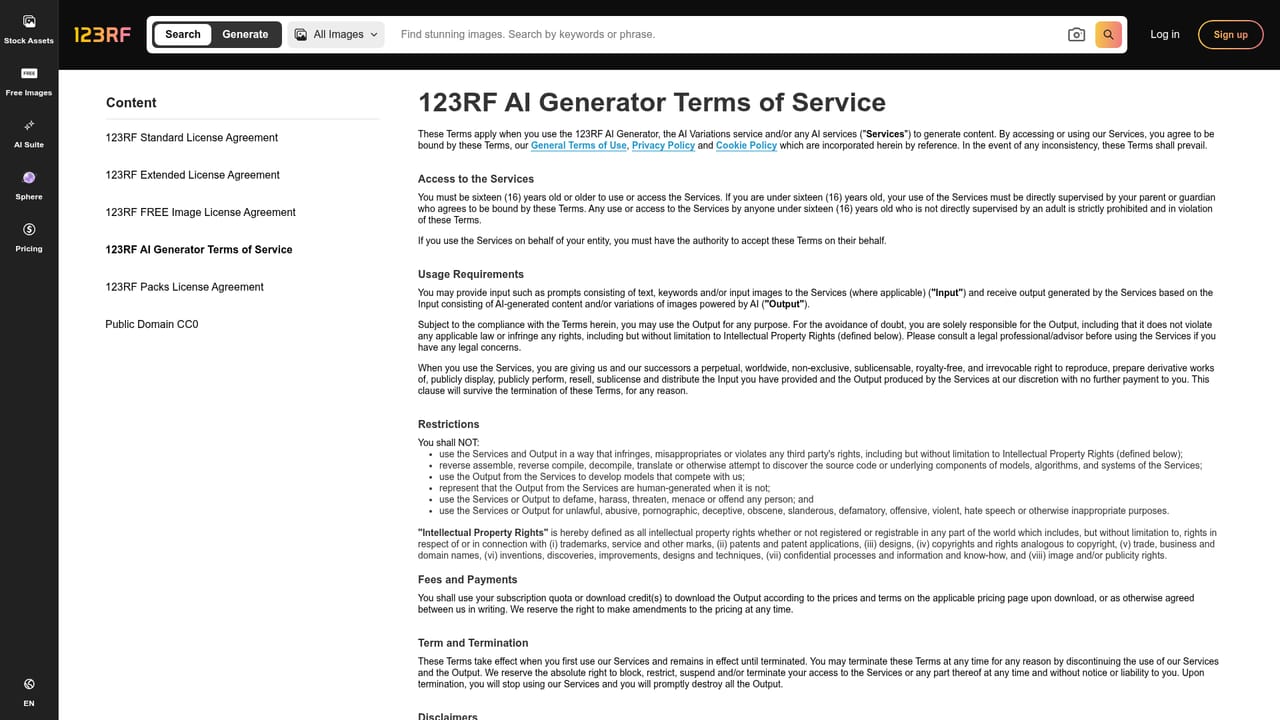
123RF's AI Image Generator is a browser-based text-to-image tool that sits alongside a large stock photo, vector, footage, audio and font catalog. A prompt is typed into a single field (up to 4096 characters), a model is chosen from a roster of roughly a dozen engines, and an aspect ratio and style are set before generation. The result appears as previews within seconds, and a high-resolution download follows once a suitable output is found. Because the generator lives on the same domain as the stock search, a project can move between commissioned-style AI visuals and conventional licensed assets without switching services. The model lineup is the main differentiator. The free tier runs on 123RF Free Gen, described as fast with sharp detail. Paid tiers open up Nano Banana, Ideogram, a set of GPT Image variants, Seedream 5.0 Pro, MAI Image 2.5, Z-Image, Nano Banana 2 and Pro, and Flux 2 Pro, each pitched at a different strength: prompt adherence and clean text on the GPT models, photorealism on Nano Banana, stylized speed on Ideogram. A Private mode toggle and an option to attach a reference image are available in the composer, and the tool also accepts targets for video generation from the same interface. Prompt writing guidance on the page recommends naming subject, style, lighting and mood explicitly, and avoiding vague phrasing. Commercial use is permitted according to the product page, which points readers to separate AI generator terms of service and notes that generated files can be downloaded at high resolution and resold. Two caveats are stated plainly in the FAQ: images depicting recognizable trademarks, landmarks or public figures require clearance from the relevant rights holder before use, and generated content may be surfaced to other users of the platform rather than staying strictly private. Past generations are retrievable by bookmarking their URLs. This fits marketing teams, social media producers and small design operations that want a quick concept-to-asset loop and occasional stock imagery from one subscription. It competes with standalone generators like Midjourney or Ideogram's own site, and its edge is the surrounding stock catalog plus a spread of third-party models under one billing relationship. Buyers who need guaranteed confidentiality of outputs or airtight indemnification should read the terms carefully before committing.
No time-limited trial is described, but 123RF Free Gen is offered as a permanently free model on the generator, so the tool can be used at no cost on that engine.
Learn moreThe page lists models across FREE, PLUS and PREMIUM tiers: 123RF Free Gen is free, Nano Banana and Ideogram sit at PLUS, and GPT Image 2 and 2.5, Seedream 5.0 Pro, MAI Image 2.5, Z-Image, Nano Banana 2 and Pro, and Flux 2 Pro are PREMIUM. Unlimited generations are tied to a 123RF PLUS plan, and per-model costs are shown before generating. Exact prices are not stated on this page.
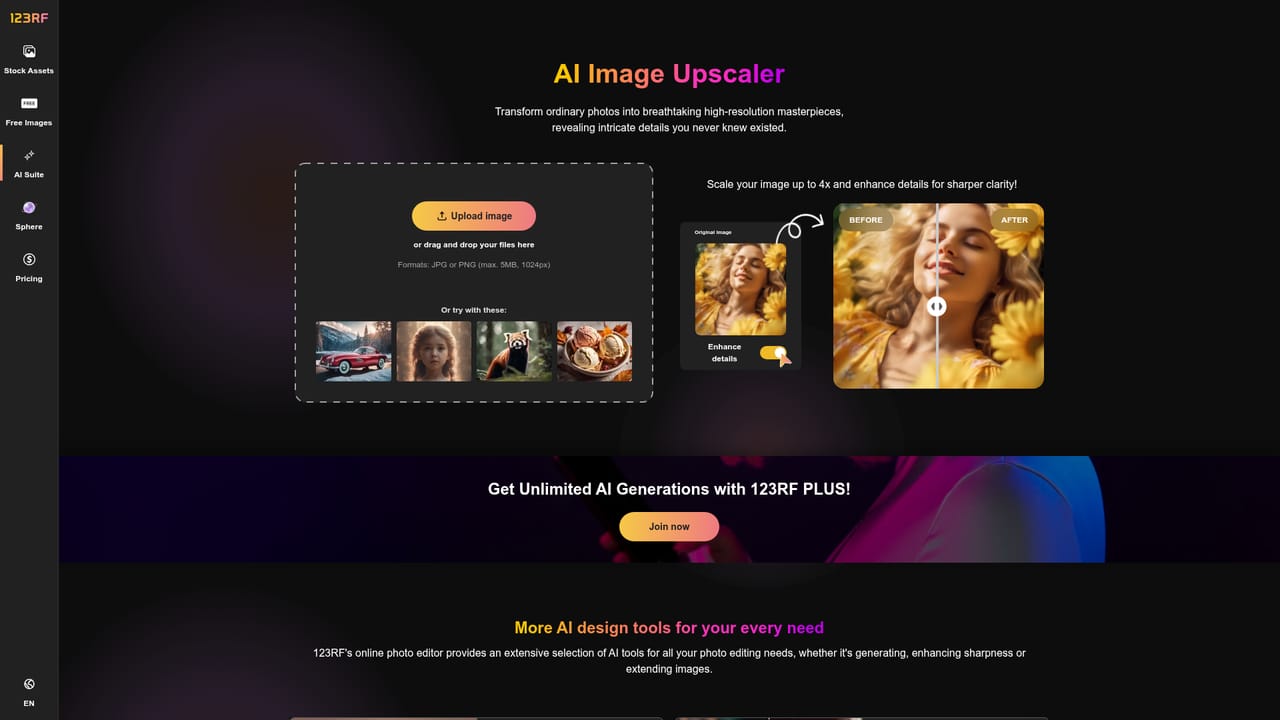
Learn moreText-to-image generation from prompts up to 4096 characters, a model picker spanning free, PLUS and premium engines, aspect ratio and style controls, Private mode, optional reference image upload, high-resolution downloads, and retrieval of past generations via bookmarked URLs. An image/video toggle and links to upscaling, generative fill, background removal, blur, remix and extension tools sit in the same suite.
 AI Angels400+ customizable AI girlfriends for NSFW chat, voice calls, and roleplay
 Candy AIExperience the future of companionship with AI friends who chat, role-play, and connect with you on a human level.
 ourdream.aiA vast AI roleplay platform with millions of characters for chat, images, video and voiceAI Angels400+ customizable AI girlfriends for NSFW chat, voice calls, and roleplayCandy AIExperience the future of companionship with AI friends who chat, role-play, and connect with you on a human level.ourdream.aiA vast AI roleplay platform with millions of characters for chat, images, video and voice


