Integrations
The site names Notion, Gmail and Calendly among app connections, and weather, NBA stats and Twitter among API sources, with the homepage referring to 100+ tools and 100+ APIs available for building Skills.
An agentic keyboard that runs AI actions from any text field

Acti is an AI keyboard for iOS and Android that fires agent actions from any text field. Type an intent, hold the Acti Bar, and a Skill runs using connected apps and APIs, with custom Skill Keys you can build and share.
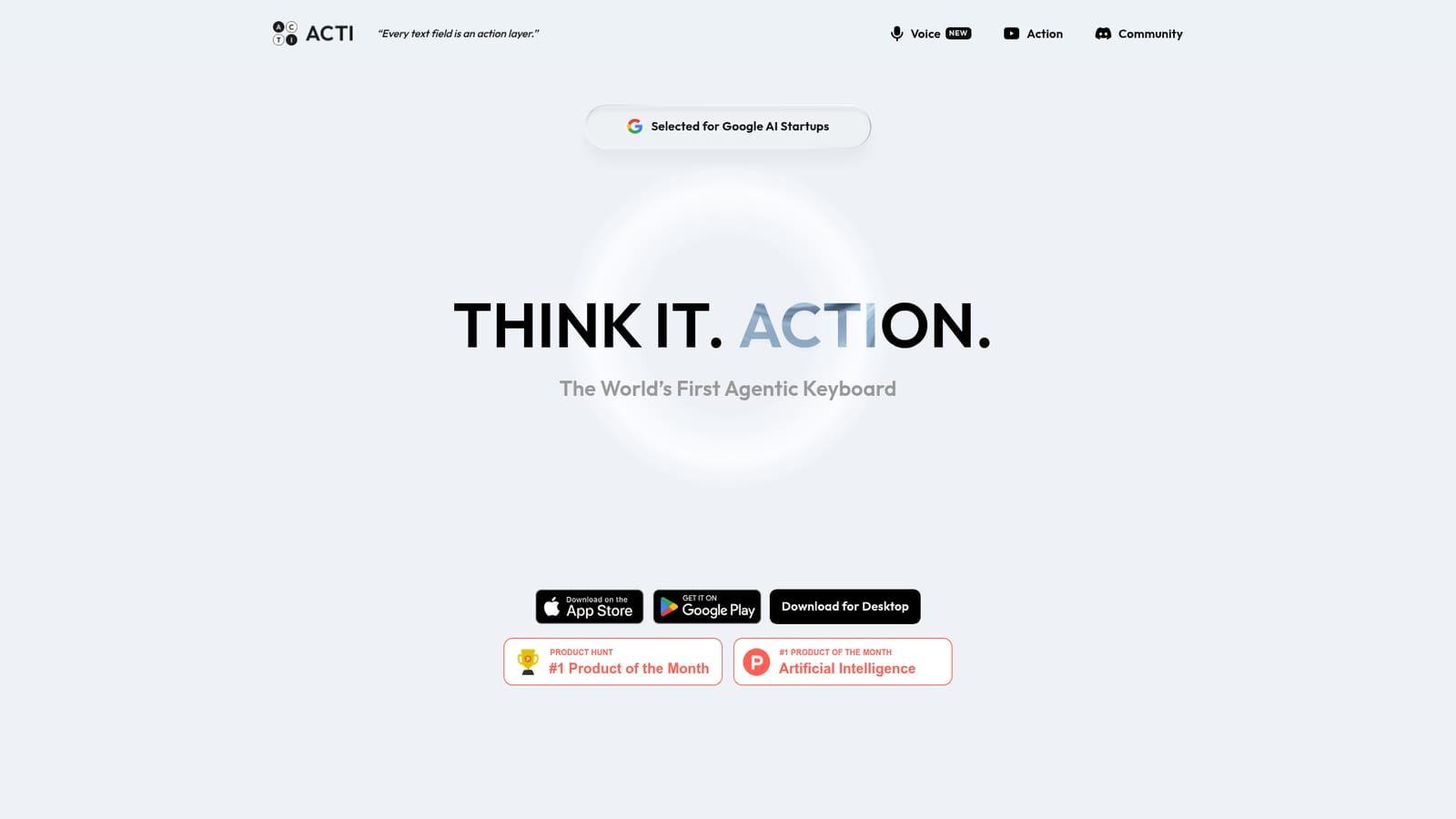
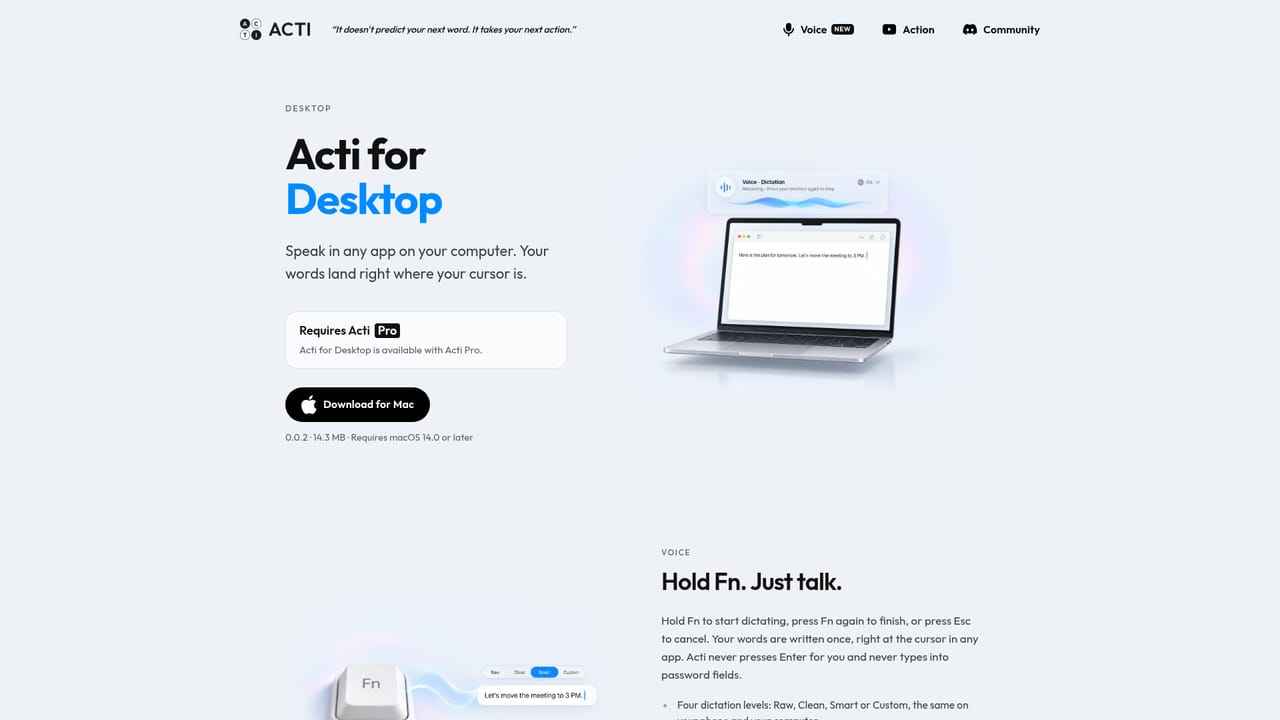
Acti is a keyboard replacement for iOS and Android that puts AI agents inside the text field you are already typing in. Rather than opening a separate chatbot, the intent gets typed where it belongs and then handed to an agent. The company describes it as the first agentic keyboard and as a unified command layer for apps and APIs, and it has been covered by TechCrunch, Digital Trends and Superhuman since launching on mobile. The mechanics revolve around the Acti Bar, which sits in place of the space bar. You type what you want in plain language, hold the Acti Bar, and the request runs. Because the keyboard works in any app that accepts text, the same gesture can pull restaurant suggestions, generate a shareable location link, or fetch a schedule and drop the result straight into a message. Acti also offers live mini apps and key-bound actions, so a single key can fire a saved routine without opening anything else. Skills are the organising idea. Each Skill pairs a prompt with one or more connected services, and the site lists apps such as Notion, Gmail and Calendly alongside API sources like weather, NBA stats and Twitter. Preset skill sets are themed around personas (Super Writer, Productivity Ninja, Twitter Guy, GenZ Rizzer and others), and a Skill Builder lets users mash up APIs and apps into custom Skill Keys that can be published to a community where creators show download counts. The company states the model is local-first, keeping the agent inside the keyboard. Acti suits heavy phone typists who want AI output without leaving the conversation they are in: social media posters, sales and support people replying from mobile, and tinkerers who enjoy composing their own shortcuts. Desktop is also offered. Compared with standalone AI assistants, the appeal is zero context switching and reuse of the same Skills everywhere; the tradeoff is that its power depends on what you wire up, and mobile keyboard switching remains a friction point for some users.
The site names Notion, Gmail and Calendly among app connections, and weather, NBA stats and Twitter among API sources, with the homepage referring to 100+ tools and 100+ APIs available for building Skills.
Core features include the Acti Bar (a long-press trigger that replaces the space bar), key-bound actions, live mini apps, and Skills that pair prompts with connected services. Preset persona skill sets cover writing, productivity and social posting, while the Skill Builder lets users combine apps and APIs into custom Skill Keys and share them with a community.
 AI Angels400+ customizable AI girlfriends for NSFW chat, voice calls, and roleplay
 Candy AIExperience the future of companionship with AI friends who chat, role-play, and connect with you on a human level.
 ourdream.aiA vast AI roleplay platform with millions of characters for chat, images, video and voiceAI Angels400+ customizable AI girlfriends for NSFW chat, voice calls, and roleplayCandy AIExperience the future of companionship with AI friends who chat, role-play, and connect with you on a human level.ourdream.aiA vast AI roleplay platform with millions of characters for chat, images, video and voice


