Support
No support channels, help centre or documentation are described on the homepage. A blog and an open source trial link are the only resources offered.
Runtime security that pauses AI agents before harmful actions run

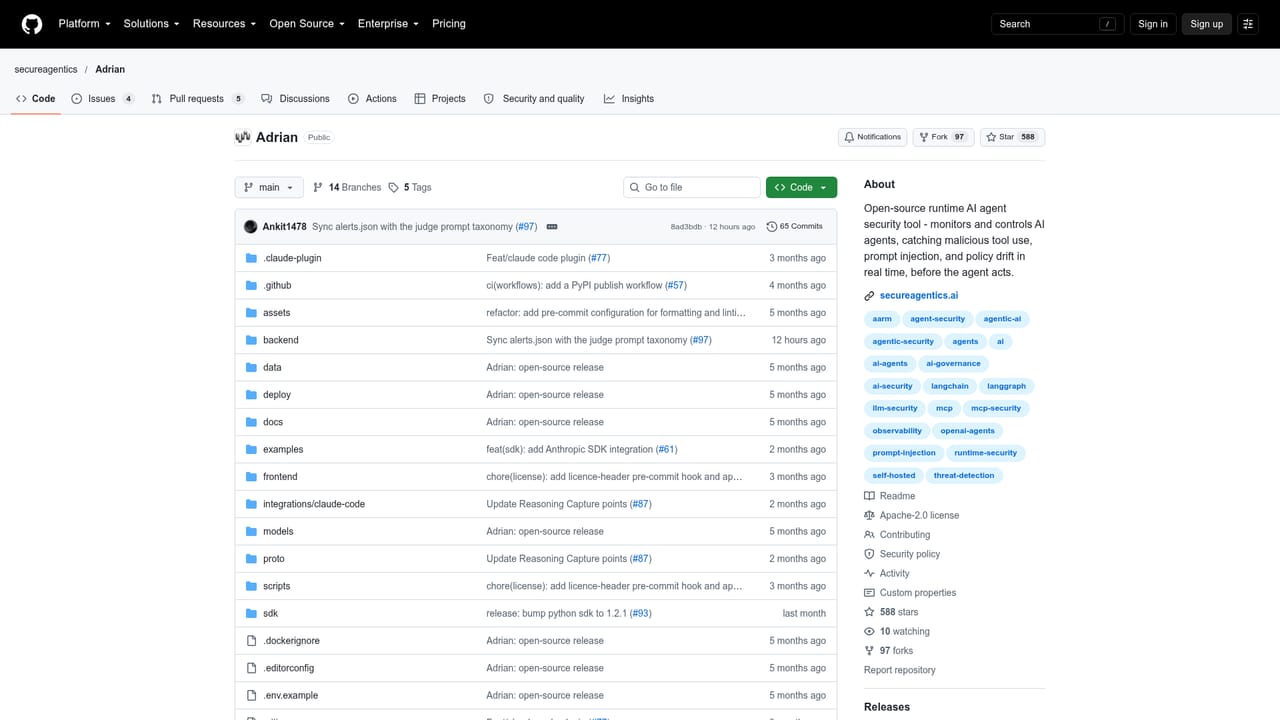
Adrian is Secure Agentics' open source runtime security layer for AI agents. It monitors an agent's chain of thought, detects prompt injection, malicious tool use and policy violations, and can pause, sandbox or require human approval before an action runs.
Adrian is a runtime security tool for AI agents, built by Secure Agentics and released as open source. It sits between an agent and the actions it wants to take, inspecting the reasoning that leads to a tool call rather than only the input and output text. The premise is blunt: prompt injection is treated as an architectural problem that is unlikely to be fully solved, so the practical defence is to stop an agent before it executes something harmful. Adrian watches the chain of thought with a reasoning engine, flags malicious behaviour, policy violations and out-of-remit planning, then holds the action back until a human or a defined rule allows it. The product works in five broad moves. Teams connect their agent framework or orchestration layer, which the vendor describes as a matter of minutes. Input and output flows are enriched with behavioural and contextual signals, then analysed for manipulation, drift and policy breaches. Findings can be routed into existing security triage and operational platforms, and the response is configurable: pause the agent, require human approval, or sandbox the action, with nothing running until a decision is made. Adrian is aimed at teams running autonomous agents, multi step agent swarms, production AI systems with real world impact, high trust or regulated environments, edge AI, and critical national infrastructure. That list sets expectations: this is infrastructure for organisations that already have agents doing consequential work, not a sandbox for experimentation. It also explains the positioning against observability tools. Log inspection and output monitoring describe what happened; Adrian is built to intervene in the planning stage, before a tool call leaves the system. In the wider market, Adrian occupies a narrow slot next to general AI observability and evaluation products. Its distinguishing claim is agent aware monitoring of reasoning traces plus enforcement, with low operational overhead and a stated emphasis on enterprise reliability. The trade offs are honesty about scope: prompt injection is presented as unsolved, and the tool is a control layer, not a prompt hardening library or a firewall for model endpoints.

No support channels, help centre or documentation are described on the homepage. A blog and an open source trial link are the only resources offered.
The homepage says agents connect to Adrian through their framework or orchestration layer, and that findings can be sent to existing security triage and operational platforms. No named integrations are listed.
Chain of thought monitoring with a reasoning engine, detection of prompt injection, malicious tool use, policy violations and out-of-remit planning. Response controls include pausing the agent, requiring human approval and sandboxing actions. Behavioural intelligence sits alongside connection to agent frameworks and routing of findings into existing security triage platforms.
 AI Angels400+ customizable AI girlfriends for NSFW chat, voice calls, and roleplay
 Candy AIExperience the future of companionship with AI friends who chat, role-play, and connect with you on a human level.
 ourdream.aiA vast AI roleplay platform with millions of characters for chat, images, video and voiceAI Angels400+ customizable AI girlfriends for NSFW chat, voice calls, and roleplayCandy AIExperience the future of companionship with AI friends who chat, role-play, and connect with you on a human level.ourdream.aiA vast AI roleplay platform with millions of characters for chat, images, video and voice


