Free trial
A free account can be created with GitHub or Google and requires no credit card, which effectively provides a free starting tier rather than a time limited trial.
Learn moreAI security review and autofix built into the Snyk platform

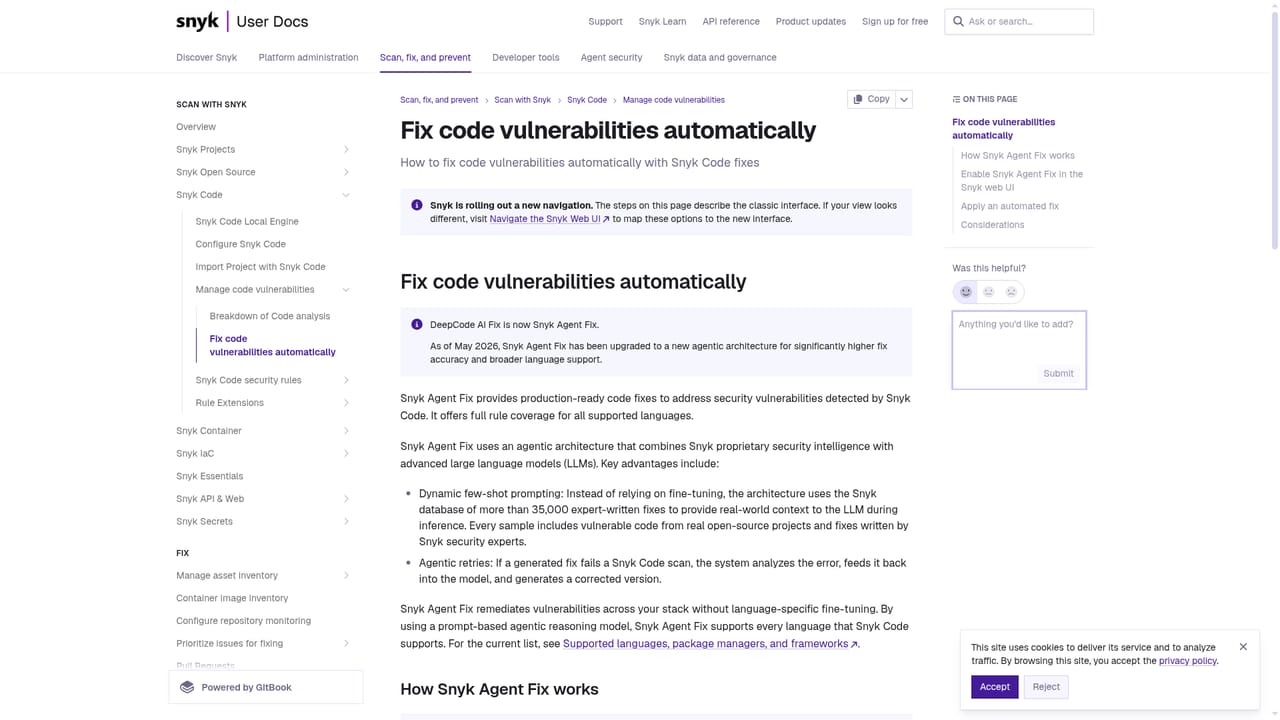
Snyk is a code modifier tool. DeepCode AI is Snyk's purpose-built security model for scanning code, prioritizing real risk and suggesting autofixes. It combines symbolic analysis with generative AI and a curated vulnerability knowledge base, and slots into Snyk's platform for developers and AppSec teams who want fixes inside their existing workflow.
DeepCode AI is the analysis engine inside the Snyk security platform, built specifically to find, fix and rank vulnerabilities in application code. Rather than wrapping a general purpose language model around a scanner, Snyk trains its own models on three things: a knowledge base of 25 million plus data flow cases, support for more than 19 languages, and verified fix data drawn from millions of permissively licensed open source projects. The result is a code analysis tool that proposes security autofixes the company rates at roughly 85 percent accuracy, which is the number most teams will care about when deciding whether to trust a suggested patch. The approach is hybrid. Symbolic analysis, generative models and several machine learning methods are combined, then paired with the judgement of Snyk security researchers, so findings are grounded in code that actually exists instead of being invented. DeepCode AI also drives risk scoring: it weighs how widely a vulnerable package is used, whether the affected code path is reachable, and how mature the known exploits are, which keeps noisy low reachability issues from drowning out the ones that matter. A separate search capability lets teams write their own queries with autocomplete assistance and run them against a codebase to build custom rules. In daily use the product shows up as scans and one click fix suggestions inside the developer workflow, including an IDE plugin for flagging and autofixing issues without leaving the editor. Snyk positions the platform toward application security teams, platform engineers and developers who are shipping AI generated code and need review to keep pace with it. Compared with standalone linters or general coding assistants that offer advice, DeepCode AI is narrower and more opinionated: it does security work only, but backs that work with a curated data set and an explicit promise that customer code is not used as training material. Pricing follows the familiar Snyk structure, with a free account tier that needs no credit card and paid plans for teams that need broader coverage.
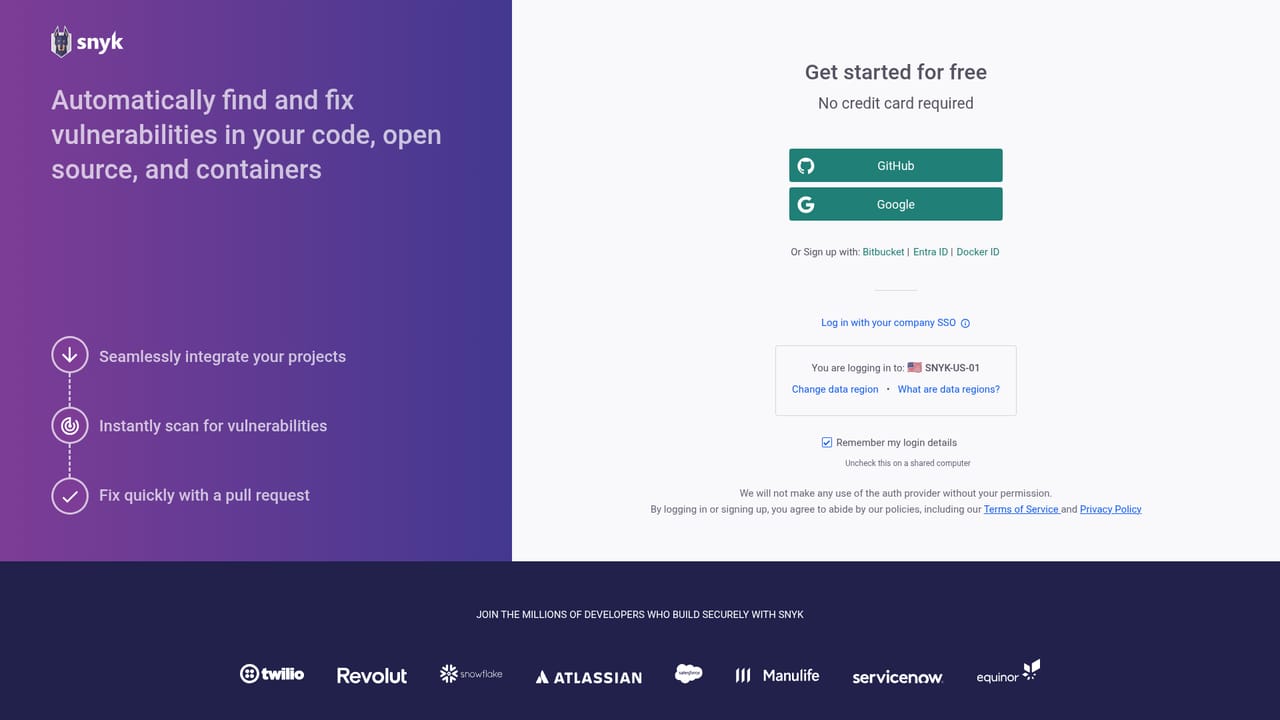

A free account can be created with GitHub or Google and requires no credit card, which effectively provides a free starting tier rather than a time limited trial.
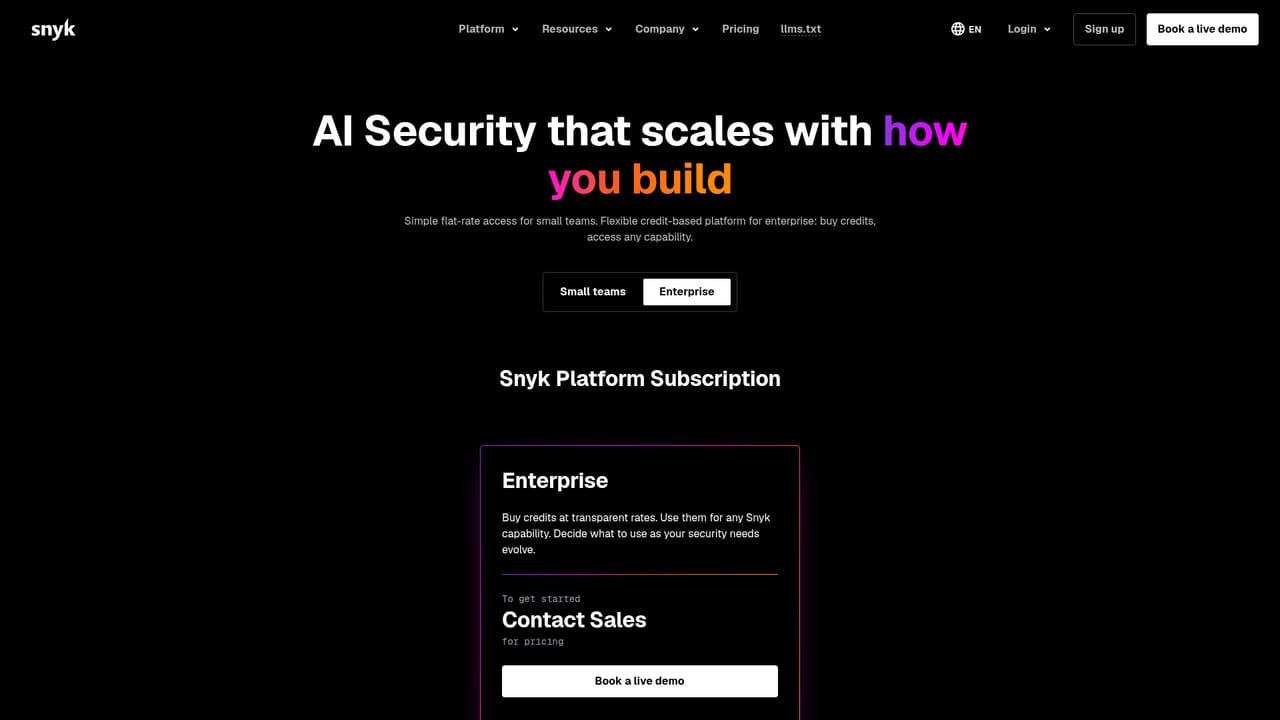
Learn moreThe product page promotes a free starting tier with no credit card required, and points to the separate Snyk plans page for full commercial tiers. Specific prices are not published on this page.
Learn moreSupport is reached through a demo booking with the sales team; no dedicated help centre or paid support tiers are described on this page.
Learn moreSign in and repository connection are offered through GitHub, Google and Bitbucket, and an IDE plugin is documented for scanning and autofixing code in the editor.
Learn moreCore capabilities include AI code analysis across more than 19 languages, security autofixes, contextual risk scoring based on package popularity and code reachability, and a query editor for building custom rules with autocomplete and hybrid search assistance.
Learn more AI Angels400+ customizable AI girlfriends for NSFW chat, voice calls, and roleplay
 Candy AIExperience the future of companionship with AI friends who chat, role-play, and connect with you on a human level.
 ourdream.aiA vast AI roleplay platform with millions of characters for chat, images, video and voiceAI Angels400+ customizable AI girlfriends for NSFW chat, voice calls, and roleplayCandy AIExperience the future of companionship with AI friends who chat, role-play, and connect with you on a human level.ourdream.aiA vast AI roleplay platform with millions of characters for chat, images, video and voice


