Support
Self-serve documentation is available through docs.caido.io, and a Discord community with thousands of members serves as the informal help channel. Sales contact is offered for organisations.
Learn moreA web hacking toolkit for scaling manual testing with AI and teamwork

Caido is a web security testing proxy that combines request interception, HTTPQL filtering, node-based automation and bring-your-own-model AI agents. It targets bug bounty hunters, pentesters and security engineers who want a faster, API-first alternative for manual testing.
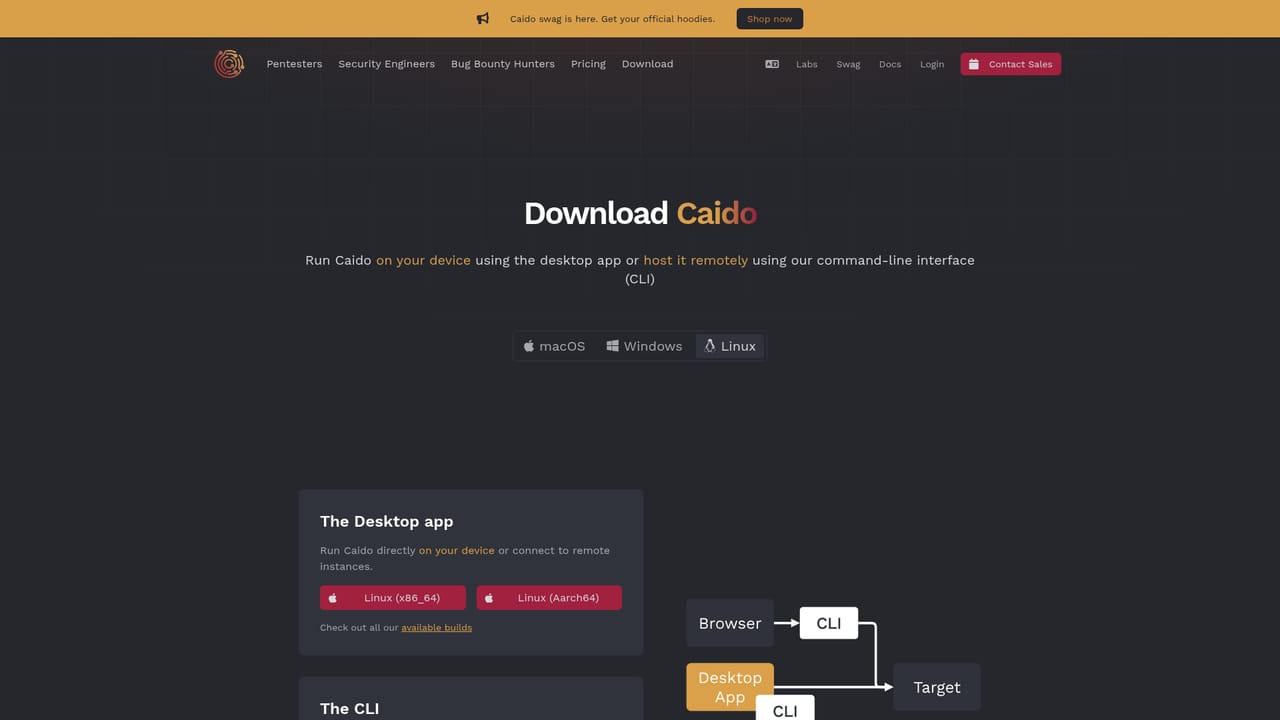
Caido is an interception proxy and web security testing toolkit built for people who spend their days probing applications by hand. The pitch is narrow and deliberate: manual testing does not have to be slow. Requests are captured, inspected and replayed through an interface that stays responsive under heavy traffic, and the repetitive parts of an assessment are pushed onto automation and AI agents rather than the tester. The core workflow will feel familiar to anyone who has lived in a proxy. Traffic flows through Caido, gets logged, and can be searched with HTTPQL, the tool's own query syntax for sifting requests and responses without clicking through endless filters. On top of that sits a node-based automation builder for chaining ad-hoc workflows together, plus AI powered plugins that launch autonomous agents to draft payloads and run tasks while the tester concentrates on business logic flaws. Models are not locked in: Caido connects to the provider already in use, including Anthropic, Google, OpenAI and others through OpenRouter. The audience is clearly segmented. Bug bounty hunters use it to move faster across large scopes, pentesters use it to keep pace with short development cycles, and security engineers treat it as a headless, API-first proxy they can build automation on top of, with a client SDK for giving agents programmatic access. Community plugins extend it further, and an organisations page exists for teams that need shared tooling. The honest comparison is Burp Suite. Caido positions itself as the faster, more minimal alternative, and its user base of several thousand active hackers suggests the argument lands for a slice of the market. Burp still owns the deepest extension ecosystem and the longest track record. Caido's differentiators are performance, clean UI, first-class AI and automation, and an API-first design that suits engineers who want to script rather than click. Above all it is a tool for professionals: expect a learning curve around HTTPQL and the automation graph before the speed advantage shows up.


Self-serve documentation is available through docs.caido.io, and a Discord community with thousands of members serves as the informal help channel. Sales contact is offered for organisations.
Learn moreConnects to third party LLM providers: Anthropic, Google and OpenAI, plus additional models through OpenRouter. A client SDK lets AI agents and external tooling access Caido programmatically.
Interception proxy for manual web testing, HTTPQL request and response filtering, context-aware AI testing with autonomous agents for payload drafting, a node-based automation builder, bring-your-own LLM support (Anthropic, Google, OpenAI and more via OpenRouter), a client SDK for programmatic agent access, community plugins and a headless, API-first architecture.
Learn more AI Angels400+ customizable AI girlfriends for NSFW chat, voice calls, and roleplay
 Candy AIExperience the future of companionship with AI friends who chat, role-play, and connect with you on a human level.
 ourdream.aiA vast AI roleplay platform with millions of characters for chat, images, video and voiceAI Angels400+ customizable AI girlfriends for NSFW chat, voice calls, and roleplayCandy AIExperience the future of companionship with AI friends who chat, role-play, and connect with you on a human level.ourdream.aiA vast AI roleplay platform with millions of characters for chat, images, video and voice


