IronClaw

A secure, open-source runtime for personal AI agents

Advanced API
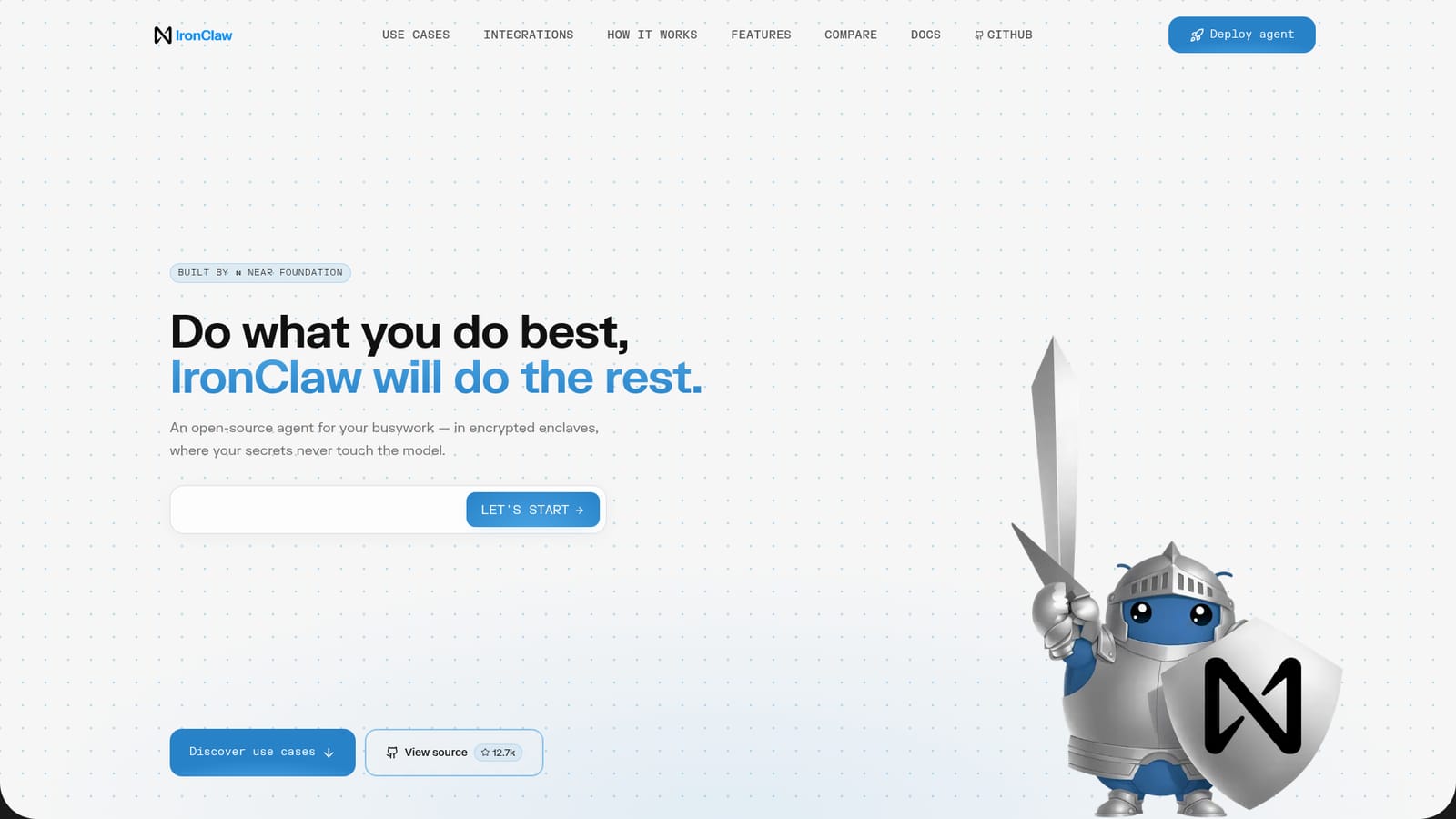
Screenshot of IronClaw, A secure, open-source runtime for personal AI agents

What is IronClaw?

IronClaw is the NEAR Foundation's open-source runtime for personal AI agents. It adds an encrypted credential vault, per-tool WebAssembly sandboxes, network allowlisting and a Rust codebase on top of OpenClaw, with one-click deployment inside a Trusted Execution Environment on NEAR AI Cloud or a local install.

IronClaw is an open-source agent runtime built by the NEAR Foundation for people who want a general-purpose assistant that can browse, research, code and automate, without handing raw API keys and passwords to a language model. It is positioned as a hardened alternative to OpenClaw, the personal assistant it builds on, and the core pitch is architectural rather than model-level: secrets are kept out of the prompt entirely. The mechanism is a credential vault that encrypts keys at rest and injects them at the host boundary, only for endpoints on an allowlist. Each tool runs in its own WebAssembly container with capability permissions and resource limits, so a compromised skill cannot reach anything outside its sandbox. Outbound traffic is scanned in real time and blocked when it resembles a secret leaving the network. The runtime itself is written in Rust, which removes whole classes of memory bugs at compile time. Hosted instances boot inside a Trusted Execution Environment on NEAR AI Cloud, encrypted in memory for the life of the instance, or the whole thing can be run locally. In daily use, IronClaw behaves like a chat-driven operator for busywork. The vendor's examples include inbox triage with drafted replies, morning briefings assembled from calendar and email, meeting prep notes, keyword monitoring across Hacker News and Twitter, deployment health checks, task capture into Slack or Linear, and invoice parsing into spreadsheets. Connectors cover Gmail, Google Drive, Sheets, Calendar, Docs, Slides, GitHub, Discord, Telegram, Signal, MCP servers and web search, and the agent can generate new tools or connectors on request for anything with an API. The tool suits technically comfortable individuals and small teams already running or considering a self-hosted agent, especially those who would otherwise park sensitive credentials in a chat context. Compared with plain OpenClaw, IronClaw trades some of OpenClaw's ecosystem breadth for isolation and network control, and it is model-agnostic across Anthropic, OpenAI, Gemini, Mistral, Ollama, OpenRouter and similar providers. Pricing runs through NEAR AI Cloud subscriptions rather than a per-seat license.

How do you use IronClaw?

  1. 1Deploy an instance on NEAR AI Cloud
    Pick a tier and launch an IronClaw instance. On NEAR AI Cloud it boots inside a Trusted Execution Environment with no manual infrastructure setup.
    IronClaw — Deploy an instance on NEAR AI Cloud
  2. 2Review the runtime and docs
    Read the architecture notes and deployment guidance in the documentation before connecting anything sensitive, so the vault and allowlist model are clear.
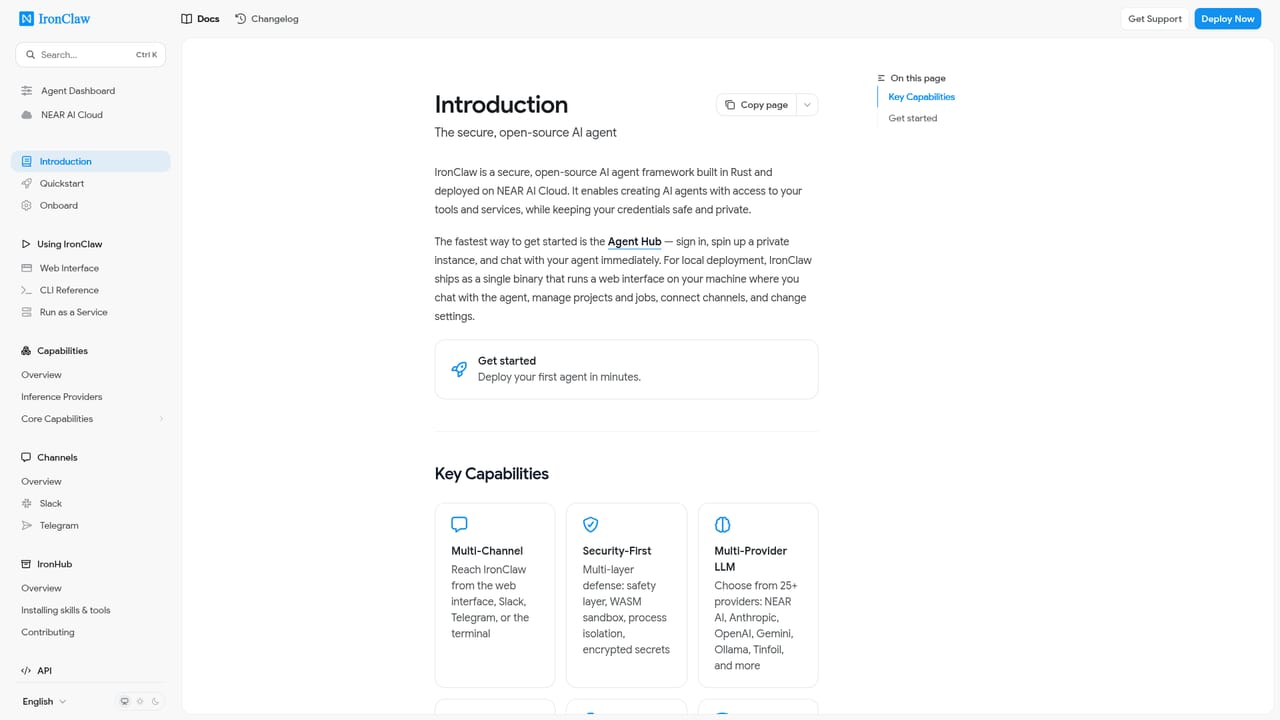
    IronClaw — Review the runtime and docs
  3. 3Load credentials into the vault
    Add API keys, tokens and passwords to the encrypted vault and bind each one to the specific endpoints that are permitted to receive it.
  4. 4Connect your stack
    Link Gmail, Google Calendar, Sheets, GitHub, Slack, Telegram or an MCP server, then test a single read-only task to confirm permissions behave as expected.
  5. 5Hand off the first automation
    Start with a low-risk recipe such as inbox triage or a deployment health check, then inspect the results before widening what the agent may touch.
  6. 6Extend with custom tools
    When a needed connector is missing, describe it in chat and let IronClaw build and sandbox a new tool within the same permission model.

Pros and cons

Pros

  • Credentials are injected at the host boundary, so the model never receives raw keys or passwordsAI
  • Per-tool WebAssembly sandboxes with allowlisted endpoints contain the damage a malicious skill can doAI
  • Rust implementation removes buffer overflows and use-after-free risks at compile timeAI
  • Model-agnostic, with connections listed for Anthropic, OpenAI, Gemini, Mistral, Ollama and othersAI
  • Open source, so the security claims can be audited rather than taken on trustAI

Cons

  • Security guarantees depend on deploying to NEAR AI Cloud; a self-managed local setup shifts the hardening burden to youAI
  • Allowlisting and vault configuration add setup work that a casual chat assistant does not demandAI
  • Pricing and credits are tied to NEAR AI Cloud tiers, so costs scale with token usage in a way that is hard to forecastAI
  • The connector catalogue is narrower than mature agent platforms, and unlisted tools rely on generated connectors of unknown qualityAI
  • Documentation is thin on the site itself and pushes readers to external docs and GitHubAI

How much does IronClaw cost?

Pricing

Three NEAR AI Cloud tiers: Starter at $0 per month with 1 agent instance and $5 in credits, Basic at $20 per month with up to 2 instances and $20 in credits, and Pro+ at $200 per month with up to 5 instances, early access to advanced models, priority support and $200 in credits. The site states up to 130M tokens per month in total.

Learn more

Support

Priority support is listed as a Pro+ plan feature. The site itself offers no separate help centre, pointing users to documentation and the GitHub repository instead.

Learn more

Integrations

Connectors are listed for Gmail, Google Drive, Sheets, Calendar, Docs and Slides, GitHub, Discord, Telegram, Signal, web search and MCP servers. Anything with an API can be reached through tools IronClaw builds and sandboxes on request.

Features

Encrypted credential vault invisible to the AI, per-tool WebAssembly sandboxes with capability permissions, encrypted Trusted Execution Environments on NEAR AI Cloud, real-time leak detection on outbound traffic, endpoint allowlisting, and a Rust runtime with compile-time memory safety. The agent is model-agnostic and can generate new tools and connectors from a chat request.

Frequently asked questions about IronClaw

  • How much does IronClaw cost?
    Three NEAR AI Cloud tiers: Starter at $0 per month with 1 agent instance and $5 in credits, Basic at $20 per month with up to 2 instances and $20 in credits, and Pro+ at $200 per month with up to 5 instances, early access to advanced models, priority support and $200 in credits. The site states up to 130M tokens per month in total.
  • Does IronClaw have an API?
    Yes, IronClaw offers an API.
  • How do you use IronClaw?
    The walkthrough on this page covers 6 steps: 1. Deploy an instance on NEAR AI Cloud 2. Review the runtime and docs 3. Load credentials into the vault 4. Connect your stack 5. Hand off the first automation 6. Extend with custom tools.
  • What platforms does IronClaw support?
    IronClaw is available on Web App, Linux, MacOS and Windows.
  • What does IronClaw integrate with?
    Connectors are listed for Gmail, Google Drive, Sheets, Calendar, Docs and Slides, GitHub, Discord, Telegram, Signal, web search and MCP servers. Anything with an API can be reached through tools IronClaw builds and sandboxes on request.
  • What are the limitations of IronClaw?
    Security guarantees depend on deploying to NEAR AI Cloud; a self-managed local setup shifts the hardening burden to you. Allowlisting and vault configuration add setup work that a casual chat assistant does not demand. Pricing and credits are tied to NEAR AI Cloud tiers, so costs scale with token usage in a way that is hard to forecast.

Status

StatusActive
Views0
Outbound clicks0
Added10/22/2026

Platforms

Web AppLinuxMacOSWindows

Pricing

FreemiumSubscriptionPaid