Free trial
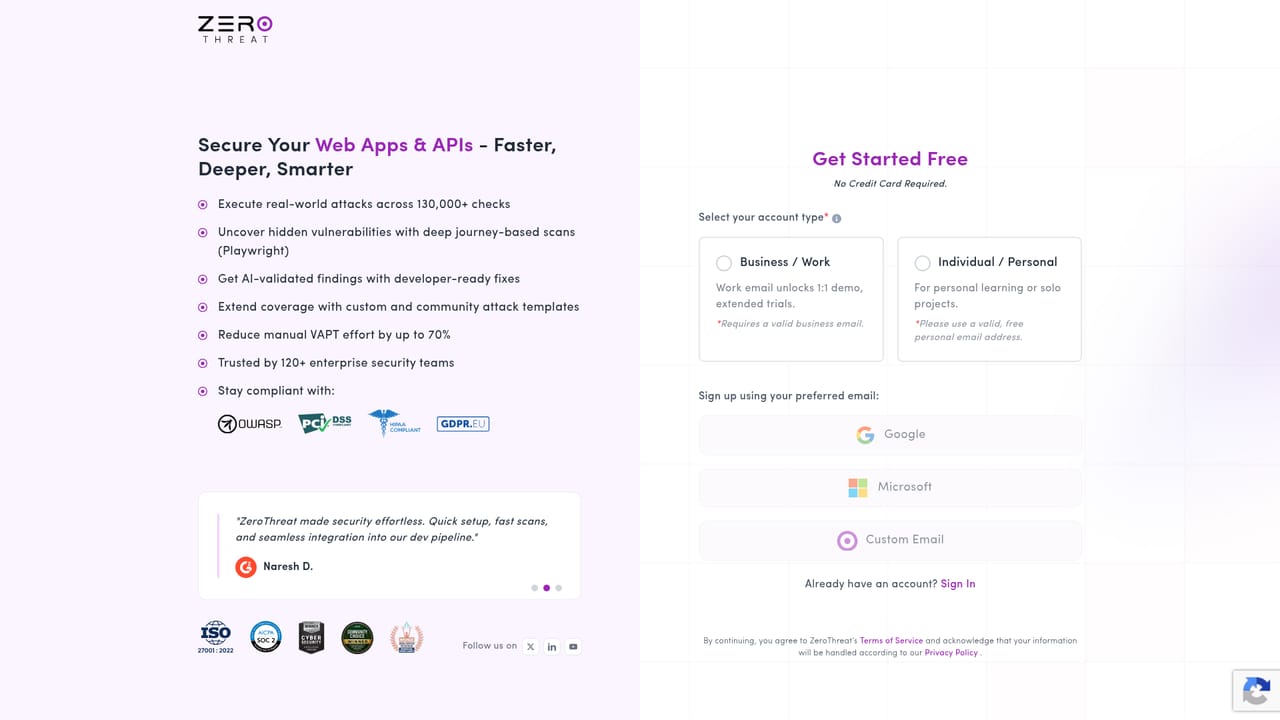
The site offers a free sign-up link labelled Try It for Free and Get Started, giving new users access to the platform without a stated time limit or feature cap.
Learn moreContinuous AI pentesting for web apps and APIs
Own ZeroThreat.ai? Verify ownership to get a dofollow link

ZeroThreat.ai is a cybersecurity tool. ZeroThreat is an AI-driven pentesting platform that continuously scans web apps and APIs, validates exploitability with agentic AI agents, and produces proof-backed reports mapped to OWASP, PCI DSS, HIPAA, ISO 27001 and GDPR.
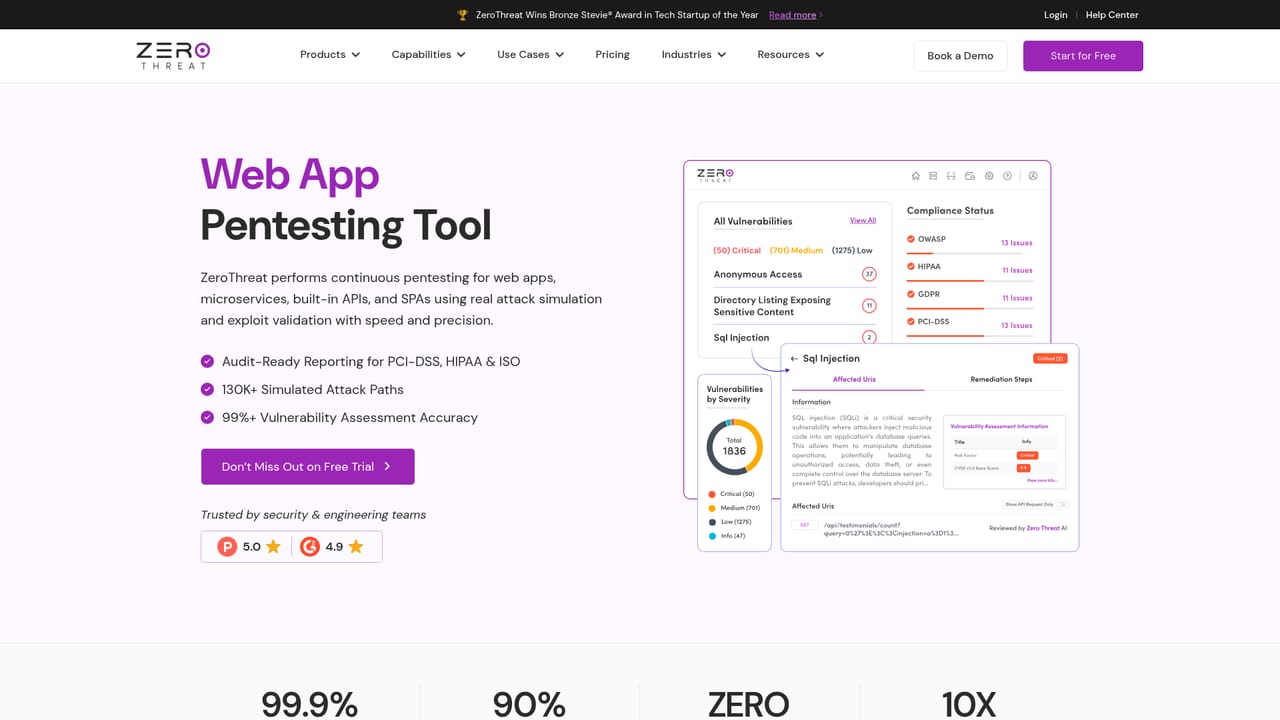
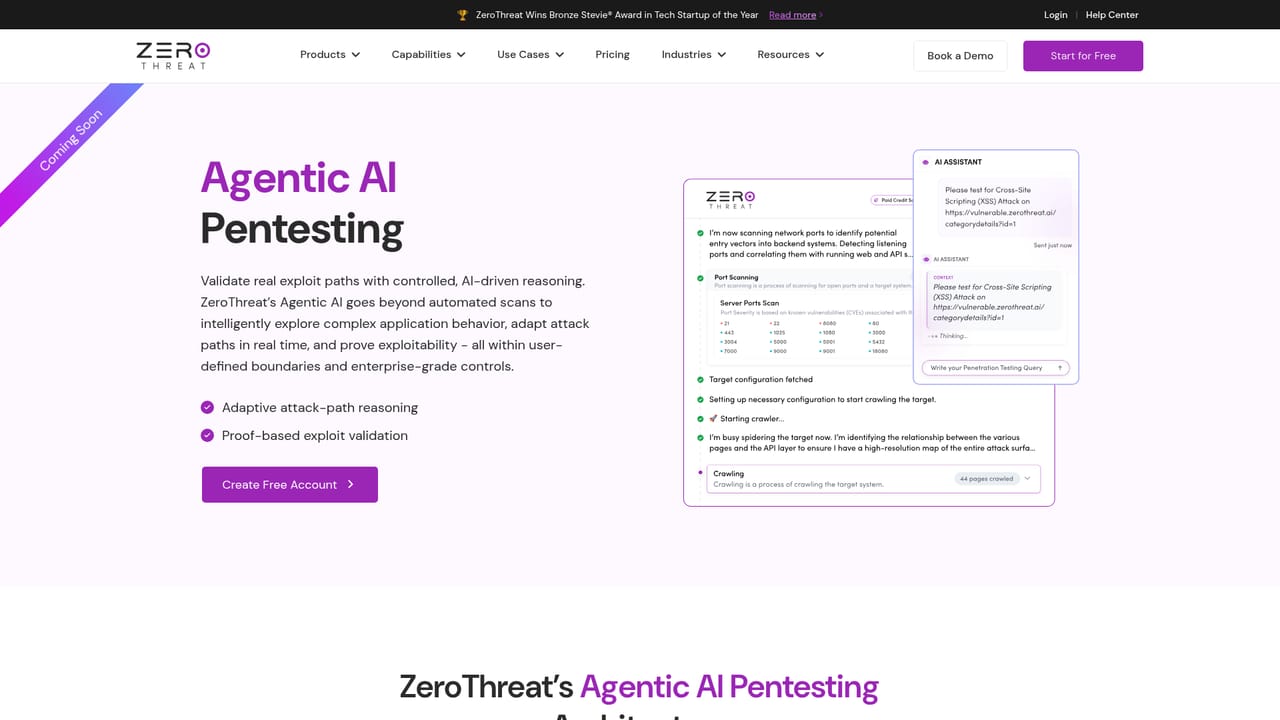
ZeroThreat is an automated penetration testing platform that targets modern web applications and APIs rather than legacy network perimeters. The product combines crawling, context-aware payload testing and agentic AI agents that chain multi-step attack paths, then confirms each issue with captured proof before it reaches a triage queue. The vendor positions the tool against two alternatives: quarterly or annual manual pentests that cost five figures and take weeks, and traditional DAST scanners that flag patterns without demonstrating impact. Its pitch is that only validated, reproducible exploits should surface as findings. In practice the workflow runs in five stages. ZeroThreat first maps the application landscape, including single page apps, authenticated sessions and undocumented or shadow API routes. It then tests each endpoint with awareness of business logic and data sensitivity, drawing on a library the site describes as 130,000+ attack checks spanning OWASP Top 10, OWASP API Top 10, CWE/SANS Top 25 and newly disclosed CVEs. Agentic AI agents attempt controlled exploitation and capture request and response traces as evidence. Reports bundle payloads, HTTP traces, code-level fix guidance and mappings to frameworks such as PCI DSS, HIPAA, ISO 27001 and GDPR, with tickets pushed to Jira, GitHub or Azure Boards. Final stage is continuous rescanning per commit and automatic re-testing of fixes. The tool suits security engineers, DevSecOps leads and product teams that ship frequently and cannot wait on a consulting engagement. Playwright-based rendering covers React, Vue and Angular front ends, and the platform markets itself as production safe. Vendor figures claim 2,000+ URLs scanned in 15 minutes, near-zero false positives and a 90 percent cut in manual testing effort, so treat those as marketing claims until verified in your own environment. Among alternatives, ZeroThreat sits between classic DAST tools and human pentest firms. It competes on continuous cadence and exploit proof, not on replacing a deeply scoped manual assessment for complex custom logic.
The site offers a free sign-up link labelled Try It for Free and Get Started, giving new users access to the platform without a stated time limit or feature cap.
Learn moreSupport is reached through the contact page, where teams can book a demo or get in touch with the vendor. No separate help centre or documentation portal is linked from the homepage.
Learn moreThe site mentions one-click ticket creation in Jira, GitHub and Azure Boards, native CI/CD integration for automated build scanning, and instant alerts through Slack, email or tickets.
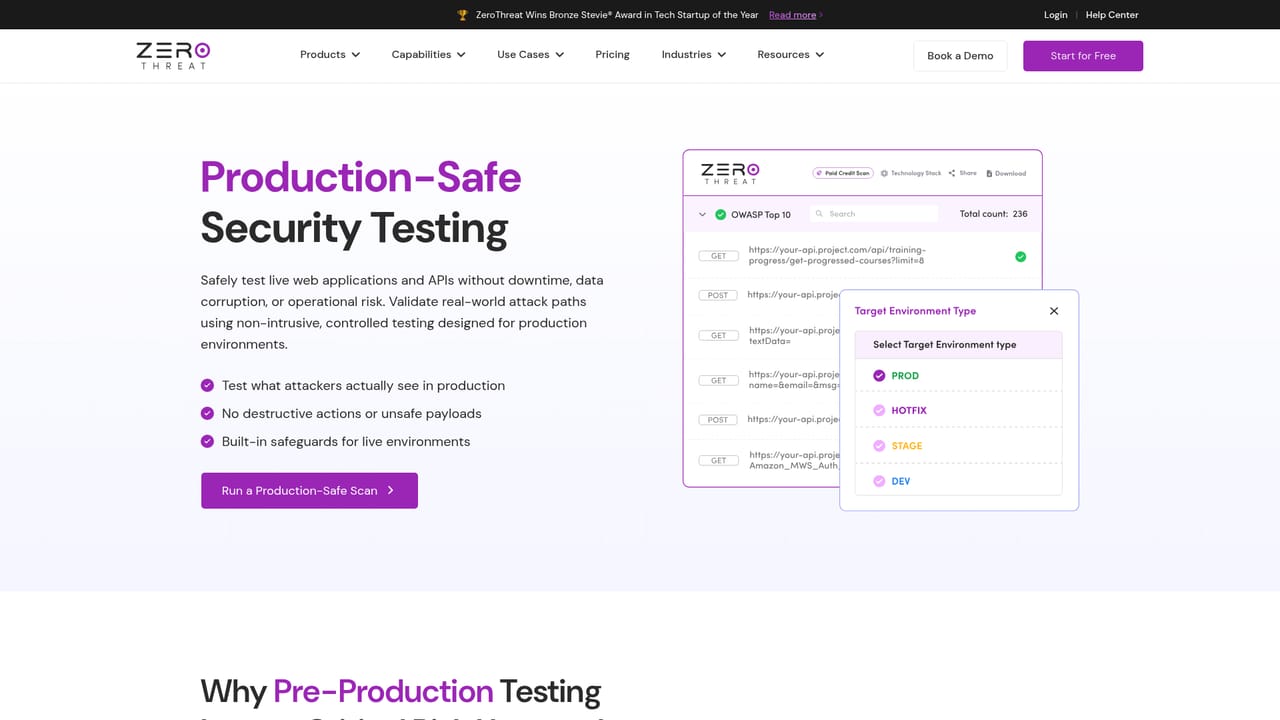
Core capabilities cover automated penetration testing, web app testing with Playwright rendering for SPAs, API testing across REST, GraphQL and SOAP including shadow endpoint discovery, and agentic AI pentesting that chains multi-step attacks. Supporting modules include zero-day detection, production-safe scanning, OWASP and business logic coverage, compliance-mapped reporting and native CI/CD integration.
Learn more AI Angels400+ customizable AI girlfriends for NSFW chat, voice calls, and roleplay
 Candy AIExperience the future of companionship with AI friends who chat, role-play, and connect with you on a human level.
 ourdream.aiA vast AI roleplay platform with millions of characters for chat, images, video and voiceAI Angels400+ customizable AI girlfriends for NSFW chat, voice calls, and roleplayCandy AIExperience the future of companionship with AI friends who chat, role-play, and connect with you on a human level.ourdream.aiA vast AI roleplay platform with millions of characters for chat, images, video and voice


