Free trial
A 30-day free trial gives full access to the platform. No credit card is required and there are no per-image fees during the trial.
Learn moreAI culling, editing and retouching for working photographers

AfterShoot is an edit pictures tool. All-in-one post-processing platform for professional photographers: AI culling, style-trained editing, batch retouching and client galleries with print sales, run offline on your own machine for a flat subscription.
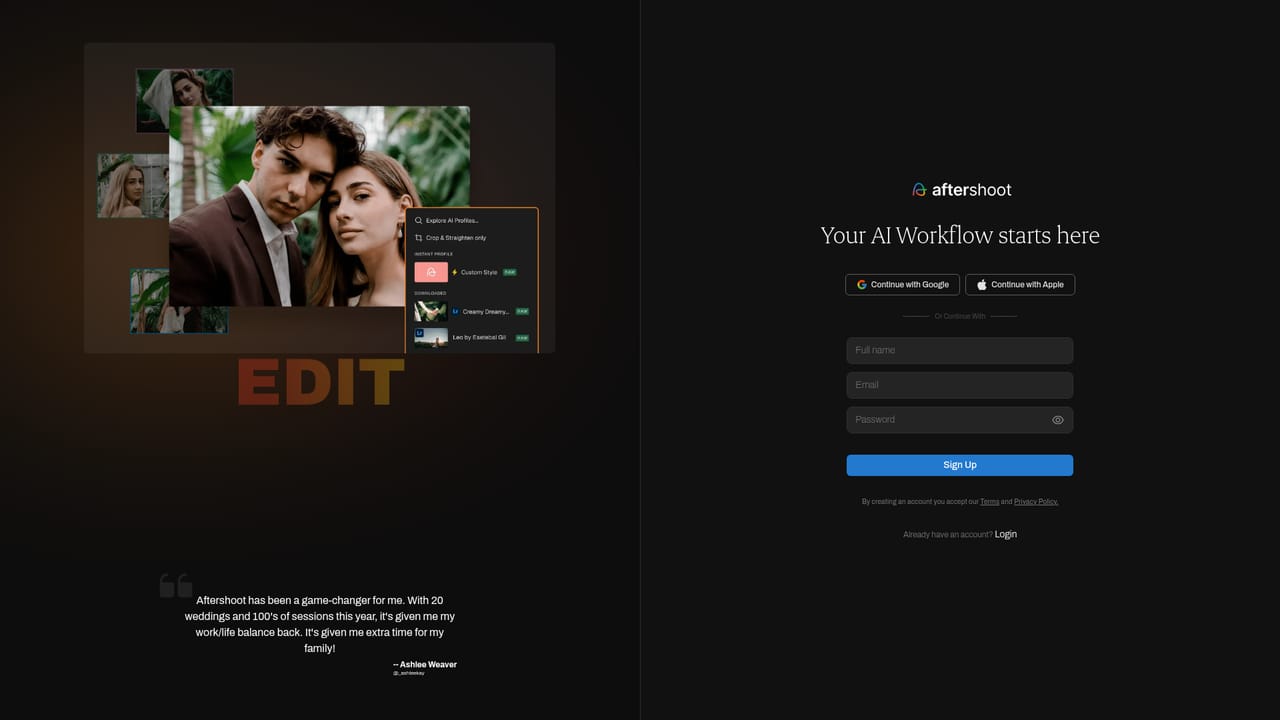
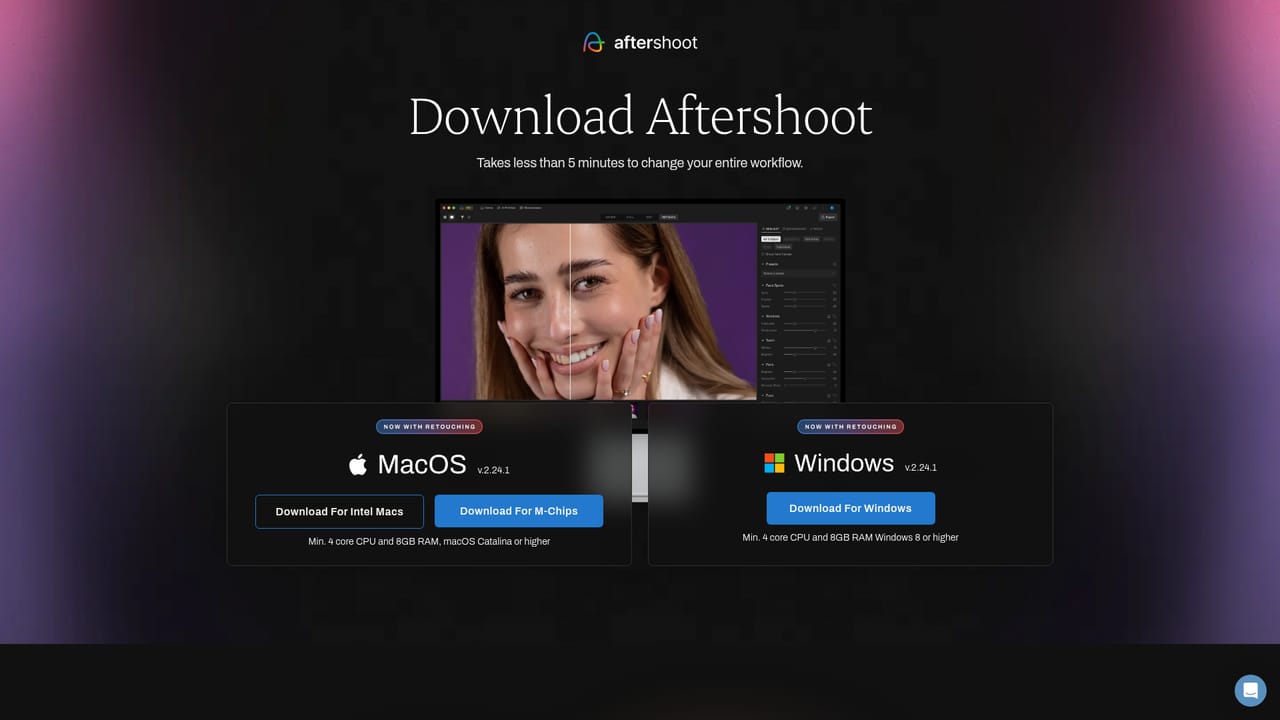
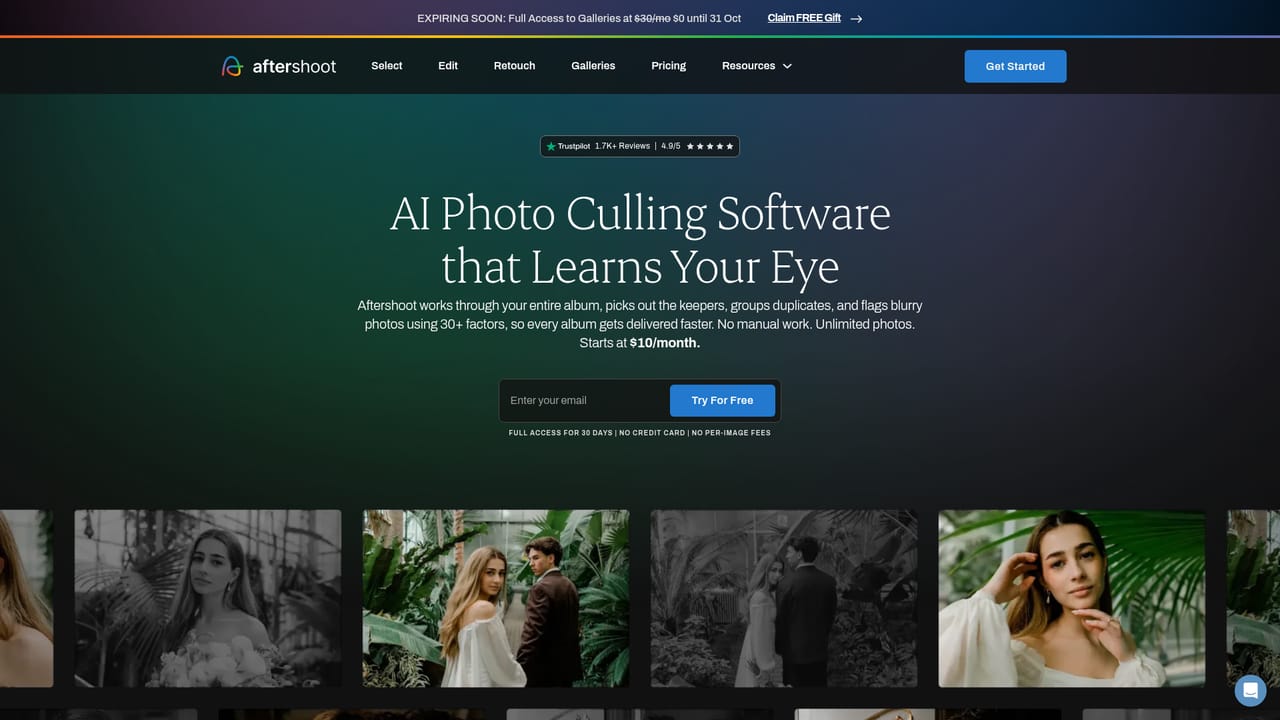
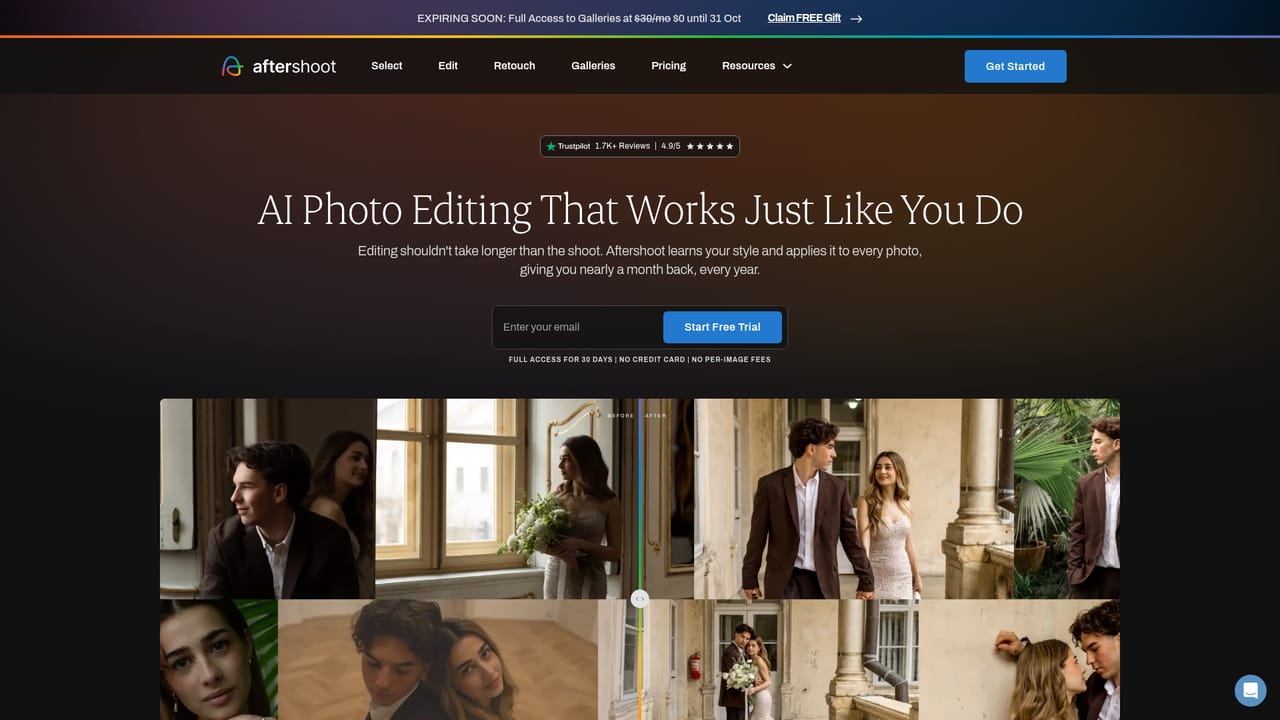
Aftershoot is a post-processing platform aimed at professional photographers who come home from a shoot with thousands of frames and a deadline. It bundles four stages that are usually spread across different apps: culling the shoot down to keepers, editing the survivors into a consistent look, retouching skin, hair, glare and backgrounds, and delivering the finished set through client galleries. The pitch is volume and repetition, not one-off creative work, and the whole pipeline is designed around the wedding, event, school, newborn and family photographers who shoot in bulk. The culling module is the entry point. Photographers choose between AI Automated Culling, which produces a first pass on its own, and AI Assisted Culling, which keeps the human in the loop. The engine groups duplicates while trying to tell true repeats apart from intentional variations, and the review layer adds a Survey Mode for side-by-side comparison, a one-click rating tool and grid or loupe views. Aftershoot states that culling behaviour improves as it observes how you make decisions. Editing follows a similar pattern of teaching the model your taste. You can import previously edited photographs so the system learns your look, or bring in an existing Lightroom preset and edit a few samples so it adapts. There are also 30+ ready-made styles curated by professional photographers. A built-in RAW editor covers manual adjustments, and previewing, editing and exporting all happen inside the app. Retouching is batch-oriented: presets analyse each photo's lighting, exposure and colour before applying, and a correction made on one image can be synced across a gallery with per-image tuning. Galleries close the loop with face detection, keyword search, proofing, favourites and a print store. Aftershoot runs offline, keeps files on the local machine and bills a flat subscription without per-image fees. That positioning puts it against cloud culling services and the AI features now shipping inside Lightroom and Capture One, with local processing and an all-in-one workflow as its main distinctions.
A 30-day free trial gives full access to the platform. No credit card is required and there are no per-image fees during the trial.
Learn moreAftershoot sells a flat subscription covering the complete post-shoot workflow, with unlimited usage and no per-image fees. The homepage does not publish specific plan prices or tiers, and a Galleries promotion quoted at $30 per month is shown as a time-limited offer rather than the standard rate.
Learn moreSupport is staffed by people rather than automated systems, and the homepage states that help is available around the clock, from the first album through to final delivery.
The homepage describes previewing, editing and exporting within Aftershoot and support for importing existing Lightroom presets. No third-party integration directory is listed on the site.
Four connected modules: AI culling with automated or assisted modes, duplicate grouping and review tools; AI editing trained on your own photos or presets, plus 30+ pro styles and a RAW editor; batch retouching for skin, hair, glare and backgrounds with sync across a gallery; and client galleries with face detection, keyword search, proofing, favourites and print sales. Processing runs offline on your own machine.
Learn more AI Angels400+ customizable AI girlfriends for NSFW chat, voice calls, and roleplay
 Candy AIExperience the future of companionship with AI friends who chat, role-play, and connect with you on a human level.
 ourdream.aiA vast AI roleplay platform with millions of characters for chat, images, video and voiceAI Angels400+ customizable AI girlfriends for NSFW chat, voice calls, and roleplayCandy AIExperience the future of companionship with AI friends who chat, role-play, and connect with you on a human level.ourdream.aiA vast AI roleplay platform with millions of characters for chat, images, video and voice


