AI App Icon Generator

Generate app icons from text prompts in seconds.

Beginner
Screenshot of AI App Icon Generator, Generate app icons from text prompts in seconds

What is AI App Icon Generator?

AI App Icon Generator is an icon generator tool that generates app icons from text prompts in seconds. AI App Icon Generator creates app icons from text prompts, returning three variations per prompt along with negative prompt controls and a redesign option.

AI App Icon Generator turns short text prompts into finished app icons, with no drawing software and no design background required. You type a description, optionally list things to exclude, and the system returns a set of icon images. The service is built for indie developers, small product teams, and side project builders who need a usable launcher graphic before a release and do not want to brief a designer for a single asset. It also suits founders mocking up a concept store page or pitching an idea, where speed matters more than a bespoke brand system. In practice the workflow is prompt driven. A field takes your concept, a second field holds a negative prompt for elements you want kept out, and a variations control sets how many images come back. Each prompt produces three distinct icons, so a single run gives you alternatives to compare side by side rather than one take it or leave it result. If none of the three lands, the redesign option starts a fresh generation, and the site points to a companion image to image tool for restyling work you have already made. Finished icons can be downloaded to your computer or shared on social platforms. Among AI image tools, this one is deliberately narrow. It does not attempt full illustration or brand identity work; it aims at the single square asset an app store listing and a home screen need. That focus keeps the interface small (prompt, negative prompt, variations) and the output consistent with the icon format, which is the main reason to pick it over a general purpose image generator that would require more prompt engineering to land on a clean icon. Pricing is credit based with one time payment, so costs scale with how many icon sets you actually produce rather than a recurring subscription. There is no permanent free tier and no refund policy, which makes it a tool to try once you already know roughly what you want the icon to look like.

How do you use AI App Icon Generator?

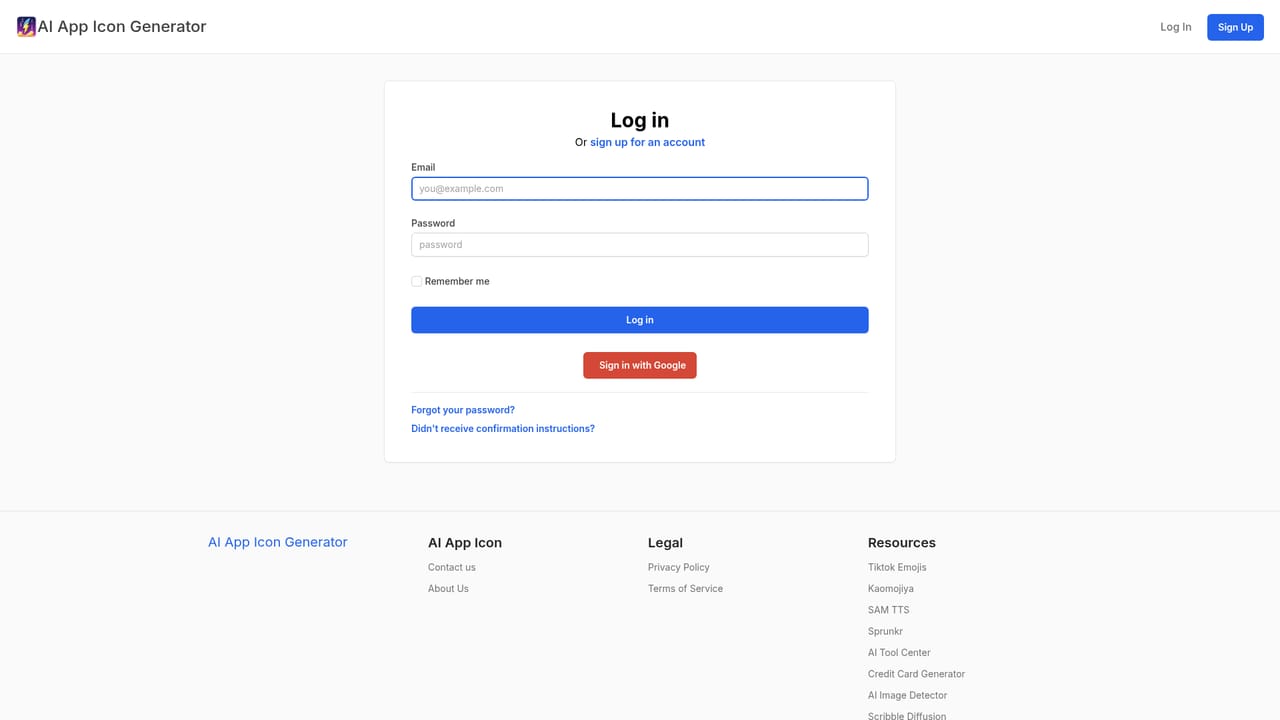
  1. 1Open the sign in page and create an account
    Start at the sign in link from the homepage. The site does not offer free credits, so an account is the first step before any generation.
    AI App Icon Generator — Open the sign in page and create an account
  2. 2Buy a credit pack
    Choose Basic, Starter or Premium and pay once through Stripe. One credit covers up to three icons, so the Basic pack yields roughly 30 icons.
  3. 3Write the icon prompt
    Describe the subject and style in the prompt field, for example a cute bear head, front facing, closeup. Keep the wording short and concrete.
  4. 4Set the negative prompt and variations
    Use the negative prompt field for elements you do not want in the icon, then set how many images to generate. Each prompt returns three distinct designs.
  5. 5Compare results and redesign if needed
    Review the three icons and pick the one that fits. If none work, use the redesign feature to generate new versions from scratch.
  6. 6Download or share the chosen icon
    Save the final image to your computer or share it on social platforms. The site states generated images can be downloaded freely.

Pros and cons

Pros

  • Three distinct icons per prompt gives immediate alternatives to compare.AI
  • Negative prompt field helps exclude unwanted elements from the result.AI
  • One time credit packs avoid a recurring subscription commitment.AI
  • Download and social sharing are supported directly from the output.AI
  • Interface is limited to prompt, negative prompt and variations, so there is little to learn.AI

Cons

  • No free credits, so the tool cannot be tested without paying first.AI
  • Refunds are not offered, which raises the risk of a first purchase.AI
  • Icons arrive as flat images with no source files or size variants mentioned.AI
  • No subscription option means heavy users must keep buying credit packs.AI
  • Output quality depends heavily on prompt wording, with no style presets listed.AI

How much does AI App Icon Generator cost?

Pricing

Credit packs are one time purchases: Basic at $2.9 for 10 credits (about 30 icons), Starter at $7.9 for 30 credits (about 90 icons) and Premium at $12.9 for 50 credits (about 150 icons). One credit generates up to three icons. Payments run through Stripe, no subscription and no hidden fees.

Learn more

Integrations

Stripe handles payment processing; no other integrations or export connections are described on the homepage.

Features

Prompt based icon generation with a dedicated negative prompt field and a variations control. Every prompt produces three distinct app icons, and a redesign option regenerates from scratch when the first set misses. The interface is deliberately minimal, limited to prompt, negative prompt and variations, and finished images can be downloaded or shared on social media.

Frequently asked questions about AI App Icon Generator

  • How much does AI App Icon Generator cost?
    Credit packs are one time purchases: Basic at $2.9 for 10 credits (about 30 icons), Starter at $7.9 for 30 credits (about 90 icons) and Premium at $12.9 for 50 credits (about 150 icons). One credit generates up to three icons. Payments run through Stripe, no subscription and no hidden fees.
  • How do you use AI App Icon Generator?
    The walkthrough on this page covers 6 steps: 1. Open the sign in page and create an account 2. Buy a credit pack 3. Write the icon prompt 4. Set the negative prompt and variations 5. Compare results and redesign if needed 6. Download or share the chosen icon.
  • What platforms does AI App Icon Generator support?
    AI App Icon Generator is available on Web App.
  • What does AI App Icon Generator integrate with?
    Stripe handles payment processing; no other integrations or export connections are described on the homepage.
  • What are the limitations of AI App Icon Generator?
    No free credits, so the tool cannot be tested without paying first. Refunds are not offered, which raises the risk of a first purchase. Icons arrive as flat images with no source files or size variants mentioned.

Status

StatusActive
Views0
Outbound clicks0
Added10/21/2026

Platforms

Web App

Pricing

Paid