IconifyAI

Text to app icon in under a minute, 11 styles, credit based

Beginner
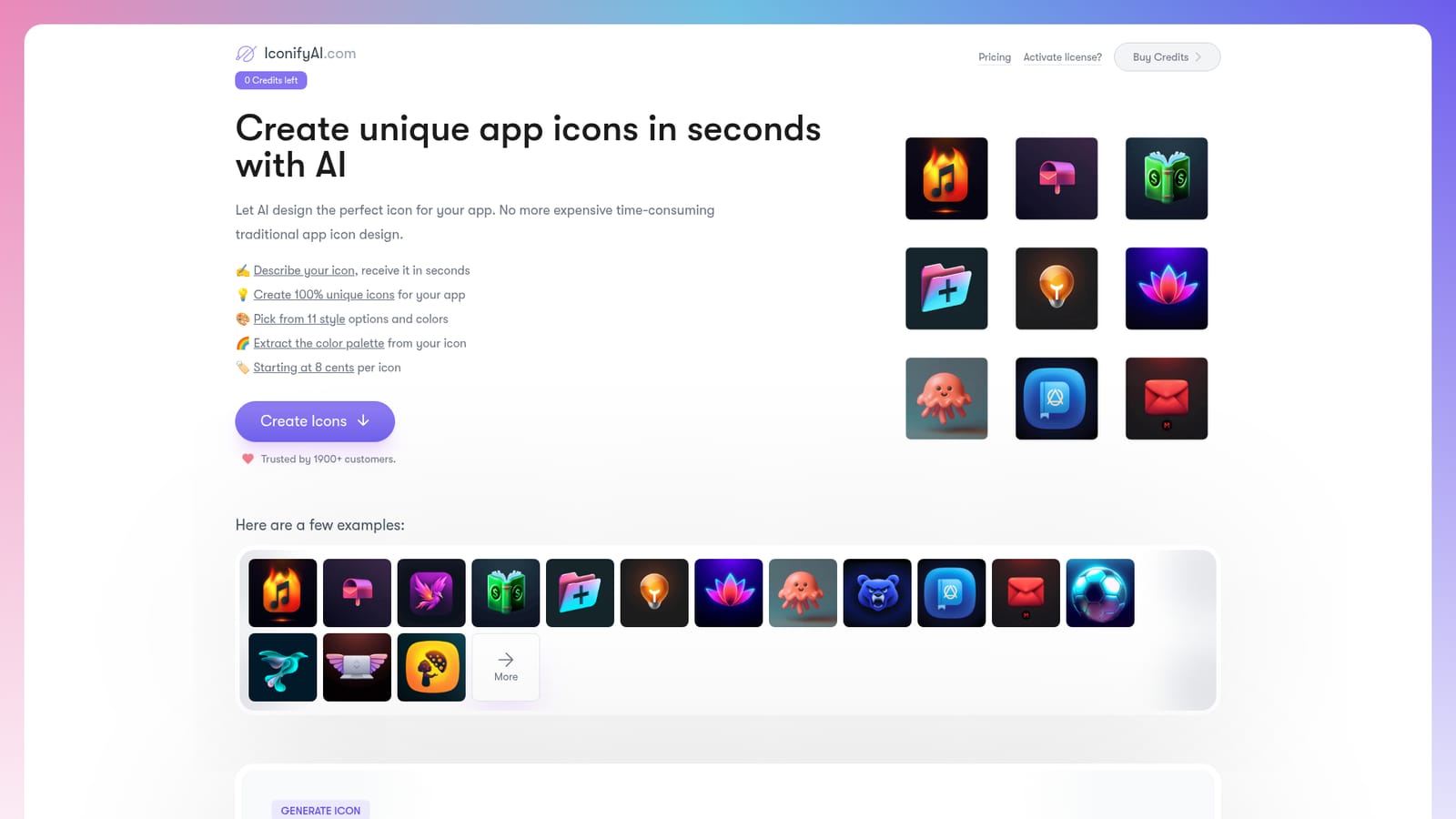
Screenshot of IconifyAI, Text to app icon in under a minute, 11 styles, credit based

What is IconifyAI?

IconifyAI is an icon generator tool. Credit based AI icon generator that converts a short text description and a color choice into a 1024x1024 app icon across 11 style presets, with color palette and font suggestions included.

IconifyAI is a browser based icon generator that turns a short written description into a finished app icon. The workflow is deliberately narrow: name the objects you want in the artwork, pick a brand color, choose one of eleven style presets (metallic, textured, pixelated, clay, gradient, solid, mascot, flat, vintage, sketch and photorealistic), set how many icons you need, and generate. The site states that a request resolves in under a minute, and each generated file arrives as a 1024x1024 image in PNG and JPG. Alongside the artwork, the tool returns color palette suggestions and font recommendations, so the icon can seed a wider visual identity rather than sitting on its own. The intended audience is indie developers, small product teams and founders who need a store ready app icon without commissioning a designer. The pricing page frames it for both solo builders and larger teams, and the purchase model is credit based: one credit equals one icon. Three packs are listed at $17 for 80 credits ($0.21 per credit), $24 for 200 credits ($0.12 each) and $37 for 450 credits ($0.08 each), which puts the entry cost well below a typical design commission. There is no subscription to manage and no stated cap on how many icons an account can produce, provided credits are available. In practice the tool behaves like a fast concept generator. Descriptions are meant to stay short and literal, because naming too many objects in one prompt is discouraged on the form itself. Generated icons can be previewed, downloaded, or copied to the clipboard for quick sharing. IconifyAI grants full ownership of the output, including selling rights and copyright, which matters for anyone shipping a commercial product under the artwork. Dedicated landing pages cover iOS app icons and Android app icons for teams working against each store's asset conventions. The closest alternatives are general image generators such as Midjourney or DALL-E, which produce broader illustrations but require more prompt craft and post processing for a clean square icon, and human designers, who offer art direction the tool cannot match. IconifyAI trades flexibility for speed and consistency, and the fixed style presets are the main reason output stays usable at small sizes. A public gallery shows sample results before any credits are spent.

How do you use IconifyAI?

  1. 1Check the gallery for style direction
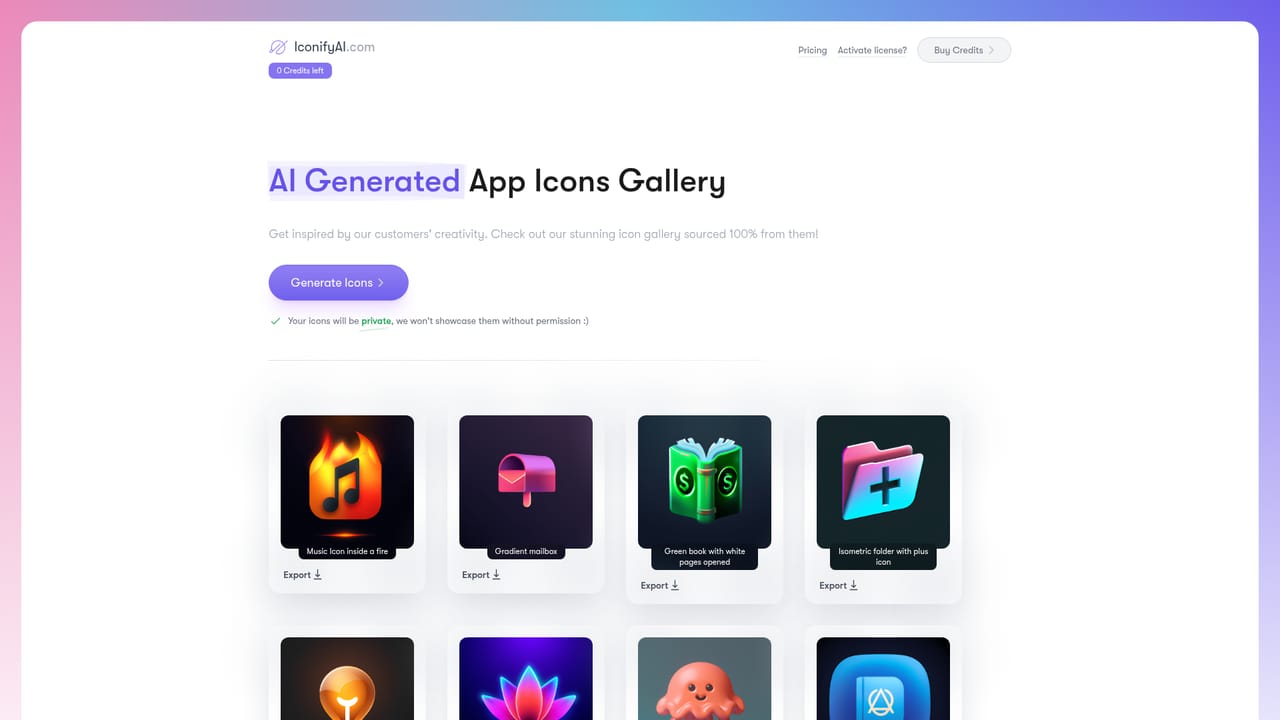
    Browse the public gallery of generated icons to see how each preset renders before spending credits. Note the styles that match the app you are building.
    IconifyAI — Check the gallery for style direction
  2. 2Describe the objects and pick a color
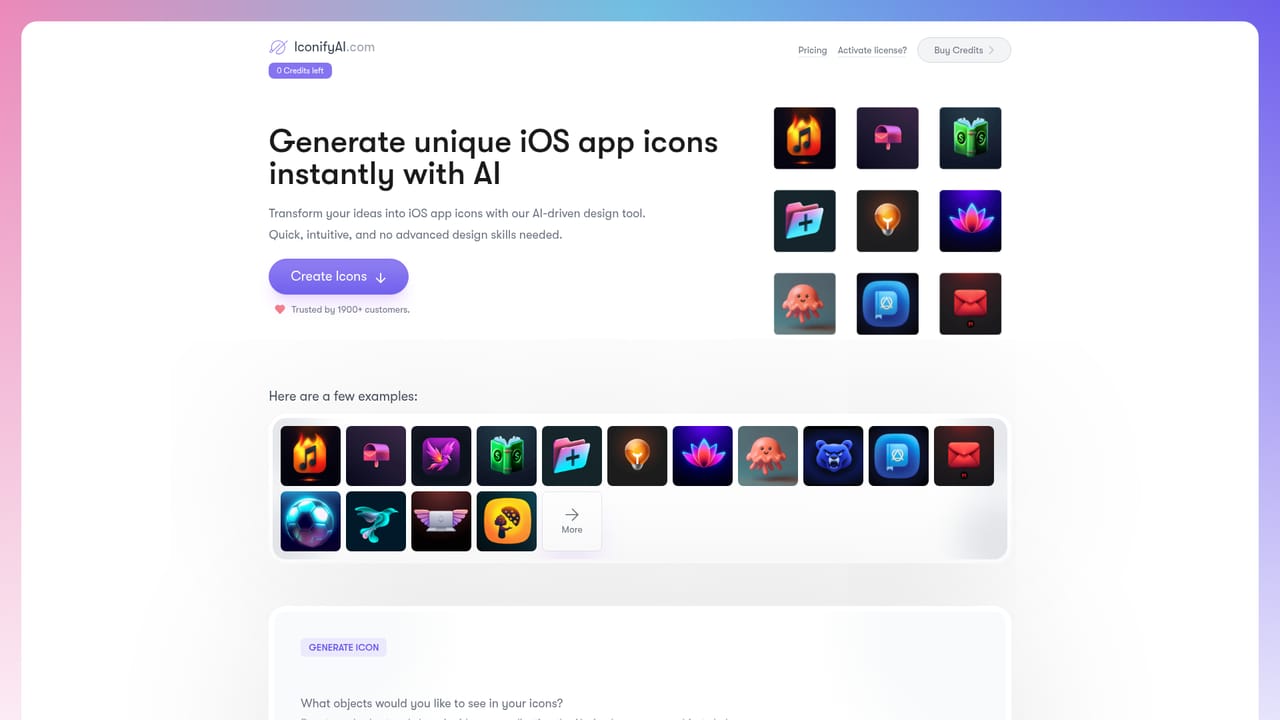
    On the generator, name one or two objects in plain, short language and select the color that represents your app. Keeping the description minimal is advised on the form itself.
    IconifyAI — Describe the objects and pick a color
  3. 3Choose a style and quantity
    Select one of the eleven style presets (solid is marked most popular) and set how many icons to produce. Each icon consumes one credit from your balance.
  4. 4Buy credits and activate the license
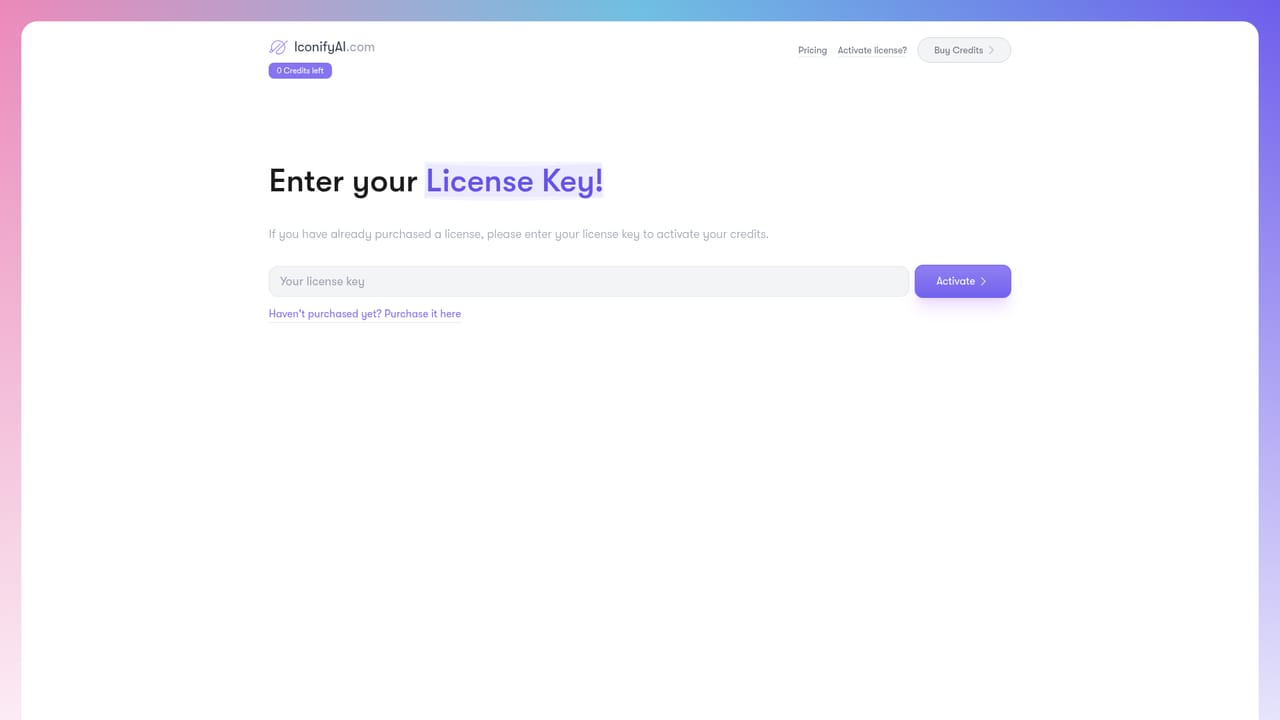
    Credit packs are sold through the checkout link in the header. If you already hold a license key, activate it on the activation page to load credits onto your account.
    IconifyAI — Buy credits and activate the license
  5. 5Review, download and refine
    Preview each result, download the 1024x1024 PNG or JPG, or copy the icon to the clipboard. Regenerate with adjusted wording if a concept misses.
  6. 6Apply store specific assets
    Use the iOS or Android landing pages for guidance on preparing the icon for each app store submission.
    IconifyAI — Apply store specific assets

Pros and cons

Pros

  • Produces a download ready 1024x1024 PNG and JPG icon in under a minute per the siteAI
  • Eleven distinct style presets give more visual range than a single default lookAI
  • Credit packs start at $17, and the per icon cost drops to $0.08 on the largest packAI
  • Full ownership of generated icons is granted, including resale and copyrightAI
  • Palette extraction and font recommendations help extend the icon into a fuller brand kitAI

Cons

  • No free tier or trial credits are described, so testing costs a purchaseAI
  • Prompt guidance pushes users toward very short descriptions, which limits fine control over compositionAI
  • Icons are delivered as flat 1024x1024 images only; no vector source or sizing set is mentionedAI
  • No API, plugin or design tool integration is listed, so each asset must be downloaded by handAI
  • Output quality depends on a fixed style library, so highly custom brand marks may need a designer anywayAI

How much does IconifyAI cost?

Pricing

Credit based, one credit per icon. Three packs are listed: $17 for 80 credits ($0.21 per credit), $24 for 200 credits ($0.12 per credit) and $37 for 450 credits ($0.08 per credit). All packs include the 11 styles and sub minute turnaround. Credits are bought through a hosted checkout.

Learn more

Support

Questions are answered in the homepage FAQ and by email at admin@iconifyai.com. Feature requests and bug reports go through a public Canny board.

Features

Text to icon generation from a short object description plus a brand color, with 11 style presets (metallic, textured, pixelated, clay, gradient, solid, mascot, flat, vintage, sketch, photorealistic). Results arrive in under a minute as 1024x1024 PNG and JPG files, with automated color palette extraction, font recommendations, clipboard copying and full ownership of the output.

Frequently asked questions about IconifyAI

  • How much does IconifyAI cost?
    Credit based, one credit per icon. Three packs are listed: $17 for 80 credits ($0.21 per credit), $24 for 200 credits ($0.12 per credit) and $37 for 450 credits ($0.08 per credit). All packs include the 11 styles and sub minute turnaround. Credits are bought through a hosted checkout.
  • How do you use IconifyAI?
    The walkthrough on this page covers 6 steps: 1. Check the gallery for style direction 2. Describe the objects and pick a color 3. Choose a style and quantity 4. Buy credits and activate the license 5. Review, download and refine 6. Apply store specific assets.
  • What platforms does IconifyAI support?
    IconifyAI is available on Web App.
  • What are the limitations of IconifyAI?
    No free tier or trial credits are described, so testing costs a purchase. Prompt guidance pushes users toward very short descriptions, which limits fine control over composition. Icons are delivered as flat 1024x1024 images only; no vector source or sizing set is mentioned.

Status

StatusActive
Views0
Outbound clicks0
Added10/21/2026

Platforms

Web App

Pricing

Paid