Free trial
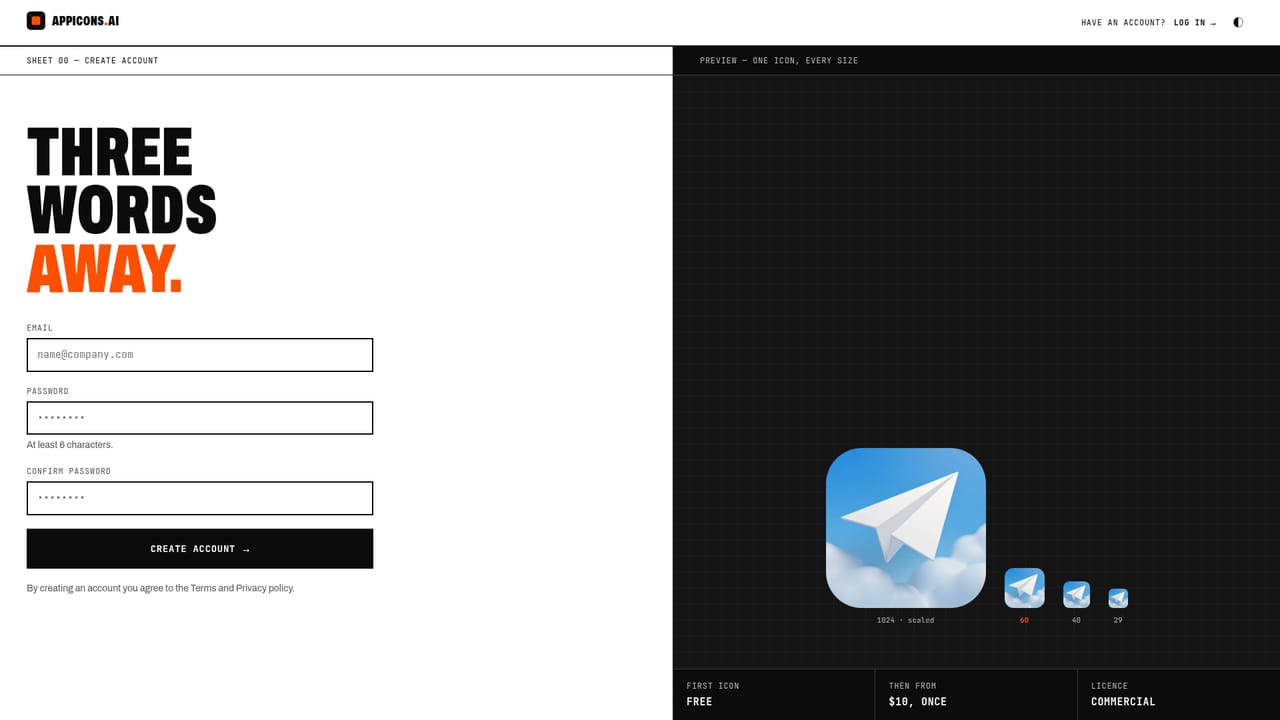
The first Standard guided round, three icon options costing 3 credits, is free. Icon ideas are also suggested at no cost, and sharing the site can earn extra free credits.
Learn morePay-once AI app icon maker that exports every iOS, Android and web size

AppIcons is a web tool that turns a short app description into an AI-generated icon and exports a single zip covering iOS, Android and web sizes, including dark, tinted and themed versions. Credits are sold as one-time packs with no subscription.
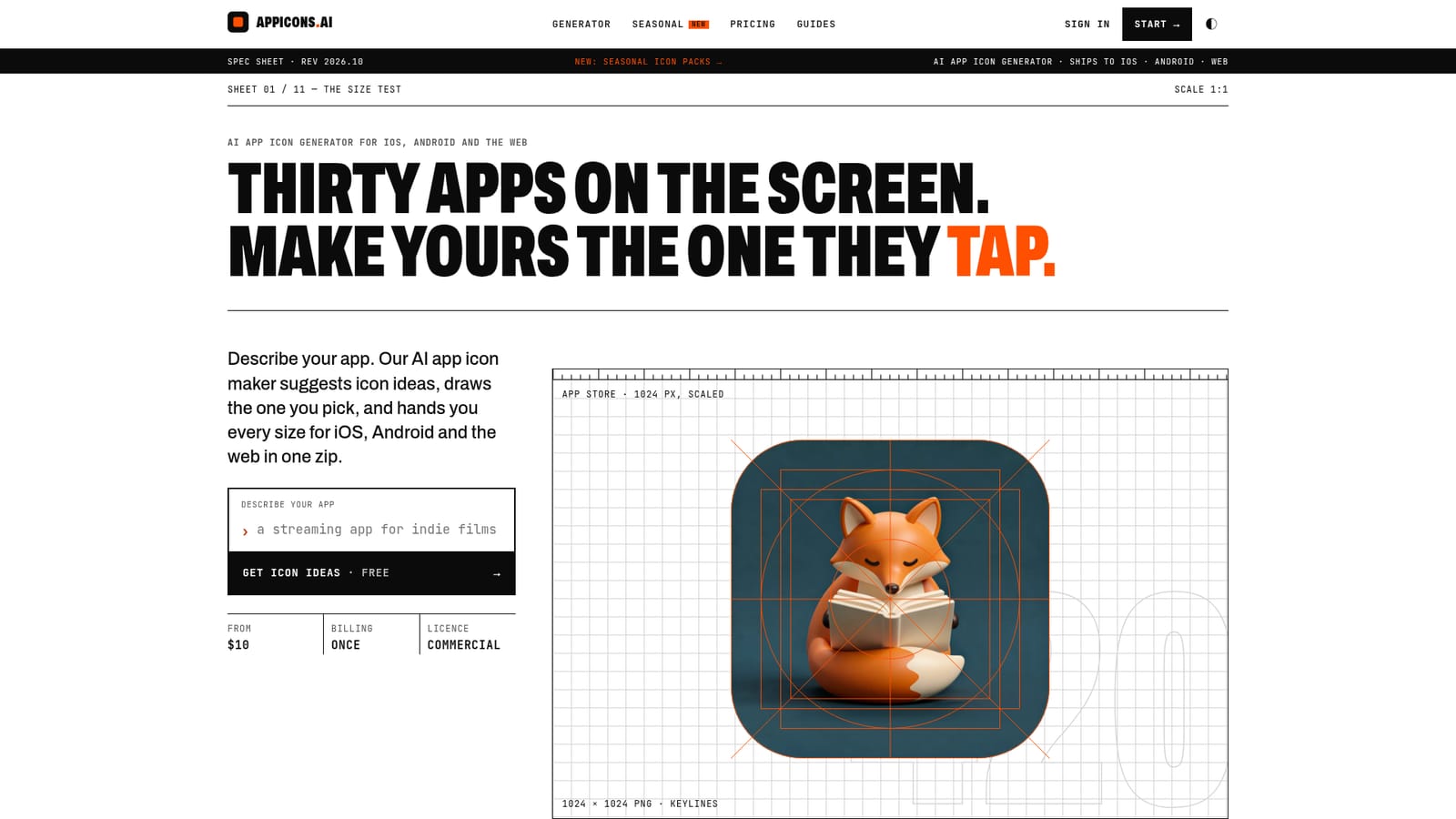
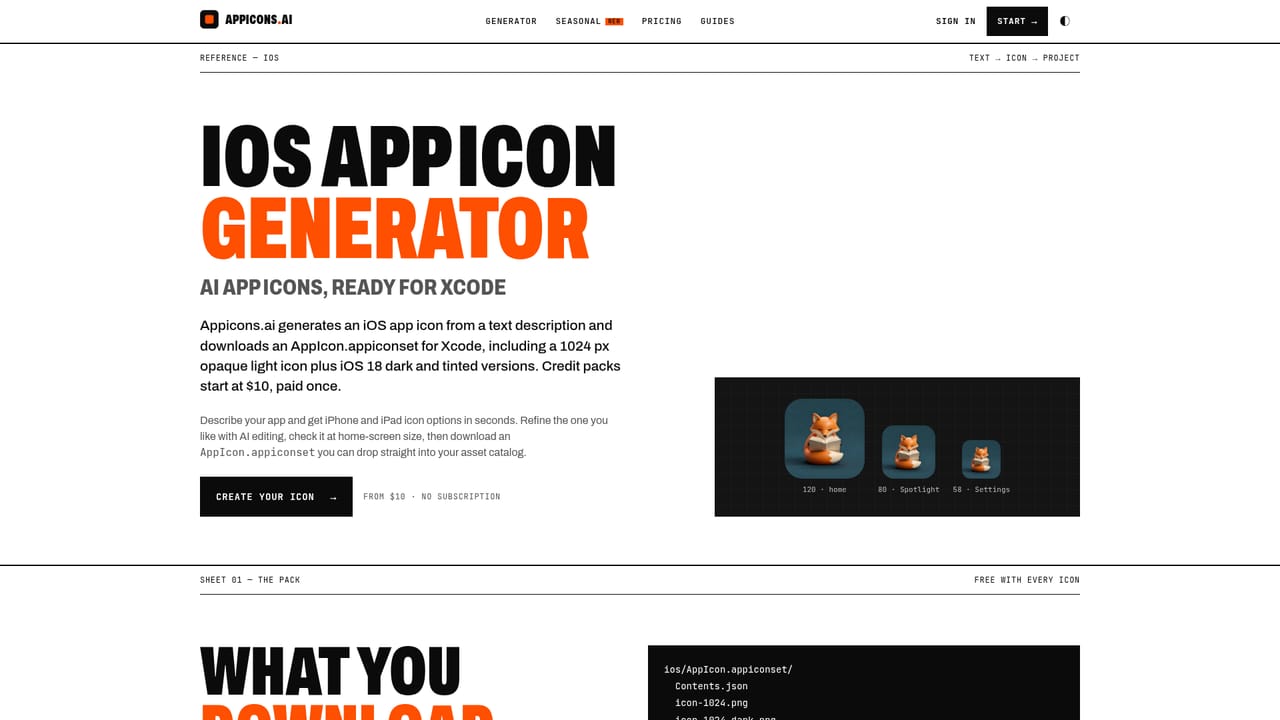
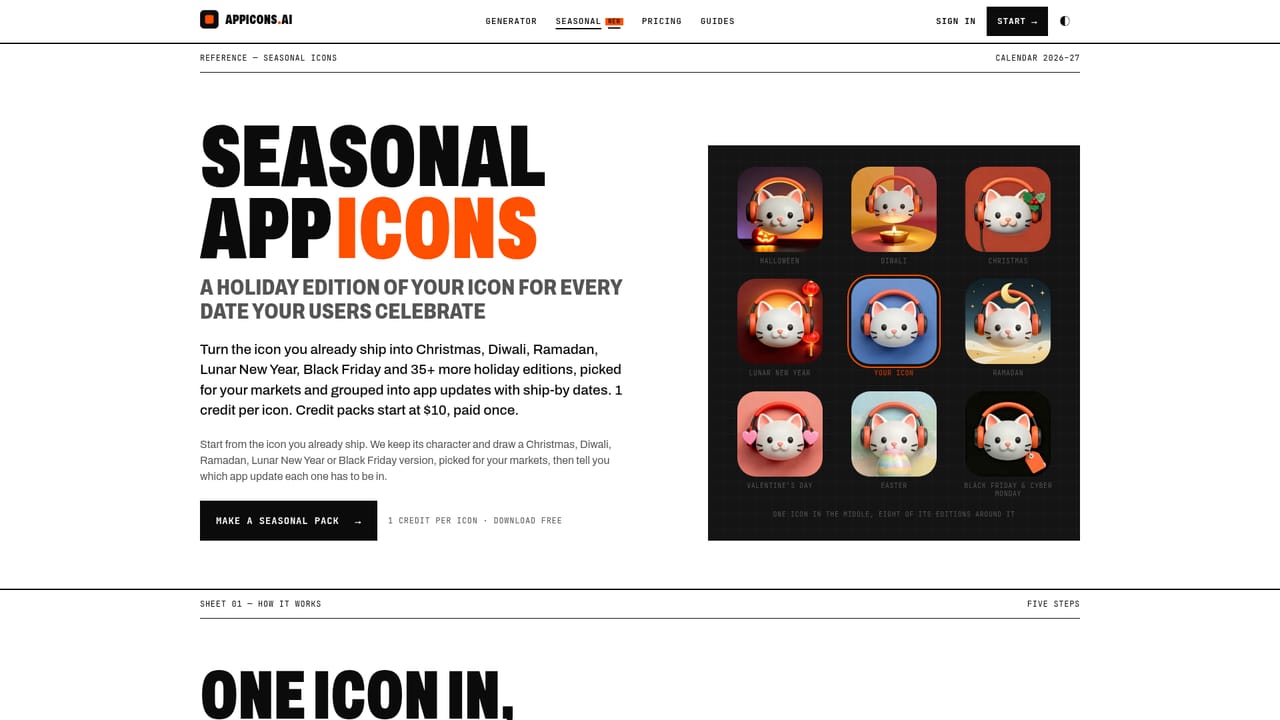
AppIcons (appicons.ai) is a web-based generator built for one narrow job: turning a short description of an app into a finished icon package. Instead of returning a single picture, it produces the files a build actually needs, including an Xcode asset catalog, Android adaptive and round launcher icons, a Play Store image, favicons and a web app manifest. The 1024 by 1024 PNG source is included, along with an SVG when the vector style is chosen. The workflow is conversational. A user describes the app, and the tool proposes three icon ideas at no cost: a literal symbol, a character or metaphor, and an abstract mark. After picking one, a style such as minimal, 3D or vector is selected, the engine is chosen automatically, and a round of three options is shown. Changes such as a new background colour or a friendlier face are then typed in plain words. An optional reference image can steer the look for every style except vector. A preview tool checks the result at 60, 40 and 29 pixel sizes, which helps catch icons that fall apart on a home screen. The product is aimed at indie developers, small studios and founders who need store-ready artwork without hiring a designer or learning design software. Its main distinction from a general image chat is what happens after generation: icons are kept full-bleed so the platform applies its own mask, composed for Android and PWA safe zones, and exported with iOS 18 dark and tinted versions plus an Android themed layer. Variant tools cover seasonal editions, store A/B test treatments, alternate icons and matching icon families that keep one identity. Pricing is credit-based with one-time packs rather than a subscription, and commercial use is included. Compared with Midjourney-style image generators or logo makers, it trades creative breadth for a packaging workflow focused on mobile and web app icons.
The first Standard guided round, three icon options costing 3 credits, is free. Icon ideas are also suggested at no cost, and sharing the site can earn extra free credits.
Learn moreCredit packs are a one-time purchase with no subscription: Standard is $10 for 100 credits, Plus is $25 for 300 and Pro is $45 for 600. A guided round costs 3 credits (6 with Premium), and a single generation or edit costs 1 (2 Premium).
Learn moreSupport is available by email at support@appicons.ai, and the site offers an FAQ page plus a blog of app icon design guides.
Learn moreNo third-party integrations are listed. Output is formatted for Xcode (AppIcon.appiconset), Android Studio (adaptive, round and themed icons), and web use (favicons and a PWA manifest).
Text prompt and optional reference image input, minimal, 3D and vector styles, AI edits in plain words, variations, seasonal and A/B variants, matching icon families, small-size previews, and export of iOS, Android and web icon sets with dark, tinted and themed versions.
Learn more AI Angels400+ customizable AI girlfriends for NSFW chat, voice calls, and roleplay
 Candy AIExperience the future of companionship with AI friends who chat, role-play, and connect with you on a human level.
 ourdream.aiA vast AI roleplay platform with millions of characters for chat, images, video and voiceAI Angels400+ customizable AI girlfriends for NSFW chat, voice calls, and roleplayCandy AIExperience the future of companionship with AI friends who chat, role-play, and connect with you on a human level.ourdream.aiA vast AI roleplay platform with millions of characters for chat, images, video and voice


