Free trial
No card is needed to start: 2 free credits refresh on a rolling daily window so you can generate songs and judge whether the workflow fits. Free credits cover personal drafts and learning only.
Learn moreType a mood or lyrics, get a full song with vocals in about a minute.
Own AI Song Generator? Verify ownership to get a dofollow link

AI Song Generator is a music creator tool. A browser based AI music studio that generates full songs from a prompt, custom lyrics or an instrumental brief, then keeps lyrics, vocal removal, track layering, voices, sound effects and music video tools in the same account.
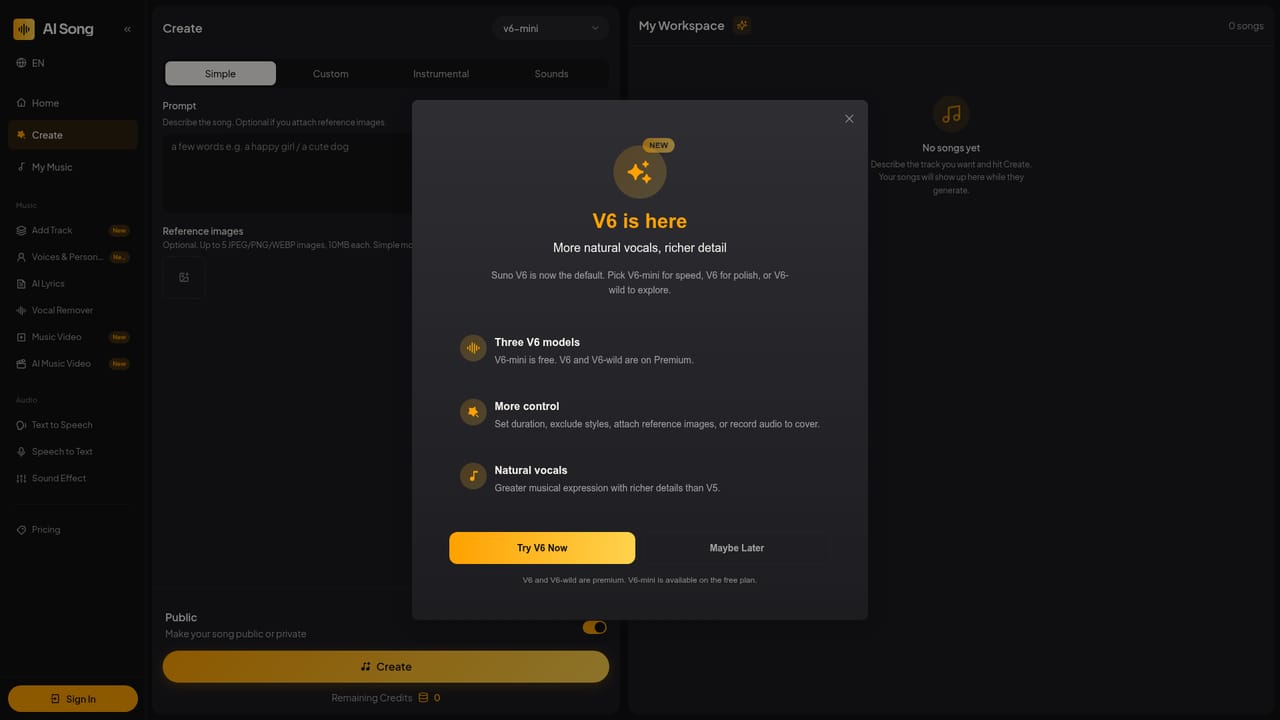
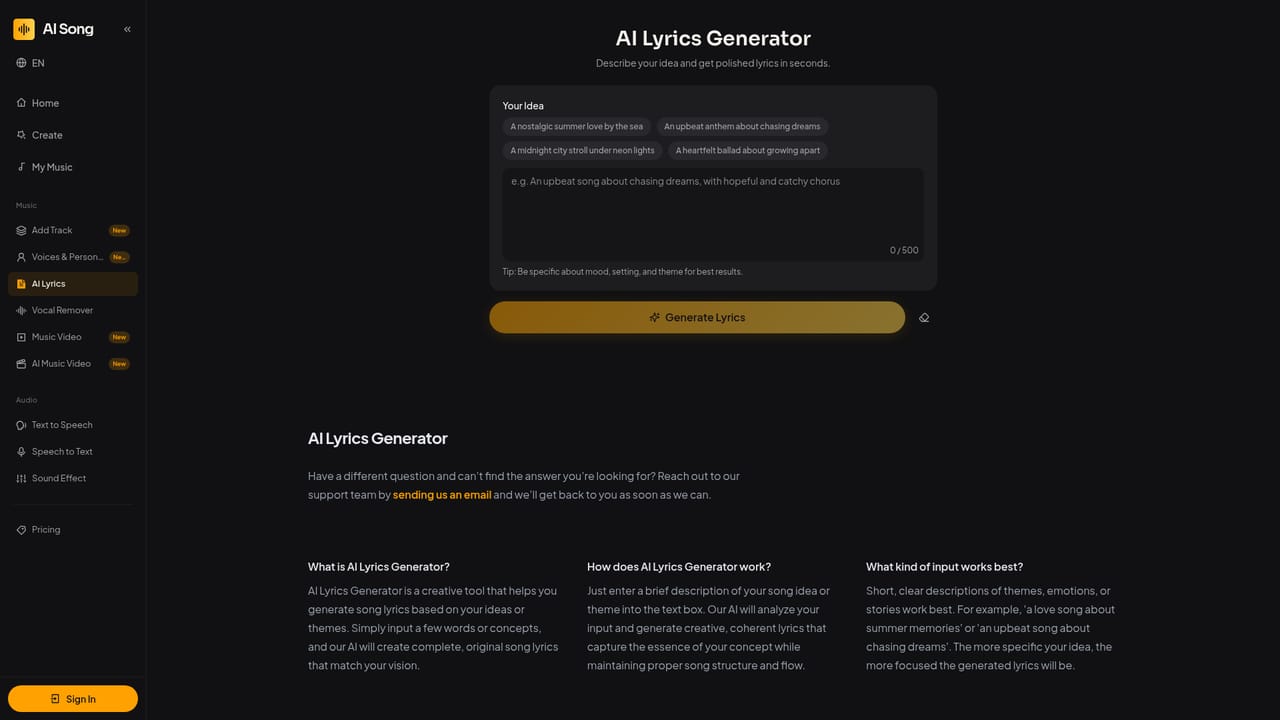
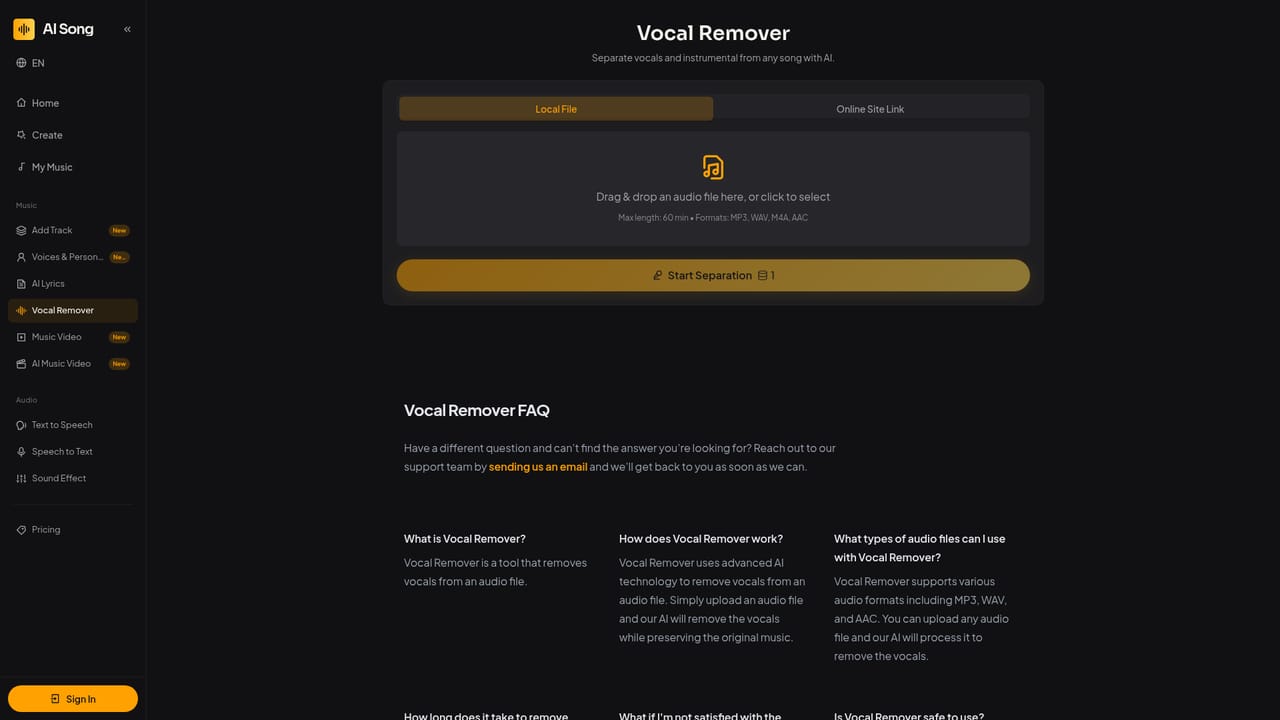
AI Song Generator (ai-song.ai) is a browser based music studio that turns a text prompt, a set of custom lyrics, or an instrumental brief into a complete track with verses, a chorus, and an ending. Three input modes cover most jobs: a one line vibe prompt, full custom lyrics when the words matter, or instrumental only when vocals would compete with dialogue or voiceover. Most generations finish in roughly one to a few minutes depending on load and complexity, and each run returns two takes so two directions can be compared before committing. Vocal style, genre, BPM and structure cues can all be named in the prompt line. The product is positioned as a workspace rather than a single generator. Alongside Create, the studio includes an AI Lyrics Generator for drafting verses and choruses before handing them to custom mode, an Add Track tool for layering a vocal or instrumental part onto an existing song, a Vocal Remover for isolating vocals or pulling a karaoke ready backing bed, reusable AI voices and personas (restricted to voices the user has rights to use), plus text to speech, speech to text, sound effects and a music video generator for visualizers or lip sync clips. Timed, synced lyrics ship with tracks for lyric videos and karaoke cuts. Prompts are private by default, and outputs are newly generated rather than ripped samples. The audience is broad: content creators scoring YouTube and TikTok clips, podcasters needing intro and outro beds, indie game developers wanting loopable background music, music teachers demonstrating composition, and hobbyists making gift songs for weddings and birthdays. Downloads come as MP3 for drafts and social, with WAV and other master formats depending on plan. Against single purpose song apps, the draw is finishing work in one account instead of five. The site is candid that it does not claim to beat every rival on raw musical taste, so pick by workflow. Rights are the real dividing line: commercial use such as monetized channels, client ads or shipped games requires an eligible paid plan, and free credits are meant for personal drafts and learning.
No card is needed to start: 2 free credits refresh on a rolling daily window so you can generate songs and judge whether the workflow fits. Free credits cover personal drafts and learning only.
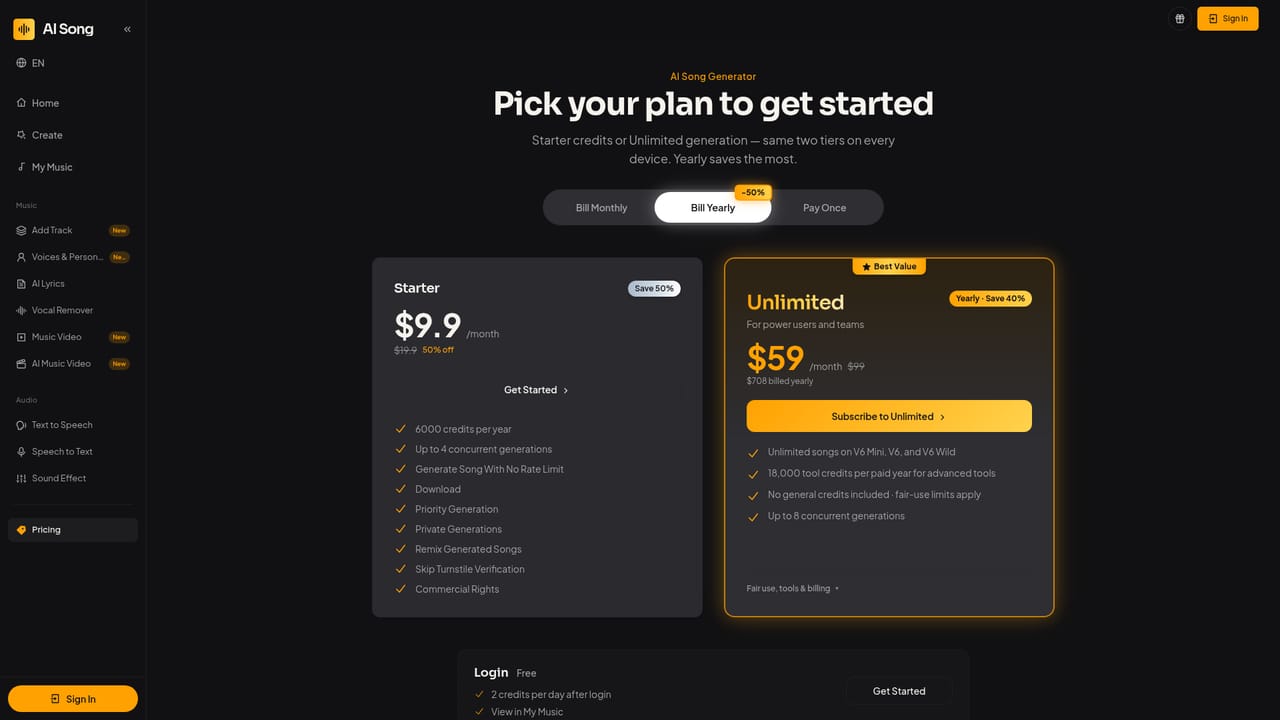
Learn moreFree credits refresh daily (2 credits on a rolling window, no card required) for trial generations. Paid tiers raise credit limits and unlock WAV master downloads, commercial rights and the V6 and V6-wild models, with V6-mini kept on the free plan. Exact plan prices and credit costs are listed on the Pricing page.
Learn moreHelp is handled through an FAQ on the homepage covering generation, credits, styles, timing, download formats and commercial rights, with references to Licensing and Terms pages. No live chat or email support channel is described on the homepage.
Prompt, custom lyric and instrumental generation of full songs with verses, chorus and endings; two takes per run; V6, V6-wild and free V6-mini models; synced lyrics; AI Lyrics Generator; Add Track layering; Vocal Remover; reusable voices and personas; text to speech, speech to text and sound effects; music video and lip sync generation; MP3 and plan dependent WAV downloads.
Learn more AI Angels400+ customizable AI girlfriends for NSFW chat, voice calls, and roleplay
 Candy AIExperience the future of companionship with AI friends who chat, role-play, and connect with you on a human level.
 ourdream.aiA vast AI roleplay platform with millions of characters for chat, images, video and voiceAI Angels400+ customizable AI girlfriends for NSFW chat, voice calls, and roleplayCandy AIExperience the future of companionship with AI friends who chat, role-play, and connect with you on a human level.ourdream.aiA vast AI roleplay platform with millions of characters for chat, images, video and voice


