Support
Support runs through documentation (installation, usage, configuration, troubleshooting, FAQ), a Discord community, a GitHub repository and a blog.
Learn moreAI pair programming inside your terminal, with git commits built in

Aider Chat is a code modifier tool. A terminal-based AI pair programmer that edits code in your local repo, maps the whole codebase for context, commits every change to git automatically, and connects to cloud or local LLMs across 100+ languages.
Aider Chat is a command line AI pair programmer that sits in your terminal and edits code in your local repository. You describe a change in plain language, Aider sends the relevant context to an LLM, and the model writes the edits directly into your files. It is designed for work on real, existing codebases rather than greenfield snippets, and the project reports 44K GitHub stars and 6.8M installs, with 15B tokens processed per week. Under the hood, Aider builds a map of your whole repository so the model understands how files relate, which is what makes it usable on larger projects. It supports over 100 programming languages including Python, JavaScript, Rust, Ruby, Go, C++, PHP, HTML and CSS. Every change is committed to git automatically with a sensible message, so you can diff, revert or branch AI work with the tools you already use. It connects to almost any LLM, with the strongest results reported on Claude 3.7 Sonnet, DeepSeek R1 and V3, OpenAI o1, o3-mini and GPT-4o, plus local models. In daily use it fits into an existing workflow rather than replacing it. Aider can watch your files and act on comments you leave in the editor, pull in images and web pages as visual context, accept voice requests for features and bug fixes, and run your linters and tests after each edit so it can fix what they flag. For models available only through a browser chat, Aider also streamlines copy and paste between the terminal and the web UI. The tool competes with IDE-native agents and editor forks. Its pitch is narrower and more technical: no GUI, full git discipline, and model freedom. Installation is a pip command, and a working API key is required for most models, so it suits developers comfortable on the command line.
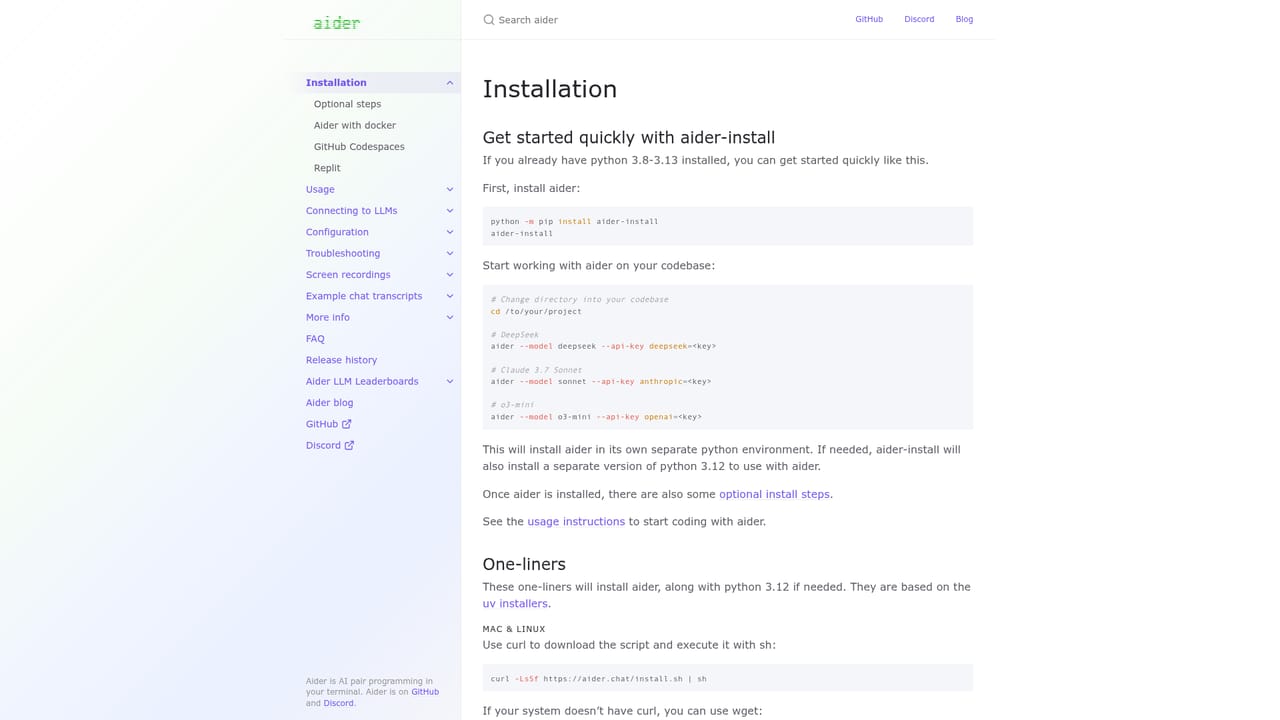
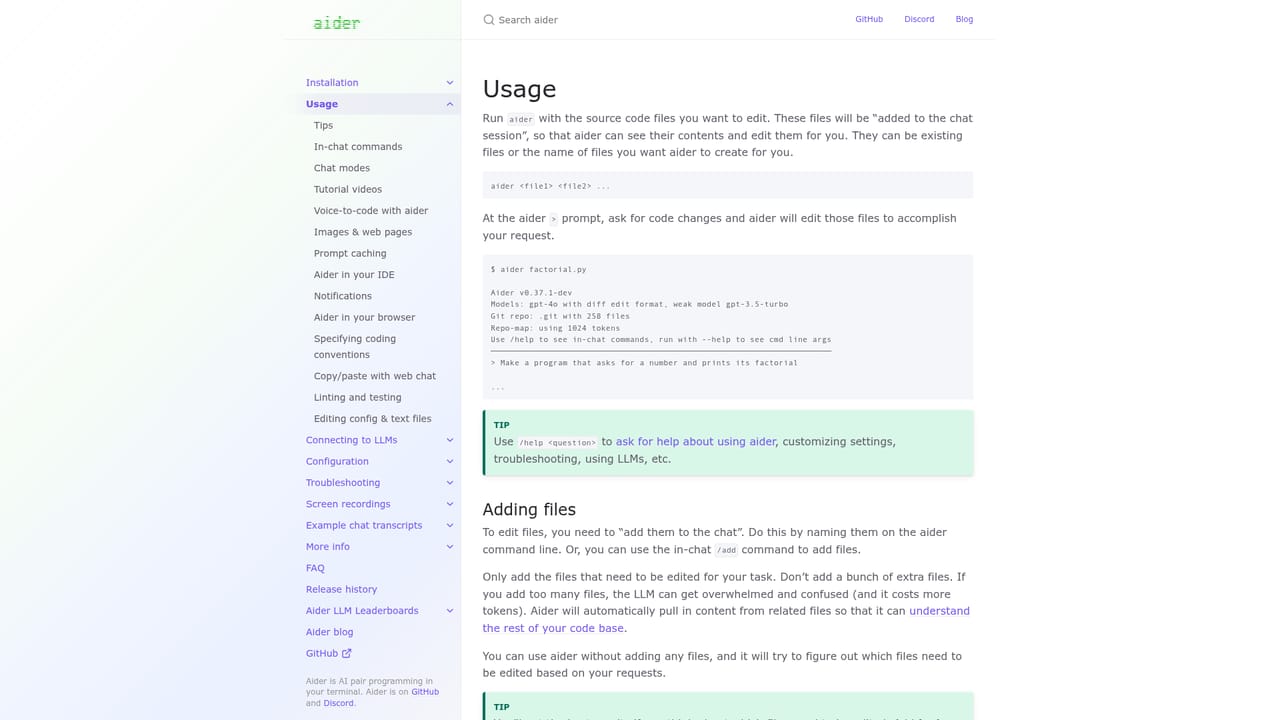
Support runs through documentation (installation, usage, configuration, troubleshooting, FAQ), a Discord community, a GitHub repository and a blog.
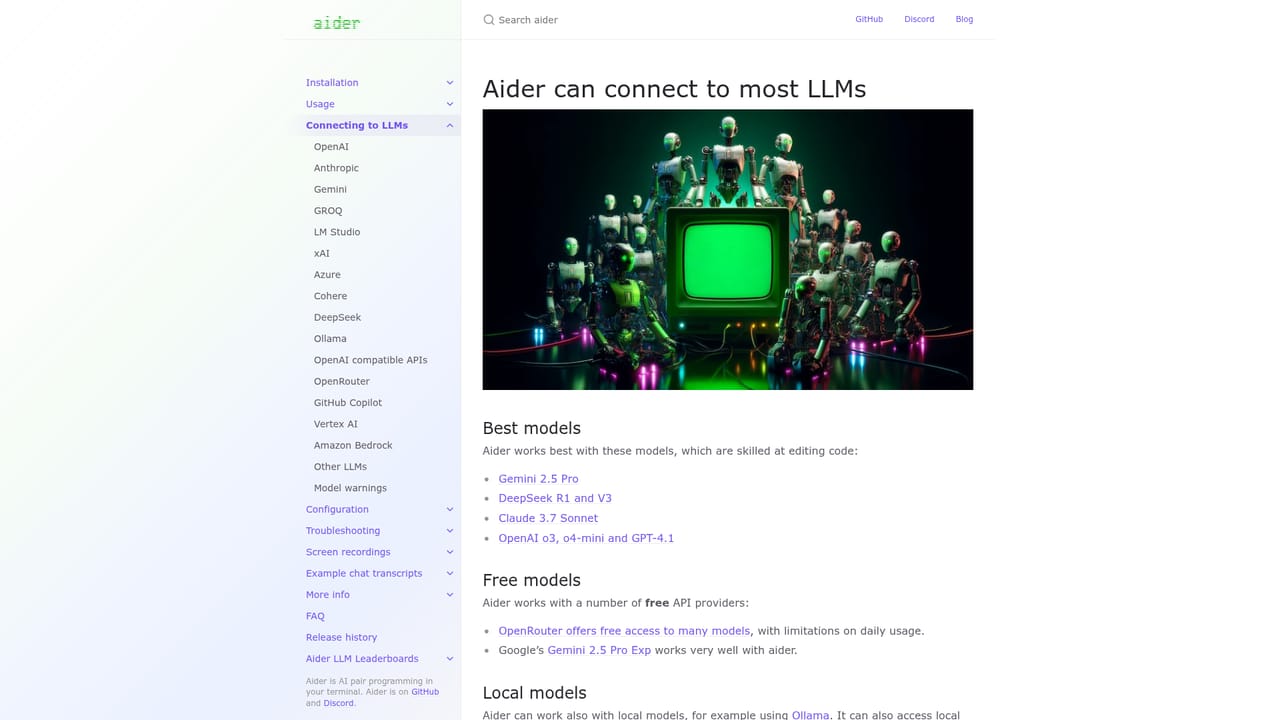
Learn moreConnects to almost any LLM, including Claude 3.7 Sonnet, DeepSeek R1 and V3, OpenAI o1, o3-mini and GPT-4o, and local models, plus git and your preferred IDE or editor.
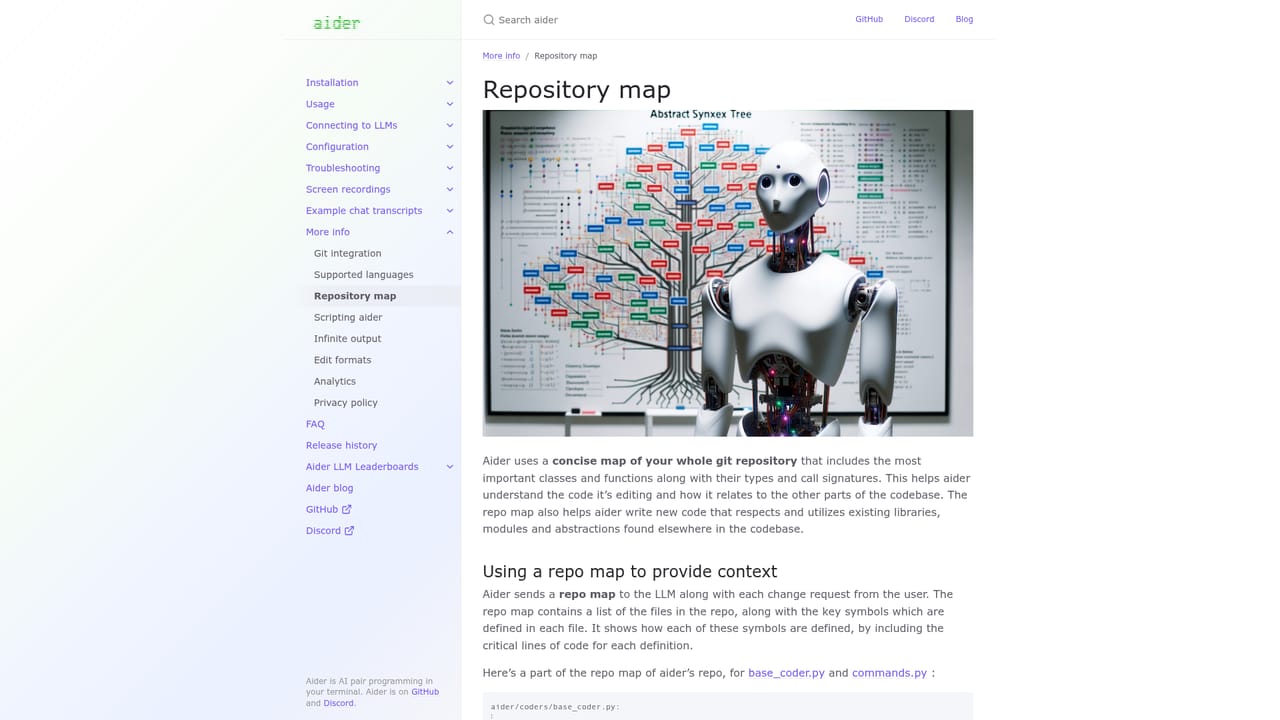
Learn moreRepository mapping for large codebases, support for 100+ languages, automatic git commits with sensible messages, editor integration through file watching, images and web pages as chat context, voice-to-code requests, automatic linting and testing with fix attempts, and copy/paste bridging to LLM web chat interfaces.
Learn more AI Angels400+ customizable AI girlfriends for NSFW chat, voice calls, and roleplay
 Candy AIExperience the future of companionship with AI friends who chat, role-play, and connect with you on a human level.
 ourdream.aiA vast AI roleplay platform with millions of characters for chat, images, video and voiceAI Angels400+ customizable AI girlfriends for NSFW chat, voice calls, and roleplayCandy AIExperience the future of companionship with AI friends who chat, role-play, and connect with you on a human level.ourdream.aiA vast AI roleplay platform with millions of characters for chat, images, video and voice


