Free trial
Free AI access is bundled through the Junie agent on the Lite tier, fair use applying and a JetBrains Account required. The page notes Air Teams is in early access rather than a trial.
Learn moreOne workspace to run, review and govern coding agents
Own JetBrains Air? Verify ownership to get a dofollow link

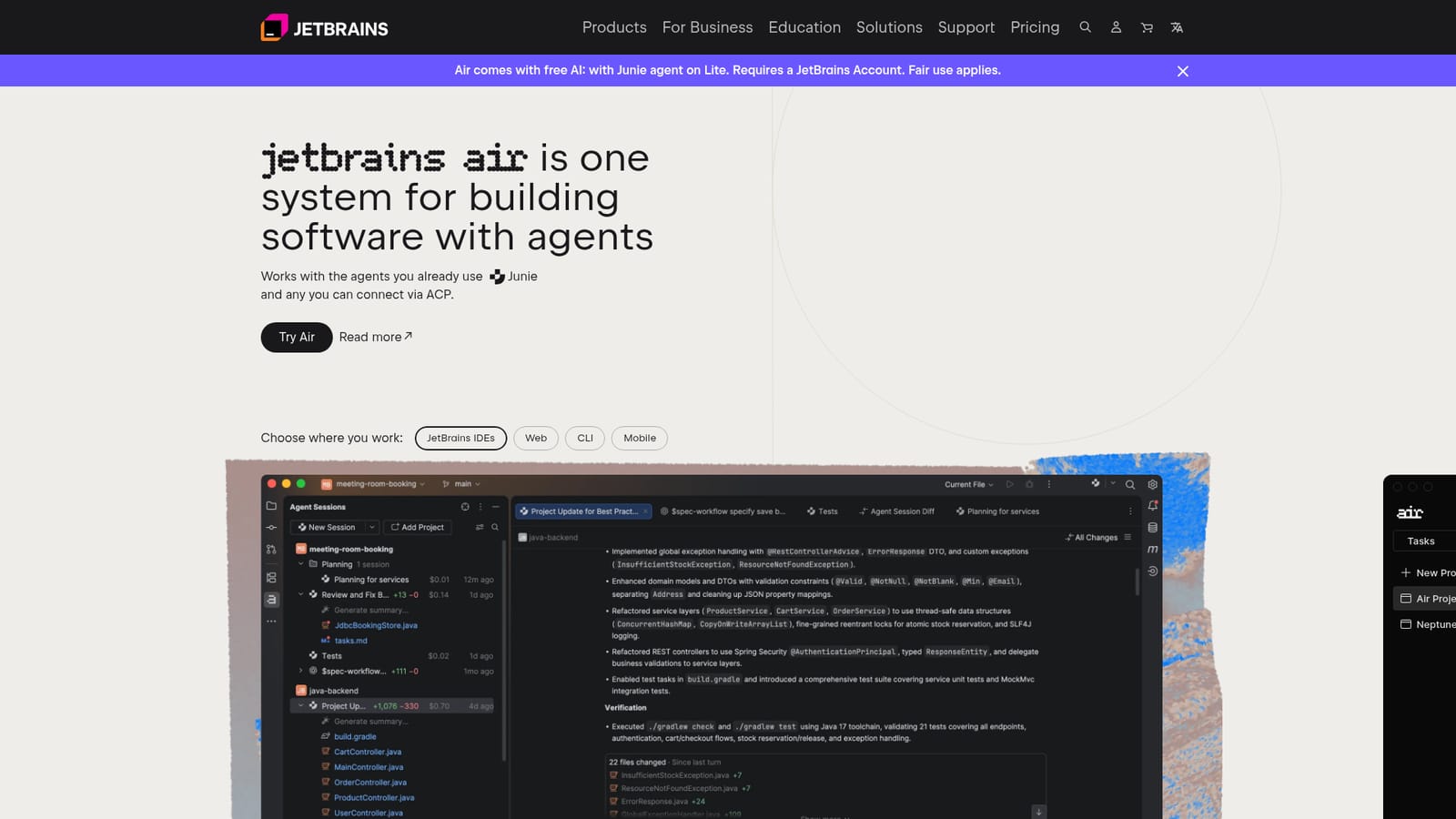
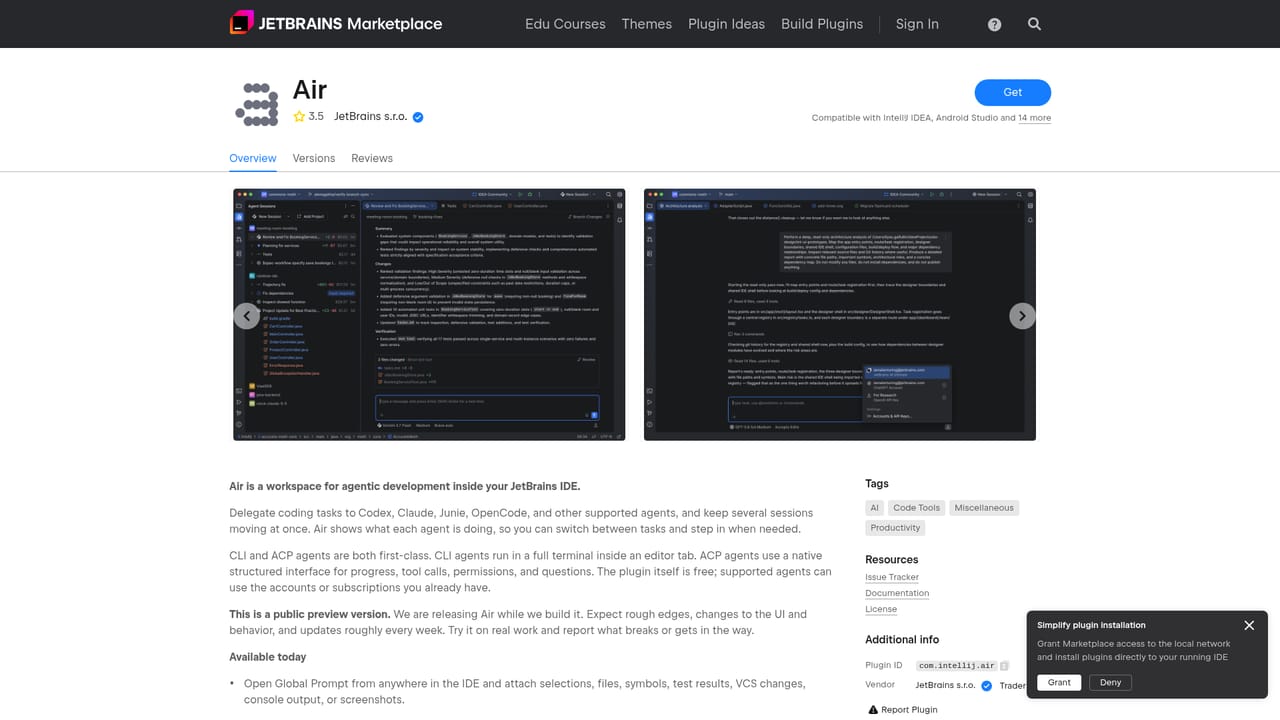
JetBrains Air is a hub for coding agents: connect Claude Agent, Codex, Junie, Copilot, OpenCode or any ACP agent, run sessions across IDEs, browser and CLI, review diffs in context, and govern team spend and permissions.
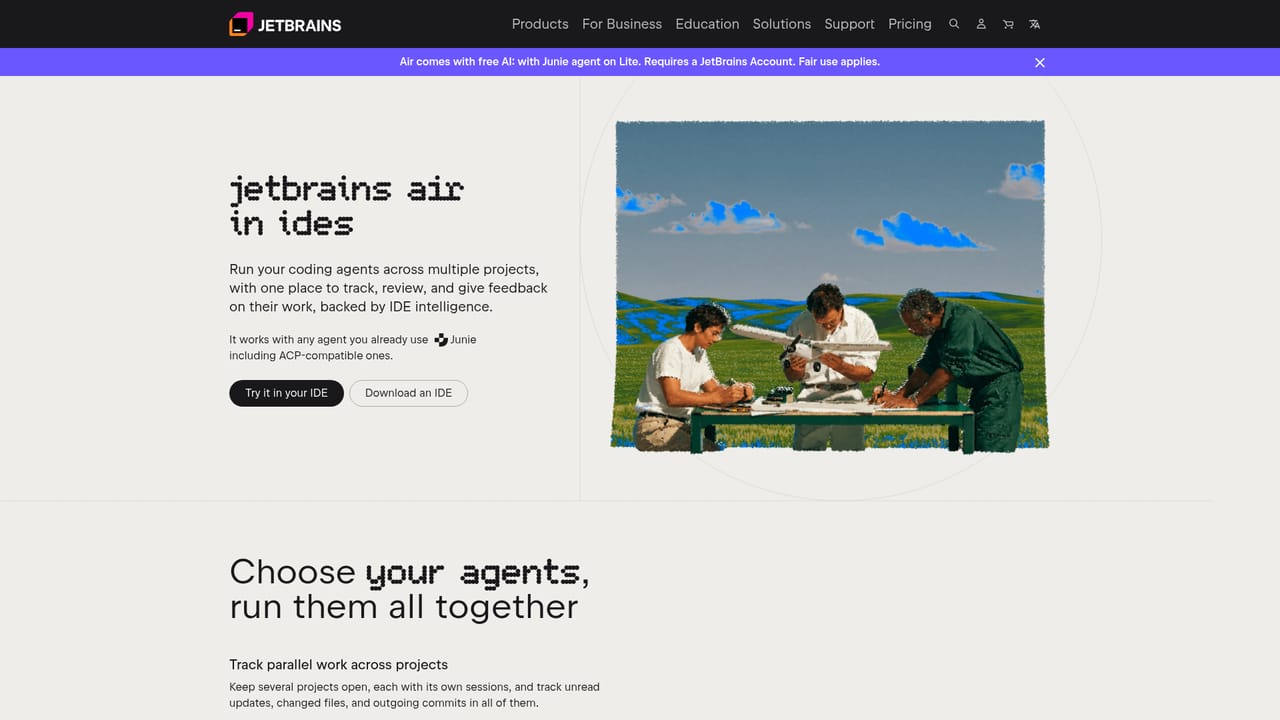
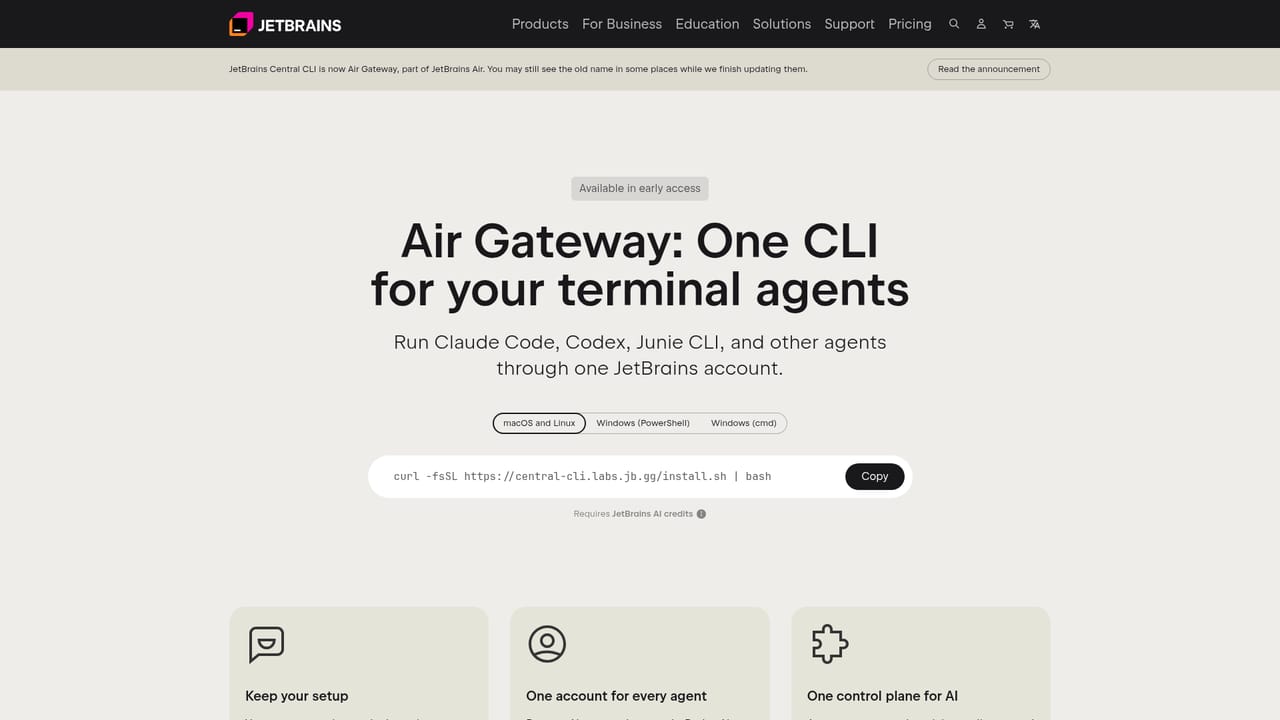
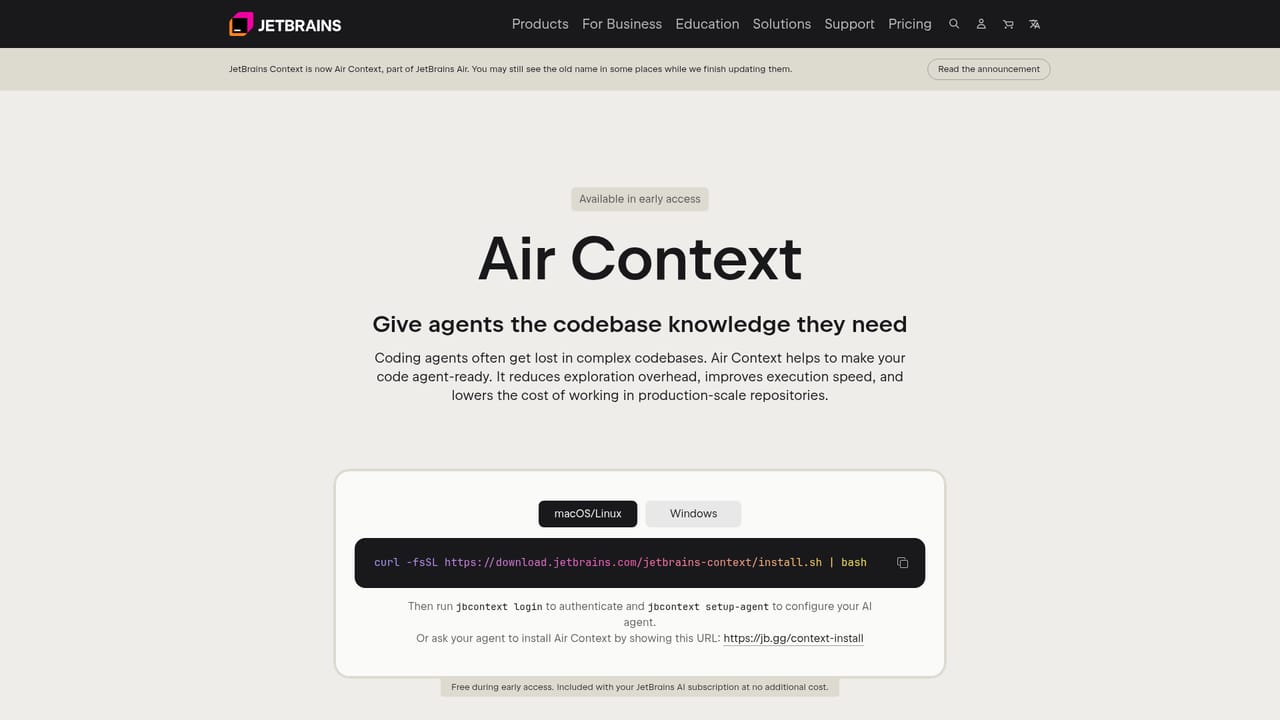
JetBrains Air is a control layer for agent-driven software development. Instead of locking you into a single assistant, it acts as a hub that connects the agents already installed on your machine (Claude Agent, Codex, Junie, Copilot and OpenCode are named on the site) plus any agent that speaks ACP, the Agent Client Protocol. The pitch is consolidation: one place to launch sessions, watch what each agent changes, and decide what actually lands in the repository. The product ships across several surfaces. Inside JetBrains IDEs, an Air plugin lets developers keep several projects open at once, each with its own session list, and surfaces unread updates, changed files and outgoing commits across all of them. Diffs open straight from an agent session, and you can validate edits with the IDE's own tooling or leave line level comments for the agent to act on. A browser surface (air.jetbrains.cloud) runs agents in the cloud so work is not tied to one laptop or one teammate, and CLI based agents such as Claude Code and Codex are routed in through Air Gateway. Teams get shared projects in dedicated cloud environments, with VM sizing, internet access rules, secrets management and centrally configured MCP servers. Repeatable chores such as code review, release notes and issue triage can be handed to scheduled automations. Organizations get governance: per team or per person permissions over models and agents, spend limits, bring your own keys from Amazon Bedrock, OpenAI, Anthropic or another provider, and analytics on which tools are used and where AI contributes. Air Context adds semantic indexing so agents begin with an understanding of the repository rather than scanning it cold, which the site frames as faster runs at lower cost on large codebases. The fit is clearest for professional engineering teams already juggling multiple coding agents and multiple tabs. Solo developers who use one assistant inside one IDE will find the orchestration layer heavier than their workflow requires.
Free AI access is bundled through the Junie agent on the Lite tier, fair use applying and a JetBrains Account required. The page notes Air Teams is in early access rather than a trial.
Learn moreThe homepage states that Air comes with free AI: the Junie agent is included on the Lite tier, subject to fair use and a JetBrains Account. Teams and organizations can bring their own subscription, API keys or base URL, or use JetBrains AI credits billed at public API rates. No numeric prices are published on the page.
Learn moreWorks with Claude Agent, Codex, Junie, Copilot and OpenCode, plus any agent connectable via ACP. Provider keys from Amazon Bedrock, OpenAI, Anthropic or other vendors are supported, alongside MCP servers.
Learn moreMulti-agent hub with ACP support, parallel project and session tracking, in-context diff review with line comments, cloud runs and shared team projects, scheduled automations, managed environments with VM sizing and secrets, centralized MCP servers, Air Context semantic indexing, Air Gateway for CLI agents, and governance with permissions, spend limits and analytics.
Learn more AI Angels400+ customizable AI girlfriends for NSFW chat, voice calls, and roleplay
 Candy AIExperience the future of companionship with AI friends who chat, role-play, and connect with you on a human level.
 ourdream.aiA vast AI roleplay platform with millions of characters for chat, images, video and voiceAI Angels400+ customizable AI girlfriends for NSFW chat, voice calls, and roleplayCandy AIExperience the future of companionship with AI friends who chat, role-play, and connect with you on a human level.ourdream.aiA vast AI roleplay platform with millions of characters for chat, images, video and voice


