Integrations
Connects to GitHub, GitLab and Bitbucket for version control. AI models are supplied by OpenAI, Anthropic, Google and xAI.
AI-powered web IDE with agent mode and Git integration.

Lovelace is a code modifier tool. A browser-based coding IDE that combines a lightweight smart editor with an AI assistant in Ask and Agent modes, powered by models from OpenAI, Anthropic, Google and xAI, plus built-in Git integration for GitHub, GitLab and Bitbucket.
Lovelace is a browser-based integrated development environment that places AI assistance directly inside the coding workspace. Because it runs entirely in the browser, there is nothing to download or install, and the product is explicitly designed around low memory usage. Files open in a smart editor that provides syntax highlighting, autocomplete and multi-language support, while inline AI edits let developers request changes without leaving the buffer they are working in. The distinguishing feature is the AI assistant, which operates in two modes. Ask mode works like a conversational reference: pose a question about the code and receive an answer drawn from cutting-edge models supplied by OpenAI, Anthropic, Google and xAI. Agent mode goes further and lets the AI modify code on the developer's behalf, which suits repetitive refactors, scaffolding and small fixes where handing over the edit is faster than typing it. Navigation is handled through familiar keyboard shortcuts: Cmd+P opens a file search across the project and Cmd+K opens a command palette. Version control is built in rather than bolted on. Developers can connect GitHub, GitLab or Bitbucket, then branch, commit and sync from inside the IDE, so the AI-assisted work and the resulting changes live in the same place. Lovelace fits developers who want AI help without adopting a heavyweight desktop editor or stringing together separate chat and coding tools. The trade-off is that it is a web IDE first: the homepage gives no indication of offline use, no pricing information and no detail on extension ecosystems, so teams with strict data residency requirements or deep customization needs should verify those points before committing.
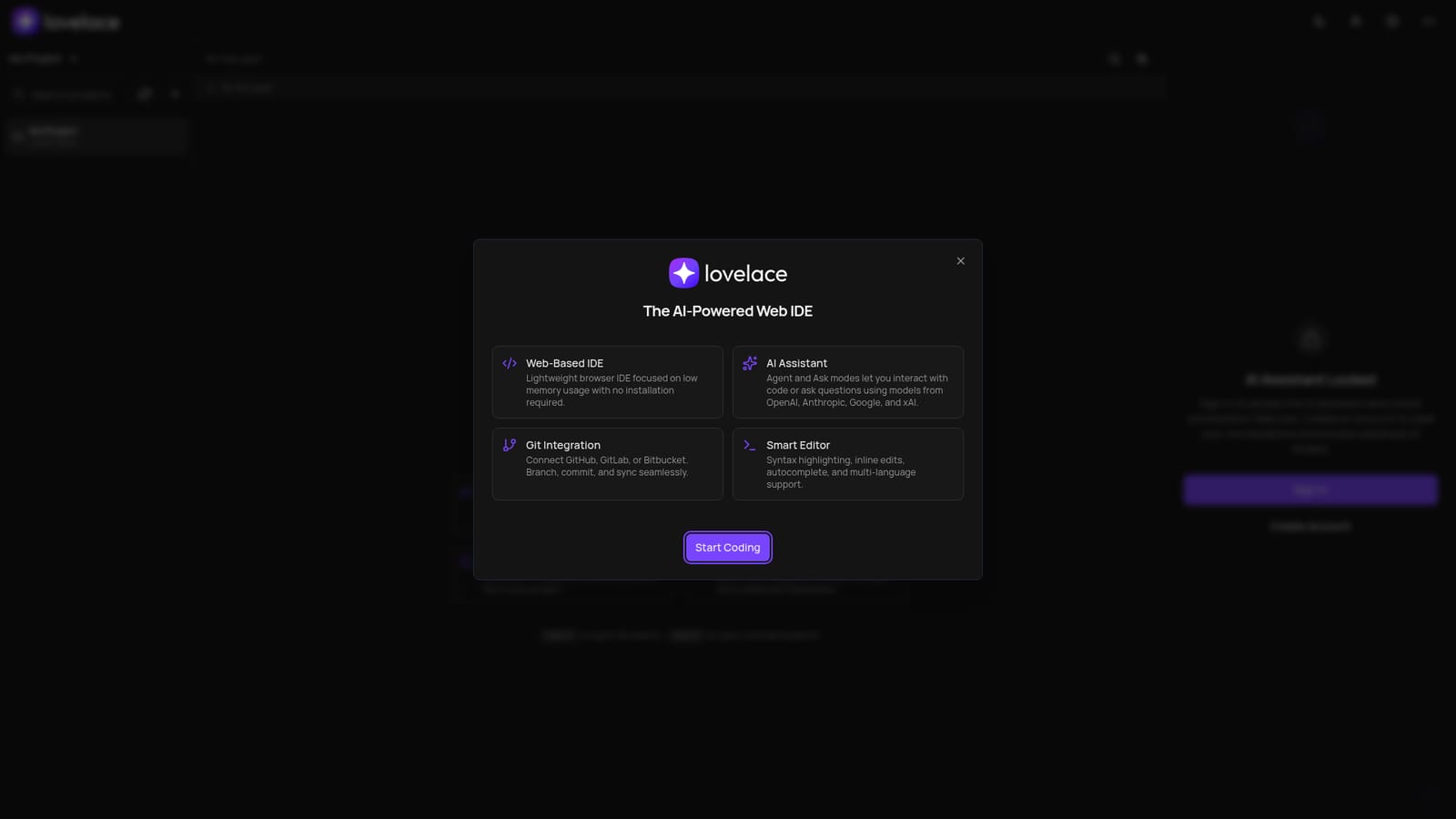
Connects to GitHub, GitLab and Bitbucket for version control. AI models are supplied by OpenAI, Anthropic, Google and xAI.
Smart editor with syntax highlighting, autocomplete, inline AI edits and multi-language support. AI assistant in Ask and Agent modes using models from OpenAI, Anthropic, Google and xAI. File search via Cmd+P and a command palette via Cmd+K. Built-in Git integration for GitHub, GitLab and Bitbucket with branch, commit and sync. Browser-based with no installation and a focus on low memory usage.
 AI Angels400+ customizable AI girlfriends for NSFW chat, voice calls, and roleplay
 Candy AIExperience the future of companionship with AI friends who chat, role-play, and connect with you on a human level.
 ourdream.aiA vast AI roleplay platform with millions of characters for chat, images, video and voiceAI Angels400+ customizable AI girlfriends for NSFW chat, voice calls, and roleplayCandy AIExperience the future of companionship with AI friends who chat, role-play, and connect with you on a human level.ourdream.aiA vast AI roleplay platform with millions of characters for chat, images, video and voice


