SQLAI

AI workbench for writing, fixing and explaining SQL across 28 database engines

Intermediate
Screenshot of SQLAI, AI workbench for writing, fixing and explaining SQL across 28 database engines

What is SQLAI?

SQLAI is a code modifier tool. SQLAI bundles six AI generators (text-to-SQL, optimizer, validator, explainer, formatter, converter) with schema imports, live connections and per-database rules across 28 engines. Best for analysts and developers who move between dialects and want a diff view before accepting AI rewrites.

SQLAI is a browser-based SQL workbench built around six AI generators: text-to-SQL, optimizer, validator, explainer, formatter and engine converter. The pitch is breadth of dialect coverage. The directory lists 28 engines, split into relational systems (MySQL, PostgreSQL, SQL Server, Oracle PL/SQL, MariaDB, SQLite, DB2, Sybase and others), analytics warehouses (Snowflake, BigQuery, Redshift, ClickHouse, Hive, Presto, Vertica, SAP HANA) and NoSQL or graph stores such as MongoDB, Cassandra, DynamoDB and Neo4j. A prompt written in ordinary language can be turned into a query for any of them, and existing SQL can be converted from one dialect to another for migration work. Accuracy depends on context, and the product addresses this through datasources. A schema can be imported or a live connection opened so the model sees real table and column names rather than guessing. Per-database rules let a team fix conventions such as identifier quoting or row limits, and schema autosuggest for tables and columns works while the prompt is being written. The homepage claims large schemas, including databases with 900 or more tables, are handled without exhausting the model context window. Live connections can also run generated queries, though read-only connections are recommended. Every change is reviewable. The optimizer returns rewritten SQL alongside reasoning for each performance change and a side-by-side diff against the original, so a reviewer can see exactly what the AI altered before anything is committed. Generated statements open in a full editor styled after VS Code for manual finishing. Explanations break queries into clauses in plain language, which is useful for onboarding and debugging inherited code. The tool suits analysts who write SQL without being database specialists, application developers working across several engines, and data teams that need faster review of slow or broken queries. It overlaps with general chat assistants on the generation side, but wins on dialect coverage, schema awareness and the diff-based review loop. The homepage reports more than 150,000 professionals using it and includes logos from large enterprises, though those are customer claims rather than independent verification. Limits worth noting: only part of the catalog supports live connections, with several engines restricted to schema-only imports; and the six generators cover query work only, not broader data modeling or BI.

How do you use SQLAI?

  1. 1Create an account
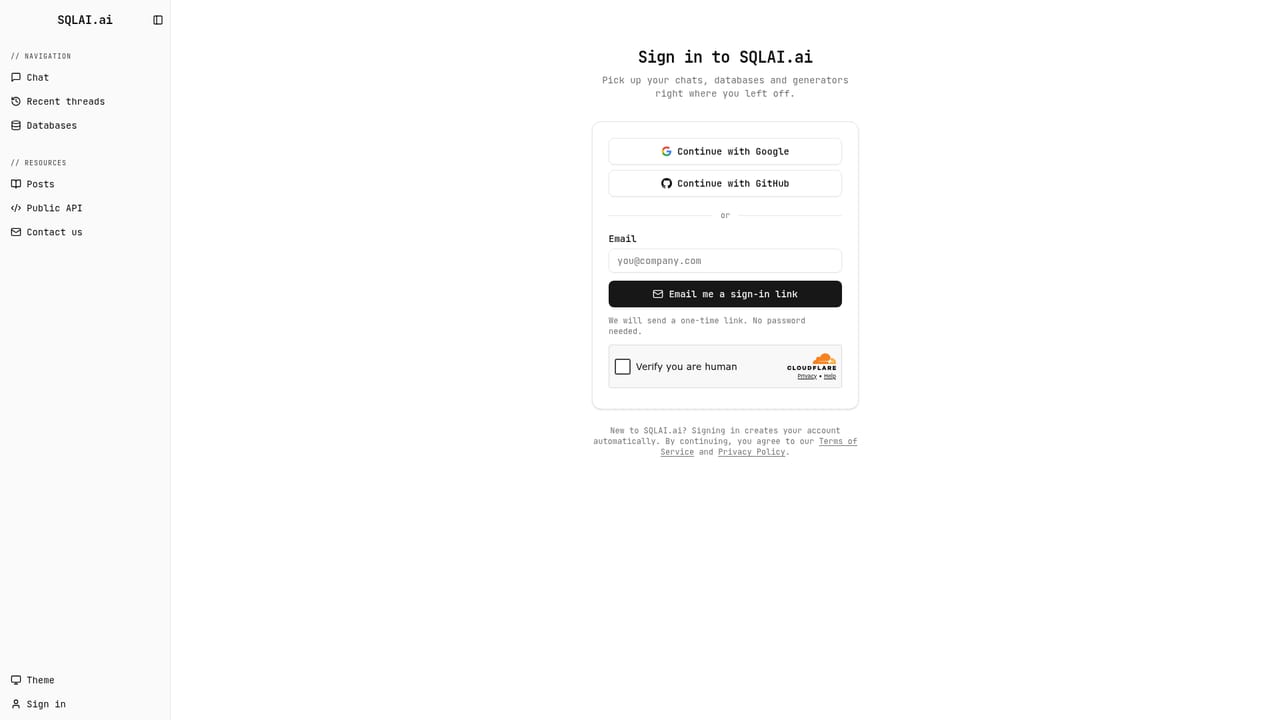
    Sign up at the SQLAI app to reach the workspace. The free entry point is on the homepage; the sign-in page is where every generator and datasource is reached.
    SQLAI — Create an account
  2. 2Add a schema or open a live connection
    Import your database schema or connect directly to the database so the AI knows your tables and columns. Live connections enable running queries, and read-only access is recommended for security.
    SQLAI — Add a schema or open a live connection
  3. 3Set rules for your database
    Add rule-based instructions per database, for example how identifiers are quoted or how many rows a query may return. These rules are applied to every generated statement for that source.
  4. 4Generate SQL from a prompt
    Describe the result you want in plain language and let schema autosuggest help you reference the right tables and columns. Open the result in the editor to adjust logic before running it.
    SQLAI — Generate SQL from a prompt
  5. 5Review optimizations with the diff view
    Paste a slow query into the optimizer and compare the original against the rewritten version side by side. Each change comes with reasoning so you can accept or reject it deliberately.
    SQLAI — Review optimizations with the diff view
  6. 6Check syntax or convert dialects
    Run suspect SQL through the validator to catch syntax errors with explanations, or use the converter to move a query between engines during a migration.

Pros and cons

Pros

  • Covers 28 database engines, including warehouses like Snowflake and BigQuery and NoSQL stores such as MongoDB and CassandraAI
  • Schema import or live connection gives the model real table and column context instead of guessesAI
  • Diff view shows exactly what the optimizer changed, which makes reviewing AI rewrites practicalAI
  • Per-database rules (identifier quoting, row limits) keep output consistent with team standardsAI
  • Generous set of utilities beyond generation: validation, formatting, explanation and dialect conversionAI

Cons

  • Several engines are schema only with no live connection, so query execution is not available everywhereAI
  • The homepage markets the tool as free but no pricing tiers, usage limits or paid plans are published thereAI
  • Quality still depends on how well the schema is imported and described, which is setup work before any prompt pays offAI
  • Six separate generators can feel fragmented compared with a single assistant that handles the whole query workflowAI
  • Customer logos and the 150,000 user figure are vendor claims with no independent detail on the homepageAI

How much does SQLAI cost?

Integrations

Connects to databases rather than to third-party apps. Live connections are offered for MySQL, PostgreSQL, SQL Server, Oracle PL/SQL and MariaDB; other listed engines such as SQLite, Snowflake, BigQuery, Redshift, DB2 and the NoSQL stores work from imported schemas.

Learn more

Features

Six AI generators: text-to-SQL from natural language, query optimizer with index-aware rewrites and reasoning, syntax validator with fixes and explanations, explainer with clause-by-clause breakdowns, formatter, and a converter for moving SQL between engines. Supporting features include schema import or live database connection, per-database rules, table and column autosuggest, support for schemas with 900+ tables, a diff view, and a VS Code-style query editor.

Learn more

Frequently asked questions about SQLAI

  • How do you use SQLAI?
    The walkthrough on this page covers 6 steps: 1. Create an account 2. Add a schema or open a live connection 3. Set rules for your database 4. Generate SQL from a prompt 5. Review optimizations with the diff view 6. Check syntax or convert dialects.
  • What platforms does SQLAI support?
    SQLAI is available on Web App.
  • What does SQLAI integrate with?
    Connects to databases rather than to third-party apps. Live connections are offered for MySQL, PostgreSQL, SQL Server, Oracle PL/SQL and MariaDB; other listed engines such as SQLite, Snowflake, BigQuery, Redshift, DB2 and the NoSQL stores work from imported schemas.
  • What are the limitations of SQLAI?
    Several engines are schema only with no live connection, so query execution is not available everywhere. The homepage markets the tool as free but no pricing tiers, usage limits or paid plans are published there. Quality still depends on how well the schema is imported and described, which is setup work before any prompt pays off.

Status

StatusActive
Views0
Outbound clicks0
Added10/22/2026

Platforms

Web App

Pricing

Freemium