Airbrush AI Background Remover

Browser-based background removal inside a full AI photo editor

Beginner
Screenshot of Airbrush AI Background Remover, Browser-based background removal inside a full AI photo editor

What is Airbrush AI Background Remover?

Airbrush AI Background Remover is a background tool. Airbrush AI Background Remover cuts subjects out of photos inside the Airbrush online editor, with desktop and mobile apps alongside. It is free to start with optional premium tools, and sits next to retouching, blur and background-swap features.

Airbrush AI Background Remover is the cutout feature of the Airbrush photo editor, a product that spans a browser-based online editor, desktop software called Airbrush Studio, and mobile apps for iOS and Android. It separates a subject from its backdrop so the image can be used on a clean, transparent or replaced background. Airbrush also lists a separate video background remover, which suggests the same idea extends to footage. The tool is aimed at three groups the homepage describes directly: everyday users who want quick, natural-looking edits, content creators building a consistent visual identity for social posts, and professionals who need tidy portraits, headshots and document photos. Cleaning up a background for a LinkedIn picture is a typical example of the kind of job it targets. In practice, a user opens the online editor, uploads a picture and runs the background removal tool, then stays in the same workspace to keep editing. Neighbouring tools such as Background Changer, Blur Background, Object Remover, Image Enhancer and Image Upscaler sit in the same menu, so a cutout can lead straight into a new scene, a softened backdrop or a quality boost without exporting between apps. On the desktop side, Airbrush Studio lists an Image Background Remover alongside a Batch Photo Editor, which is relevant when many files need the same treatment. Among alternatives, Airbrush competes less as a specialist cutout service and more as a broad editor where background removal is one capability among dozens, including retouching, face swap, watermark removal and photo restoration. That breadth suits people who want one account and one interface for many small edits. Buyers who only need high-volume or developer-driven cutouts should check details the homepage does not state, such as export resolution, file formats and any programmatic access. The product is free to start, with optional premium tools, and a 7-day free trial is offered for the downloadable apps.

How do you use Airbrush AI Background Remover?

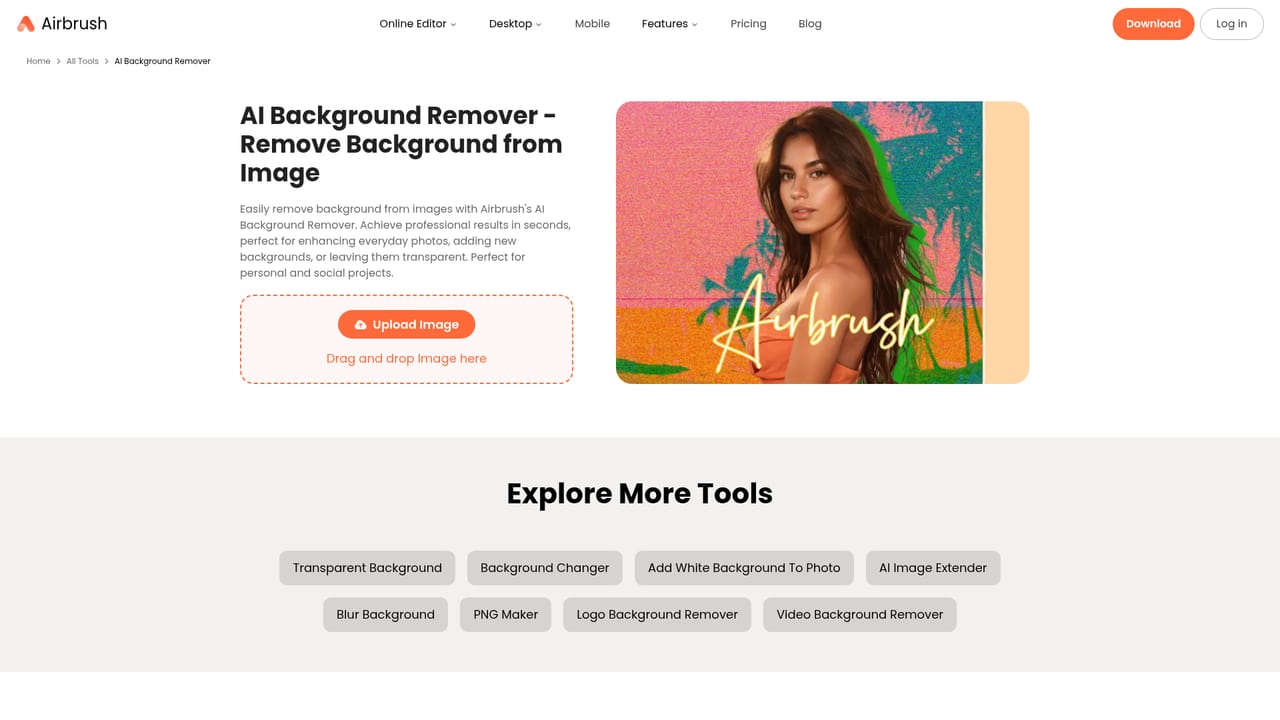
  1. 1Open the background remover
    Go to the Image Background Remover page on the Airbrush site and choose to start editing. The online editor runs in the browser, so nothing needs installing.
    Airbrush AI Background Remover — Open the background remover
  2. 2Upload your photo
    Add the picture you want to cut out from your device. Portraits, product shots and headshots with a clear subject are the usual starting points.
  3. 3Run the removal and review it
    Let the AI separate the subject from the backdrop, then inspect the edges before moving on. Retry with a different image if the result looks rough.
  4. 4Swap or soften the background
    Use the Background Changer to place the subject on a new scene, or Blur Background to keep the original setting with a softer look.
    Airbrush AI Background Remover — Swap or soften the background
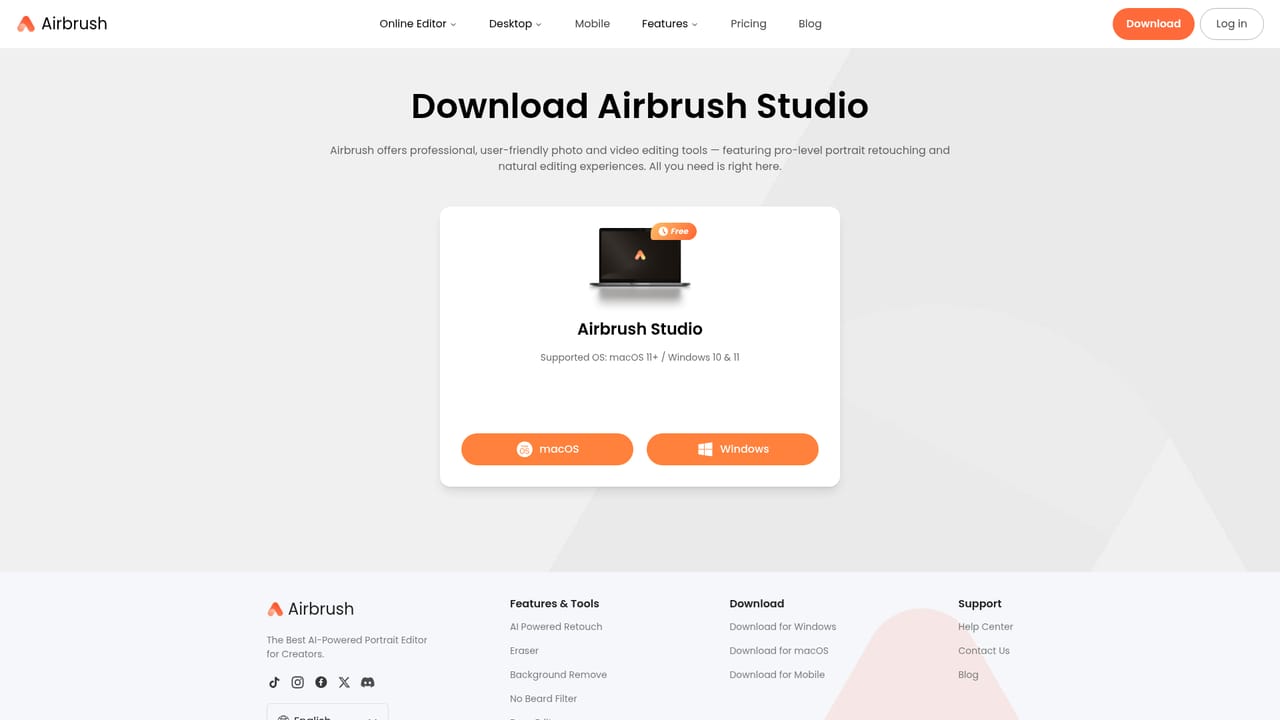
  5. 5Process many images on desktop
    For larger sets, Airbrush Studio on Mac or Windows offers a Batch Photo Editor and a desktop background remover. Download it from the Airbrush download page.
    Airbrush AI Background Remover — Process many images on desktop

Pros and cons

Pros

  • Background removal sits beside a background changer, blur tool and object remover, so cutouts flow into further editsAI
  • Free to start in the browser, with no download needed to try the online editorAI
  • Available across web, Mac, Windows, iOS and Android, so edits can happen on whichever device is handyAI
  • A separate video background remover extends the idea beyond still photosAI
  • Broad toolset (retouching, upscaling, restoration, watermark removal) keeps many small jobs in one accountAI

Cons

  • Background removal is one feature in a large suite, so it is not a dedicated cutout specialistAI
  • The homepage gives no detail on export resolution, file formats or edge handling for hair and fine detailAI
  • No public API or developer access is mentioned, which limits automated or high-volume workflowsAI
  • Some tools are premium, and the free tier's limits are not spelled out on the homepageAI
  • Video editing lives mainly in the mobile app, while the desktop Studio is primarily built for photosAI

How much does Airbrush AI Background Remover cost?

Free trial

The homepage advertises a 7-day free trial for downloading the app, and says the online editor can be started for free.

Learn more

Pricing

Airbrush offers free features for everyone, with optional premium tools for more advanced editing. Specific plan prices are not stated on the homepage; a pricing page is available on the site.

Learn more

Features

AI background removal for images, plus a video background remover. The wider suite includes background changer, blur background, object remover, image enhancer, upscaler, photo restoration, watermark removal, face swap, retouching, and a desktop batch editor.

Learn more

Frequently asked questions about Airbrush AI Background Remover

  • How much does Airbrush AI Background Remover cost?
    Airbrush offers free features for everyone, with optional premium tools for more advanced editing. Specific plan prices are not stated on the homepage; a pricing page is available on the site.
  • Does Airbrush AI Background Remover offer a free trial?
    The homepage advertises a 7-day free trial for downloading the app, and says the online editor can be started for free.
  • How do you use Airbrush AI Background Remover?
    The walkthrough on this page covers 5 steps: 1. Open the background remover 2. Upload your photo 3. Run the removal and review it 4. Swap or soften the background 5. Process many images on desktop.
  • What platforms does Airbrush AI Background Remover support?
    Airbrush AI Background Remover is available on Web App, iOS, Android, MacOS and Windows.
  • What are the limitations of Airbrush AI Background Remover?
    Background removal is one feature in a large suite, so it is not a dedicated cutout specialist. The homepage gives no detail on export resolution, file formats or edge handling for hair and fine detail. No public API or developer access is mentioned, which limits automated or high-volume workflows.

Status

StatusActive
Views0
Outbound clicks0
Added10/18/2026

Platforms

Web AppiOSAndroidMacOSWindows

Pricing

FreemiumFree Trial