Free trial
The homepage says it can be tried for free, with no sign-up and no watermark, before buying credits.
Learn moreFree AI background remover with HD PNG exports and batch mode

PixRemove removes image backgrounds automatically and exports full-resolution transparent PNGs without watermarks. It adds a browser editor, an object remover, 50-image batch processing and a free Mac and Windows desktop app.
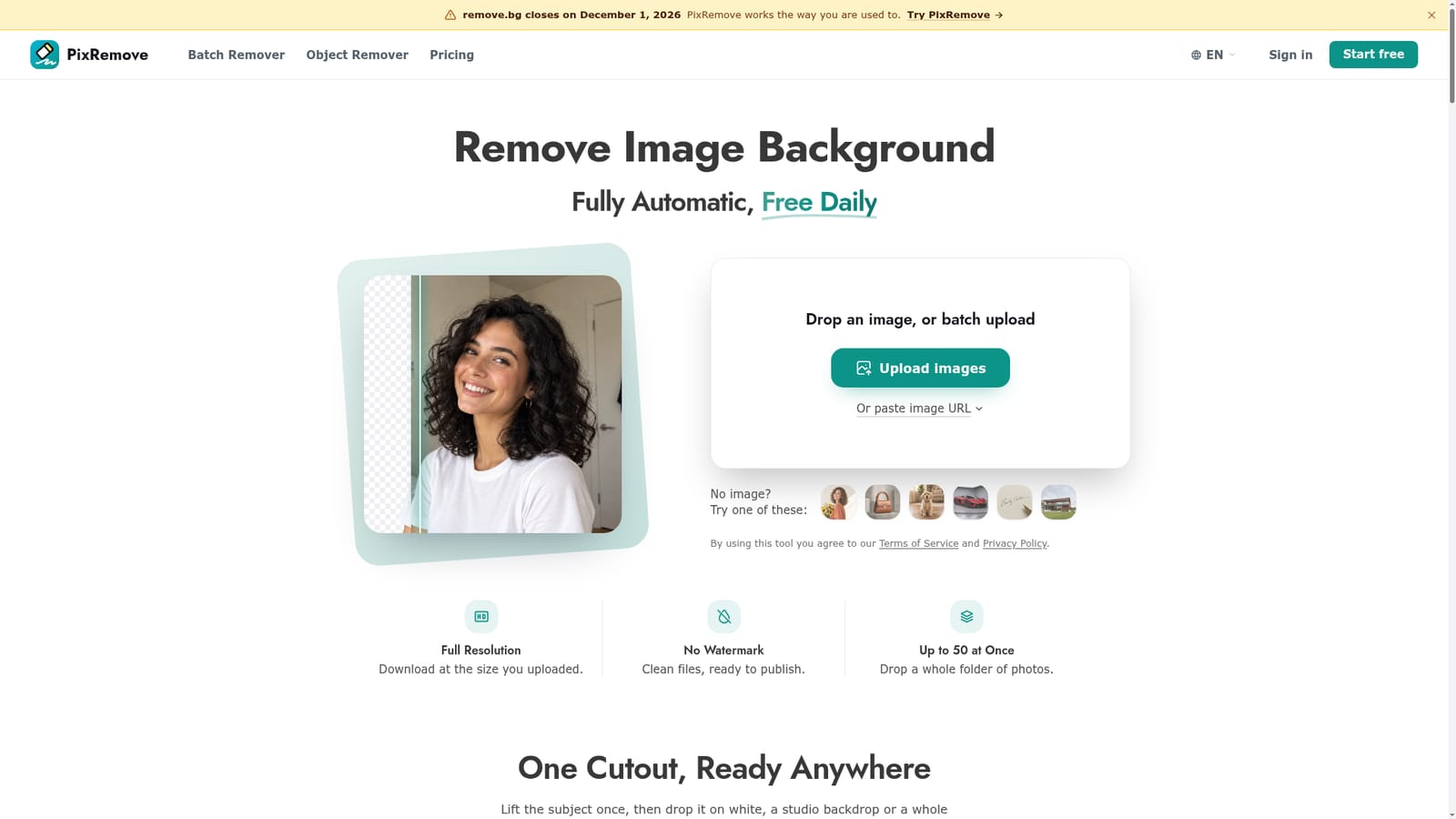
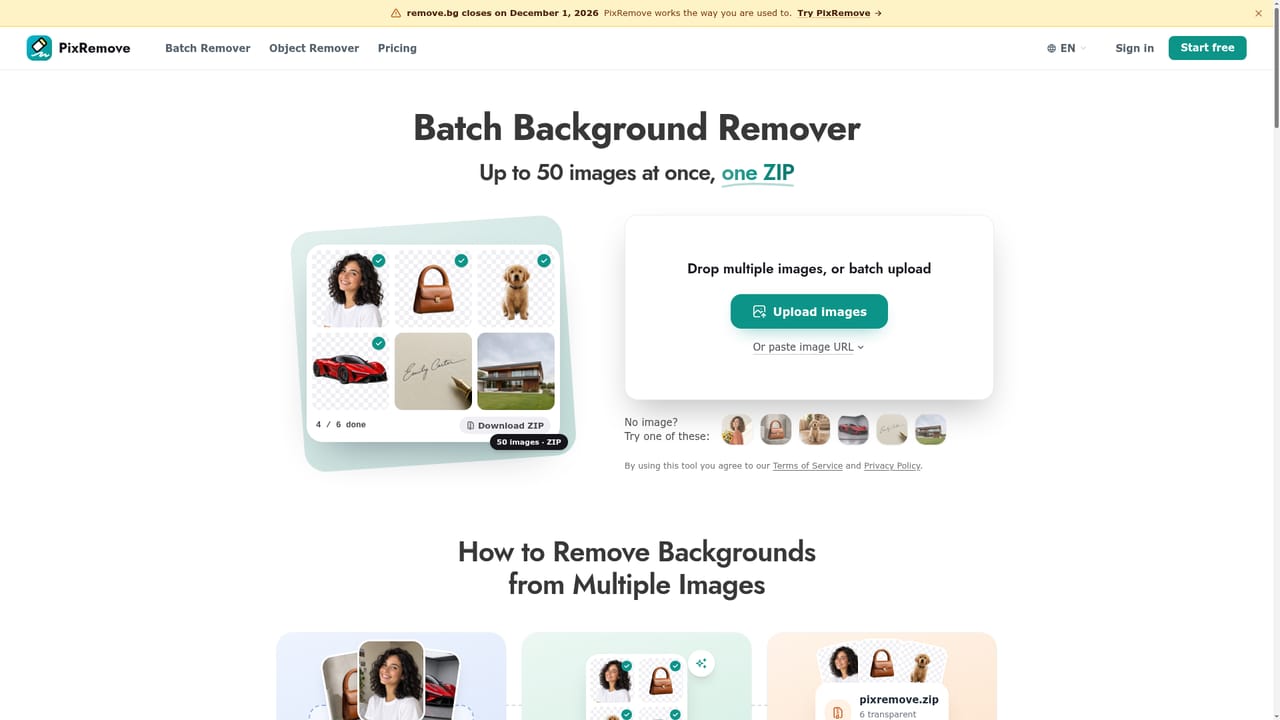
PixRemove is a browser-based background remover that cuts the subject out of a photo automatically and returns a transparent PNG at the resolution of the original upload. Images can be dropped onto the page, imported from a pasted URL, or tested with sample thumbnails such as a portrait, product, pet, car, signature or real estate shot. Downloads carry no watermark, and the vendor states that commercial use is permitted, which matters for marketplace listings and client work. The cutout engine is aimed at difficult edges rather than tidy studio portraits. The homepage shows examples of flyaway hair kept without white halos, hollow handles cleared out, wheel spokes and tinted glass handled with natural transparency, and signatures lifted from dark paper with the grain and shadows removed. A built-in editor continues from the cutout: it offers photo or AI-generated backgrounds, plain white, background blur, drop shadow, sticker outline, text placed behind the subject, 27 filters and resizing, plus a Magic Brush for repairing a spot along the edge. Beyond single images, PixRemove covers volume work. The batch tool accepts up to 50 files at once and returns them in one ZIP, and a free desktop app for Mac and Windows handles whole folders, resumes after interruptions and saves straight to disk. Accounts and credits are shared between web and desktop, with one image costing one credit and failed images not charged. A separate Object Remover erases people, text, logos or clutter by brushing over them. Upscaling and video background removal are listed as coming soon. Input files can be JPG, PNG or WebP up to 30 MB and 30 megapixels. Uploaded originals are deleted after 24 hours and are not used to train models, according to the site. The service suits online sellers, photographers, designers, marketers and real estate or auto dealer teams who want a quick cutout without installing editing software. Within the crowded background removal category, it competes on full-resolution free output and batch handling, and it positions itself as a replacement for remove.bg, which the site says is closing on December 1, 2026.
The homepage says it can be tried for free, with no sign-up and no watermark, before buying credits.
Learn moreFree to try with no sign-up. Beyond that, one-time credit packs start from $2.99 or a monthly plan can be chosen. One image costs one credit, with no hidden fees.
Learn moreAutomatic background removal, transparent PNG export at original resolution, editor with AI backgrounds, blur, shadow, outline, text and 27 filters, Magic Brush, Object Remover, batch of 50 to ZIP, desktop app.
Learn more


