Pricing
The homepage describes the background remover as free and states no paid plans, credits or usage limits.
Learn moreFree browser tool that cuts out image backgrounds into transparent PNGs
Own RemoveBackground.me? Verify ownership to get a dofollow link

RemoveBackground.me is a free web background remover. Upload, drop, paste or link an image, get a transparent PNG, then optionally swap the background, refine edges and crop in the browser.
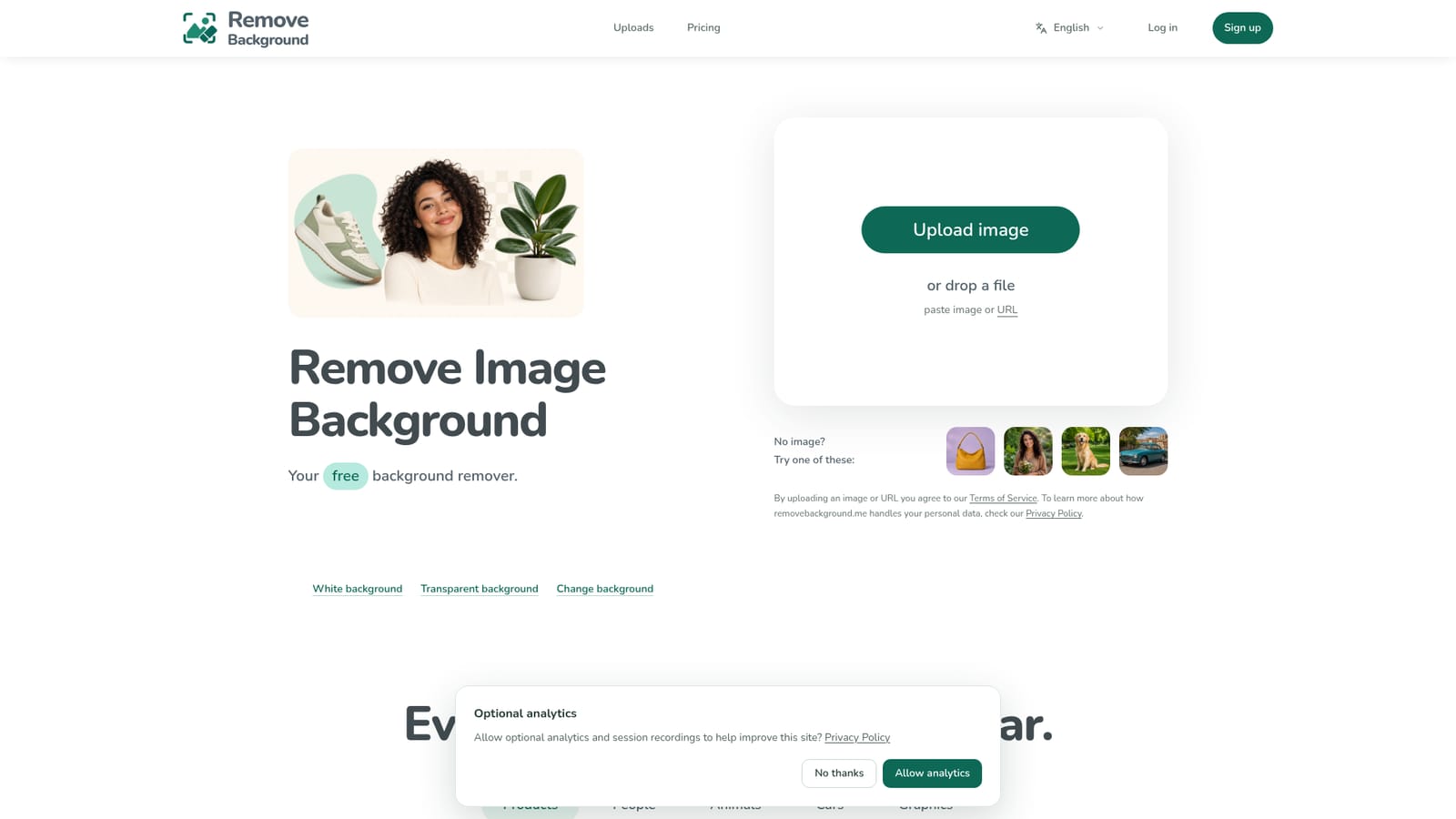
RemoveBackground.me is a single-purpose web tool for isolating the subject of a photo and discarding everything behind it. The landing page puts the upload area front and center: an image can be browsed for, dragged in, pasted from the clipboard or fetched from a URL. Visitors without a file at hand can load one of four sample images (products, people, animals and cars) to see how the result looks before using their own material. In practice the process has three stages. After a source image is chosen, it is sent to fal.ai, a third-party processing service, which separates the subject and produces a transparent PNG. Progress and elapsed time stay visible while this runs. The result can be downloaded straight away, or opened for finishing work in the browser: choosing a replacement background, refining edges and cropping. The editing session is stored locally on the device, so the cloud is involved only for the removal step itself. The site also offers optional analytics and session recordings, which visitors can accept or decline. The use cases the site highlights are practical ones: clean product photos for online stores, marketplace listings where a busy backdrop distracts buyers, consistent profile photos for team pages, and social thumbnails where the subject is isolated and space is left for a headline. A before-and-after slider compares originals with processed output across products, people, animals, cars and graphics. Among alternatives, it sits with the lightweight, no-account cutout tools rather than full photo editors or design suites. It suits sellers, small teams and creators who need a quick transparent PNG and a few finishing touches, not layered compositing or batch automation. The homepage says nothing about paid tiers, usage limits, resolution caps or bulk processing, so anyone with high-volume or high-resolution needs should check those points directly before relying on it. The privacy note is worth reading for anyone handling sensitive images, since uploads leave the device for removal.
The homepage describes the background remover as free and states no paid plans, credits or usage limits.
Learn moreBackground removal from uploaded, dragged, pasted or URL-based images, producing a transparent PNG. Browser-based finishing tools for choosing a new background, refining edges and cropping, plus a before and after comparison slider and sample images.


