
Background Remover Video

Pay-per-second AI video background removal with transparent or solid-color exports

Beginner
Screenshot of Background Remover Video, Pay-per-second AI video background removal with transparent or solid-color exports

What is Background Remover Video?

Background Remover Video is a web tool that uses AI to remove backgrounds from clips under 60 seconds, exporting transparent or solid-color video in WebM, MP4, MOV, MKV or GIF at up to 4K, with audio kept and no watermark.

Background Remover Video is a browser-based service that strips the background from short video clips using AI, with no green screen and no frame-by-frame masking. A user uploads a file, picks what should replace the background, and the system returns a clean cutout of the subject. It accepts MP4, MOV, WebM, M4V and GIF files, handles source footage up to 4K, and keeps the original aspect ratio and audio track by default. The output options are the core of the product. The background can be left transparent or replaced with one of ten solid colors, and results can be exported through nine output options spanning WebM, MP4, MOV, MKV and GIF. Settings also include an auto-crop toggle that centers the subject and a switch for keeping or dropping the original audio. The site publishes guides on which formats actually carry transparency and how to fix a transparent WebM that plays back with a black background, which are common stumbling blocks for people new to alpha video. In practice, processing runs asynchronously: the user submits a clip, can leave, and returns later to download the result. Each clip must be shorter than 60 seconds, and batch or multi-file uploads are not supported, so longer webinars or courses need to be split in an editor first. Files and results are deleted after 7 days. Credits are billed per started second of video, and failed jobs are refunded automatically. The tool suits content creators, online sellers, educators, marketing teams, remote teams and video editors who need a quick isolated subject for social clips, product demos, lessons or compositing. Compared with full editors that offer rotoscoping or chroma-key tools, it trades manual control for speed and simplicity. Compared with subscription-based competitors, it sells one-time credit packs that never expire and are shared across image, video and GIF background removal, which favors occasional users over those processing long footage regularly.

How do you use Background Remover Video?

  1. 1Prepare a clip under 60 seconds
    Trim or split longer footage in an editor so each clip is shorter than 60 seconds. Batch uploads are not supported, so plan to submit clips one at a time.
    Background Remover Video — Prepare a clip under 60 seconds
  2. 2Upload your video
    Drag a MP4, MOV, WebM, M4V or GIF file into the upload area. The tool detects the duration and shows the credits required.
  3. 3Choose background and format
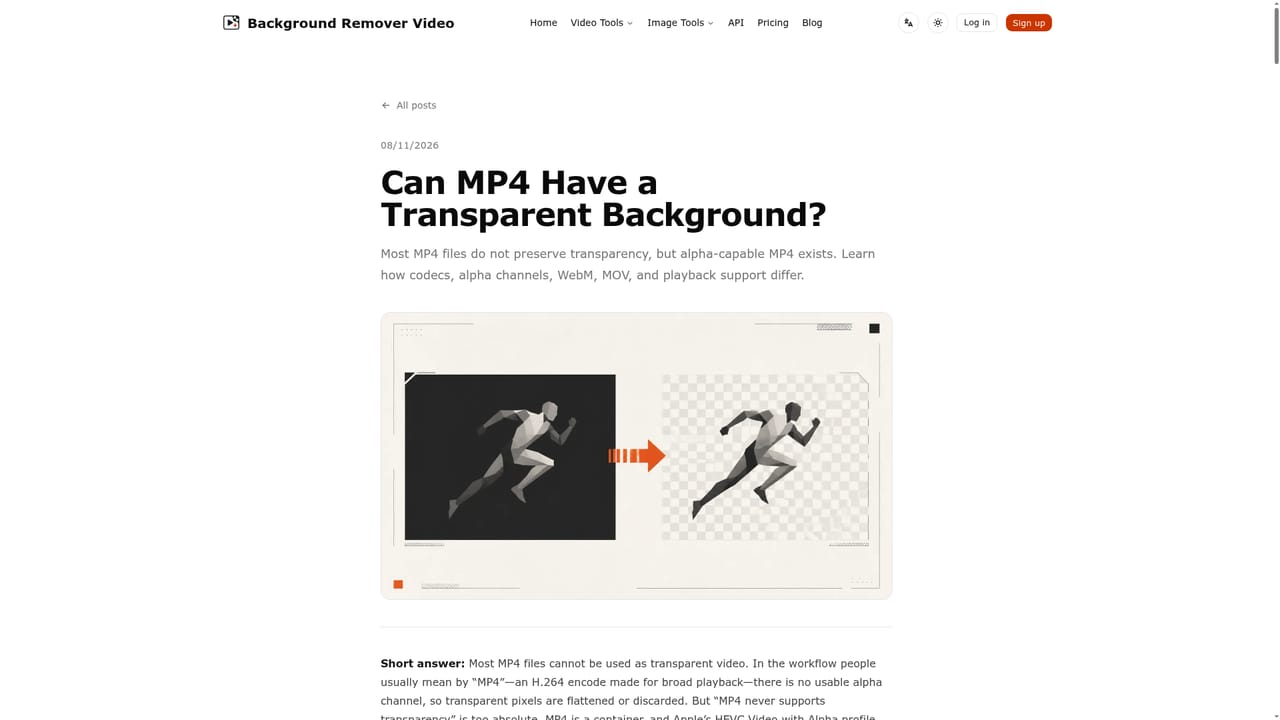
    Pick a transparent background or one of ten solid colors, then select the output format, audio and auto-crop options. Check the format guide if you need transparency.
    Background Remover Video — Choose background and format
  4. 4Let the AI process the clip
    Processing runs asynchronously, so you can leave and come back later. Credits are used per started second and restored if the job fails.
  5. 5Download and fix playback issues
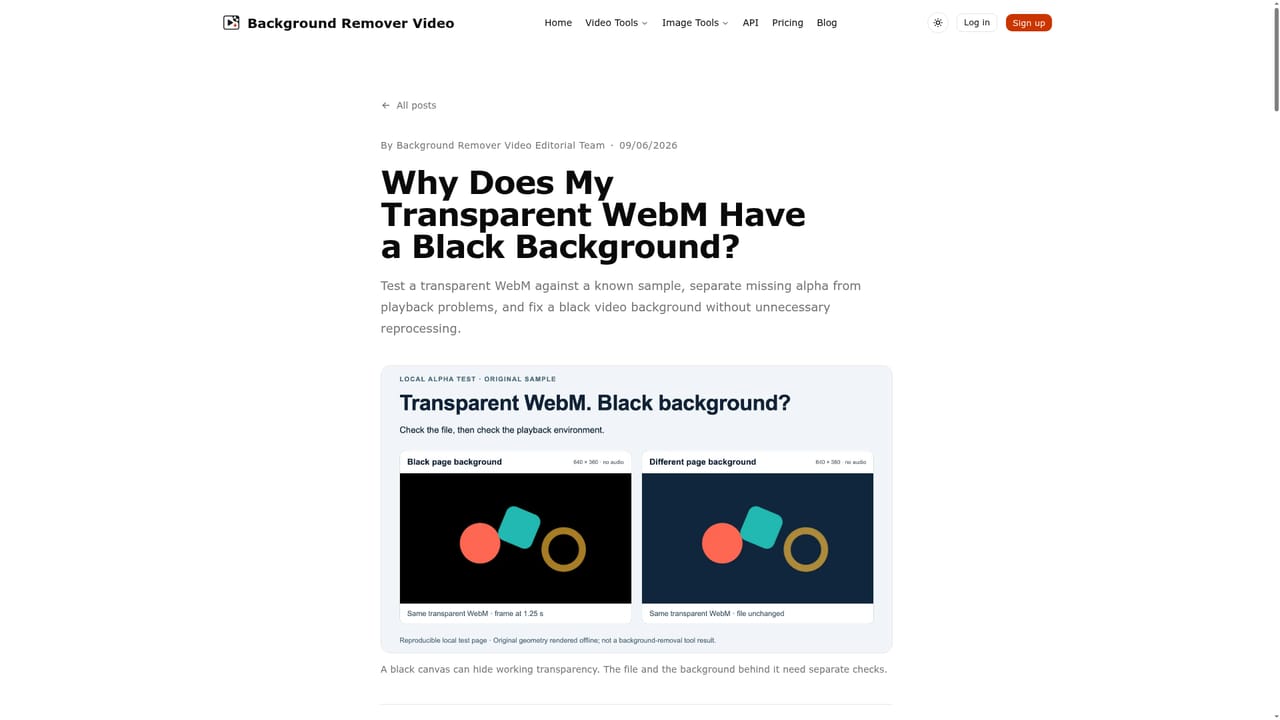
    Download the watermark-free result within 7 days. If a transparent WebM shows a black background, use the troubleshooting guide.
    Background Remover Video — Download and fix playback issues

Pros and cons

Pros

  • No green screen or manual masking needed; the AI isolates people, fine hair and moving subjects automaticallyAI
  • Transparent or ten solid-color backgrounds with nine export options across WebM, MP4, MOV, MKV and GIFAI
  • Handles source footage up to 4K, keeps the original aspect ratio and preserves audio by defaultAI
  • One-time credit packs never expire, carry no subscription, and credits return automatically if processing failsAI
  • Exports carry no watermark, and helpful guides explain which formats keep transparencyAI

Cons

  • Every clip must be shorter than 60 seconds, so longer footage has to be split in another editor firstAI
  • No batch or multi-file uploads; clips are submitted one at a timeAI
  • Billing per started second makes costs add up for regular or long-form work, with rates from $0.067 to $0.100 per secondAI
  • Uploads and results are deleted after 7 days, so files must be downloaded promptlyAI
  • Offers only background removal and replacement with solid colors, with no custom image or video backgrounds mentionedAI

How much does Background Remover Video cost?

Pricing

Pay-as-you-go credit packs, one-time purchases with no subscription: Quick Try $5.99 (60 seconds of video), Starter $9.99 (120), Creator $29.99 (420), Studio $99.99 (1,500). Video rates run from $0.100 to $0.067 per second. Credits never expire and work across image, video and GIF removal. Prices in USD.

Learn more

Support

Credits are restored automatically if processing fails, and an on-site FAQ plus two blog guides cover transparent video formats and WebM black-background fixes. No other support channels are stated.

Features

AI subject detection for people, fine hair and motion; no green screen; MP4, MOV, WebM, M4V and GIF input; up to 4K; transparent or ten solid-color backgrounds; nine export options; original audio kept; auto crop to subject; asynchronous processing; no watermark.

Frequently asked questions about Background Remover Video

  • How much does Background Remover Video cost?
    Pay-as-you-go credit packs, one-time purchases with no subscription: Quick Try $5.99 (60 seconds of video), Starter $9.99 (120), Creator $29.99 (420), Studio $99.99 (1,500). Video rates run from $0.100 to $0.067 per second. Credits never expire and work across image, video and GIF removal. Prices in USD.
  • How do you use Background Remover Video?
    The walkthrough on this page covers 5 steps: 1. Prepare a clip under 60 seconds 2. Upload your video 3. Choose background and format 4. Let the AI process the clip 5. Download and fix playback issues.
  • What platforms does Background Remover Video support?
    Background Remover Video is available on Web App.
  • What are the limitations of Background Remover Video?
    Every clip must be shorter than 60 seconds, so longer footage has to be split in another editor first. No batch or multi-file uploads; clips are submitted one at a time. Billing per started second makes costs add up for regular or long-form work, with rates from $0.067 to $0.100 per second.

Status

StatusActive
Views0
Outbound clicks0
Added10/18/2026

Platforms

Web App

Pricing

Paid