ClipBG

Browser-based background remover with bulk processing and built-in editing tools

Beginner
Screenshot of ClipBG, Browser-based background remover with bulk processing and built-in editing tools

What is ClipBG?

ClipBG removes image backgrounds in the browser, with watermark-free previews, bulk batches of 100+ photos, a Magic Eraser, upscaler and a Figma plugin. New accounts get 3 free HD credits.

ClipBG is a browser-based image studio centered on automatic background removal. A visitor drops a photo onto the homepage and gets a cutout without creating an account, with previews that carry no watermark. Subject presets for people, products, animals, cars and graphics suggest the tool is tuned per image type rather than using one generic model. The product goes beyond single cutouts. Its main selling point is bulk processing, where hundreds of images can be run in one batch, and any individual result can then be opened for refinement. The editing kit includes a Magic Eraser, drop shadows, canvas resizing and a 2x HD upscaler. Output can be dropped into presets for e-commerce, social media and print-on-demand, or placed on custom backgrounds. Dedicated pages cover specific jobs: pure white backgrounds for Shopify-style product catalogs, and passport or ID photos that are auto-cropped and recolored to blue, red or white. A Figma plugin brings the same removal inside design files. Privacy and billing terms are spelled out. Files are destroyed after 24 hours, encrypted in the meantime, and not used to train AI models. Credits are charged for HD output, new accounts receive three free HD credits, and failed, corrupted or unsupported images are refunded automatically. Pro subscribers see unused credits roll over up to a six-times cap while the subscription stays active. ClipBG is aimed at online sellers, designers, small agencies and anyone who needs to clean up many photos at once without installing software. It positions itself directly against remove.bg and cutout.pro, claiming lower cost and comparable precision in most commercial scenarios. Buyers who only need an occasional single cutout have plenty of free options, but teams processing large volumes and wanting editing in the same place will find the workflow more relevant. The homepage does not publish exact plan prices, so cost comparisons require checking the account area.

How do you use ClipBG?

  1. 1Try a preview without signing up
    Open the homepage, drag an image into the upload area and pick a subject type such as People or Products. The preview appears without a watermark.
    ClipBG — Try a preview without signing up
  2. 2Create a free account
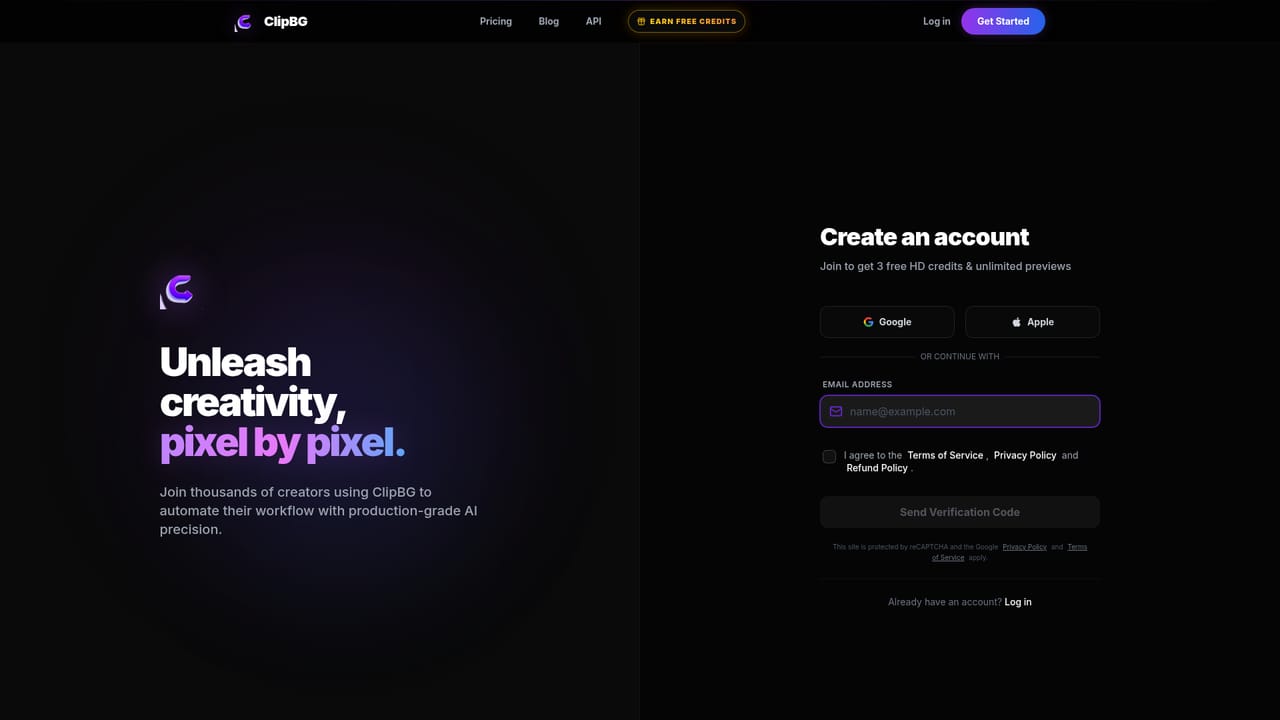
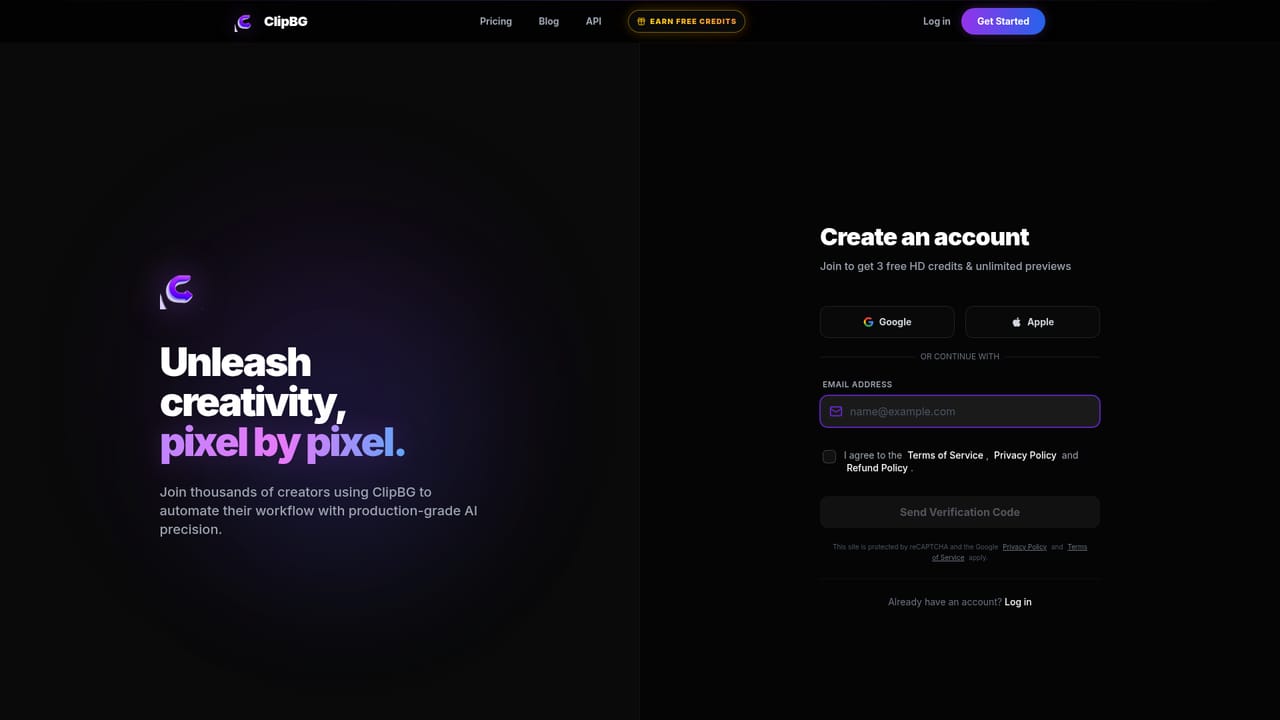
    Register to receive 3 free HD credits, which are needed to download full-resolution results.
    ClipBG — Create a free account
  3. 3Run a batch
    Use the batch tool to upload many photos at once and process them in one pass. This is a Pro feature, with a few daily trials on free accounts.
    ClipBG — Run a batch
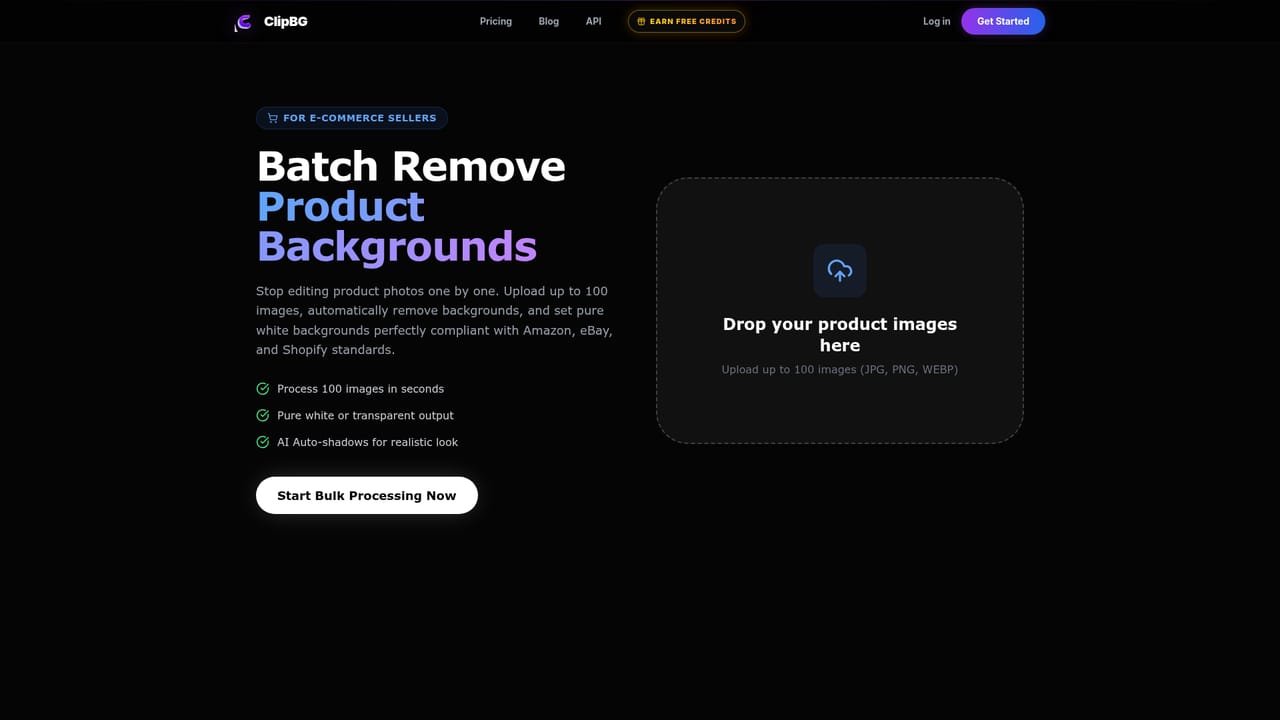
  4. 4Prepare product photos
    For online stores, follow the e-commerce workflow to place cutouts on pure white backgrounds across a whole catalog.
    ClipBG — Prepare product photos
  5. 5Make an ID or passport photo
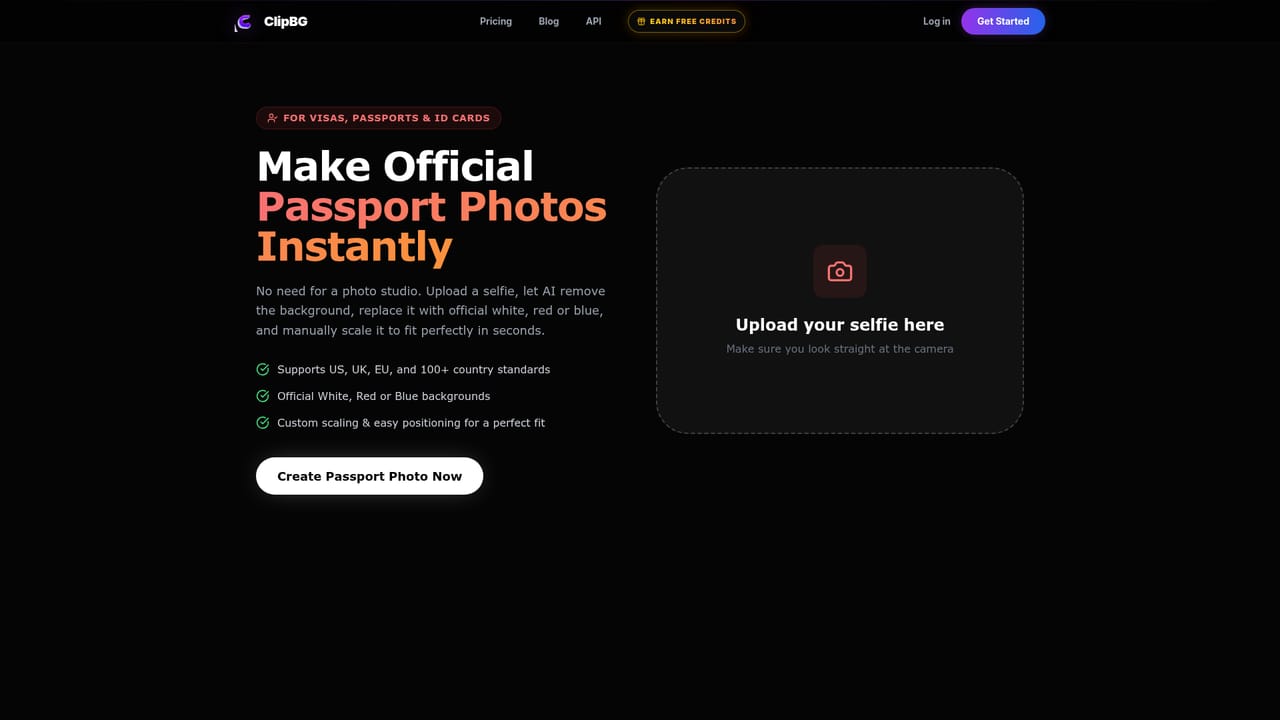
    Upload a portrait and let the tool auto-crop it and switch to an official blue, red or white background.
    ClipBG — Make an ID or passport photo
  6. 6Remove backgrounds inside Figma
    Install the Figma plugin to cut out images directly on the canvas without leaving the design file.

Pros and cons

Pros

  • Bulk mode handles hundreds of images in one run, which suits product catalogsAI
  • Unlimited watermark-free previews and no signup needed to try a cutoutAI
  • Built-in Magic Eraser, drop shadows, canvas resize and 2x upscaler cover cleanup after removalAI
  • Automatic credit refunds for failed, corrupted or unsupported filesAI
  • Stated 24-hour file deletion and no AI training on uploadsAI

Cons

  • Exact plan prices are not shown on the homepage, so cost claims such as saving over 90% cannot be checked quicklyAI
  • Bulk processing is marked as a Pro feature, with only limited daily batch trials on the free tierAI
  • Free access is capped at 3 HD credits, which is little for anyone testing a real workloadAI
  • Precision claims (rivals mainstream tools in 95%+ of scenarios) are self-reported, not independently shownAI
  • Credit rollover only applies while a subscription stays active and is capped at 6xAI

How much does ClipBG cost?

Free trial

3 free HD credits on signup, unlimited watermark-free previews without an account, and 3 daily batch processing trials.

Learn more

Pricing

Pricing is credit-based. New accounts get 3 free HD credits, with unlimited previews and daily batch trials. Pro subscriptions roll unused credits over up to 6x while active. Exact plan prices are not given on the homepage.

Learn more

Support

The homepage describes automatic credit refunds for failed images but does not mention a help centre or support channels.

Integrations

A Figma plugin removes backgrounds directly inside Figma. The homepage lists no other integrations.

Learn more

Features

Automatic background removal with presets for people, products, animals, cars and graphics; bulk processing of 100+ images; Magic Eraser, drop shadows, canvas resizing, 2x HD upscaler; custom backgrounds; e-commerce, social and print-on-demand presets; passport photos.

Learn more

Frequently asked questions about ClipBG

  • How much does ClipBG cost?
    Pricing is credit-based. New accounts get 3 free HD credits, with unlimited previews and daily batch trials. Pro subscriptions roll unused credits over up to 6x while active. Exact plan prices are not given on the homepage.
  • Does ClipBG offer a free trial?
    3 free HD credits on signup, unlimited watermark-free previews without an account, and 3 daily batch processing trials.
  • How do you use ClipBG?
    The walkthrough on this page covers 6 steps: 1. Try a preview without signing up 2. Create a free account 3. Run a batch 4. Prepare product photos 5. Make an ID or passport photo 6. Remove backgrounds inside Figma.
  • What platforms does ClipBG support?
    ClipBG is available on Web App.
  • What does ClipBG integrate with?
    A Figma plugin removes backgrounds directly inside Figma. The homepage lists no other integrations.
  • What are the limitations of ClipBG?
    Exact plan prices are not shown on the homepage, so cost claims such as saving over 90% cannot be checked quickly. Bulk processing is marked as a Pro feature, with only limited daily batch trials on the free tier. Free access is capped at 3 HD credits, which is little for anyone testing a real workload.

Status

StatusActive
Views0
Outbound clicks0
Added10/18/2026

Platforms

Web App

Pricing

FreemiumSubscription