Free trial
Every uploaded video gets a free preview of the result. Full exports require paid credits, with plans starting at $12.
Learn morePay-per-minute AI video background remover with free previews
Own Remove Sora Watermark.video? Verify ownership to get a dofollow link

Remove Sora Watermark.video is a background tool. A web-based AI video background remover that cuts out subjects without a green screen, shows a preview of every upload, and exports transparent video. It charges per minute of processing with no subscription.
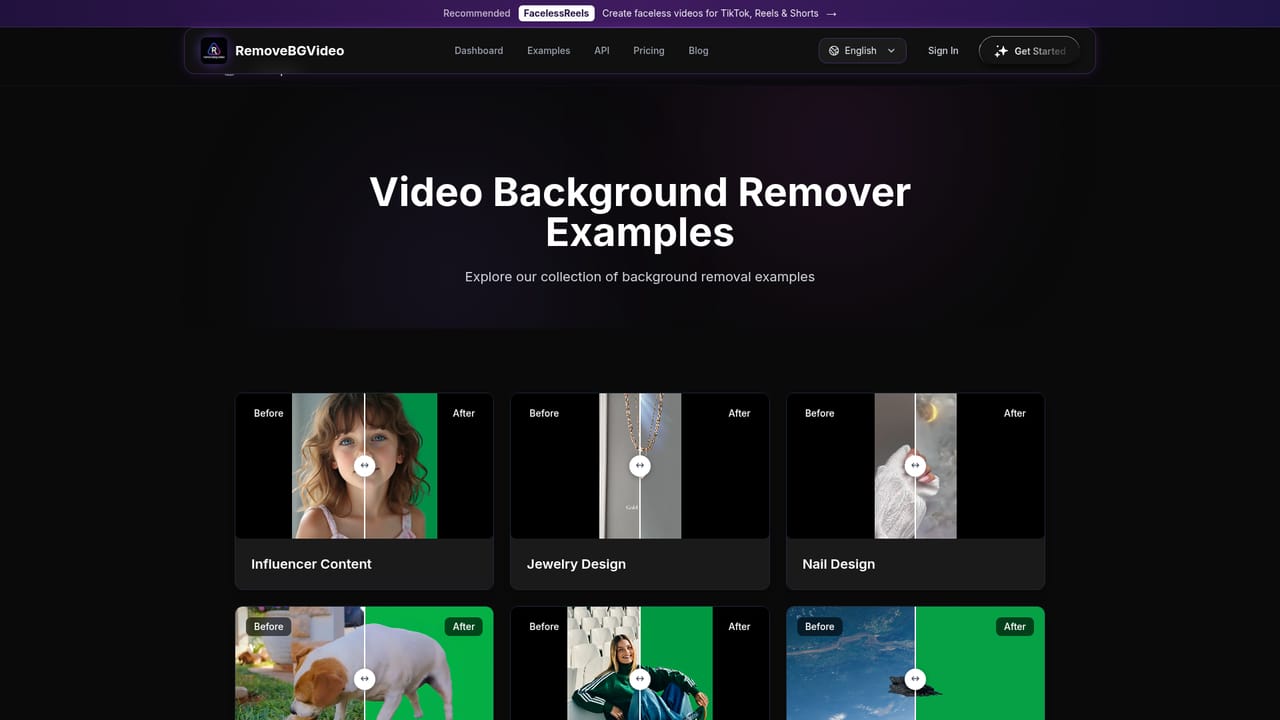
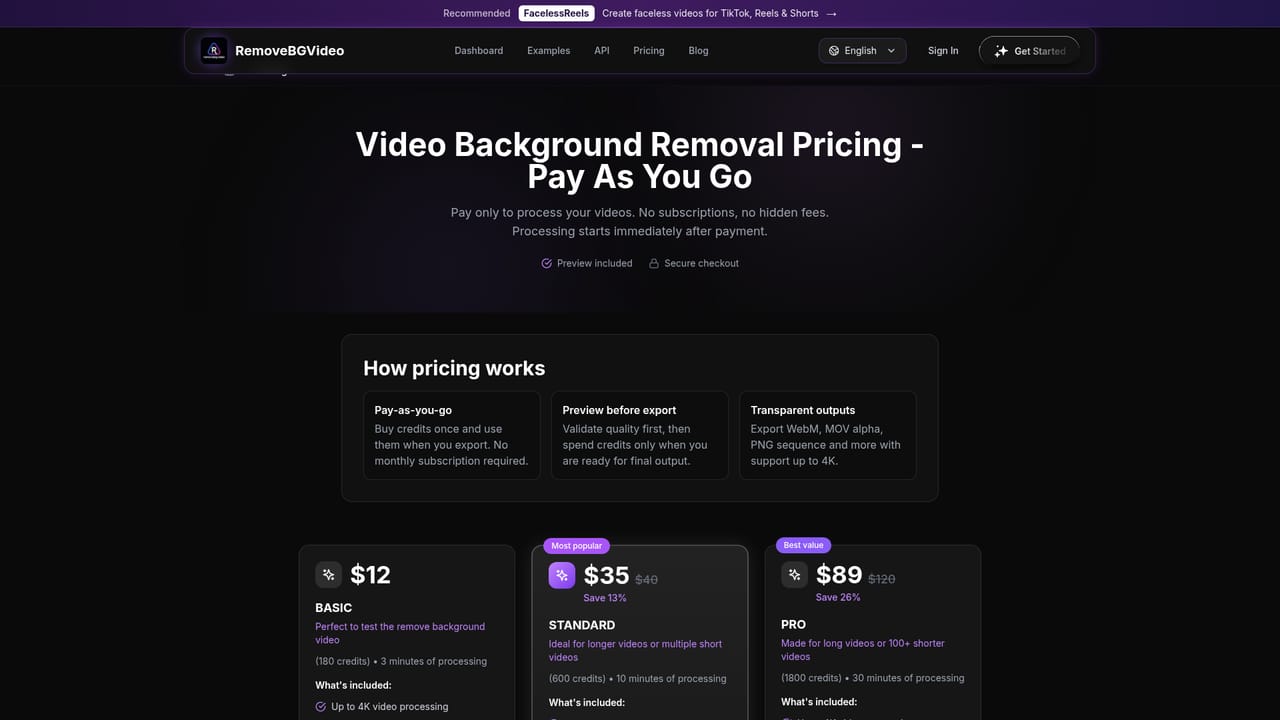
Remove Sora Watermark.video is listed under a name that hints at watermark removal, but the homepage presents a browser-based AI video background remover. A user uploads a clip in MP4, MOV or WebM, and the model identifies the subject frame by frame, separating it from the surroundings pixel by pixel. The result can be exported with a transparent background, a solid color or an uploaded replacement image. No green screen is required, so ordinary footage shot at home, outdoors or in an office is accepted, including people, pets and products. In practice the workflow runs from upload to preview to payment to export. Every uploaded video gets a preview, which lets a user judge cutout quality before spending anything, while full exports consume paid credits. Pricing is pay-as-you-go with no subscription: a $12 pack covers three minutes of processing and a $89 pack covers thirty, which the site summarizes as roughly $1.50 to $4 per minute. Stated limits are 60 minutes and 500MB per video, with output up to 4K. Processing runs on GPUs, and the site says most short clips finish within a couple of minutes. Export formats include transparent WebM, MOV with alpha, PNG sequences, GIF and WebP, and batch processing plus an API are listed for larger or automated workloads. The examples gallery points to creators, personal branding videos, jewelry and nail design showcases, and AI-generated assets such as spaceships that need isolating for overlays. Uploads containing adult content, graphic violence, politically sensitive material or minors are prohibited under the terms. Among alternatives, the site positions itself against Canva Pro, which it describes as a flat annual subscription with shorter clips, and claims that Unscreen closed on December 1, 2025. Those comparisons come from the vendor itself. It fits users who want a dedicated, occasional-use background remover rather than a general design suite. Anyone looking for Sora watermark removal should note that the homepage does not describe such a feature.

Every uploaded video gets a free preview of the result. Full exports require paid credits, with plans starting at $12.
Learn morePay-as-you-go credit packs, no subscription: Basic $12 (180 credits, 3 minutes), Standard $35 (600 credits, 10 minutes, listed down from $40), Pro $89 (1800 credits, 30 minutes, listed down from $120). Roughly $1.50 to $4 per minute. Custom pricing is available by email.
Learn moreAn FAQ page covers common questions, and support is reachable by email for custom pricing and higher volumes. A refund policy page states eligibility rules.
Learn moreAn API is offered for developers who want to build background removal into applications, automations and production workflows. No other integrations are listed.
AI subject detection without a green screen, MP4, MOV and WebM input, up to 4K output, 60 minute and 500MB limits, transparent or custom backgrounds, exports as WebM, MOV, PNG sequence, GIF and WebP, batch processing, audio preservation, GPU processing and an API.
Learn more


