Free trial
Background removal can be used for free without an account, so a basic free tier stands in for a trial. No time-limited trial is described.
Learn moreBrowser-based background remover with batch tools and free use

PixPretty AI is Tenorshare's web photo editor for AI background removal, with batch processing, resizing, compression, format conversion and newer tools like object removal and image extension. Basic removal is free without sign-up.
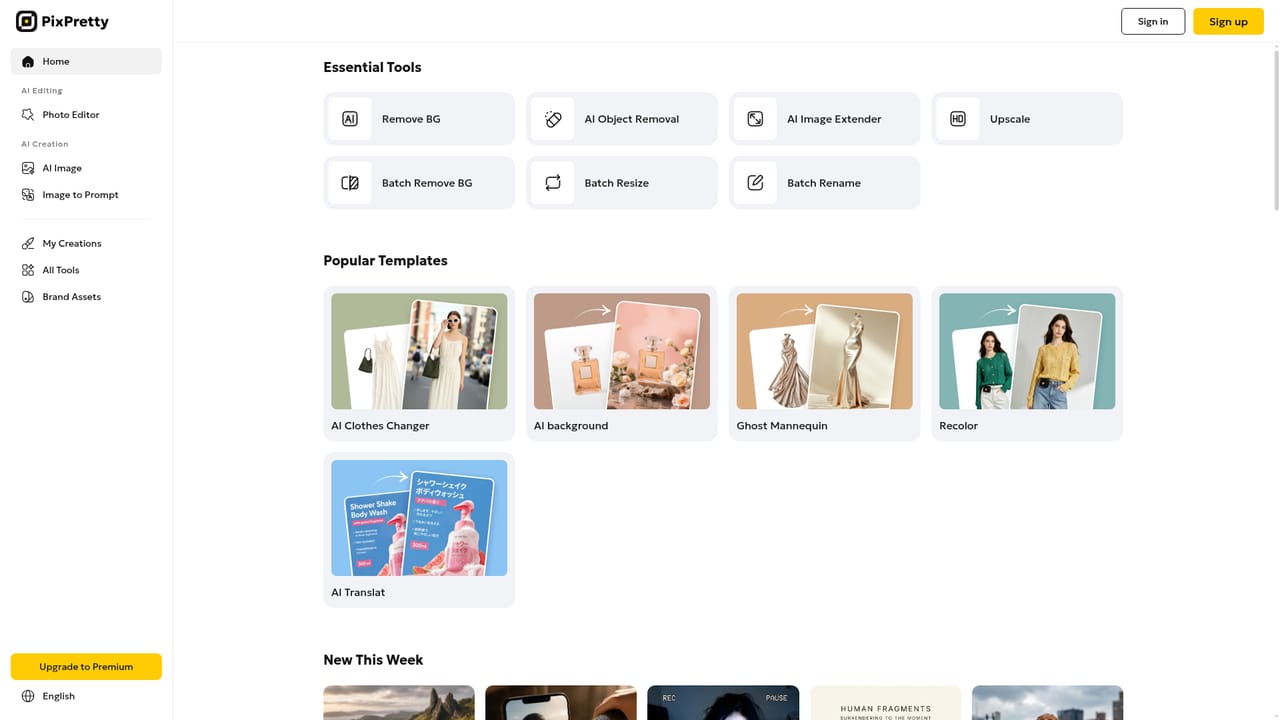
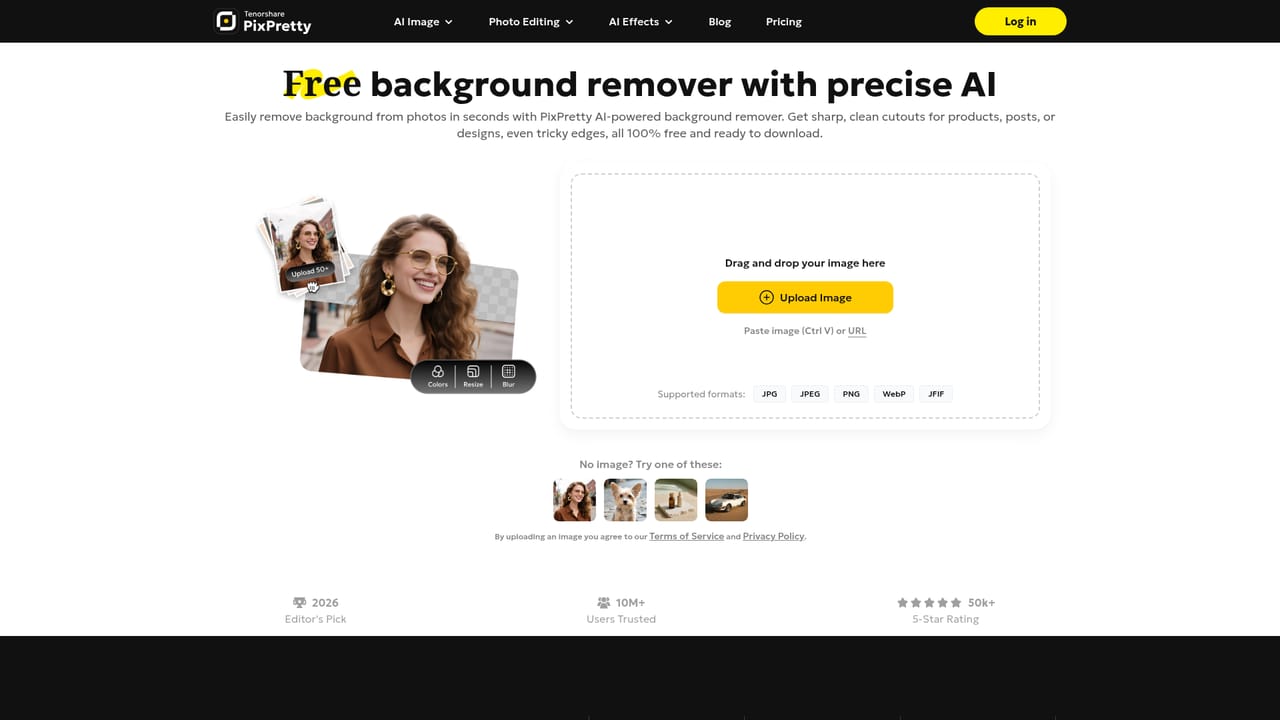
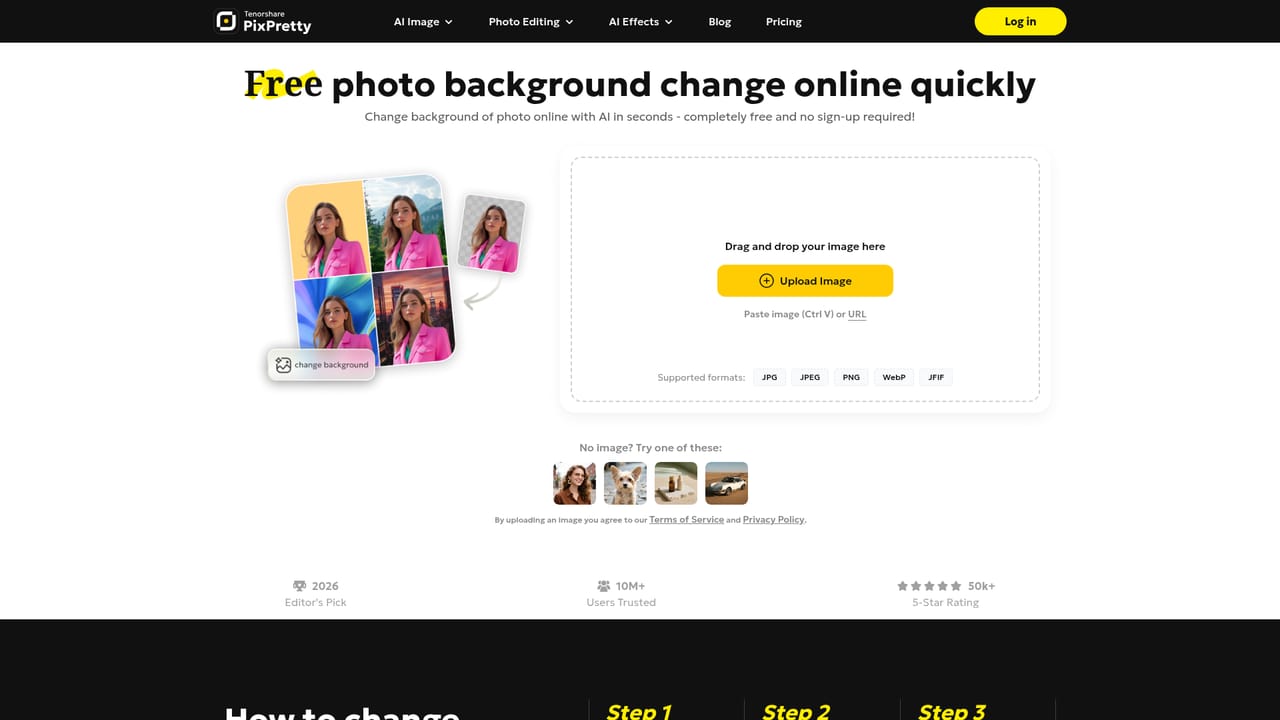
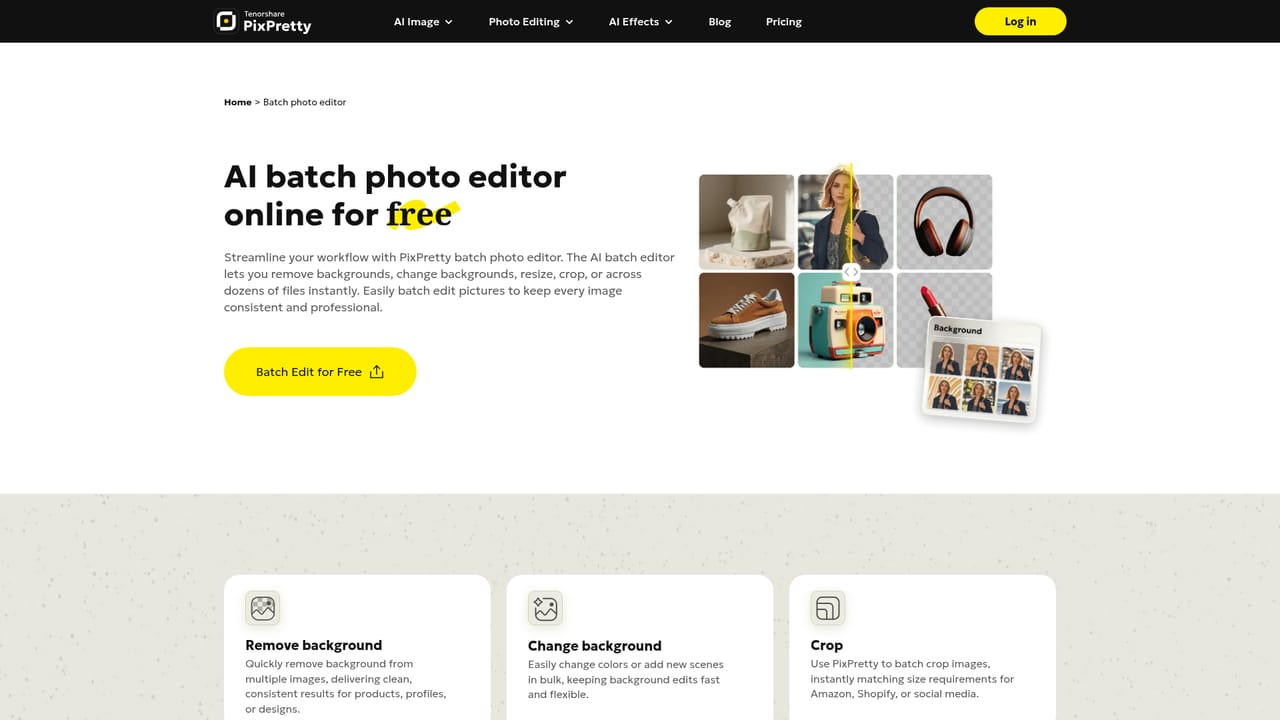
PixPretty AI is an online photo editor from Tenorshare AI, built around background removal and a growing set of image utilities. The homepage describes a remover trained on millions of real-world images that handles products, people, cars, animals and graphics, with processing that takes around three seconds per picture. A separate PC version exists, and it focuses on AI portrait retouching rather than background work. Around the core remover sits a long list of single-purpose tools, each with its own page. Editing options include background replacement, background color change, white backgrounds for product and passport-style shots, a transparent PNG maker, and a background eraser. Newer AI features cover an object remover for people, watermarks and text, an image extender for wider crops and different aspect ratios, a clothes changer, an image describer that turns pictures into text, and an action figure generator. Utility tools handle resizing for marketplaces such as eBay, Amazon and Shopify, compression, bulk renaming, and conversion between WebP, PNG and JPEG. The audience is mainly online sellers, marketplace operators, small businesses and casual users who need clean cutouts without learning a full editor. Batch operations are a clear emphasis: background removal can run on up to 50 images at once, and the resizer, converter and compressor also work in bulk. In practice a user opens the web editor, uploads an image, lets the AI isolate the subject, then downloads the result or swaps in a new background. Single background removals work without registration, while batch editing requires an account. Among alternatives, PixPretty sits in the same space as other one-click background removers, with the distinction that it bundles file-handling utilities that sellers usually need elsewhere. Exporting high-resolution output through the advanced AI mode and batch editing is paid, so the free tier suits quick jobs more than production volume. Commercial use is permitted under Tenorshare's generative AI supplemental terms.
Background removal can be used for free without an account, so a basic free tier stands in for a trial. No time-limited trial is described.
Learn moreBackground removal is free and works without registration. Batch editing requires logging in, and exporting high-resolution images with the advanced AI mode for removal and batch editing is paid. Specific prices are not listed on the homepage.
Learn moreA customer support team is mentioned, with a support page, a blog and how-to guides on product photos and background editing. Privacy and image security are stated as guaranteed.
Learn moreNo integrations are described. The resizer targets eBay, Amazon, Shopify and similar marketplaces through sizing, not through connected accounts.
AI background removal, background replacement and color change, background blur, white backgrounds, transparent PNG maker, object remover, image extender, clothes changer, image describer, action figure generator, plus batch removal, resizing, compression, renaming and format conversion.
Learn more


